Codex Cloud: how it works, and when to use a shared space instead
Codex Cloud runs Codex tasks in OpenAI's cloud from published environments. How to set it up, what it can't reach, and when a shared Mirasim space fits better.
The short answer
Codex Cloud is OpenAI's way to run Codex coding tasks in the cloud. You prepare an environment from your GitHub repositories once, then start tasks from ChatGPT on the web, the desktop app, your phone or the Codex CLI. Each task gets its own workspace and keeps going while your computer is asleep, and you review the changes and open a pull request when you're ready.
- Codex Cloud
- You want to hand off tasks and review pull requests later
- Codex Cloud
- Your company is on ChatGPT Enterprise and wants shared, managed environments
- Mirasim
- You want Claude Code and other agents in the same cloud space as Codex
- Mirasim
- Several people want to steer one session together, live
How Codex Cloud works
- Create an environment
In ChatGPT on the web or desktop: Work in › Cloud › Select environment › Create environment
- Let Codex prepare it
Pick GitHub repositories; Codex installs dependencies and tests the setup
- Publish
Review the setup and test results, then publish
- Start tasks
Each task gets its own workspace; review, follow up, commit or open a PR
- From the terminal:
codex cloudopens a picker,codex cloud execsubmits a task,codex cloud listshows recent ones, andcodex applybrings a cloud task's diff into your local repository. - On your phone: open Codex in the ChatGPT app and pick a published environment.
- Network: choose full or restricted public internet access, add network secrets for specific HTTPS services, and connect a VPN for private services.
Codex Cloud and a Mirasim team space
| Codex Cloud | Mirasim team space | |
|---|---|---|
| What runs | Codex, in OpenAI's cloud environment | The Codex CLI itself, plus Claude Code, Kimi Code, DeepSeek Harness, OpenCode and five more agents |
| Where | A workspace per task, started from a published environment | A space we host (Linux or Mac); or your own computer or an SSH server |
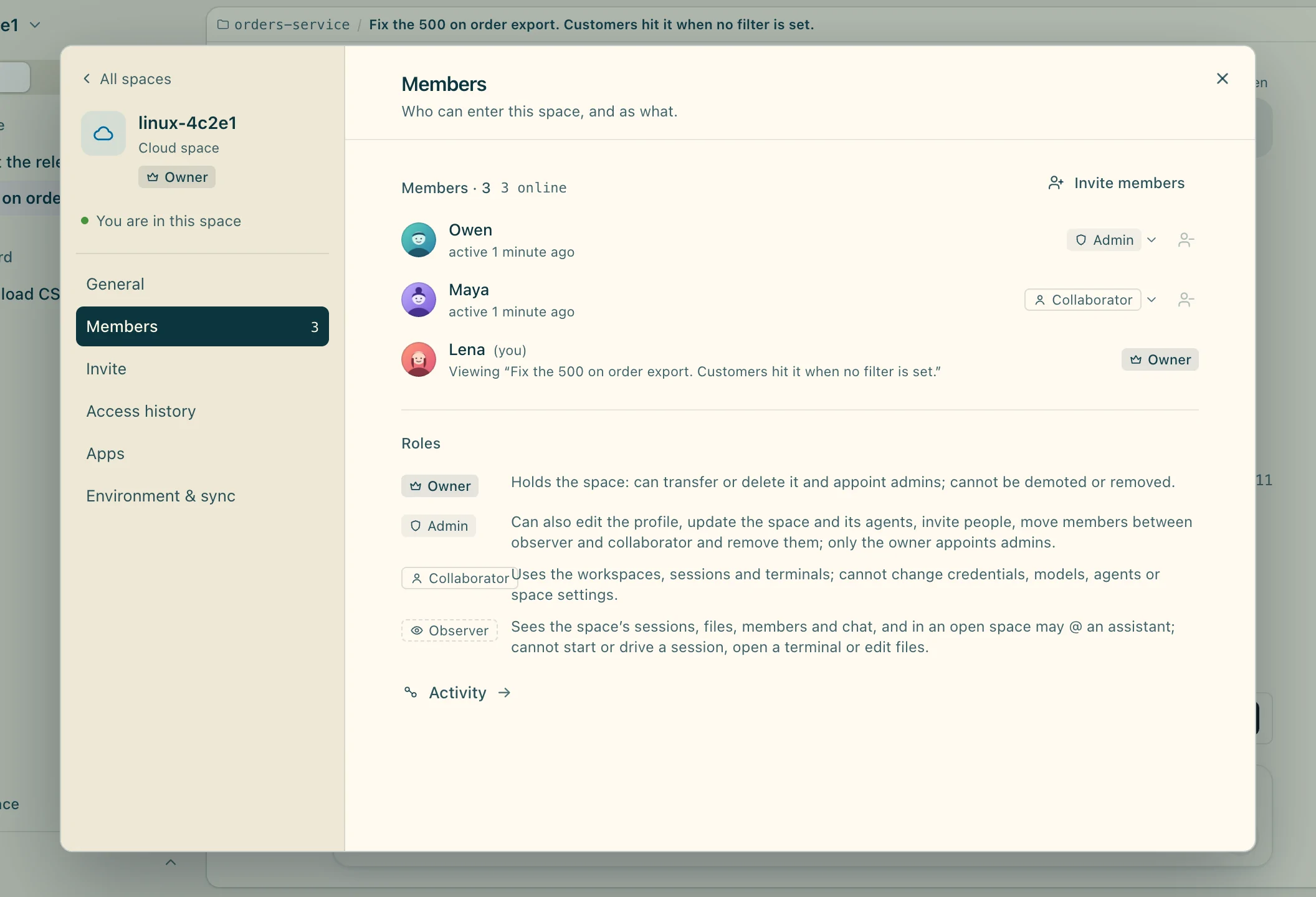
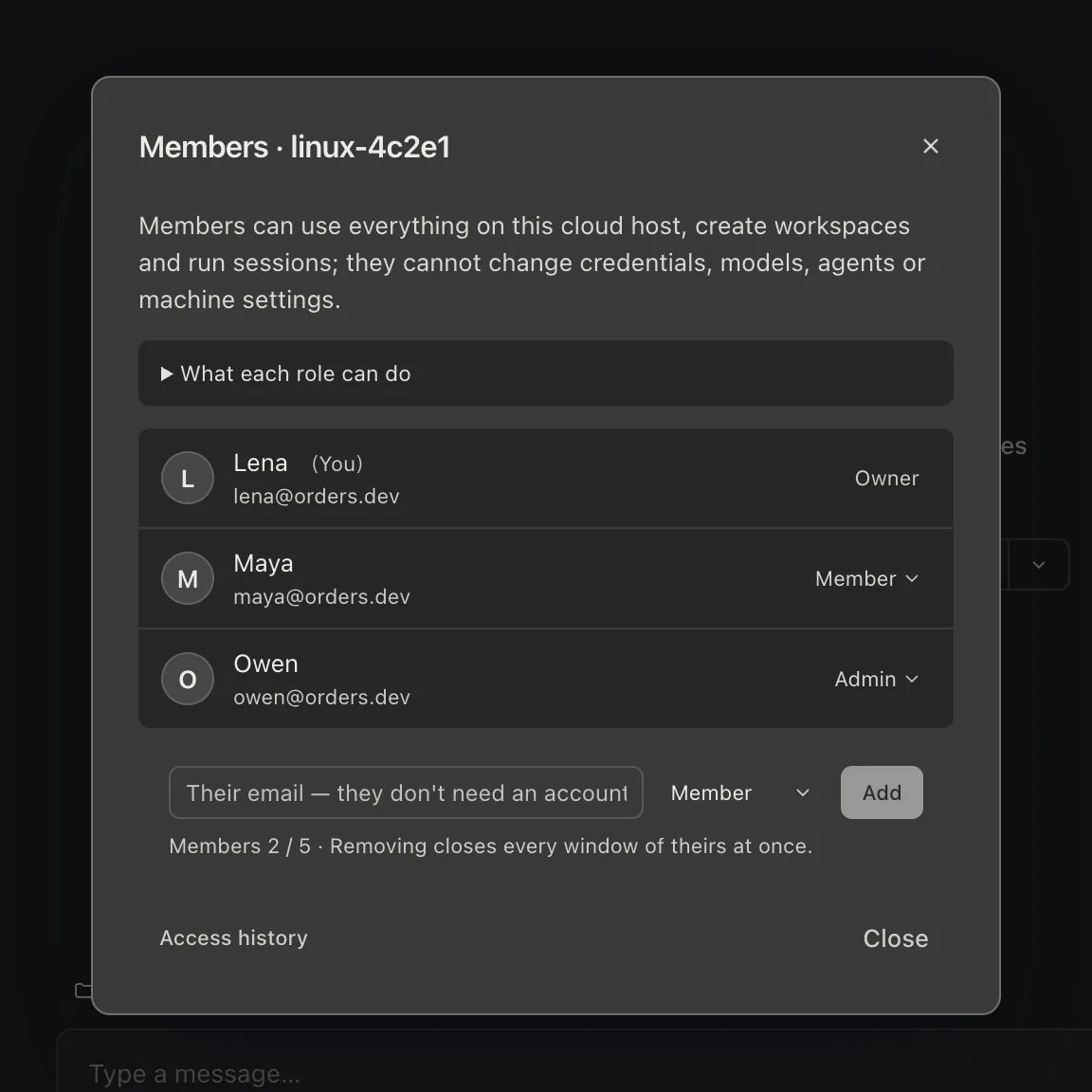
| Working together | Enterprise workspaces can share an environment; each person's tasks stay separate | Members join the space; several people send into the same session, each message signed |
| Code hosting | GitHub | GitHub and GitLab, each person as themselves |
| Where you use it | ChatGPT web, desktop app, phone, and the Codex CLI | The Mirasim desktop app, phone apps, or a browser |
| Paying | Your ChatGPT plan | Your own accounts and keys, a key shared with the team, or Mirasim credit |
From each product's documentation on November 8, 2026. For prices, see chatgpt.com/pricing and mirasim.ai/pricing.
Questions
- Is Codex Cloud the same as the Codex CLI?
- No. The CLI runs on your computer; Codex Cloud runs tasks in OpenAI's cloud. The CLI can start and list cloud tasks with
codex cloud. - Can teammates see my Codex Cloud task?
- In an Enterprise workspace you can share an environment, but OpenAI's docs say access to the setup doesn't grant access to someone else's task. In a Mirasim team space, members work in the same sessions.
- Can Mirasim run Codex Cloud?
- No. Mirasim runs the Codex CLI, on your computer, an SSH server or a team space we host, which keeps running after you close your laptop.
- Can a team share my ChatGPT plan in Mirasim?
- A personal ChatGPT subscription is for its owner only, so a session your team shares runs on a shared key or space credit.
Article · Mirasim vs Cursor Cloud Agents → Cursor's cloud agents compared with a Mirasim team space.
Article · Claude Code on the web: how cloud sessions work, and when a shared space fits better → Claude Code's cloud sessions on the web, and how they compare.
Sources
Codex Cloud details were checked against OpenAI's documentation on November 8, 2026: learn.chatgpt.com/docs/cloud, /docs/environments/cloud-environments, /docs/environments/modes, /docs/mobile and /docs/developer-commands. Codex changes quickly, so check those pages for the latest.
Keep reading
Use DeepSeek in Claude Code and Codex: the official setup, and a per-session switch
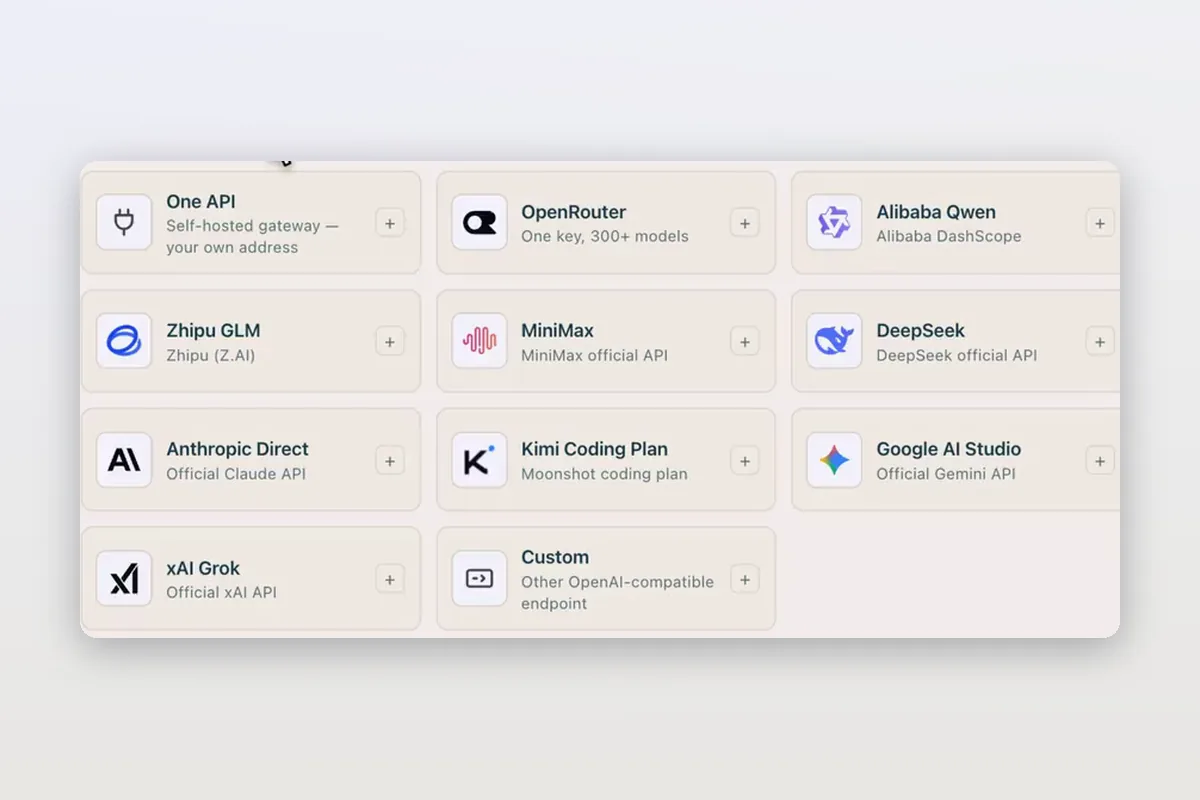
How DeepSeek's own guides connect Claude Code and Codex to DeepSeek models, and how Mirasim lets you pick DeepSeek per session without editing config.
How to install Claude Code on macOS, Windows and Linux
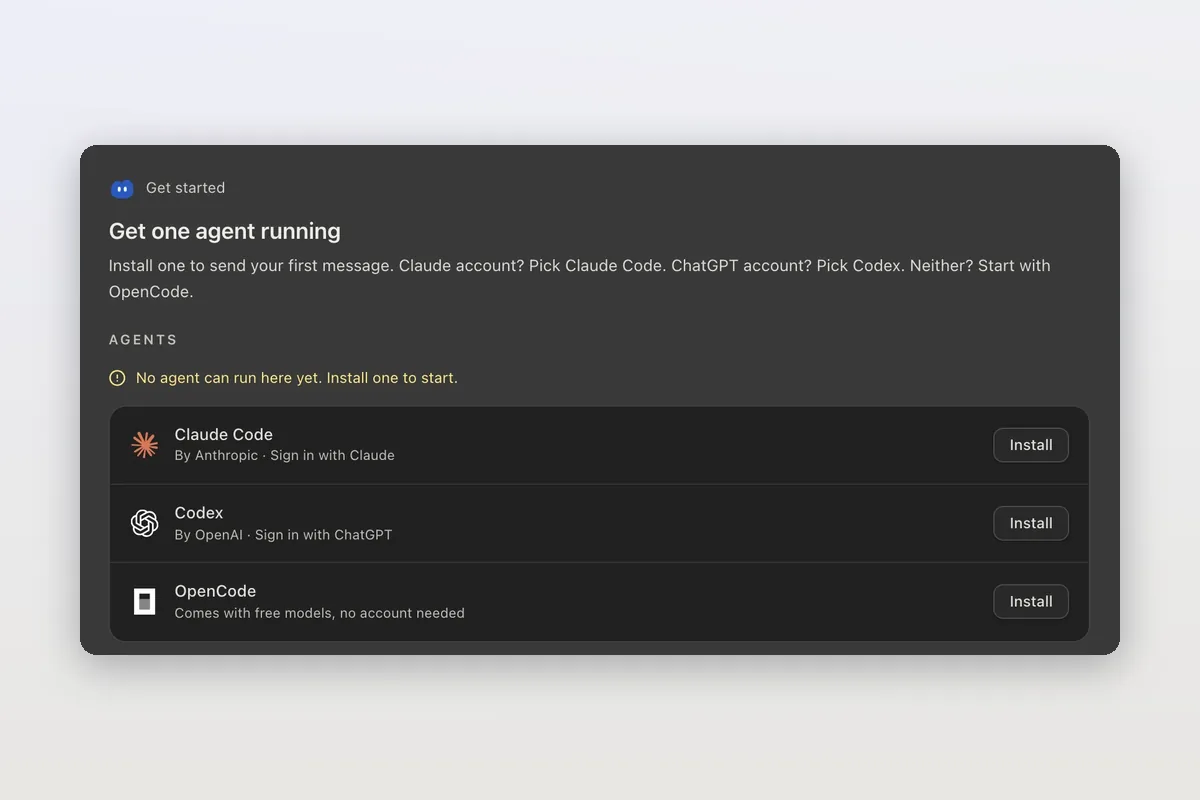
The official install commands for every platform, how to check the install and sign in, and how Mirasim installs Claude Code for you and runs it next to Codex.
Claude Code agent teams, and teams that mix agents and people
Claude Code's agent teams let a lead session split work across Claude teammates. How to turn them on, what they cost, and how Mirasim mixes Codex and people in.