Use DeepSeek in Claude Code and Codex: the official setup, and a per-session switch
How DeepSeek's own guides connect Claude Code and Codex to DeepSeek models, and how Mirasim lets you pick DeepSeek per session without editing config.
The short answer
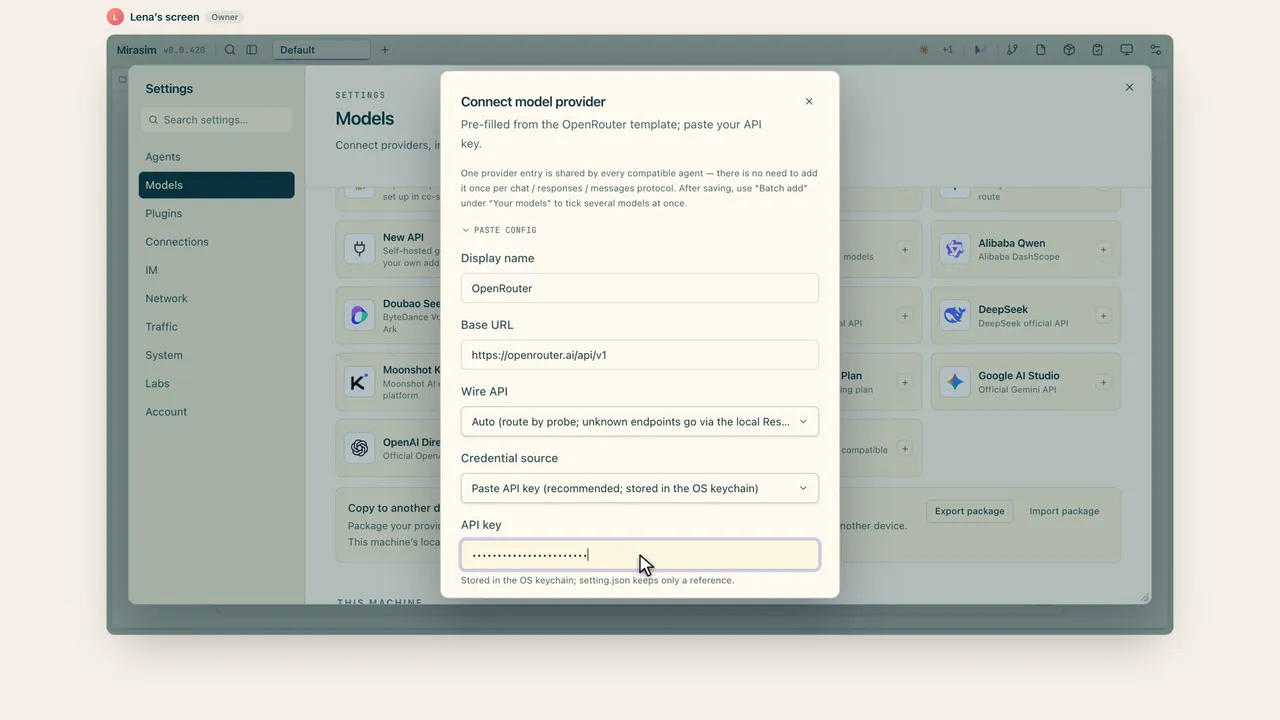
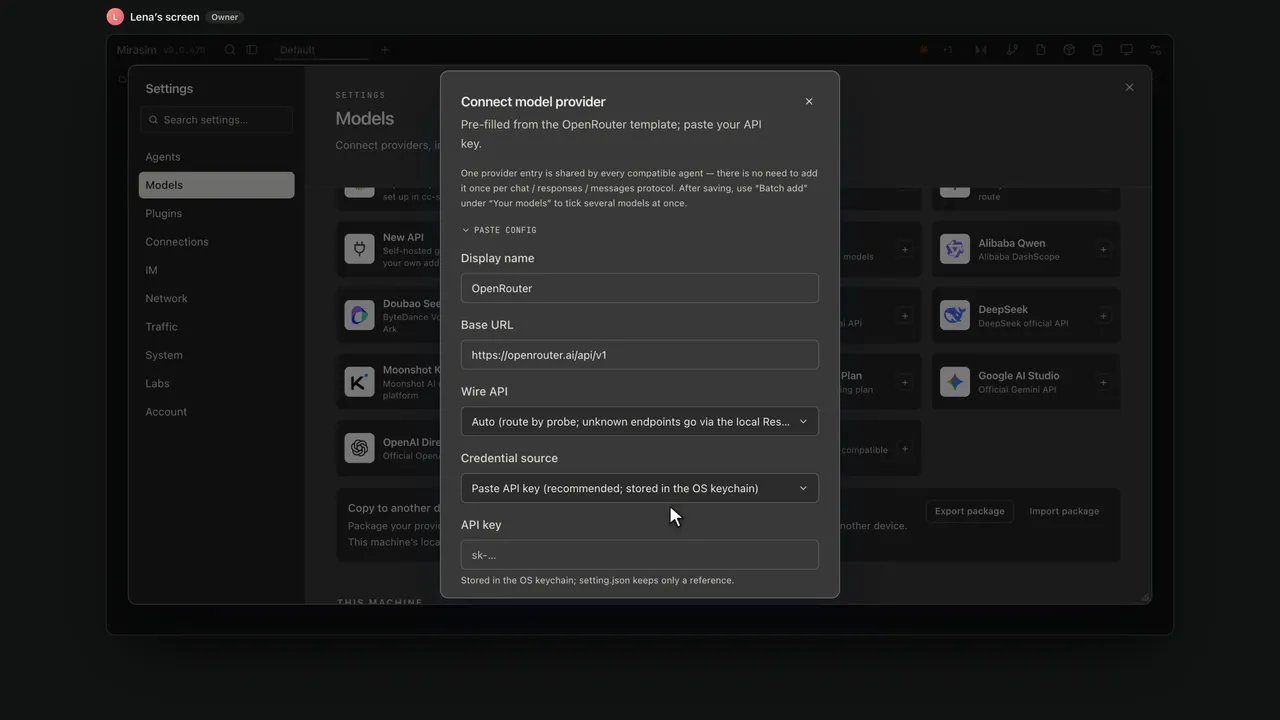
DeepSeek's API speaks both the OpenAI and the Anthropic formats, so Claude Code and Codex can run on DeepSeek models. For Claude Code you point a few environment variables at DeepSeek's Anthropic endpoint; for Codex, DeepSeek publishes a setup script that edits Codex's config.toml. Both change that tool everywhere you use it. In Mirasim you add your DeepSeek key once and pick a DeepSeek model per session, next to sessions still on Claude or GPT.
- Base URL (OpenAI format)
https://api.deepseek.com- Base URL (Anthropic format)
https://api.deepseek.com/anthropic- Models
deepseek-flash(served by DeepSeek V4.1 Flash) anddeepseek-v4-pro- Key
- An API key from the DeepSeek Platform
Claude Code with DeepSeek: the official way
DeepSeek's guide sets environment variables before you run claude, on macOS and Linux:
export ANTHROPIC_BASE_URL=https://api.deepseek.com/anthropic
export ANTHROPIC_AUTH_TOKEN=<your DeepSeek API key>
export ANTHROPIC_MODEL=deepseek-flash[1m]
export ANTHROPIC_DEFAULT_HAIKU_MODEL=deepseek-flash
On Windows the same variables are set with $env: in PowerShell. DeepSeek's guide lists a few more (the default Opus and Sonnet models, the subagent model, effort level and compaction window). Claude model names sent to this endpoint are mapped: claude-opus… goes to deepseek-v4-pro, other claude… names go to deepseek-flash.
Codex with DeepSeek: the official way
Codex talks to models over the Responses API, which DeepSeek supports. DeepSeek publishes a setup script; launch Codex once first, then run it:
# macOS / Linux
bash <(curl -fsSL https://cdn.deepseek.com/api-docs/codex-deepseek-setup-en.sh)
# Windows PowerShell
irm https://cdn.deepseek.com/api-docs/codex-deepseek-setup-en.ps1 | iex
The script asks for your API key, backs up Codex's config.toml, adds a DeepSeek provider, and lets you choose deepseek-flash or deepseek-v4-pro; another menu option restores the default Codex setup. The change applies to the Codex CLI, the IDE extension and the ChatGPT desktop app, which share one configuration file.
Pick DeepSeek per session in Mirasim
- Add DeepSeek once
Settings › Models › DeepSeek, paste your API key
- Pick it in a session
Claude Code or Codex, under Your models in the model menu
- Keep the rest as is
Other sessions stay on Claude, GPT or anything else
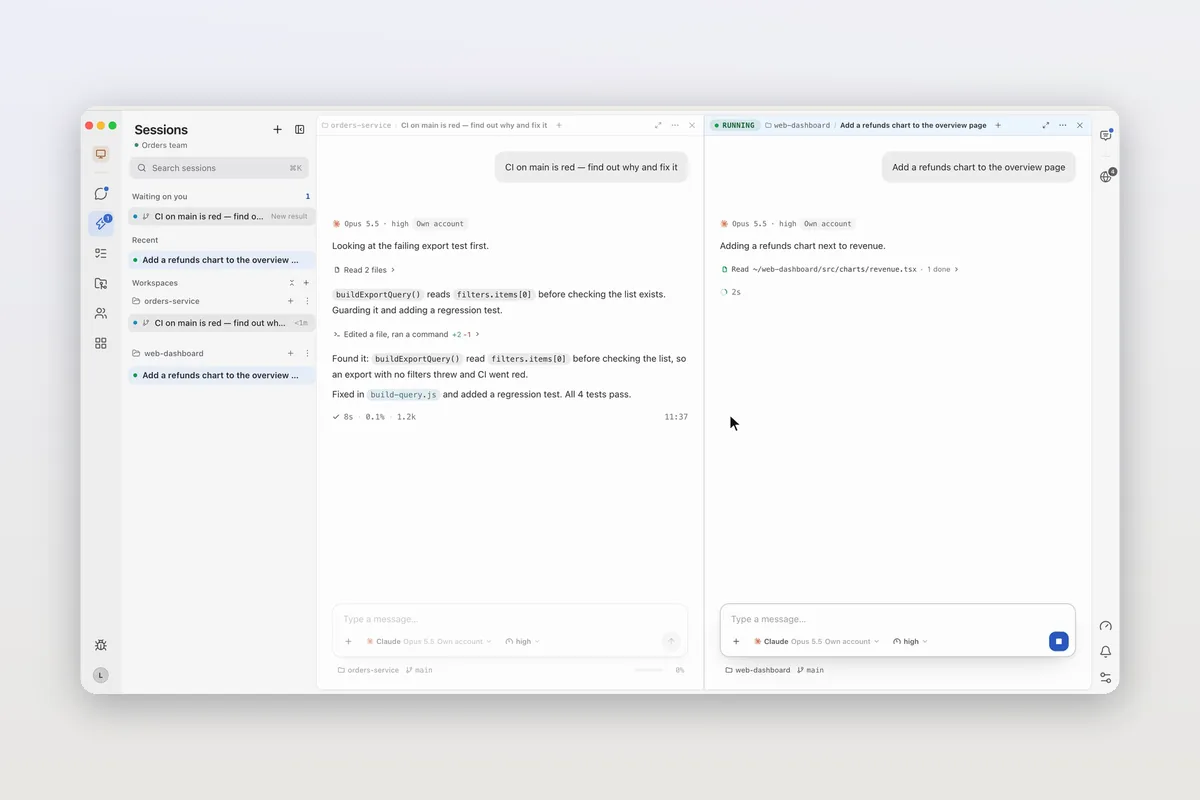
- Model, agent and reasoning level are chosen per session, so a DeepSeek session can sit in the pane next to one on Claude.
- One provider entry is shared by every compatible agent. Mirasim translates between protocols, so Codex and Claude Code can both use the same DeepSeek key.
- No DeepSeek account? Built-in models include DeepSeek V4.1 Flash on Mirasim credit.
- Your own Claude Code and Codex setups in the terminal are left as they are.
Chapter 15 · Models, accounts and quota › Bring your own keys →
Questions
- Which DeepSeek model should I use for coding?
- DeepSeek's guides default to
deepseek-flashand offerdeepseek-v4-proas the larger option. See DeepSeek's Models & Pricing page for the difference. - Does Claude Code still use my Claude subscription?
- Not while it points at DeepSeek: requests go to DeepSeek and are billed to your DeepSeek key. In Mirasim, only the sessions you set to DeepSeek do this.
- What about DeepSeek's own coding agent?
- DeepSeek Harness (dsh) is DeepSeek's own open-source agent harness, and Mirasim runs it as one of its ten agents.
Article · DeepSeek Harness (DSH) in Mirasim: on any desktop, next to your other agents → DeepSeek Harness in Mirasim.
Sources
DeepSeek's setup was checked against api-docs.deepseek.com on November 9, 2026: Your First API Call, the Anthropic API guide, and the Claude Code and Codex agent integration guides. Check those pages for the latest model names and options.
Keep reading
How to install Claude Code on macOS, Windows and Linux
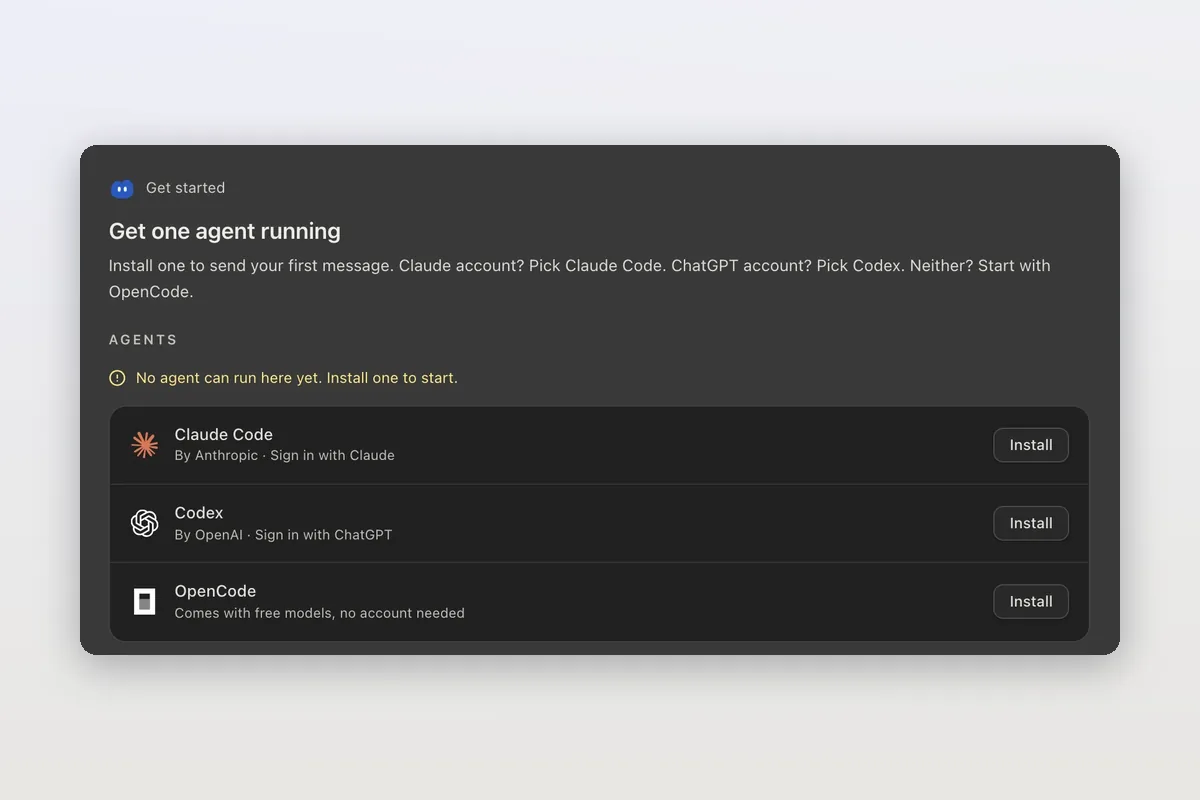
The official install commands for every platform, how to check the install and sign in, and how Mirasim installs Claude Code for you and runs it next to Codex.
Claude Code agent teams, and teams that mix agents and people
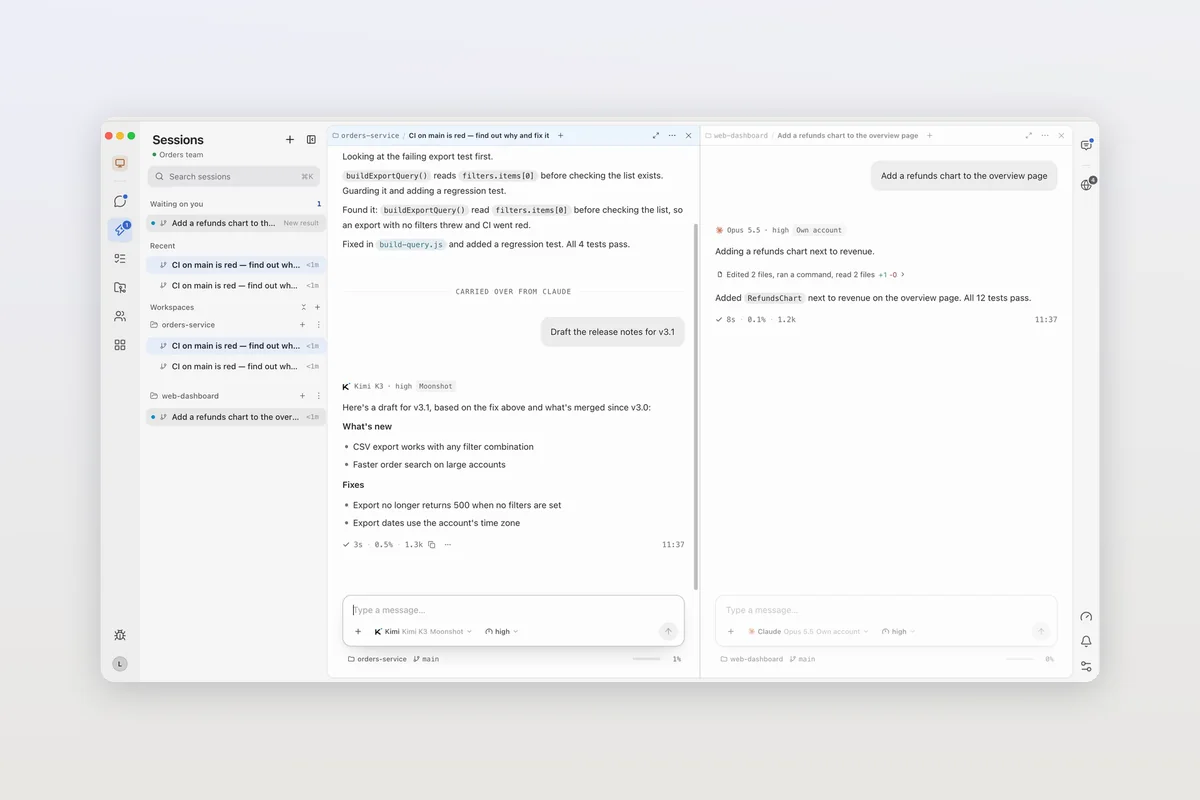
Claude Code's agent teams let a lead session split work across Claude teammates. How to turn them on, what they cost, and how Mirasim mixes Codex and people in.
Claude Code desktop: what the app does, and another way to run it on your desktop
Claude Code's desktop app is the Code tab in Claude Desktop. Where to get it, what it does, and when Mirasim fits: next to Codex, on your phone, with your team.