How to install Claude Code on macOS, Windows and Linux
The official install commands for every platform, how to check the install and sign in, and how Mirasim installs Claude Code for you and runs it next to Codex.
The short answer
Run Anthropic's installer in a terminal, then run claude in your project and sign in. The native installer updates itself in the background. You need a Claude Pro, Max, Ultra, Team or Enterprise plan, or an Anthropic Console account; the free claude.ai plan doesn't include Claude Code. Claude Code is only available in Anthropic's supported countries.
- macOS, Linux, WSL
curl -fsSL https://claude.ai/install.sh | bash- Windows PowerShell
irm https://claude.ai/install.ps1 | iex- Windows CMD
curl -fsSL https://claude.ai/install.cmd -o install.cmd && install.cmd && del install.cmd- Homebrew
brew install --cask claude-code(does not auto-update; runbrew upgrade claude-code)- WinGet
winget install Anthropic.ClaudeCode(does not auto-update)- npm
npm install -g @anthropic-ai/claude-code(needs Node.js 22 or later; don't use sudo)
Anthropic also publishes apt, dnf and apk packages for Debian, Fedora, RHEL and Alpine.
System requirements
- macOS 13.0 or later; Windows 10 1809 or later, or Windows Server 2019 or later; Ubuntu 20.04+, Debian 10+ or Alpine Linux 3.19+.
- 4 GB of RAM or more, an x64 or ARM64 processor, and an internet connection.
- On Windows, run Claude Code natively from PowerShell or CMD, or inside WSL 2. Git for Windows is optional: with it, Claude Code uses Git Bash for shell commands; without it, PowerShell.
Check the install and sign in
claude --version   # prints a version number
claude doctor      # install health and settings, without starting a session
claude             # start in your project and sign in in the browser
If claude isn't found or sign-in fails, Anthropic's troubleshooting page covers PATH, permission and network errors. Claude Code can also run on Amazon Bedrock, Google Cloud or Microsoft Foundry instead of a Claude account.
Let Mirasim install it for you
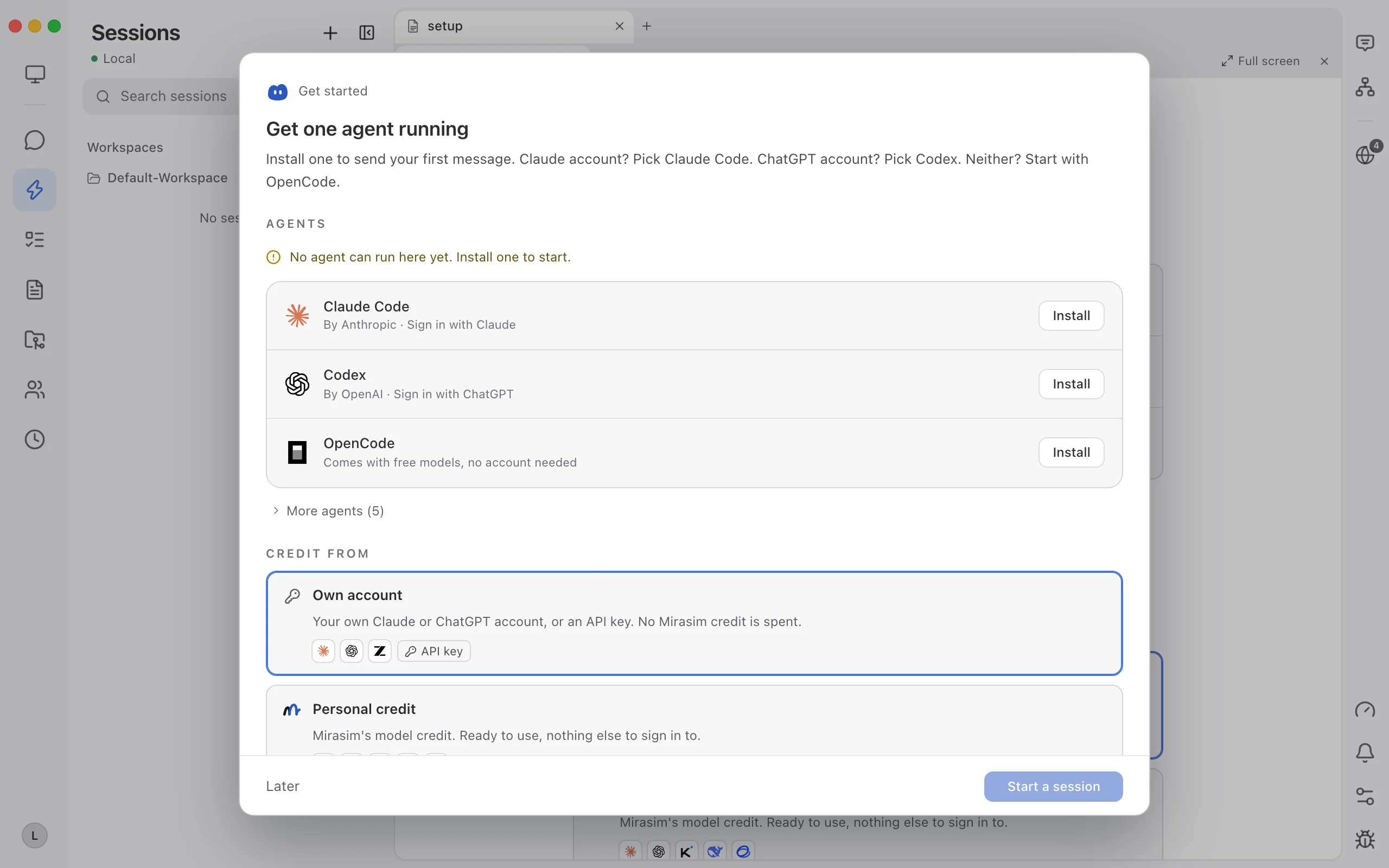
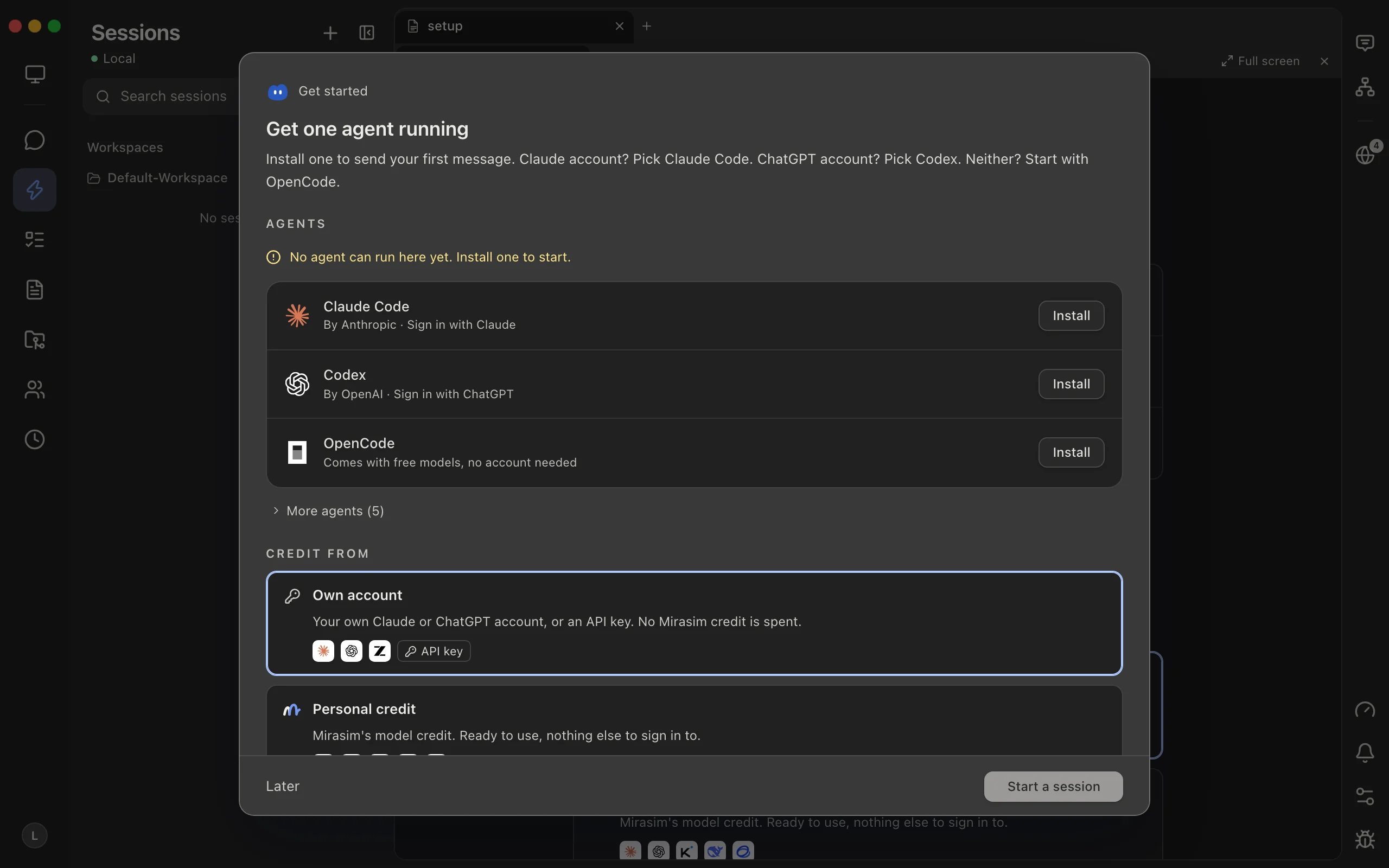
- Open Get started
Claude account? It suggests Claude Code
- Press Install
Mirasim runs Anthropic's own installer
- Sign in, then start
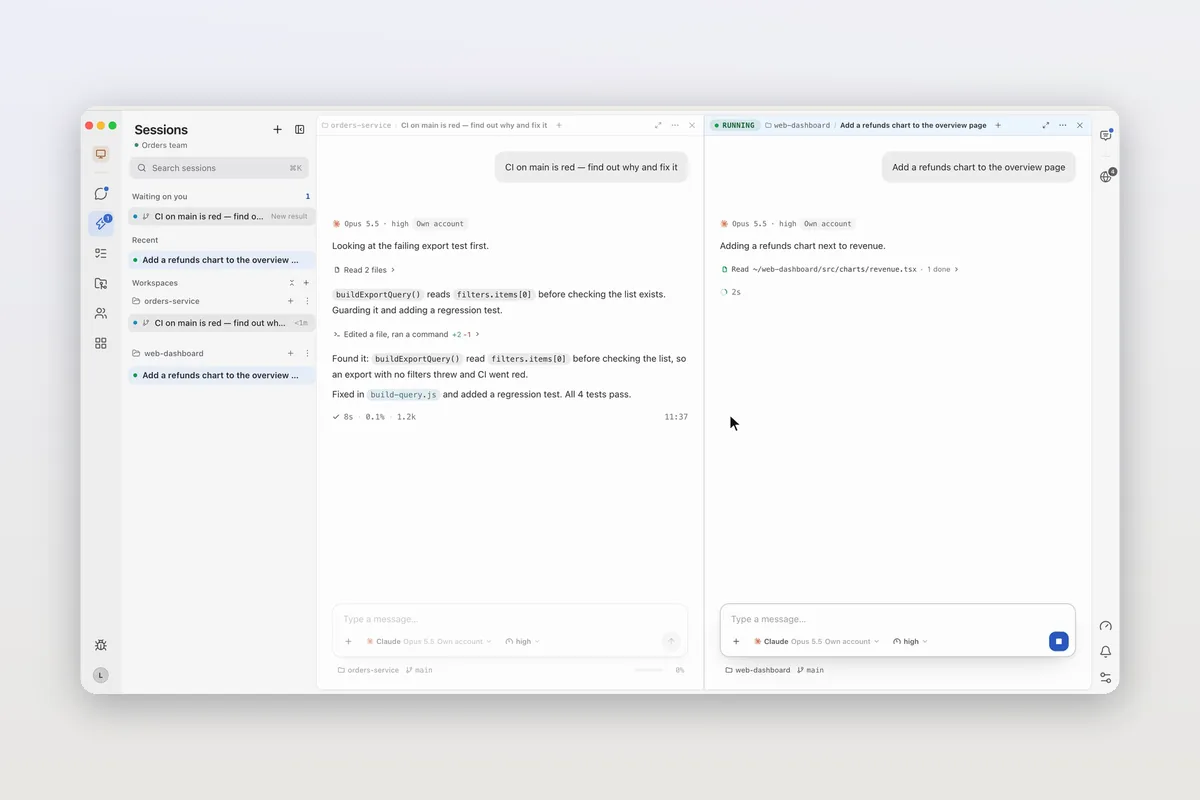
Run Claude Code in a pane, next to Codex or others
- Any agent not installed yet can be installed from Agent Config, and Settings shows each agent's installed version next to the latest one.
- If you already installed Claude Code yourself, Mirasim runs that copy with your existing sign-in.
- Follow the same sessions from the Mirasim phone apps, or share them with teammates.
Questions
- Is Claude Code free?
- The tool installs for free, but using it needs a paid Claude plan, an Anthropic Console account, or a supported cloud provider. The free claude.ai plan doesn't include it.
- Should I use npm or the native installer?
- Anthropic's instructions lead with the native installer, which updates itself. npm also works with Node.js 22 or later.
- Is there a Claude Code desktop app?
- Yes, the Code tab of the Claude Desktop app. Mirasim is a separate desktop app that runs the Claude Code CLI next to other agents.
Article · Claude Code desktop: what the app does, and another way to run it on your desktop → Claude Code's desktop app, and another way to run it on your desktop.
Sources
Install commands and requirements were checked against Anthropic's setup guide, code.claude.com/docs/en/setup, on November 9, 2026. Check that page for the latest.
Keep reading
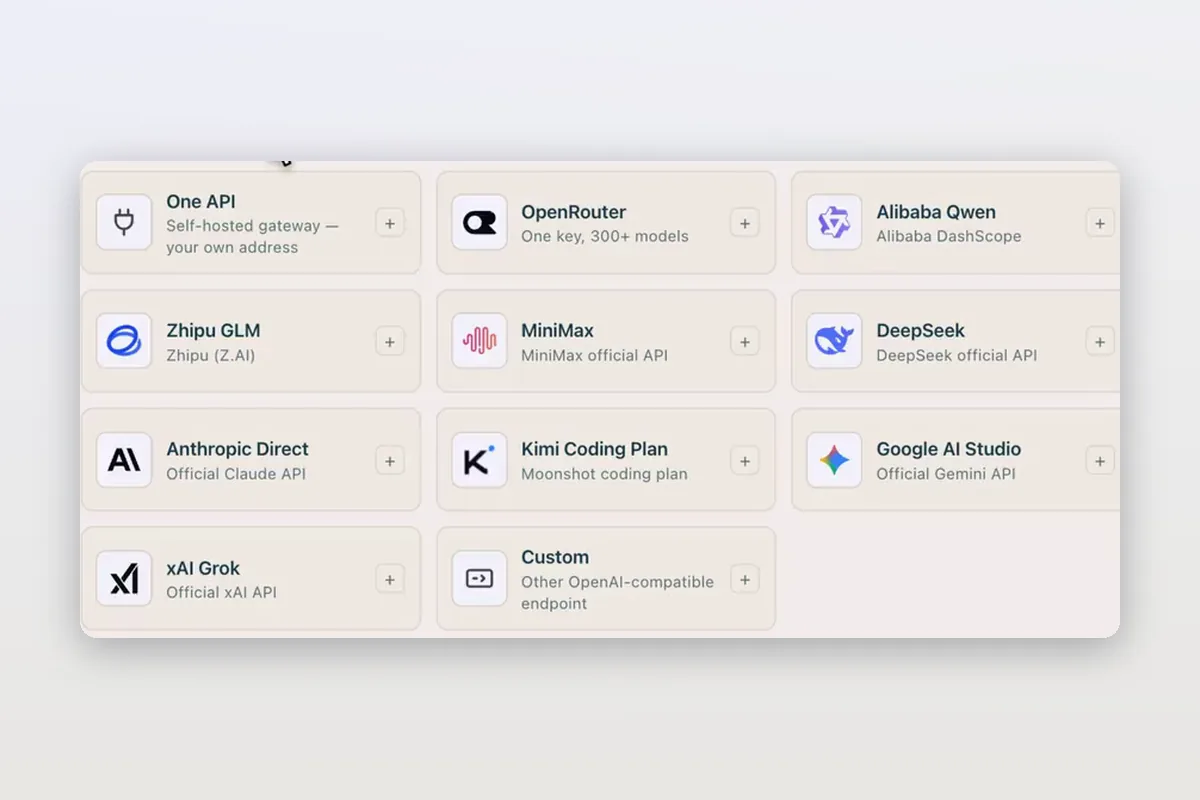
Use DeepSeek in Claude Code and Codex: the official setup, and a per-session switch
How DeepSeek's own guides connect Claude Code and Codex to DeepSeek models, and how Mirasim lets you pick DeepSeek per session without editing config.
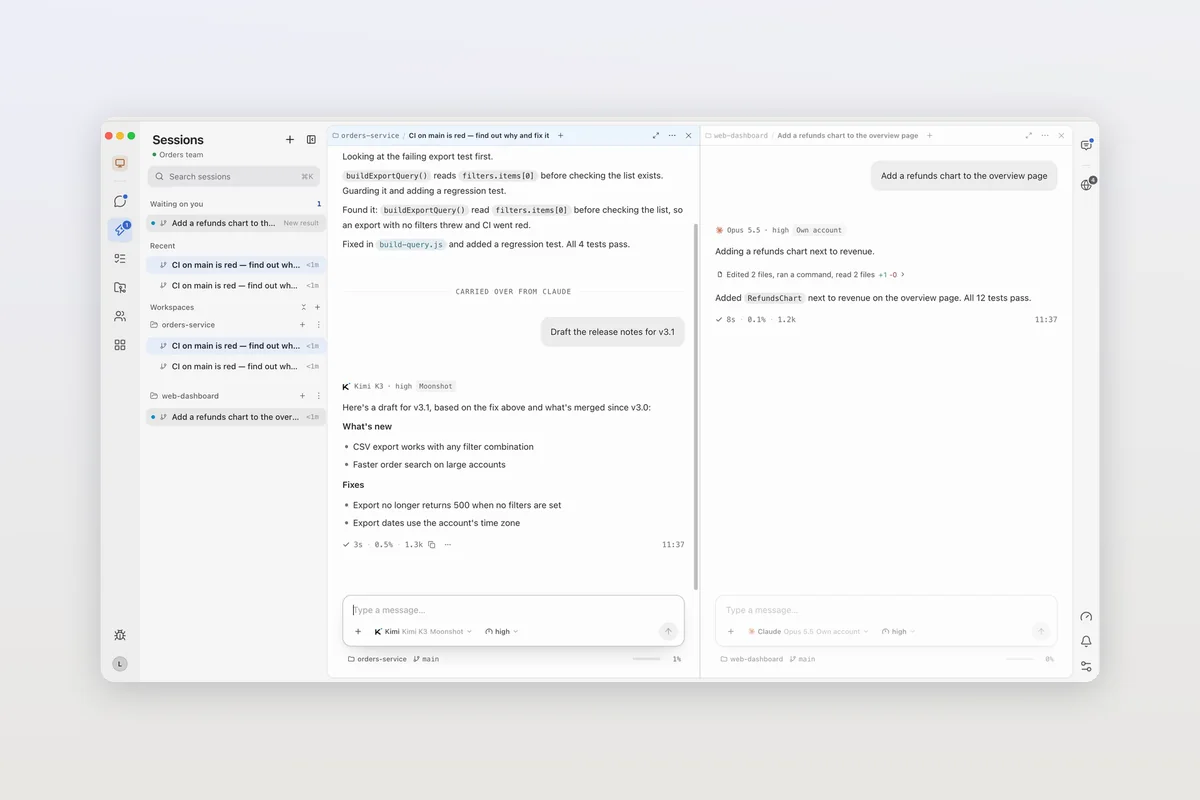
Claude Code agent teams, and teams that mix agents and people
Claude Code's agent teams let a lead session split work across Claude teammates. How to turn them on, what they cost, and how Mirasim mixes Codex and people in.
Claude Code desktop: what the app does, and another way to run it on your desktop
Claude Code's desktop app is the Code tab in Claude Desktop. Where to get it, what it does, and when Mirasim fits: next to Codex, on your phone, with your team.