Claude Code desktop: what the app does, and another way to run it on your desktop
Claude Code's desktop app is the Code tab in Claude Desktop. Where to get it, what it does, and when Mirasim fits: next to Codex, on your phone, with your team.
The short answer
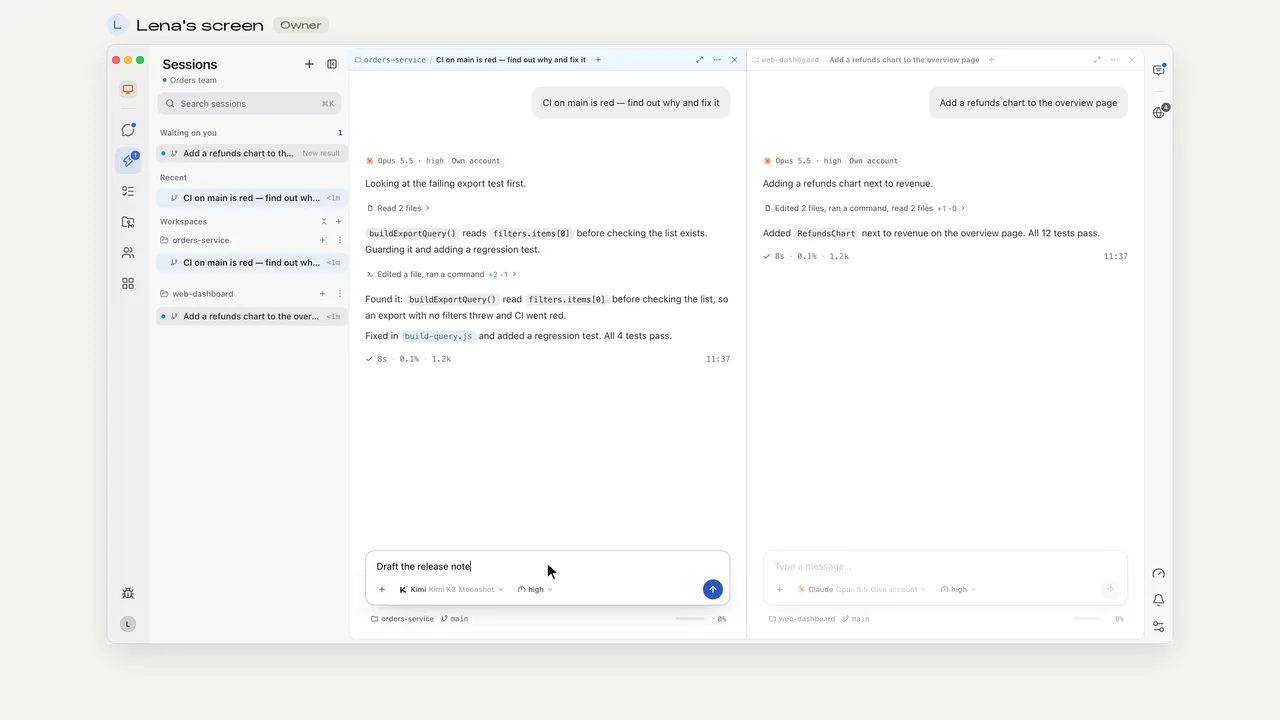
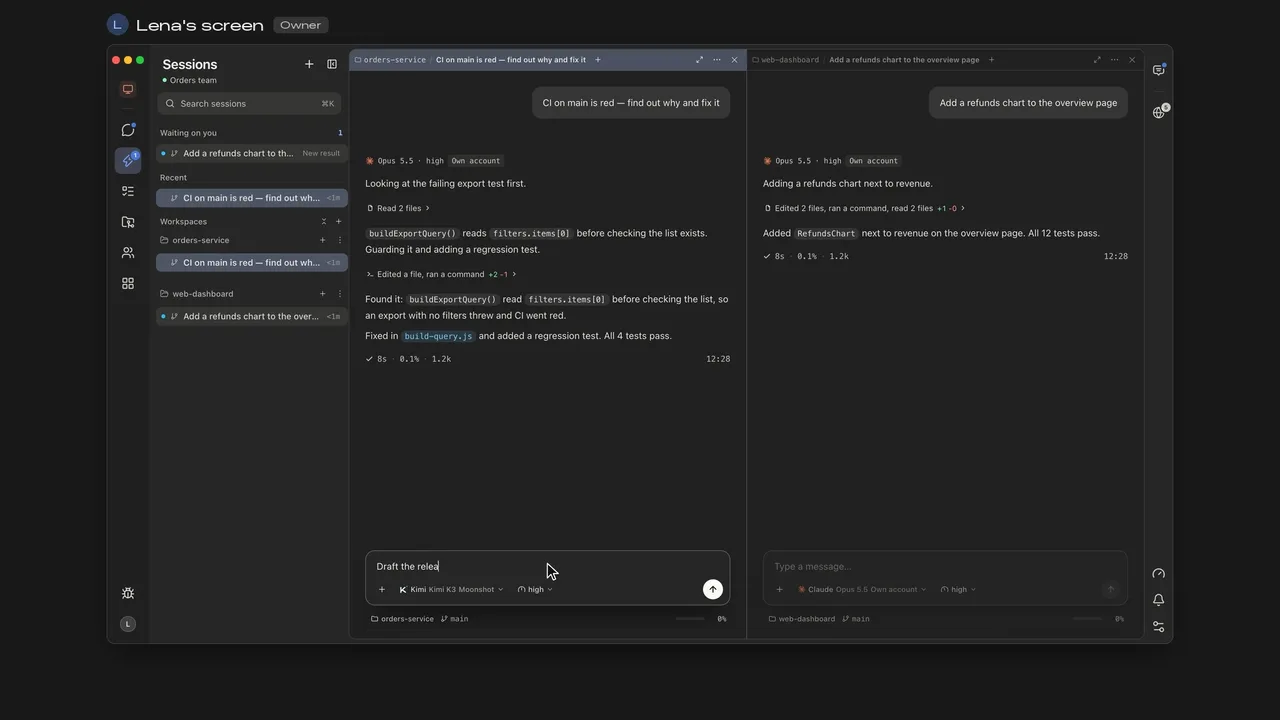
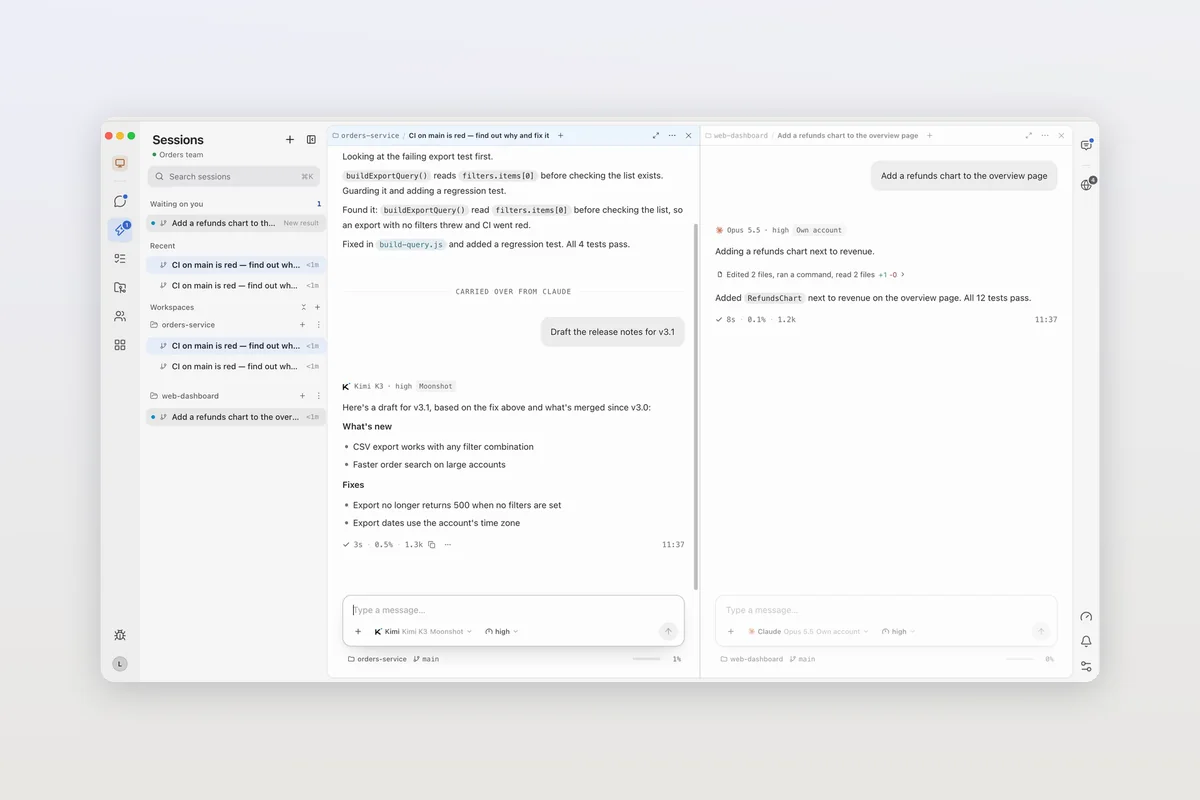
In the Claude Desktop app from Anthropic, Claude Code is the Code tab. It runs the same engine as the Claude Code CLI with a graphical interface: parallel sessions, panes for diffs, a browser, a terminal and files, pull request monitoring, and sessions that run locally, in the cloud or over SSH. Mirasim is a separate desktop app that runs the Claude Code CLI itself in a pane, next to Codex and eight other agents.
- Claude Desktop
- You only use Claude Code and want Anthropic's own app
- Claude Desktop
- You want computer use, app previews or the iOS Simulator pane
- Mirasim
- You want Claude Code and Codex side by side in one window
- Mirasim
- Several people want to steer one session together
Where to download Claude Code desktop
- macOS
- A universal build for Intel and Apple silicon
- Windows
- Installers for x64 and ARM64; sessions can also run inside a WSL 2 distribution
- Linux
- A beta for Ubuntu and Debian, installed with apt or a .deb
Install it, sign in, and click the Code tab. If you already use the CLI, /desktop moves the current session into the app, and claude --desktop opens the app from your shell; both need a Claude subscription sign-in on macOS or x64 Windows.
Article · How to install Claude Code on macOS, Windows and Linux → Installing the Claude Code CLI on macOS, Windows and Linux.
What the Code tab does
- Run several sessions in parallel, each with its own history and project folder.
- Arrange panes for chat, diff, browser, terminal, files, plan, tasks and subagents; on macOS there's an iOS Simulator pane too.
- Review and comment on diffs, then watch the pull request through CI.
- Ask a side question that uses the session's context, or let Claude check on and message your other sessions.
- Connect tools like GitHub, Slack and Linear, and run sessions locally, in the cloud or over SSH.
- Computer use, letting Claude open apps and control the screen, is a research preview on macOS and Windows for Pro, Max and Ultra plans.
The usage ring under the prompt box shows your plan usage, which is shared across all Claude Code surfaces.
Article · Claude Code usage limits: what the messages mean, and how to keep working → What Claude Code's usage limit messages mean, and how to keep working.
Claude Code in Mirasim
| Claude Desktop, Code tab | Mirasim | |
|---|---|---|
| Agents | Claude Code | Claude Code, Codex, Kimi Code, DeepSeek Harness, OpenCode and five more, side by side |
| Claude Code itself | The same engine as the CLI, with Anthropic's interface | The Claude Code CLI, unmodified, in a pane |
| Switching agents | Switch models within Claude | Switch the session to another agent; the conversation comes along |
| Phone | The Claude app, for cloud sessions, Remote Control and Dispatch | Mirasim's phone apps follow every agent's sessions |
| Working together | Share a cloud session by link | Several people send into the same session in a team space |
| Platforms | macOS, Windows, Linux (beta) | macOS, Windows, Linux |
From each product's documentation on November 8, 2026. Mirasim is not an Anthropic app.
Article · Run Claude Code, Codex, OpenCode and seven more coding agents in one app → The ten coding agents Mirasim runs in one app.
Questions
- Is Claude Code desktop a separate app?
- No. It's the Code tab of the Claude Desktop app, which also has chat and Cowork.
- Does Claude Code desktop work on Linux?
- There's a beta for Ubuntu and Debian. Mirasim also runs on Linux, as an AppImage or a .deb.
- Is the desktop app different from the CLI?
- Anthropic says it runs the same engine with a graphical interface. You can run both on the same machine and project; each keeps its own session list.
- Can I use my Claude subscription in Mirasim?
- Yes, sign in to Claude Code with your Claude account. A personal subscription is for its owner only, so a session your team shares runs on a shared key or space credit.
Article · Claude Code on the web: how cloud sessions work, and when a shared space fits better → Claude Code's cloud sessions on the web.
Sources
Claude Code desktop was checked against Anthropic's documentation on November 8, 2026: code.claude.com/docs/en/desktop. It changes quickly, so check that page for the latest.
Keep reading
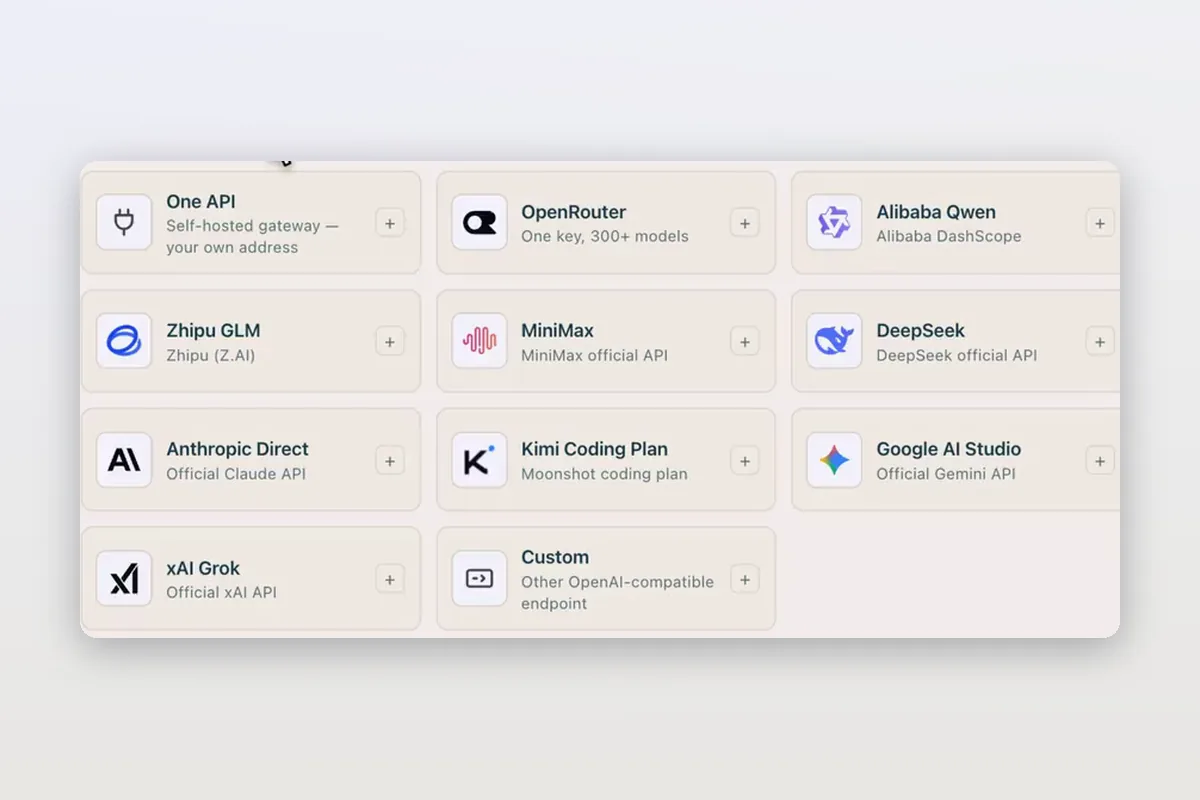
Use DeepSeek in Claude Code and Codex: the official setup, and a per-session switch
How DeepSeek's own guides connect Claude Code and Codex to DeepSeek models, and how Mirasim lets you pick DeepSeek per session without editing config.
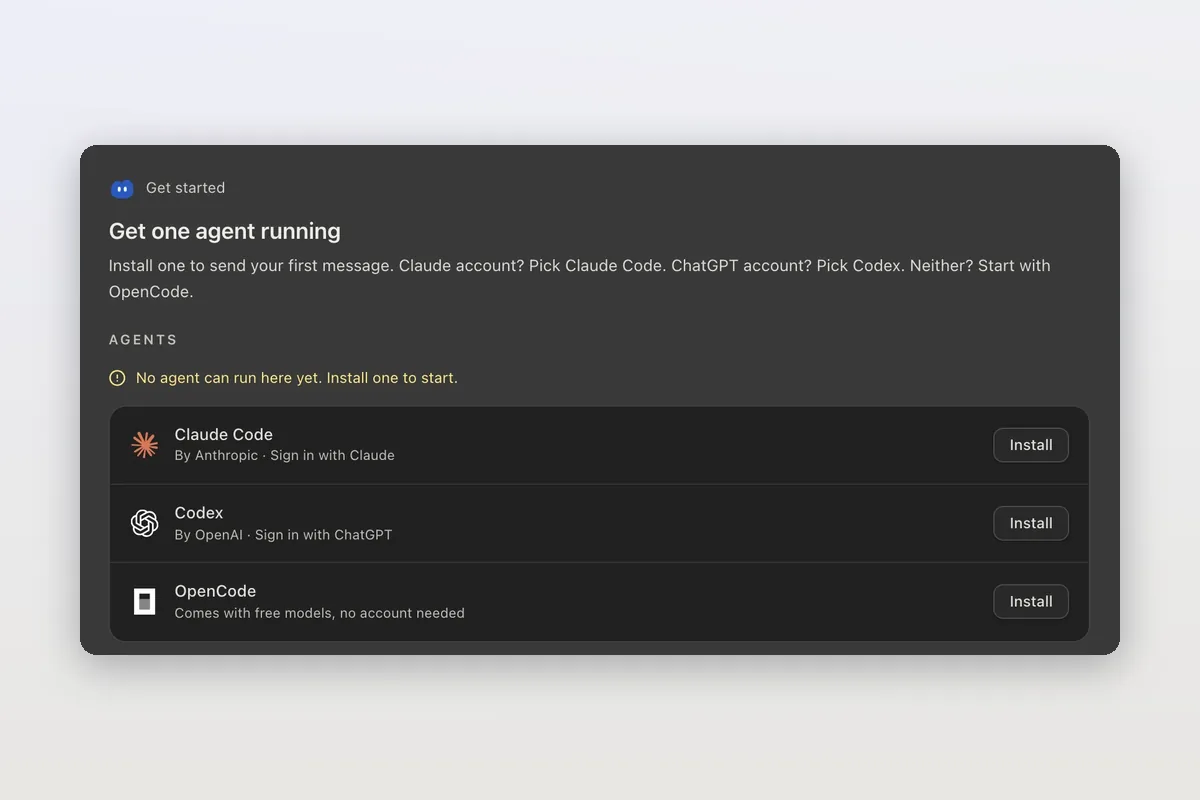
How to install Claude Code on macOS, Windows and Linux
The official install commands for every platform, how to check the install and sign in, and how Mirasim installs Claude Code for you and runs it next to Codex.
Claude Code agent teams, and teams that mix agents and people
Claude Code's agent teams let a lead session split work across Claude teammates. How to turn them on, what they cost, and how Mirasim mixes Codex and people in.