Claude Code on the web: how cloud sessions work, and when a shared space fits better
Claude Code on the web runs sessions in Anthropic's cloud. How to start one, move it to your terminal, share it, and when a Mirasim team space fits better.
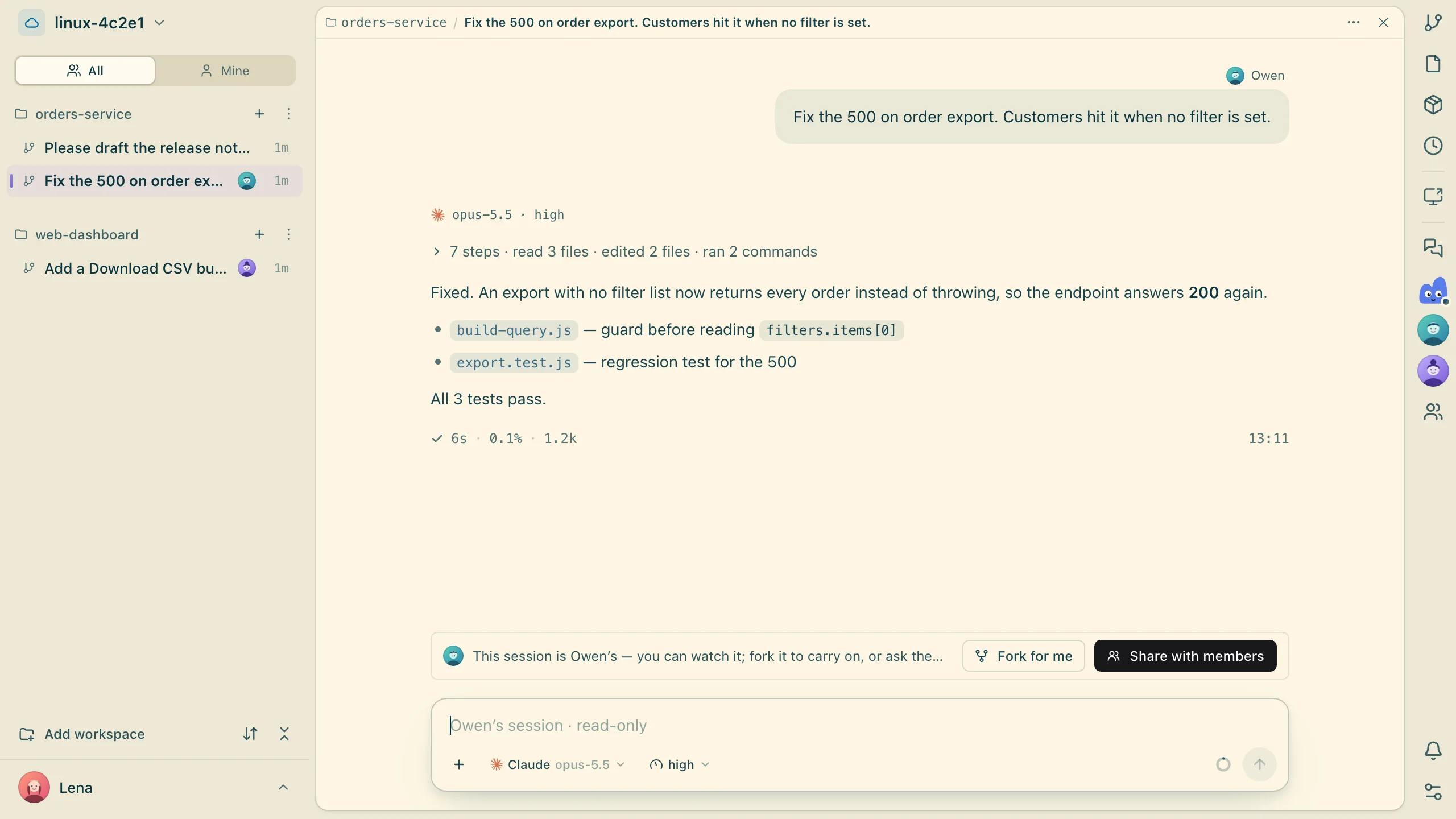
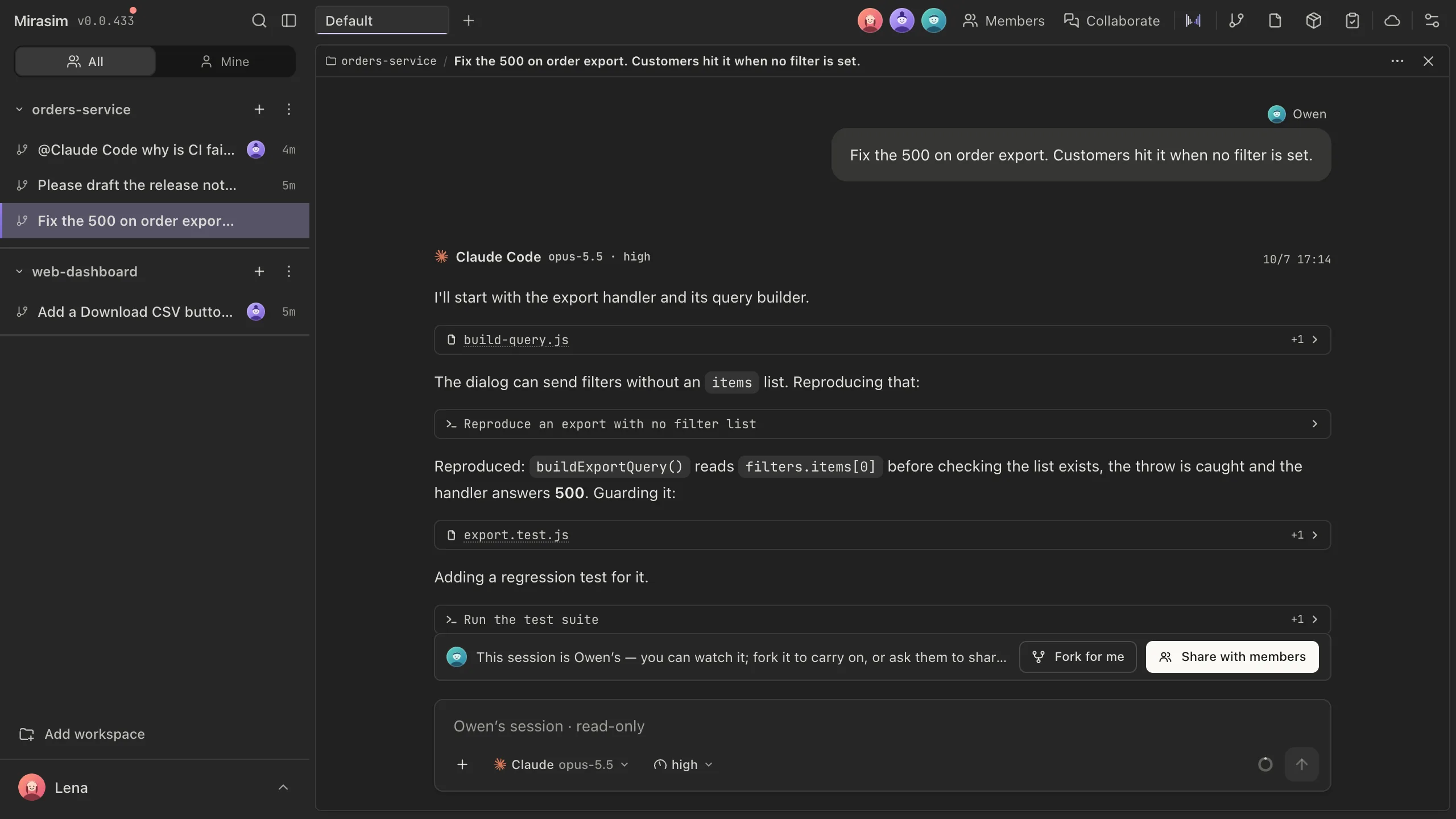
The short answer
Claude Code on the web, at claude.ai/code, runs Claude Code sessions on infrastructure Anthropic manages instead of on your computer. A session keeps going after you close your laptop, you can check on it from any device, and it works on GitHub repositories. Cloud sessions are available on Pro, Max, Ultra and Team plans, and they count toward your plan's usage limits.
- Claude Code on the web
- You want to hand off tasks on a GitHub repo and review the pull request
- Claude Code on the web
- You already pay for a Claude plan and work alone
- Mirasim
- You want Codex and other agents in the same cloud space as Claude Code
- Mirasim
- Several people want to steer one session together, live
How cloud sessions work
- Start one
- At claude.ai/code, in the Code tab of the Claude app, by choosing a Cloud environment in the Claude desktop app, or with
claude --cloud "task"in your terminal - Bring it to your terminal
claude --teleportpulls a cloud session into your terminal. It's one-way: an existing terminal session can't be pushed to the cloud- Environment
- Each session runs in a cloud environment that sets network access, environment variables and setup scripts; a Default one is set up for you
- Code hosting
- Cloning and pull requests in Anthropic-hosted environments need GitHub; GitLab or Bitbucket repositories can be sent as a local bundle
- Pull requests
- Auto-fix can watch a pull request and respond to review comments and CI failures
Claude Code on the web and a Mirasim team space
| Claude Code on the web | Mirasim team space | |
|---|---|---|
| What runs | Claude Code | Claude Code itself, plus Codex, Kimi Code, DeepSeek Harness, OpenCode and five more agents |
| Where | Infrastructure Anthropic manages, or your organization's self-hosted environment | A space we host (Linux or Mac); or your own computer or an SSH server |
| Working together | Share a link; recipients see a snapshot that doesn't update live | Turn on Share with members and teammates send into the same session, each message signed |
| Code hosting | GitHub (others as a local bundle) | GitHub and GitLab, each person as themselves |
| Where you use it | Browser, Claude app, Claude desktop app, terminal | The Mirasim desktop app, phone apps, or a browser |
| Paying | Your Claude plan, sharing its usage limits | Your own accounts and keys, a key shared with the team, or Mirasim credit |
From each product's documentation on November 8, 2026. For prices, see claude.com/pricing and mirasim.ai/pricing.
Questions
- Is Claude Code on the web free?
- No. Cloud sessions come with Pro, Max, Ultra and Team plans, and Enterprise premium or Chat + Claude Code seats. They count toward the same usage limits as your other Claude usage.
- What's the difference from Remote Control?
- A cloud session runs on Anthropic's infrastructure. Remote Control lets your phone or browser reach a session that runs on your own computer.
- Can teammates work in my cloud session?
- They can open a shared link and see its latest state. In a Mirasim team space, teammates send messages into the same session as it runs.
- Can a team share my Claude plan in Mirasim?
- A personal Claude subscription is for its owner only, so a session your team shares runs on a shared key or space credit.
Article · Claude Code Remote Control, and other ways to use Claude Code from your phone → Claude Code's Remote Control, and other ways to use Claude Code from your phone.
Article · Claude Code desktop: what the app does, and another way to run it on your desktop → Claude Code's desktop app, and another way to run it on your desktop.
Sources
Claude Code's cloud sessions were checked against Anthropic's documentation on November 8, 2026: code.claude.com/docs/en/claude-code-on-the-web. It changes quickly, so check that page for the latest.
Keep reading
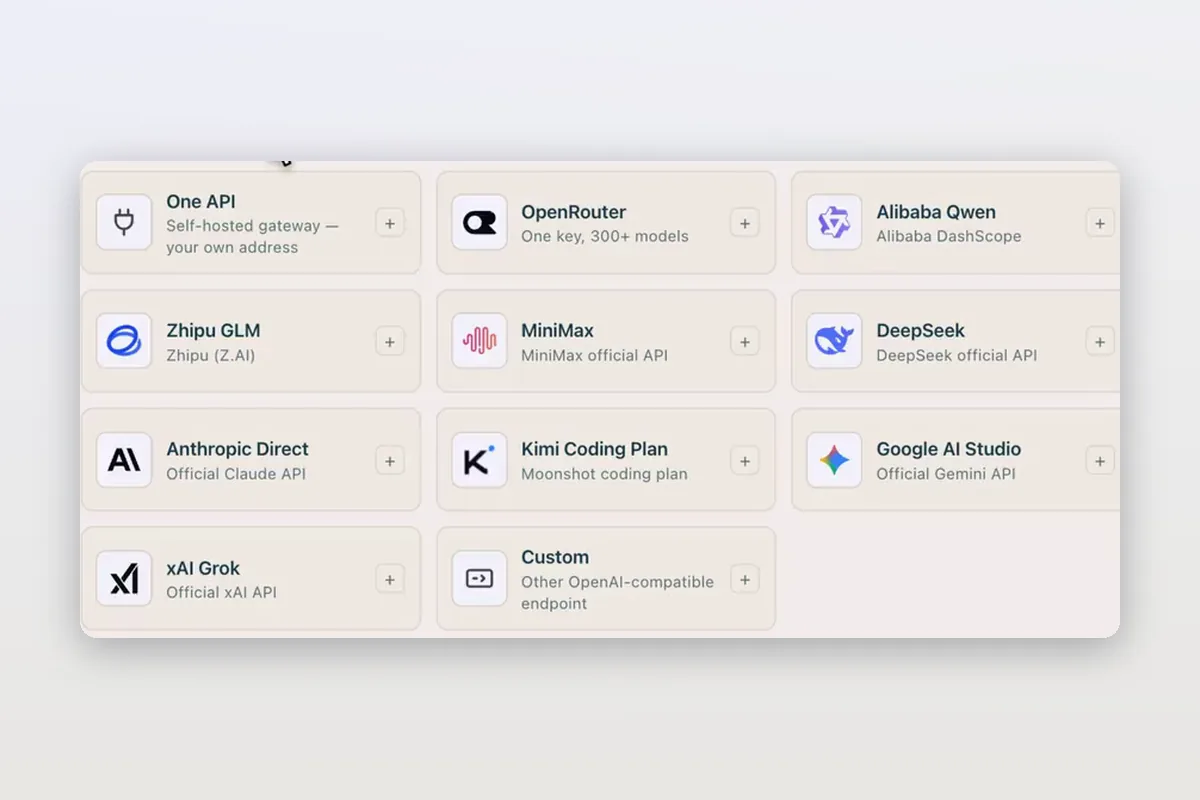
Use DeepSeek in Claude Code and Codex: the official setup, and a per-session switch
How DeepSeek's own guides connect Claude Code and Codex to DeepSeek models, and how Mirasim lets you pick DeepSeek per session without editing config.
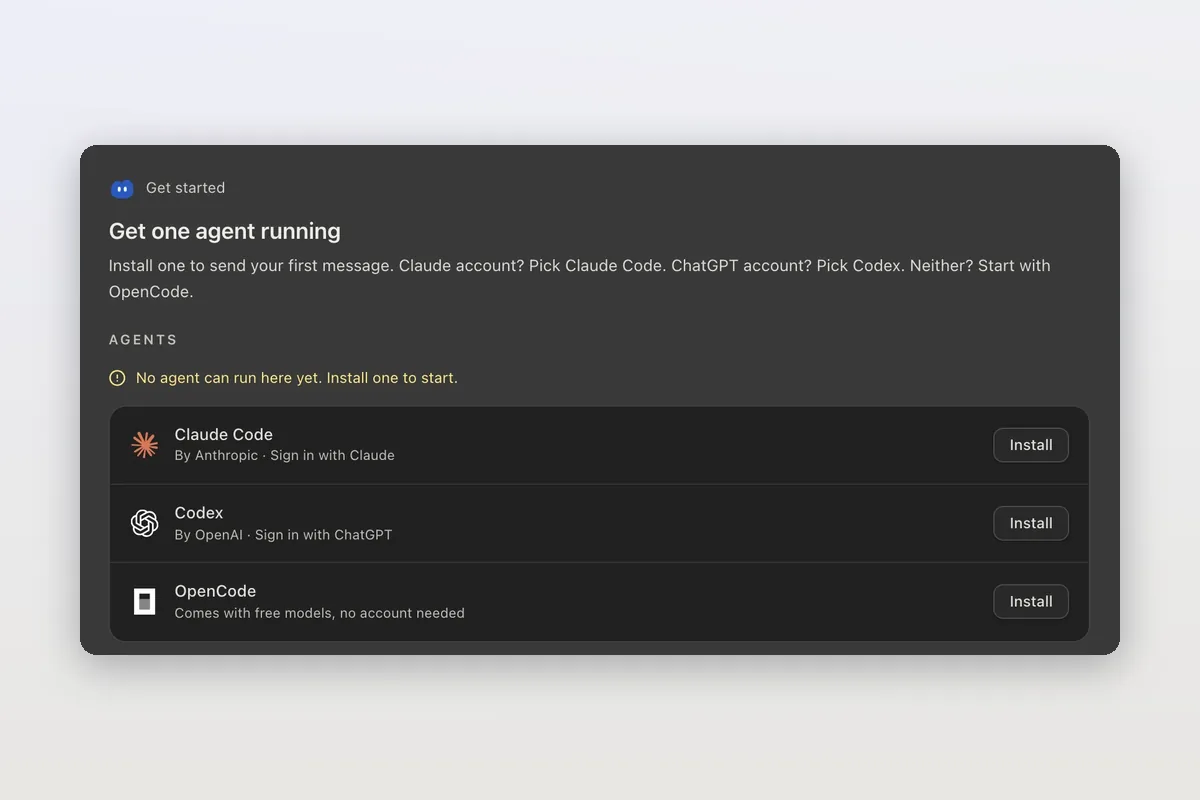
How to install Claude Code on macOS, Windows and Linux
The official install commands for every platform, how to check the install and sign in, and how Mirasim installs Claude Code for you and runs it next to Codex.
Claude Code agent teams, and teams that mix agents and people
Claude Code's agent teams let a lead session split work across Claude teammates. How to turn them on, what they cost, and how Mirasim mixes Codex and people in.