Claude Code Remote Control, and other ways to use Claude Code from your phone
How Claude Code's Remote Control works, what it needs, and three other ways to reach your coding agents from a phone, including Codex and other agents.
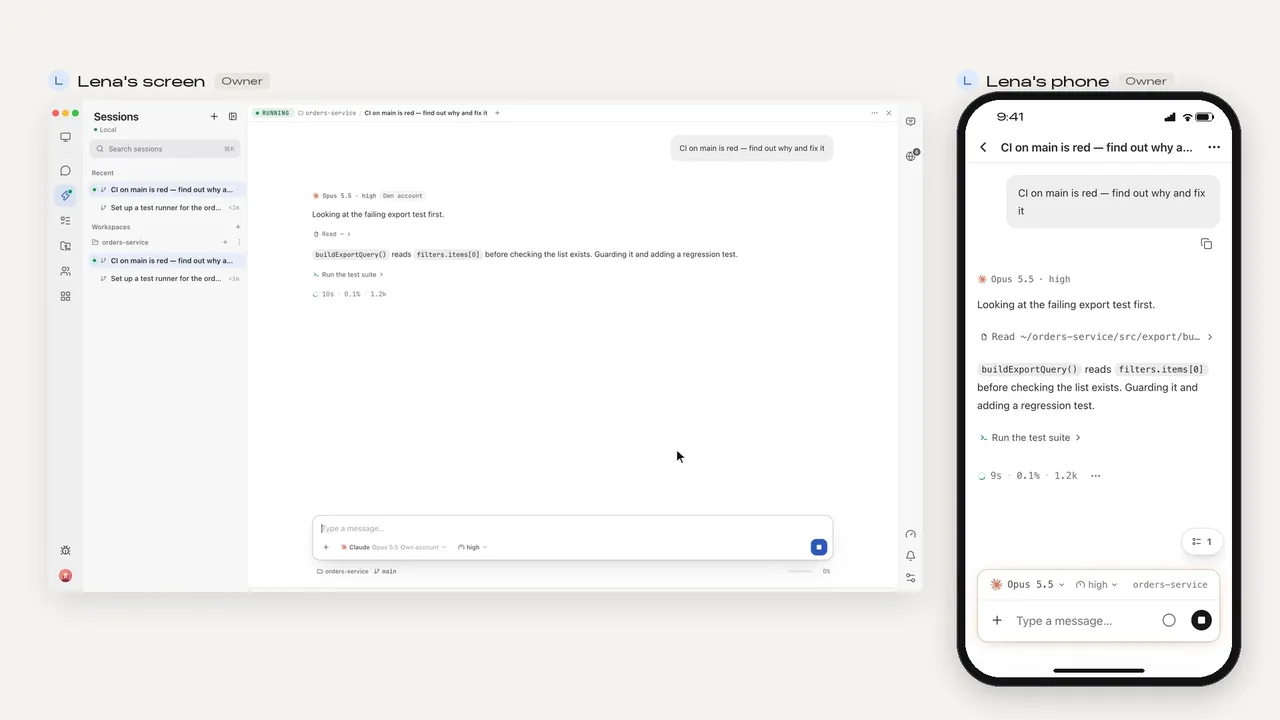
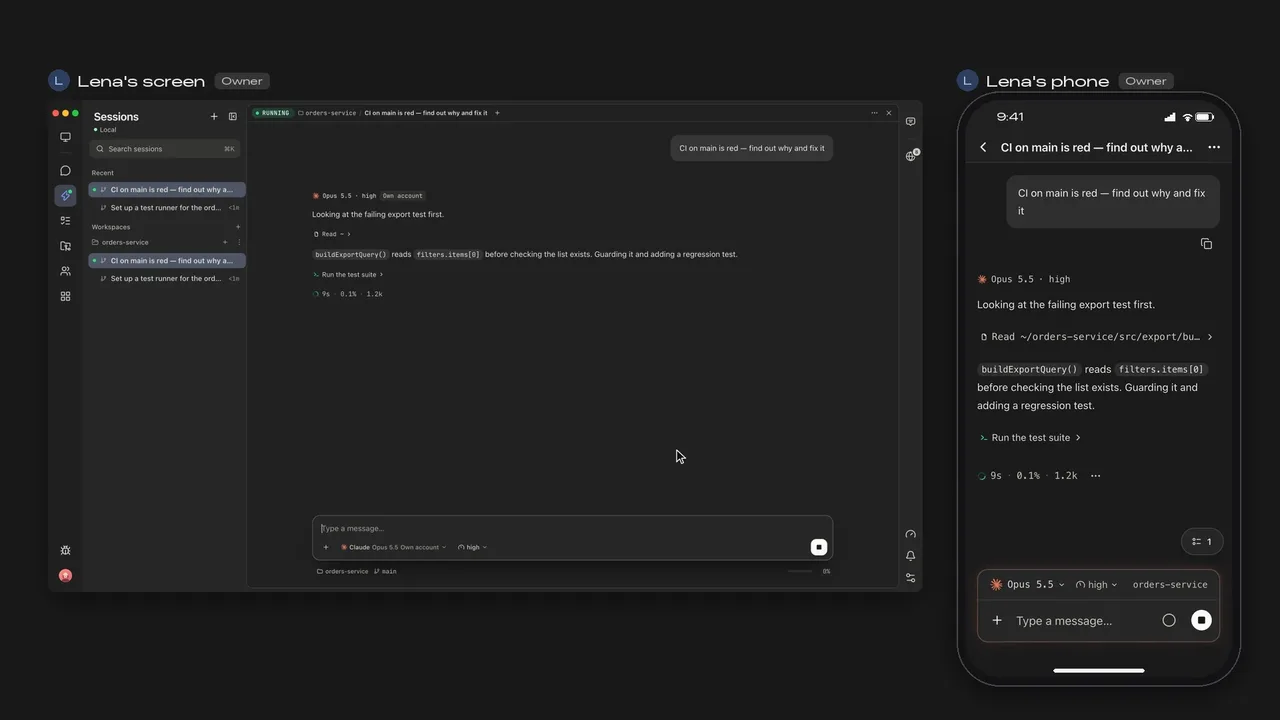
The short answer
Remote Control is a Claude Code feature from Anthropic. It connects claude.ai/code or the Claude app for iOS and Android to a Claude Code session running on your computer, so you can start a task at your desk and pick it up on your phone. Claude Code keeps running on your computer the whole time.
- Start it on the computer
claude --rc,claude remote-control, or/rcin a running session - Open it on the phone
Scan the QR code, or find the session in the Claude app or claude.ai/code
- Keep the computer on
The phone is a window into the session on your computer
claude remote-control runs as a server that waits for connections and shows a QR code when you press the spacebar; claude --rc is a normal session you can also type into locally.
What Remote Control needs
- A Claude Pro, Max, Ultra, Team or Enterprise plan. API keys are not supported.
- On Team and Enterprise, an Owner turns it on first in Claude Code's admin settings.
- Claude Code talking to Anthropic directly: it isn't available through Amazon Bedrock, Google Cloud's Agent Platform or Microsoft Foundry, or when ANTHROPIC_BASE_URL points at a gateway or proxy.
- Your computer on, with the
claudeprocess running. If the laptop sleeps or the network drops, it reconnects when the computer is back.
Four ways to use a coding agent from your phone
| Where the agent runs | What you need | Agents | |
|---|---|---|---|
| Remote Control | Your computer | A Claude subscription and the Claude app or claude.ai/code | Claude Code |
| Claude Code on the web | Anthropic's cloud | A Claude subscription and the Claude app or a browser | Claude Code |
| SSH from a phone terminal | Your computer or server | A terminal app on the phone and a way to reach the machine | Any terminal agent |
| Mirasim phone app | Your computer, or a team space we host | A Mirasim account; your Claude or ChatGPT sign-in, API keys or Mirasim credit | Claude Code, Codex, Kimi Code and seven more |
Claude Code on the web runs in Anthropic's cloud rather than on your computer, so you can start long tasks with your computer off and check back later.
Using Mirasim's phone app
- Make the computer a collab space
Free; only an end-to-end encrypted relay channel is opened
- Install the phone app
Android APK, or iPhone through TestFlight; sign in with the same account
- Pick the computer
Its sessions are there, from every agent
On the phone you can read sessions, send messages, images and files, answer the agent's questions and permission requests, and get notified when your turn finishes.
The code stays on your computer, no ports need opening, and the phone doesn't have to be on the same Wi-Fi. Mirasim can keep the computer awake while tasks run, and a team space we host keeps running after you close your laptop.
Questions
- Can I use Remote Control with an API key?
- No. Anthropic lists Pro, Max, Ultra, Team and Enterprise plans, and says API keys are not supported.
- Does Remote Control work for Codex?
- No, it's a Claude Code feature. To follow Codex and Claude Code sessions from the same phone, use the Mirasim phone app.
- Does my computer need to stay on?
- For Remote Control and for Mirasim on your own computer, yes. Claude Code on the web and a Mirasim team space we host keep running without it.
- Can teammates follow the same session from their phones?
- In Mirasim, yes: turn on Share with members and teammates send into the same session. Personal Claude and ChatGPT subscriptions are for their owner only, so a shared session runs on a shared key or space credit.
Article · Codex on your phone: the ChatGPT app, and other ways → Codex in the ChatGPT phone app, and other ways to use Codex from your phone.
Sources
Remote Control and Claude Code on the web were checked against Anthropic's documentation on November 8, 2026: code.claude.com/docs/en/remote-control and code.claude.com/docs/en/overview. Check those pages for the latest.
Keep reading
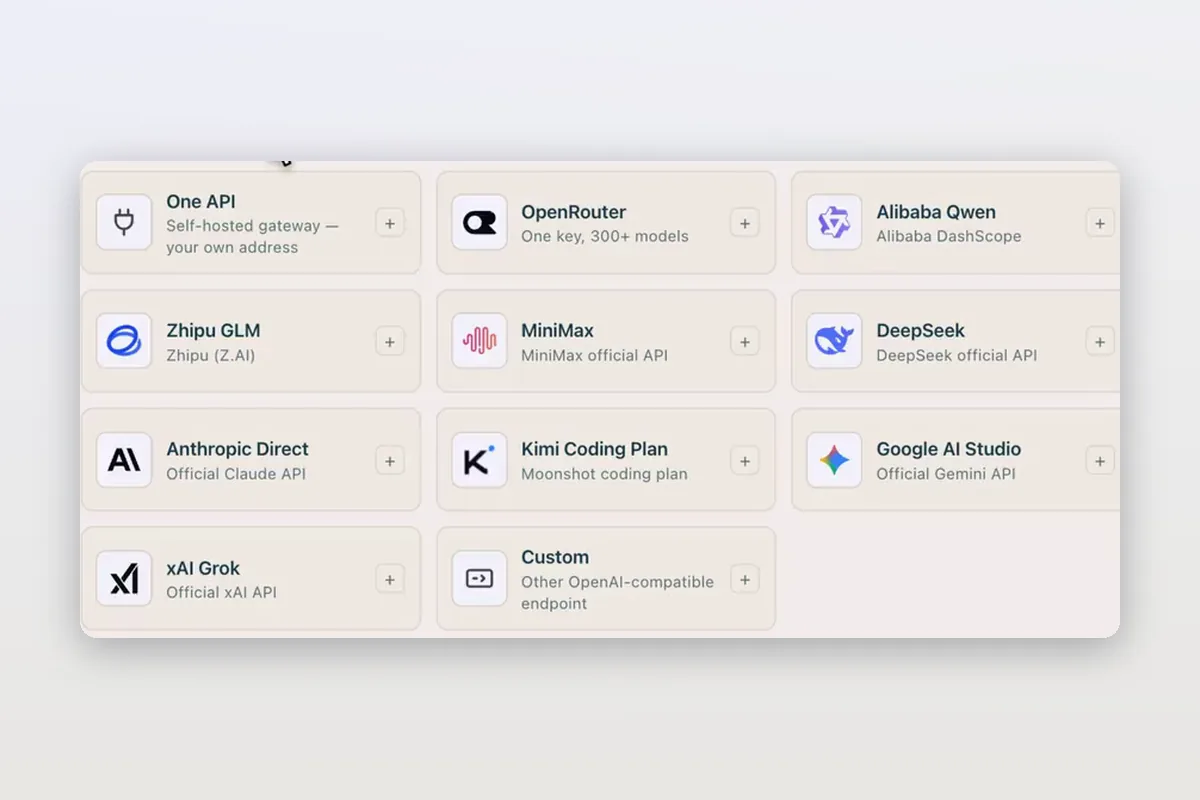
Use DeepSeek in Claude Code and Codex: the official setup, and a per-session switch
How DeepSeek's own guides connect Claude Code and Codex to DeepSeek models, and how Mirasim lets you pick DeepSeek per session without editing config.
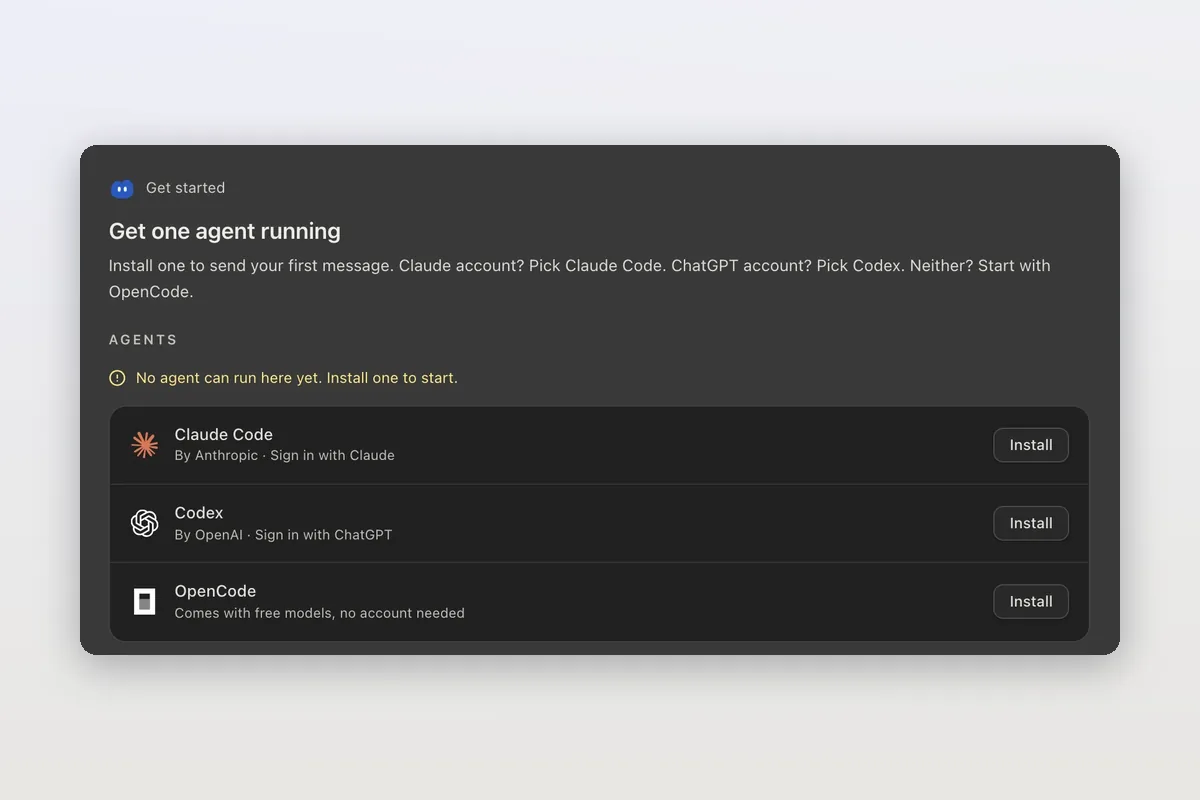
How to install Claude Code on macOS, Windows and Linux
The official install commands for every platform, how to check the install and sign in, and how Mirasim installs Claude Code for you and runs it next to Codex.
Claude Code agent teams, and teams that mix agents and people
Claude Code's agent teams let a lead session split work across Claude teammates. How to turn them on, what they cost, and how Mirasim mixes Codex and people in.