Codex on your phone: the ChatGPT app, and other ways
How Codex works in the ChatGPT phone app, what your computer needs, and other ways to follow Codex from a phone, including next to Claude Code in Mirasim.
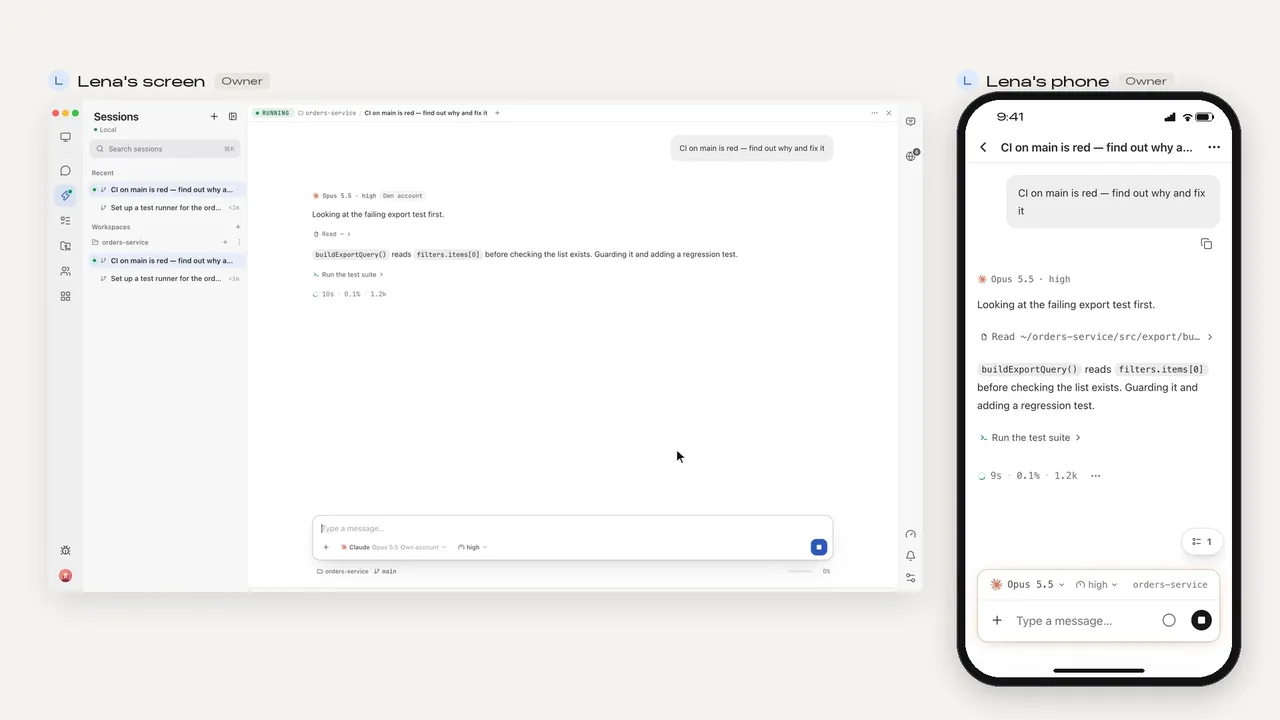
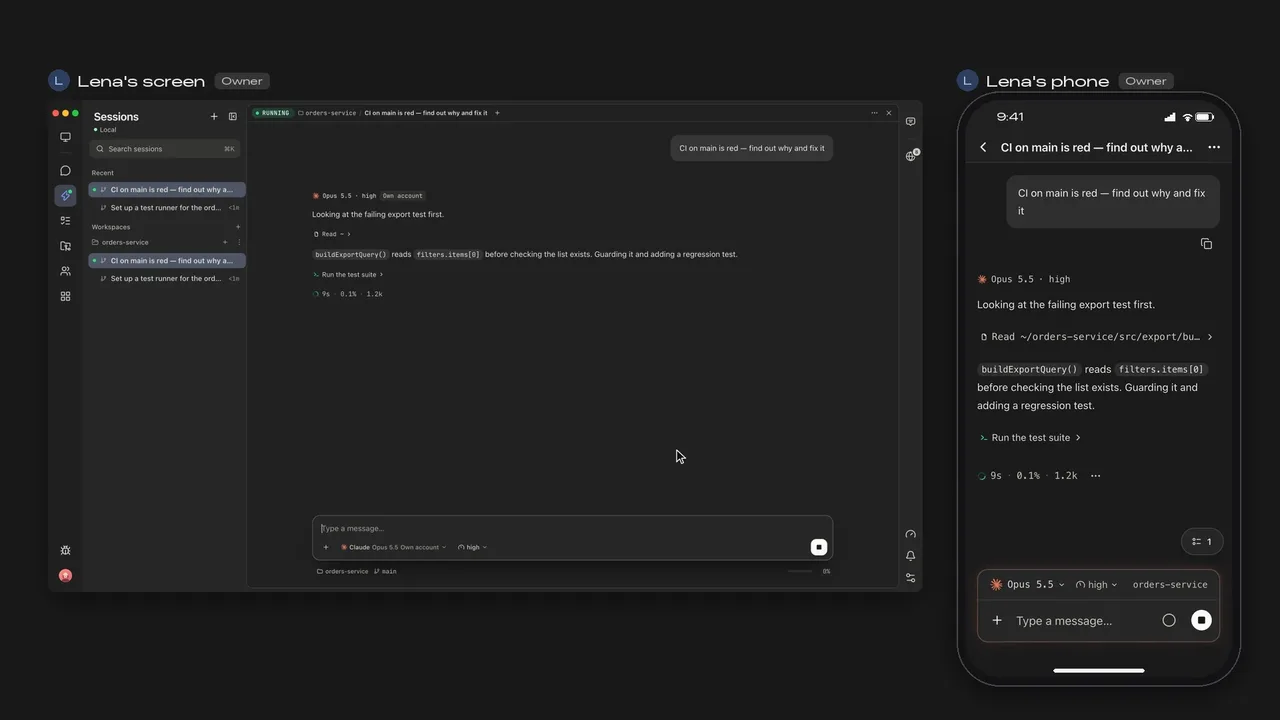
The short answer
OpenAI puts Codex in the ChatGPT mobile app for iOS and Android. Open Codex there and either start a task in Codex Cloud, or connect to a Mac or Windows PC running the ChatGPT desktop app and keep working in its projects. From the phone you can follow progress, send instructions, approve commands and review diffs.
- Set up on the computer
In the ChatGPT desktop app: Settings › Connections › Control this Mac or PC
- Scan the QR code
Sign in to the same ChatGPT account and workspace on the phone
- Open Codex on the phone
Pick the computer and a project, or Cloud and an environment
OpenAI's guide notes that mobile access is set up from the ChatGPT desktop app, not from the Codex CLI or IDE extension, and the computer has to stay awake and online. Availability depends on rollout and workspace settings.
Four ways to use Codex from your phone
| Where Codex runs | What you need | Other agents | |
|---|---|---|---|
| ChatGPT app › Cloud | OpenAI's cloud (Codex Cloud) | A published cloud environment from your GitHub repositories | Codex only |
| ChatGPT app › your computer | Your Mac or Windows PC | The ChatGPT desktop app on that computer, awake and signed in | Codex only |
| SSH from a phone terminal | Your computer or server | A terminal app on the phone and a way to reach the machine | Any terminal agent |
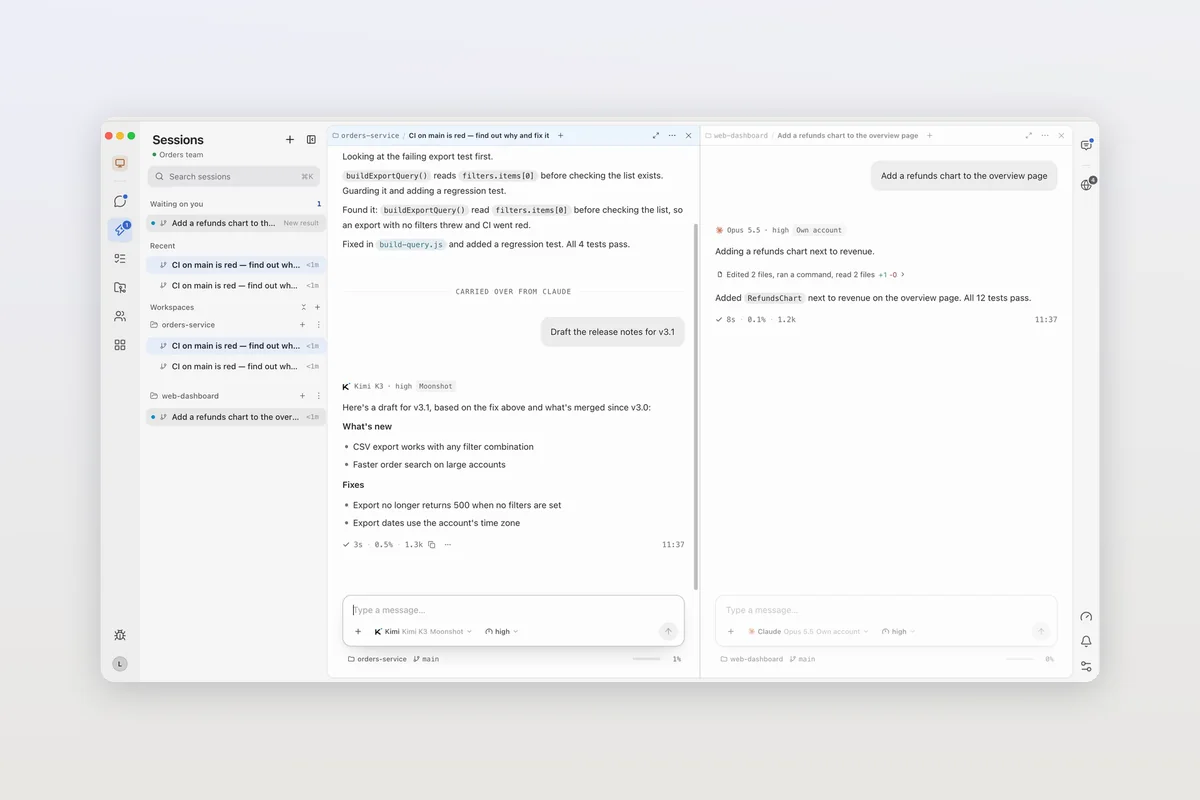
| Mirasim phone app | Your computer (macOS, Windows or Linux), or a team space we host | A Mirasim account; your ChatGPT sign-in, API keys or Mirasim credit | Claude Code, Kimi Code and seven more |
Article · Codex Cloud: how it works, and when to use a shared space instead → How Codex Cloud environments and tasks work.
Article · The Codex app: where to get it now, and running Codex next to other agents → Where to get Codex on desktop, in the terminal and in your editor.
Using Mirasim's phone app
- Run Codex in Mirasim
On your computer, or in a team space
- Install the phone app
Android APK, or iPhone through TestFlight; sign in with the same account
- Pick up the session
The same Codex session, next to your Claude Code ones
On the phone you can read sessions, send messages, images and files, answer the agent's questions and permission requests, and get notified when your turn finishes. The code stays on your computer, no ports need opening, and a team space we host keeps running after you close your laptop.
Questions
- Is there a Codex app for iPhone or Android?
- Codex is inside the ChatGPT app for iOS and Android rather than a separate app. Open Codex in ChatGPT.
- Does my computer need to stay on?
- For a connected computer, yes: OpenAI's guide says the host must be awake and online. Codex Cloud and a Mirasim team space we host keep running without it.
- Can I control Codex on a Linux machine from my phone?
- ChatGPT's remote access works with hosts running the ChatGPT desktop app on macOS or Windows; that app can also open projects on an SSH host. Mirasim runs on Linux too, and its phone app follows sessions there.
- Can I follow Codex and Claude Code from the same phone app?
- In Mirasim, yes: its phone app lists your Codex, Claude Code and other agents' sessions together.
Article · Claude Code Remote Control, and other ways to use Claude Code from your phone → Claude Code's Remote Control, and other ways to use Claude Code from your phone.
Sources
Codex details were checked against OpenAI's documentation on November 8, 2026: learn.chatgpt.com/docs/mobile, /docs/remote-connections and /docs/cloud. Codex changes quickly, so check those pages for the latest.
Keep reading
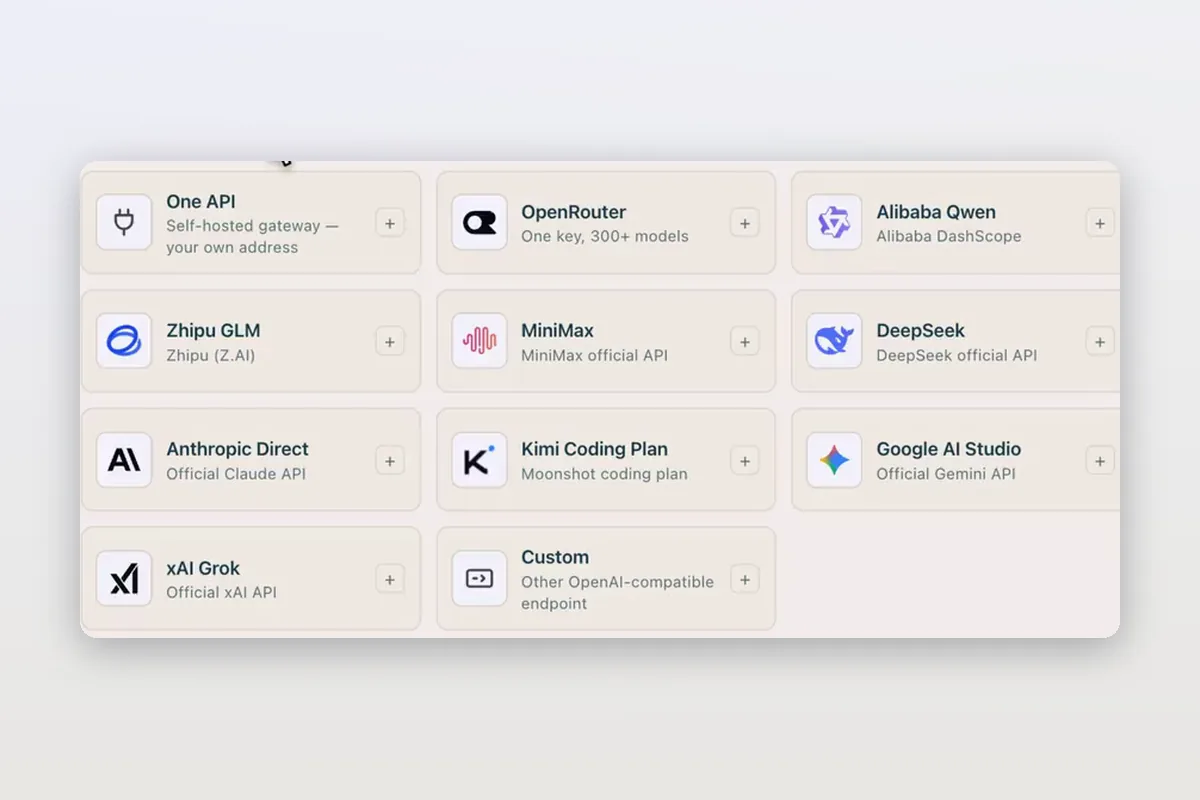
Use DeepSeek in Claude Code and Codex: the official setup, and a per-session switch
How DeepSeek's own guides connect Claude Code and Codex to DeepSeek models, and how Mirasim lets you pick DeepSeek per session without editing config.
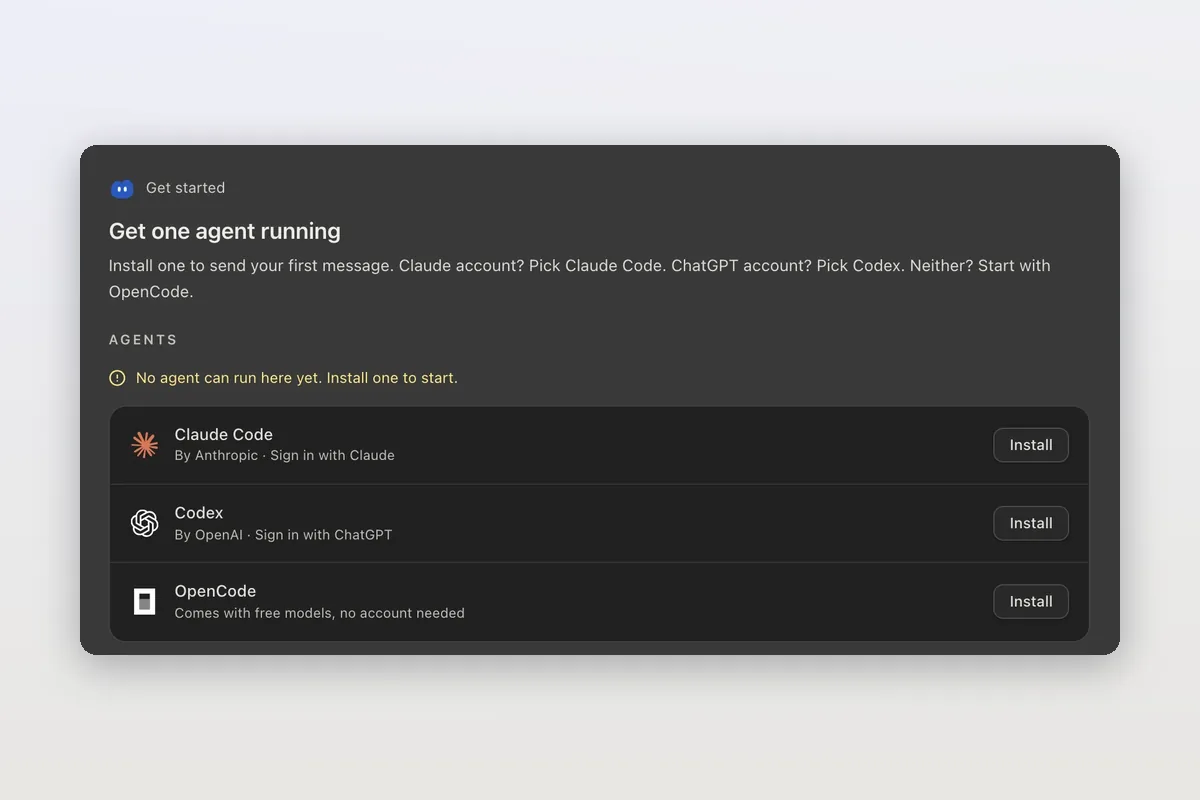
How to install Claude Code on macOS, Windows and Linux
The official install commands for every platform, how to check the install and sign in, and how Mirasim installs Claude Code for you and runs it next to Codex.
Claude Code agent teams, and teams that mix agents and people
Claude Code's agent teams let a lead session split work across Claude teammates. How to turn them on, what they cost, and how Mirasim mixes Codex and people in.