The Codex app: where to get it now, and running Codex next to other agents
OpenAI's Codex desktop app now lives inside the ChatGPT desktop app. Where to get Codex on each platform, and how to run it next to Claude Code in Mirasim.
The short answer
OpenAI's desktop app for Codex is the ChatGPT desktop app. Download ChatGPT for macOS or Windows (Linux is in preview), sign in with your ChatGPT account, and choose Codex when you start. If you already use the Codex CLI on macOS or Windows, codex app opens it, or starts the installer when it isn't installed yet.
| Where | OpenAI's way |
|---|---|
| Desktop | The ChatGPT desktop app: macOS, Windows, Linux (preview) |
| Terminal | The open-source Codex CLI (Apache-2.0) |
| Editor | The Codex IDE extension for VS Code, Cursor and Windsurf |
| Browser | chatgpt.com/codex, running tasks in Codex Cloud |
| Phone | Codex in the ChatGPT app for iOS and Android |
Codex on Linux
The ChatGPT desktop app for Linux is a preview. It supports Ubuntu 24.04 and 26.04 LTS, Debian 13, Fedora 43 and 44, and Arch Linux, on x64 and ARM64, as a .deb, an .rpm or an install script for Arch. On other distributions, or on a server without a desktop, use the Codex CLI.
Install the Codex CLI
- macOS, Linux
curl -fsSL https://chatgpt.com/codex/install.sh | sh- Windows
powershell -ExecutionPolicy ByPass -c "irm https://chatgpt.com/codex/install.ps1 | iex"- npm
npm install -g @openai/codex- Homebrew
brew install --cask codex- Binaries
- The latest GitHub Release of openai/codex has a build for each platform
Then run codex in your project and sign in with your ChatGPT account or an API key. In Mirasim, Get started can install Codex for you and suggests it if you have a ChatGPT account.
Running Codex in Mirasim
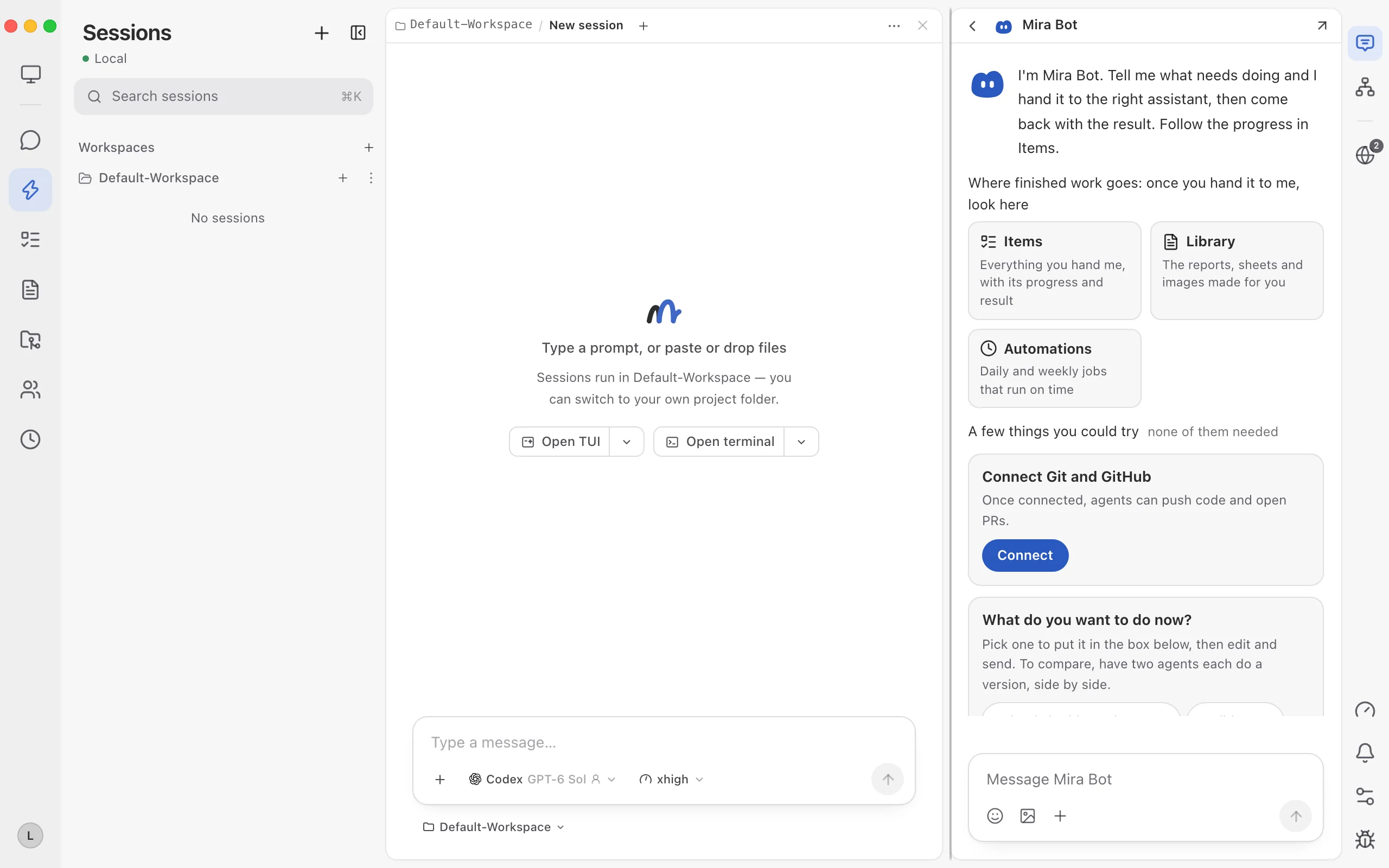
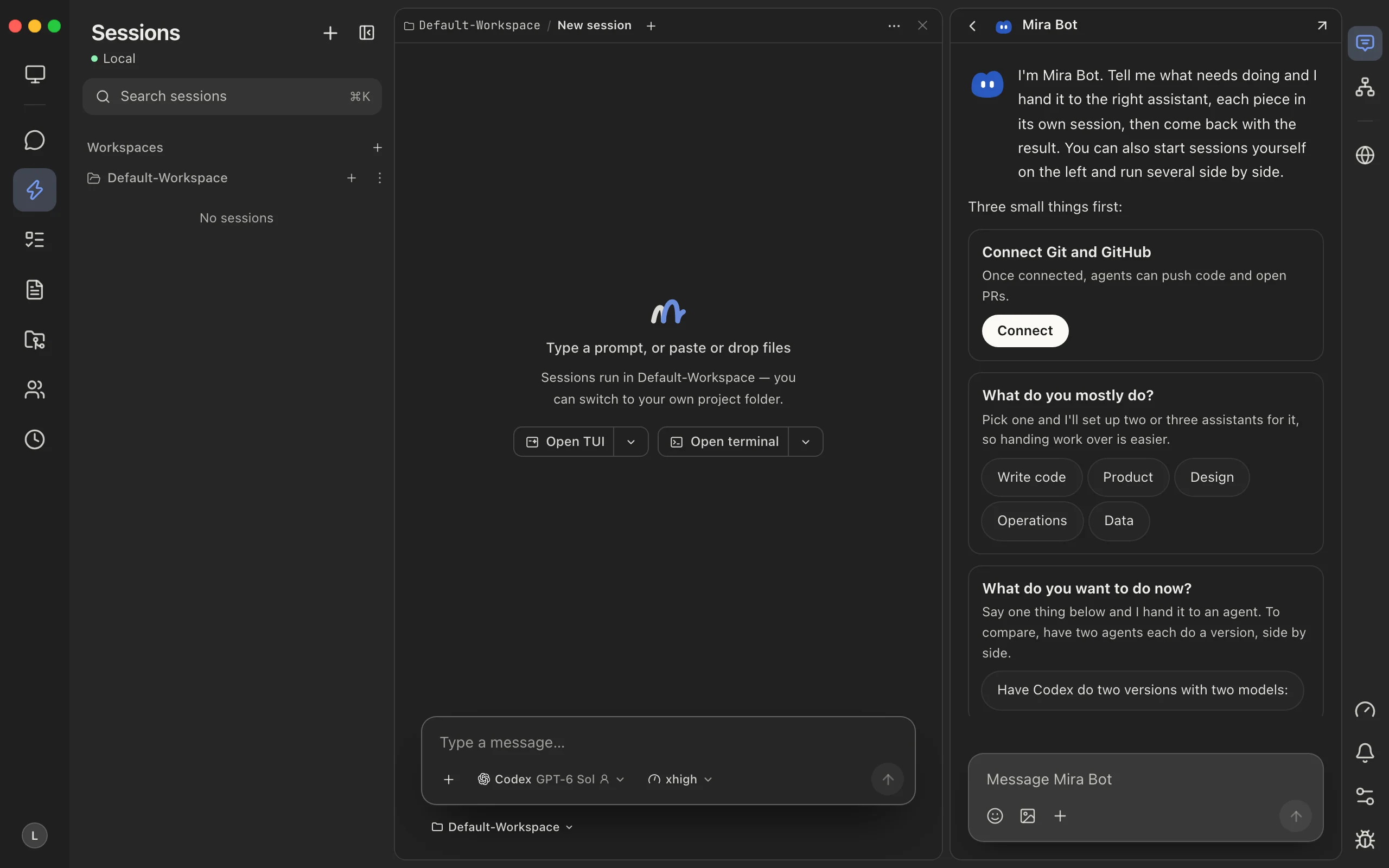
- Next to Claude Code
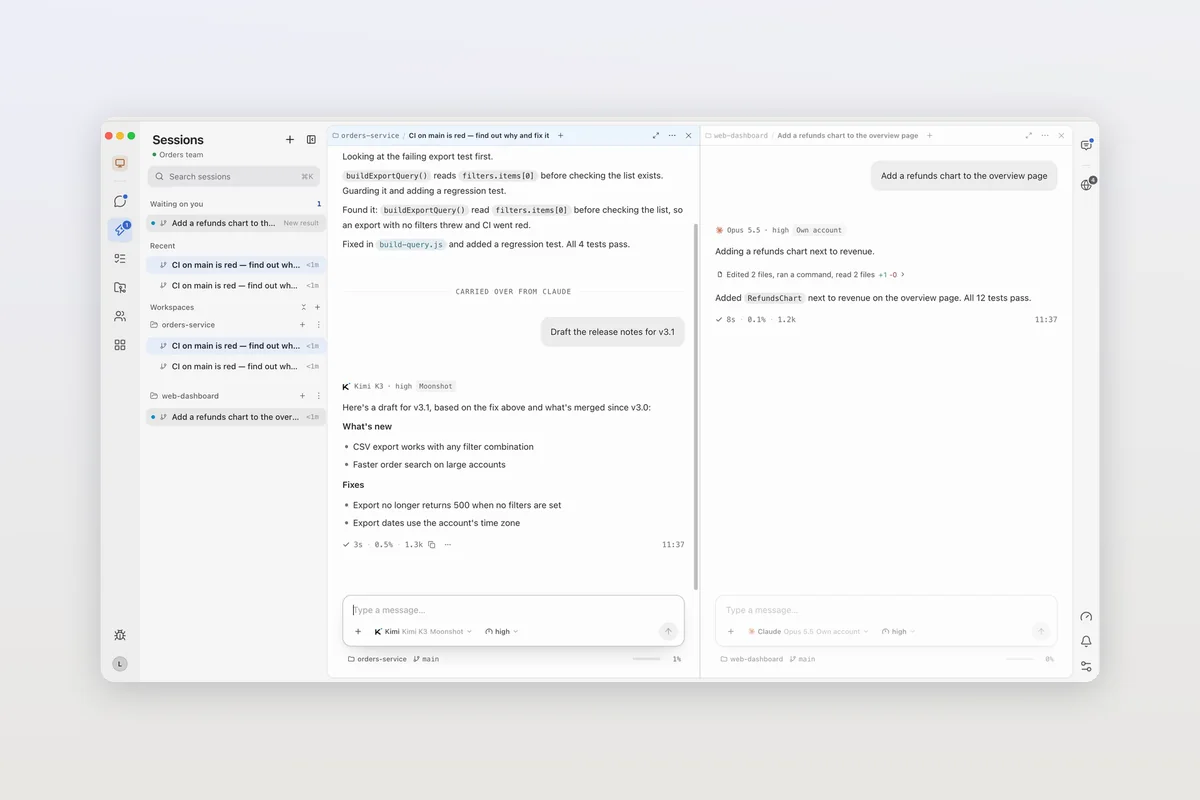
- Codex in one pane, Claude Code or Kimi Code in the next
- Switch and keep the thread
- Move a session to another agent and the conversation comes along
- On your phone
- Follow and answer Codex away from your desk
- With your team
- Several people in one Codex session
Mirasim is a desktop app for macOS, Windows and Linux that runs the Codex CLI itself, on your ChatGPT sign-in, an API key, or Mirasim credit. It is not an OpenAI app.
Article · Claude Code vs Codex: how they differ, and using both → Claude Code and Codex compared, and running both.
Questions
- Is there a separate Codex desktop app?
- OpenAI's desktop experience for Codex is the ChatGPT desktop app, where you choose Codex.
codex appin the CLI opens it. - Does the Codex app work on Linux?
- The ChatGPT desktop app for Linux is in preview for Ubuntu, Debian, Fedora and Arch. The Codex CLI and Mirasim also run on Linux.
- Is Mirasim the official Codex app?
- No. Mirasim is a separate desktop app that runs the Codex CLI alongside Claude Code and eight other agents.
- Can I use my ChatGPT plan with Codex in Mirasim?
- Yes, sign in to Codex with your ChatGPT account. A personal subscription is for its owner only, so a session your team shares runs on a shared key or space credit.
Article · Codex on your phone: the ChatGPT app, and other ways → Codex on your phone: the ChatGPT app, and other ways.
Sources
Checked against OpenAI's documentation on November 8, 2026: learn.chatgpt.com/docs/app, /docs/linux/linux-app and /docs/developer-commands, and the README at github.com/openai/codex. OpenAI changes these often, so check those pages for the latest.
Keep reading
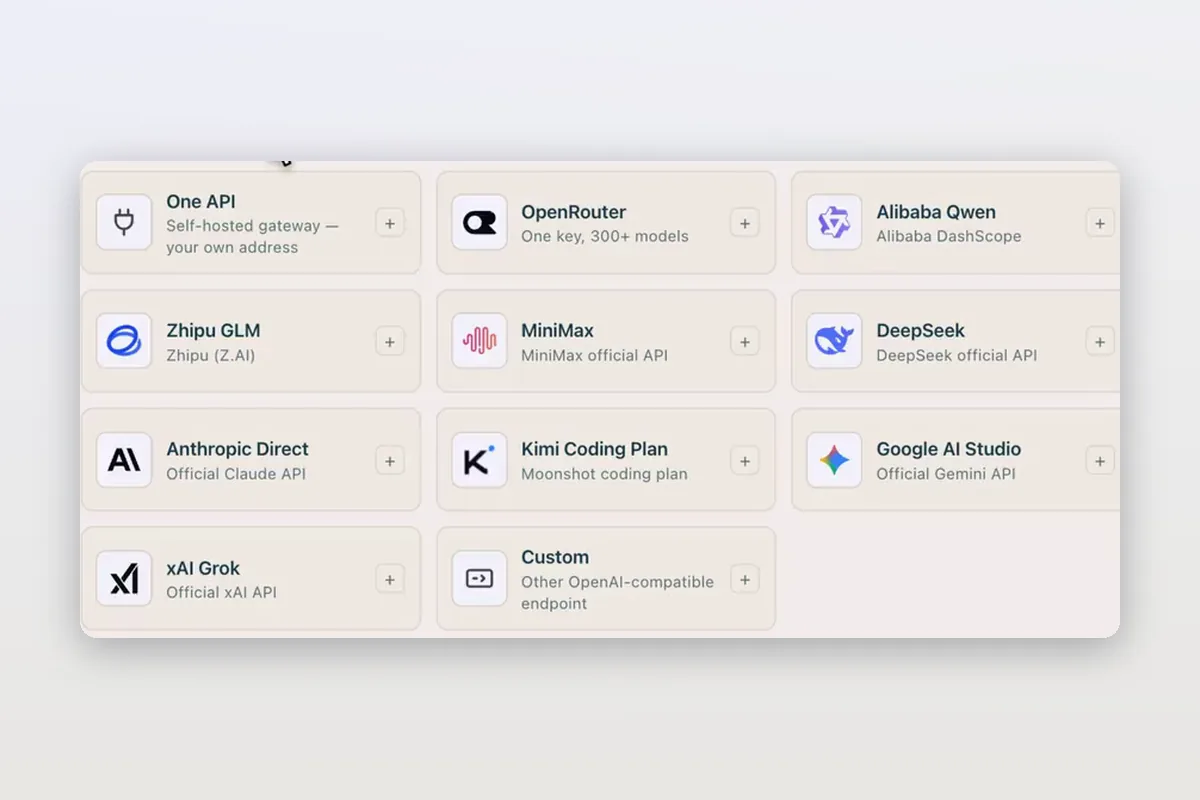
Use DeepSeek in Claude Code and Codex: the official setup, and a per-session switch
How DeepSeek's own guides connect Claude Code and Codex to DeepSeek models, and how Mirasim lets you pick DeepSeek per session without editing config.
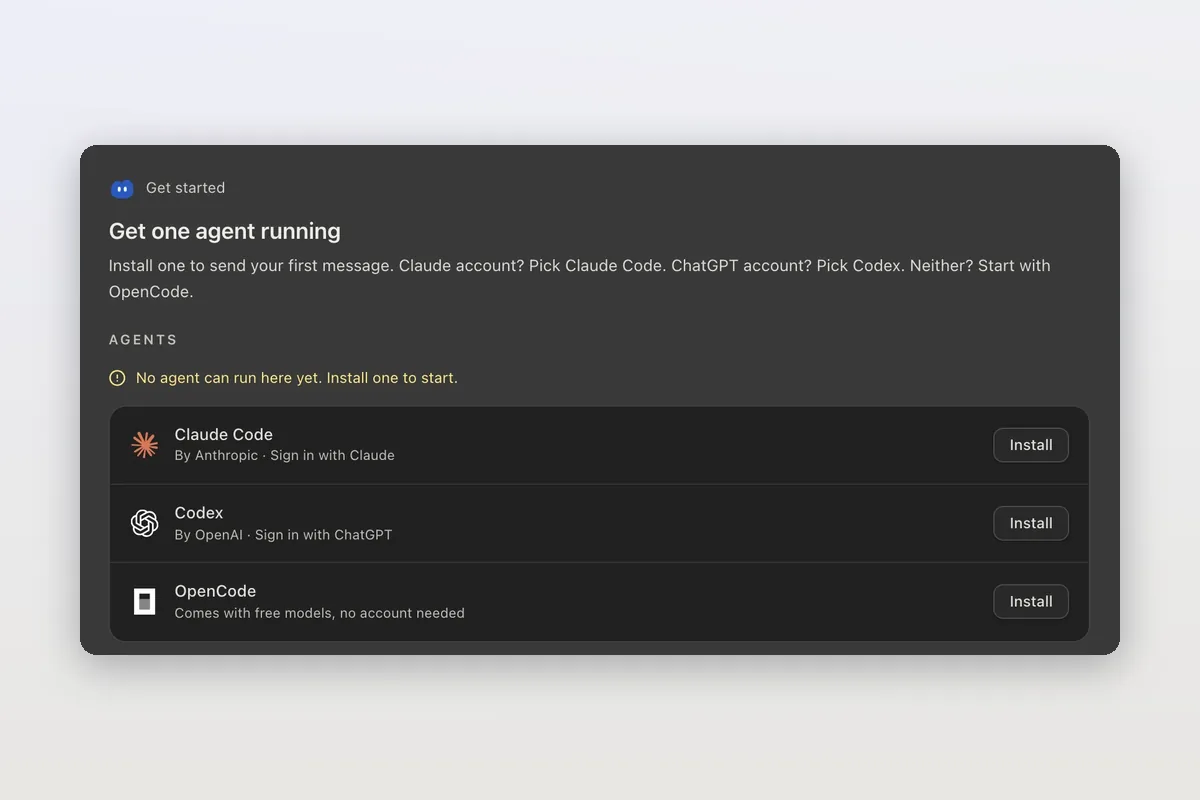
How to install Claude Code on macOS, Windows and Linux
The official install commands for every platform, how to check the install and sign in, and how Mirasim installs Claude Code for you and runs it next to Codex.
Claude Code agent teams, and teams that mix agents and people
Claude Code's agent teams let a lead session split work across Claude teammates. How to turn them on, what they cost, and how Mirasim mixes Codex and people in.