Claude Code vs Codex: how they differ, and using both
Claude Code is Anthropic's coding agent; Codex is OpenAI's. How sign-in, apps and instruction files differ, and how to run both side by side.
The short answer
Both are coding agents that read your code, edit files and run commands. The practical difference is whose account you sign in with: Claude Code runs on Anthropic's models with a Claude subscription or an Anthropic Console account; Codex runs on OpenAI's models with a ChatGPT plan or an API key.
- Claude Code
- You already pay for a Claude plan
- Codex
- You already pay for ChatGPT Plus, Pro or a work plan
- Codex CLI (Apache-2.0)
- You want a CLI whose source you can read and change
- Both, side by side in Mirasim
- You'd rather not choose, or want to compare them on your own code
Which one writes better code depends on the task and changes with every model release, so the most reliable test is your own repository.
At a glance
| Claude Code | Codex | |
|---|---|---|
| Made by | Anthropic | OpenAI |
| Models | Anthropic's Claude models | OpenAI's GPT models |
| Sign in | Claude subscription or Anthropic Console account | ChatGPT Plus, Pro, Business, Edu or Enterprise, or an API key |
| Where it runs | Terminal, VS Code, JetBrains, desktop app, browser | Terminal, IDE extension (VS Code, Cursor, Windsurf), desktop app, browser |
| Instructions file | CLAUDE.md, or an AGENTS.md in its place | AGENTS.md |
| Extending it | MCP, skills, hooks, subagents | MCP, skills, hooks, subagents |
From each product's own documentation on November 8, 2026. Both change often; see the sources at the end.
Installing them
- Claude Code
curl -fsSL https://claude.ai/install.sh | bashon macOS, Linux and WSL;irm https://claude.ai/install.ps1 | iexin Windows PowerShell. Homebrew and WinGet work too. Runclaudein a project and sign in.- Codex
curl -fsSL https://chatgpt.com/codex/install.sh | shon macOS and Linux, the PowerShell script on Windows, ornpm install -g @openai/codex. Runcodexand choose Sign in with ChatGPT.
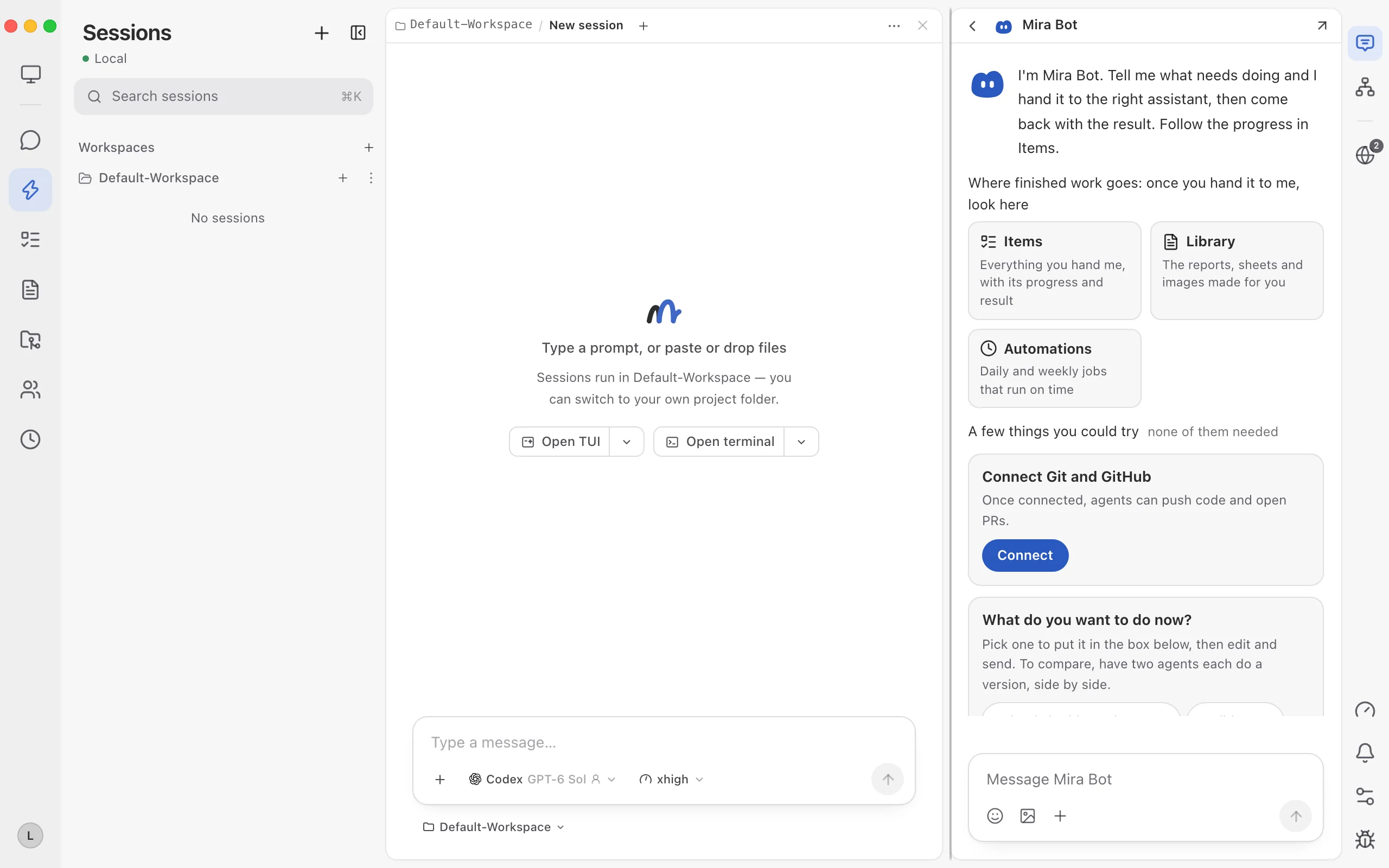
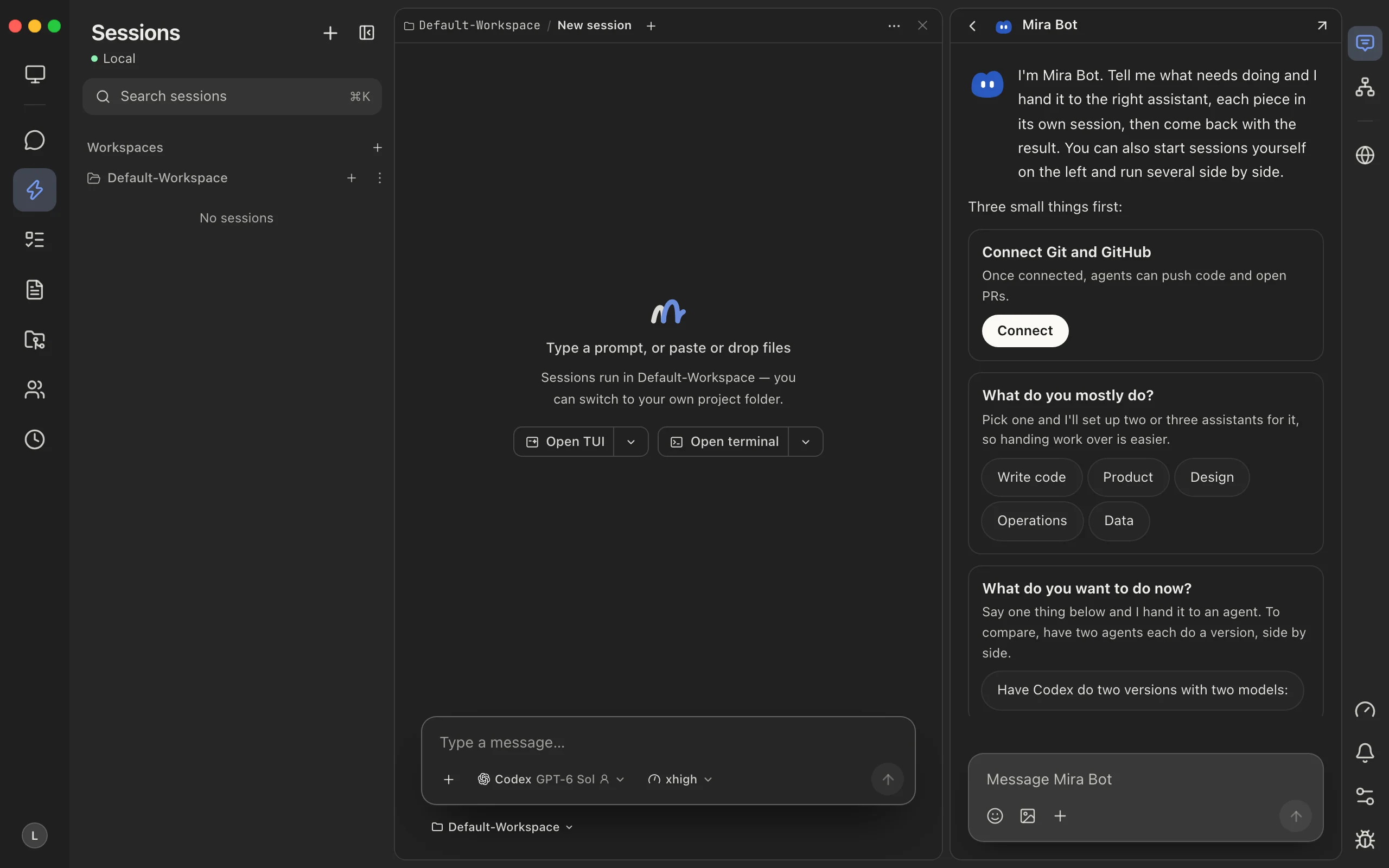
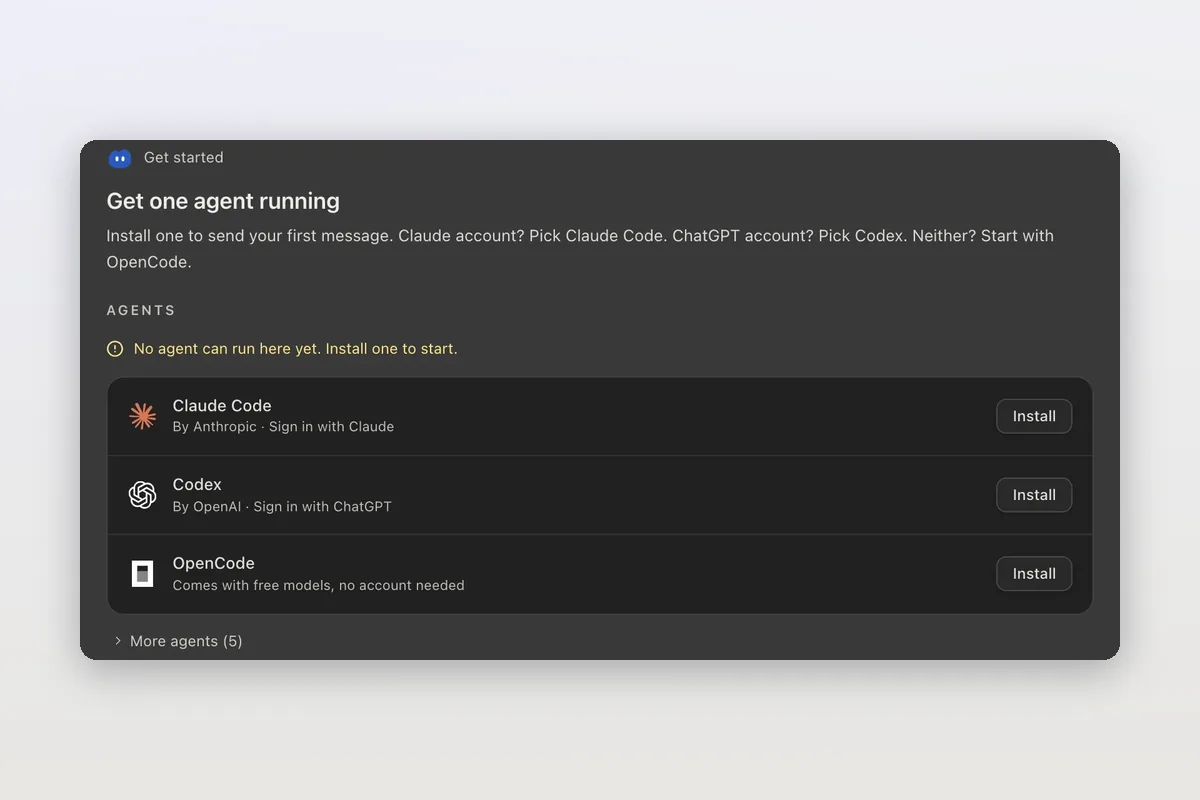
In Mirasim you don't need either command: Agent Config installs both, and each keeps its own sign-in.
Using both in Mirasim
- Side by sideGive both the same task and compare their changes
- Hand over mid-taskSwitch a session from Claude Code to Codex and keep the conversation
- Their own sign-insYour Claude and ChatGPT accounts, or Mirasim credit for either
- One sidebar⌘K searches both agents' transcripts
- Back to the terminalCopy resume command picks the session up in the agent's own CLI
Article · Running coding agents unmodified by changing one URL → How Mirasim runs the original Claude Code and Codex without modifying them.
Article · Cursor vs Claude Code: an editor with an agent, or an agent for any editor → Choosing between Cursor and Claude Code.
Questions
- Which one is better at coding?
- There's no answer that holds for long: it depends on the task and on whichever models were released last. Give both the same task in two panes and compare the diffs.
- Can one subscription cover both?
- Not from Anthropic or OpenAI: Claude Code needs a Claude or Console account, Codex a ChatGPT plan or OpenAI API key. In Mirasim, Mirasim credit runs either one.
- Can my team share my Claude or ChatGPT subscription?
- No. Personal subscriptions are for their owner only. A session your team shares in Mirasim runs on a key shared with members or on space credit.
- Do both work on Windows?
- Yes. Both ship a PowerShell installer, and Mirasim runs on Windows, macOS and Linux.
- How much do they cost?
- See claude.com/pricing and developers.openai.com/codex/pricing. For Mirasim, see mirasim.ai/pricing.
Sources
Checked against each product's documentation on November 8, 2026: code.claude.com/docs/en/overview for Claude Code; github.com/openai/codex (README) and learn.chatgpt.com/docs for Codex. Both change quickly, so check those pages for the latest.
Keep reading
Claude Code alternatives: nine coding agents, and why you might not have to choose
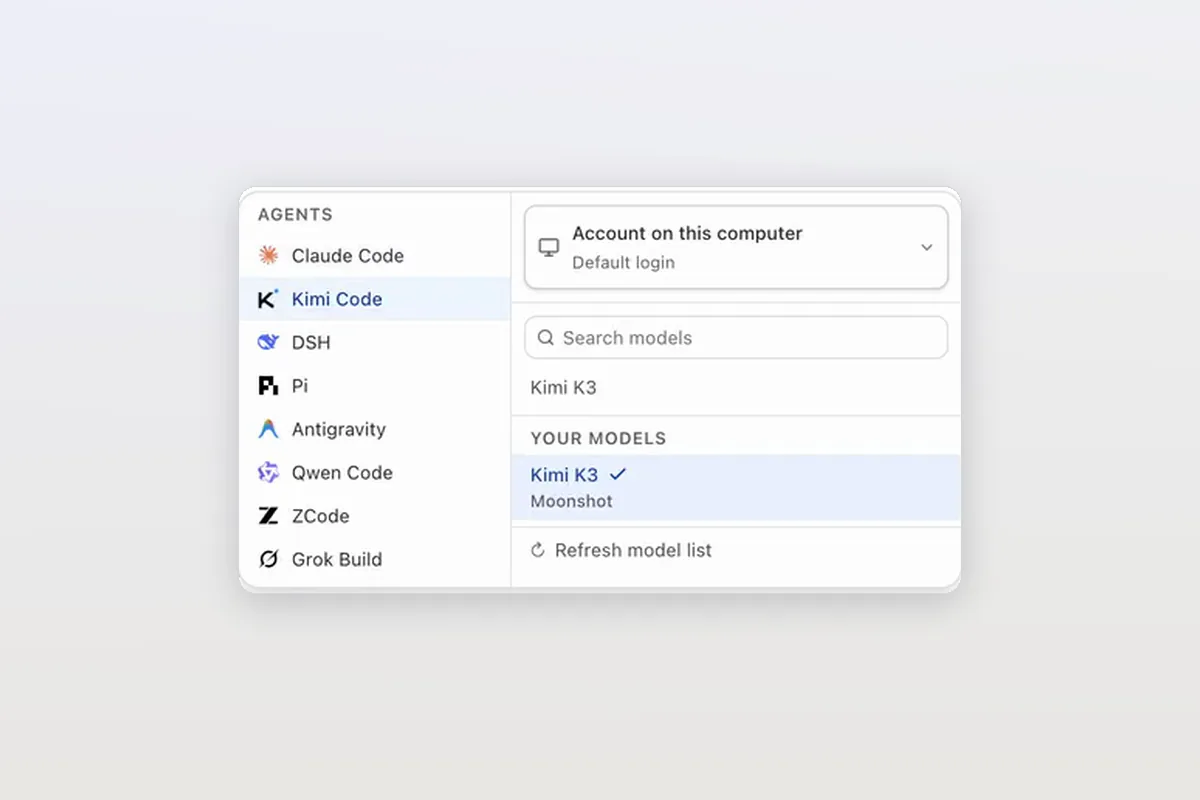
Codex, OpenCode, Kimi Code, DeepSeek Harness, Qwen Code and four more coding agents, grouped by why you'd switch, and how to run them next to Claude Code.
A Conductor alternative for Mac, Windows and Linux
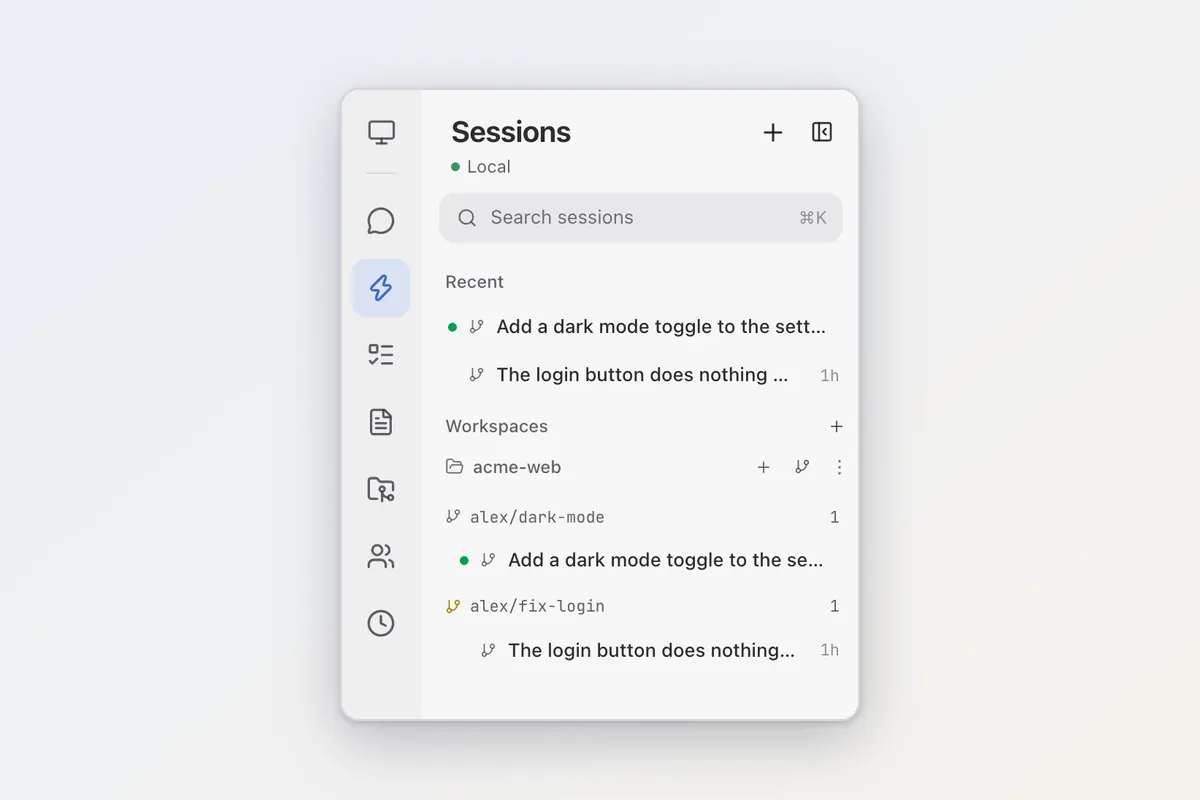
Conductor is joining Meta and its cloud shuts down Nov 20. Mirasim runs on Mac, Windows and Linux and imports your Conductor worktrees and chats in one click.
Cursor alternatives: coding agents with their own apps
Claude Code, Codex, OpenCode, Kimi Code and DeepSeek Harness as Cursor alternatives: which have desktop apps or editor extensions, and how to run several in Mirasim.