Claude Code usage limits: what the messages mean, and how to keep working
What Claude Code's session, weekly, Opus and Sonnet limit messages mean, what Anthropic suggests, and how to carry the task on with another agent in Mirasim.
The short answer
Claude subscription plans include a rolling usage allowance. When it runs out, Claude Code stops sending requests until the reset time in the message. The session and weekly limits cover every model, so switching models doesn't help; the Opus and Sonnet limits cover only that model family, so /model to another family keeps you going.
| Message | What it covers | Switching models helps? |
|---|---|---|
| You've hit your session limit · resets … | All models, rolling session window | No |
| You've hit your weekly limit · resets … | All models, weekly allowance | No |
| You've hit your Opus limit · resets … | Opus models only | Yes, to a non-Opus model |
| You've hit your Sonnet limit · resets … | Sonnet models only | Yes, to a non-Sonnet model |
Usage counts against the session and weekly allowances at the same time, so one heavy burst can use up the week before the session window resets.
What Anthropic suggests
- Wait for the reset time in the message. In the CLI, “Continue automatically at usage limit” in
/configpicks the task up after the reset; in the desktop app, the session-limit card has “Auto-continue when limits reset” (the weekly-limit card doesn't). - Run
/usageto see your plan limits and when they reset. - For the Opus or Sonnet limit, run
/modeland pick a model from another family. The next request re-reads the whole conversation without cache hits. - Run
/usage-creditsto buy additional usage on Pro, Max and Ultra, or to request it from your admin on Team and Enterprise. - For higher base limits, upgrade your plan at claude.com/pricing.
Keep the task going in Mirasim
- Claude Code hits a limit
The message shows when it resets
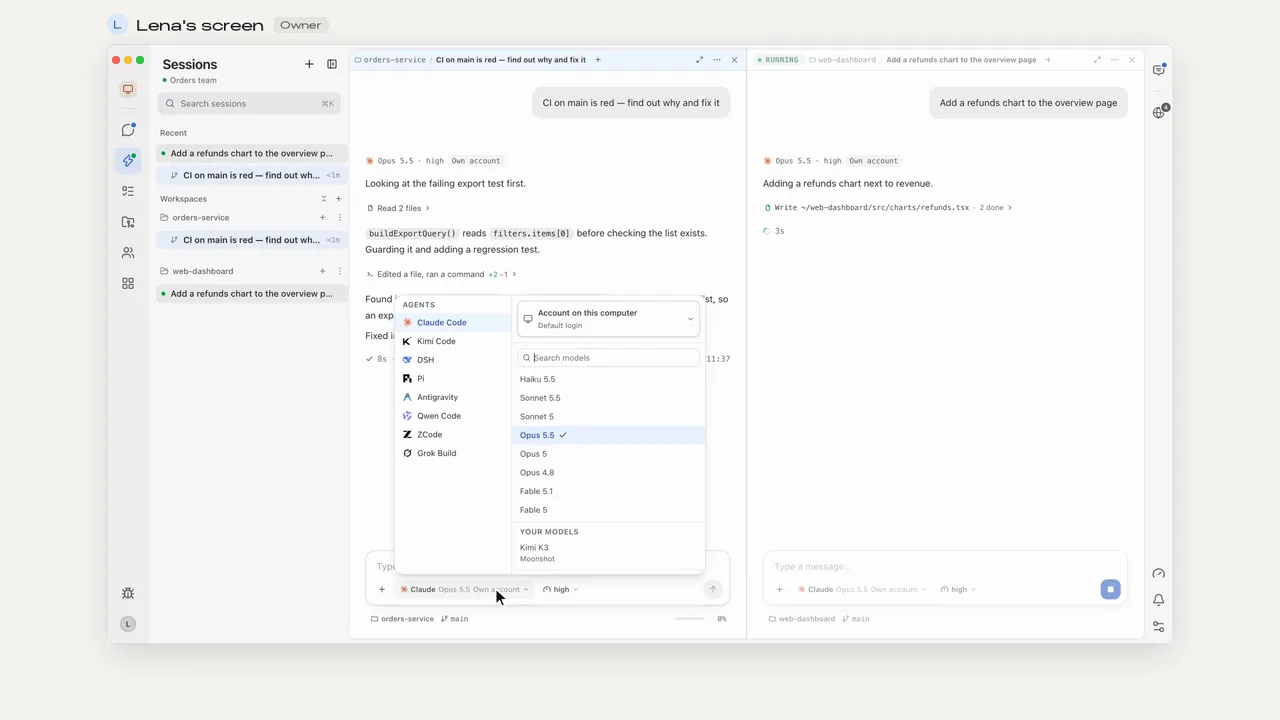
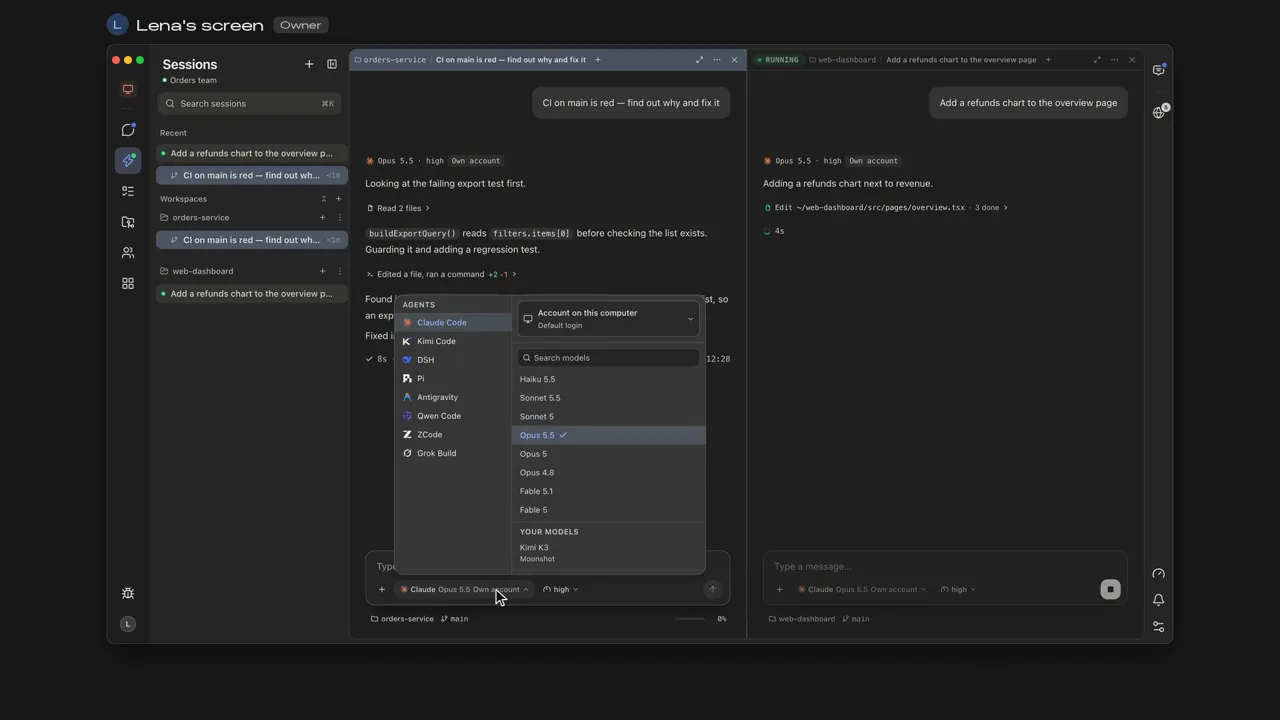
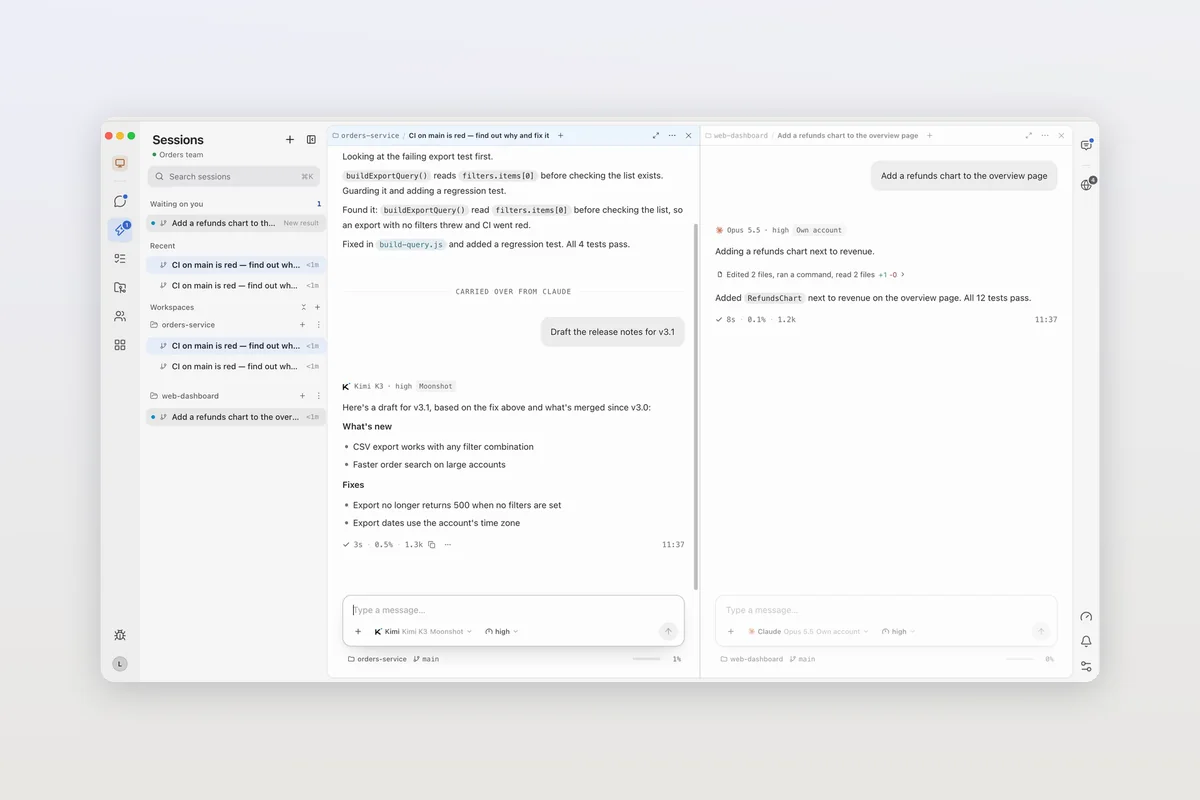
- Switch the agent in the same pane
Codex, Kimi Code, DeepSeek Harness or another agent
- The conversation comes along
Same pane, same transcript; the new agent picks up from there
- Switching agents carries the conversation over, so the task doesn't start from scratch.
- Or stay on Claude Code and pick a model under Built-in, which runs on Mirasim credit rather than your Claude plan.
- Each saved account shows its live quota: the plan, how much of each current window is used, and when it resets. Open the account card at the bottom left › Usage.
Chapter 15 · Models, accounts and quota › Several accounts, and live quota →
Questions
- Does switching models reset the limit?
- Not for the session or weekly limit, which cover every model. For the Opus or Sonnet limit, a model from another family keeps you working.
- How do I see how much I have left?
- Run
/usagein Claude Code, add therate_limitsfields to a custom status line, or click the usage ring in the Claude desktop app. In Mirasim, the Usage panel shows each account's windows and reset times. - Can I buy more usage?
- On Pro, Max and Ultra,
/usage-creditsbuys additional usage; on Team and Enterprise it asks your admin. See Anthropic's support article on usage credits for how it's billed. - Does Mirasim raise my Claude limits?
- No. Your Claude plan's limits are Anthropic's. Mirasim lets the same session carry on with another agent, or with a built-in model on Mirasim credit.
Article · Agentic coding is cheap per call, but expensive per hour → What agentic coding costs, and where the tokens go.
Sources
The limit messages and Anthropic's suggestions were checked against the Usage limits section of code.claude.com/docs/en/errors on November 8, 2026. Anthropic doesn't publish exact allowances there, and plans change, so check that page and claude.com/pricing for the latest.
Keep reading
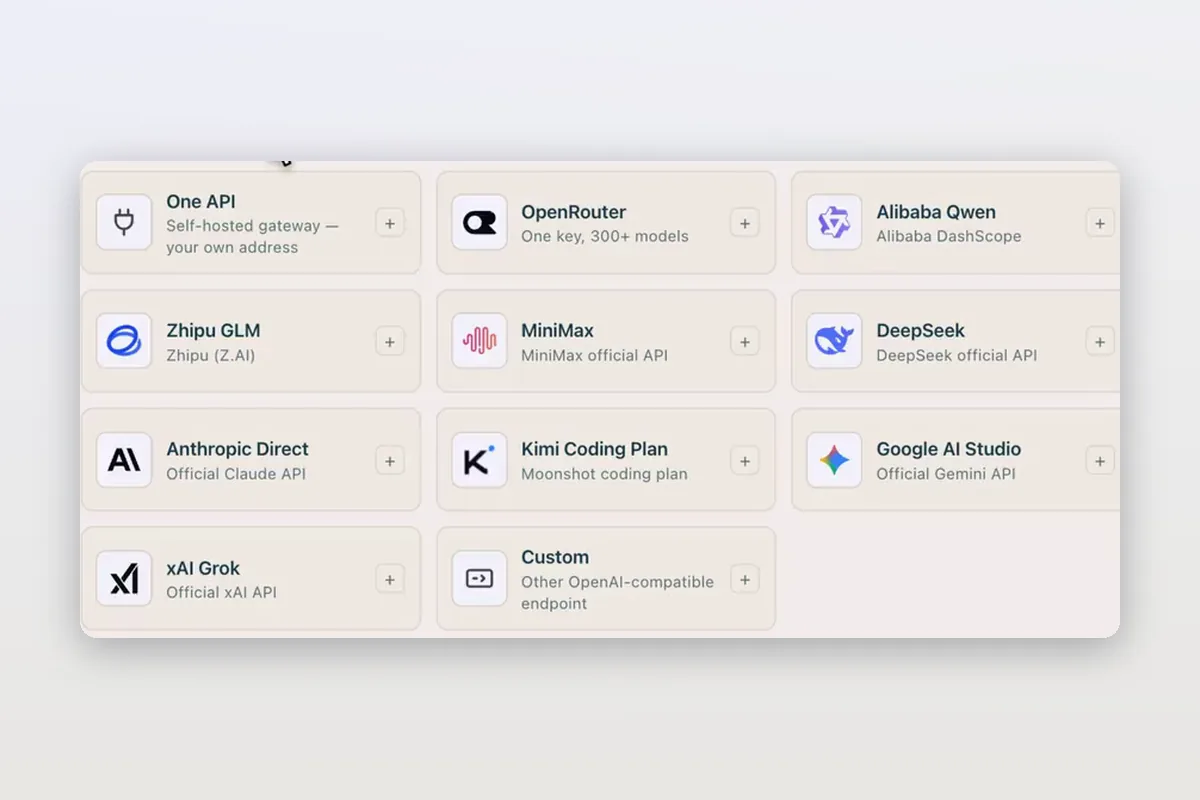
Use DeepSeek in Claude Code and Codex: the official setup, and a per-session switch
How DeepSeek's own guides connect Claude Code and Codex to DeepSeek models, and how Mirasim lets you pick DeepSeek per session without editing config.
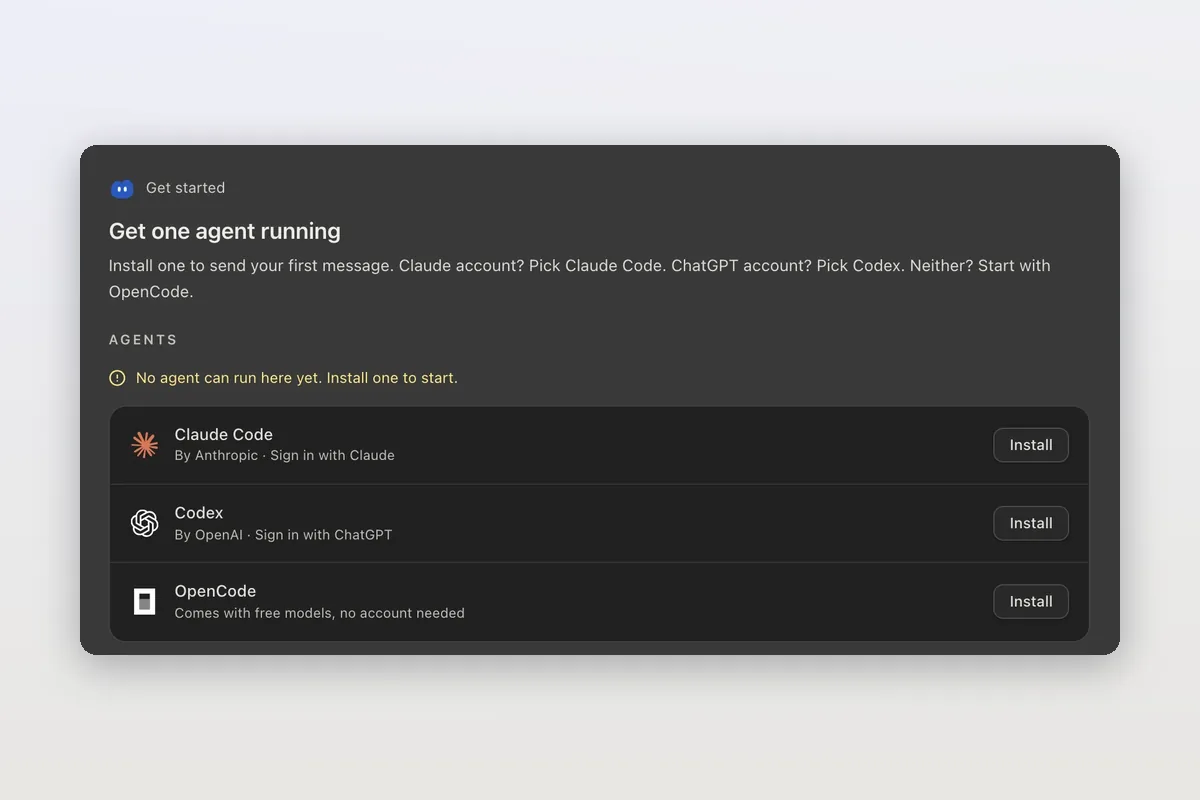
How to install Claude Code on macOS, Windows and Linux
The official install commands for every platform, how to check the install and sign in, and how Mirasim installs Claude Code for you and runs it next to Codex.
Claude Code agent teams, and teams that mix agents and people
Claude Code's agent teams let a lead session split work across Claude teammates. How to turn them on, what they cost, and how Mirasim mixes Codex and people in.