DeepSeek Harness (DSH) in Mirasim: on any desktop, next to your other agents
Run DeepSeek Harness (DSH) on macOS, Windows or Linux, next to Claude Code and Codex, with a DeepSeek API key or Mirasim credit. Share sessions with your team.
The short answer
DeepSeek Harness (dsh) is DeepSeek's open-source agent harness, released under the MIT license and currently in developer preview. The Mirasim desktop app supports ten agents and runs that same dsh directly. Mirasim is not an official DeepSeek application.
- Run on Linux and Intel Mac
- Run DSH where there is no official app
- Run agents side by side
- Run with Claude Code, Codex in one window
- Use DSH on your phone
- Read and reply when away from your desk
- Work with your team
- Share one DSH session with your team
Mirasim is useful when you want to run DSH on Linux or an Intel Mac, alongside other agents, on your phone, or in a shared team session.
Three ways to run DeepSeek Harness
You can download DeepSeek's official desktop app from deepseek.com/en/harness. To use dsh web in your browser, install Node.js and run npx @deepseek-ai/dsh web, which opens the web interface at http://127.0.0.1:3080 on any system that runs Node.js.
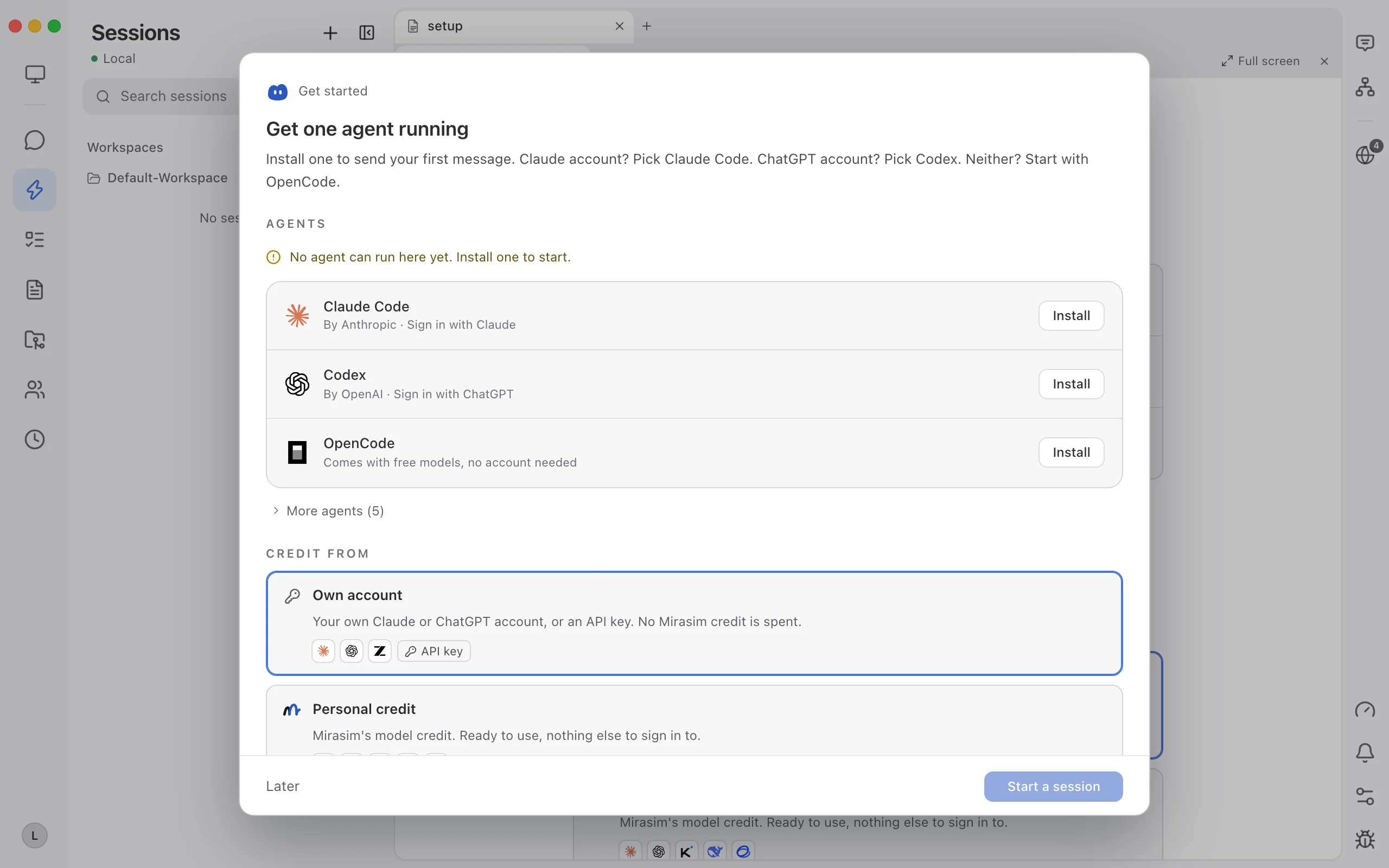
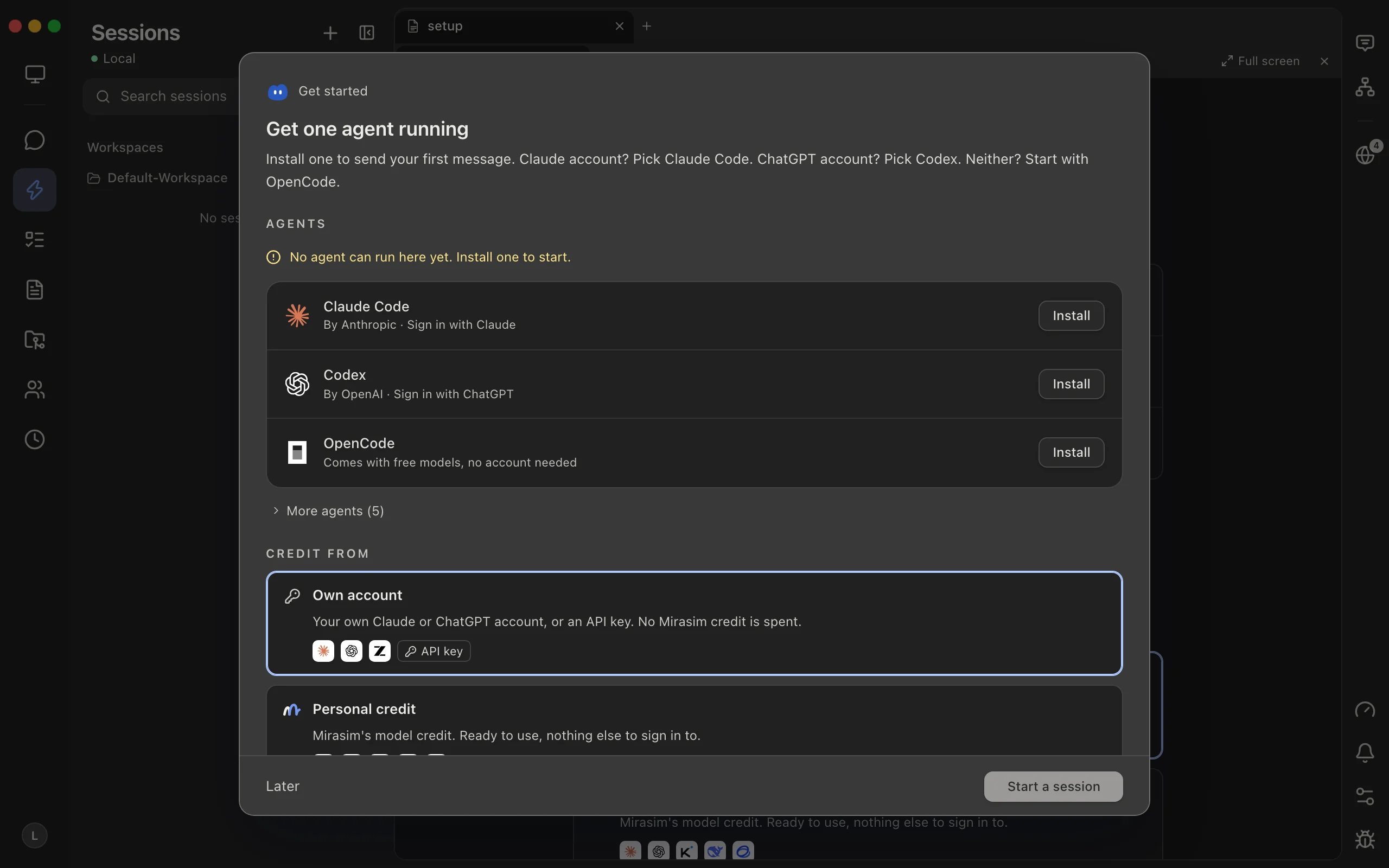
Set it up in Mirasim
- Install DSH
Install in Agent Config, or use your
npm i -g @deepseek-ai/dshcopy - Choose how to pay
Use your DeepSeek API key, or Mirasim credit with no DeepSeek account
- Start a DSH session
Pick a model and session mode: Standard, PTC, Minimal or Creative
Setting up DSH takes three steps: after installing, choose billing (DeepSeek bills your own key) and pick DSH as the agent in the composer.
What you get in Mirasim
- Run alongside other agentsRun Claude Code, Codex or Kimi Code in the next pane
- Open web UIOpens the same session inside dsh's own web interface
- Steer and queue promptsCorrect a running turn, queue prompts, and use your Mirasim MCP servers
- Continue on your phoneSign in on the phone app to read and reply away from your desk
- Work with your teamTurn on Share with members to message in one session, signed by sender
In any session, you can switch to another agent mid-task and carry the conversation history over. Shared team sessions run on a DeepSeek key shared with members or on space credit, and a team space hosted by Mirasim keeps running after you close your laptop.
Article · Run Claude Code, Codex, OpenCode and seven more coding agents in one app → See the other nine coding agents Mirasim supports, and what running them in one app adds.
Questions
- Is Mirasim the official DeepSeek Harness app?
- No. DeepSeek's official desktop app is available at deepseek.com/en/harness. Mirasim is a separate desktop app that runs dsh alongside other coding agents.
- Can I run DeepSeek Harness on Linux?
- Yes. DeepSeek's official desktop app only supports macOS and Windows, but on Linux you can run
npx @deepseek-ai/dsh webin your browser or use the Mirasim desktop app. - Do I need a DeepSeek account?
- Not when using Mirasim. If you bring your own DeepSeek API key, DeepSeek bills you directly; if you don't have a key, you can run DSH using Mirasim credit.
- Which models does DSH run?
- DSH runs the DeepSeek V4 model series, including thinking mode. You can choose which model to use for each session.
- How much does running DSH cost?
- DeepSeek Harness itself is free and open source. When you use your own API key, you pay DeepSeek's standard API rates; for Mirasim's plans and credit pricing, see mirasim.ai/pricing.
Sources
The details about DeepSeek Harness in this article were verified against DeepSeek's official pages on November 8, 2026: deepseek.com/en/harness and github.com/deepseek-ai/deepseek-harness (README and SAFETY.md). Because DeepSeek Harness is changing quickly, please check those pages for the latest information.
Keep reading
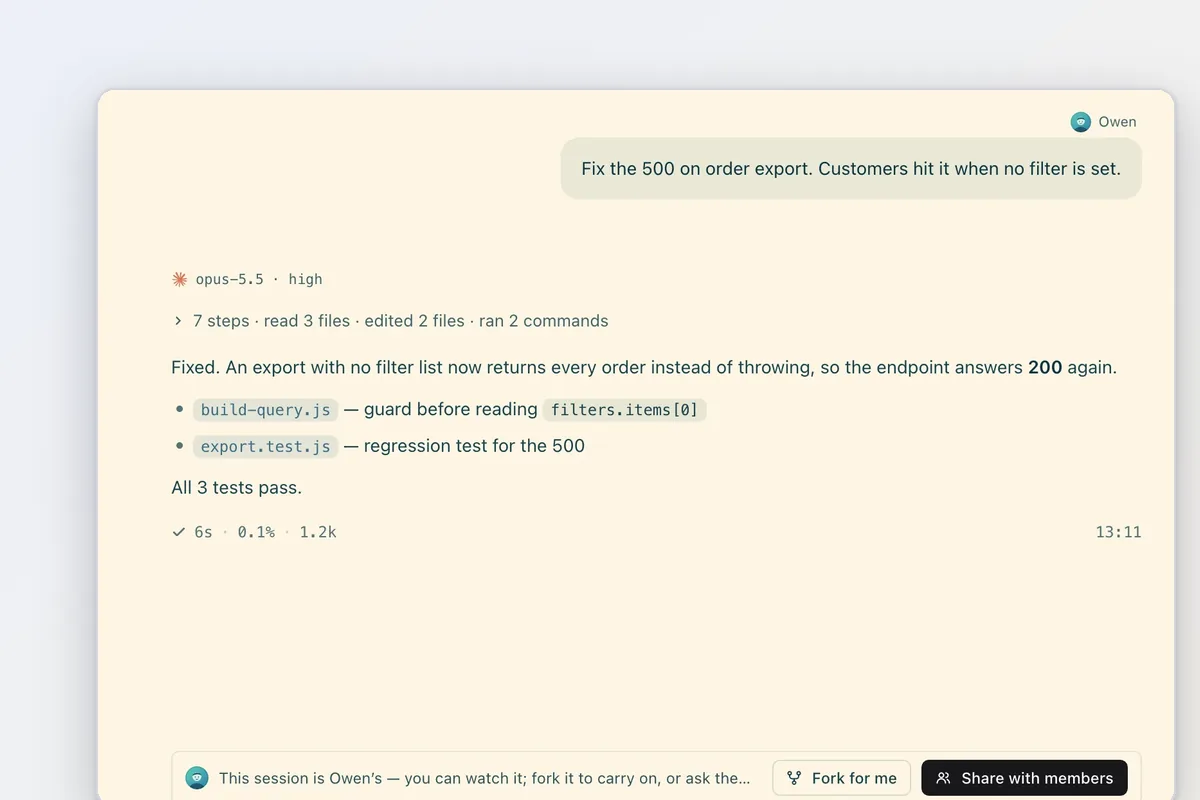
Multiplayer coding agents: build with friends and teammates
A collaborative AI coding agent for friends and teams: make your computer a free collab space, invite them and steer one session on DeepSeek, Kimi or your keys.
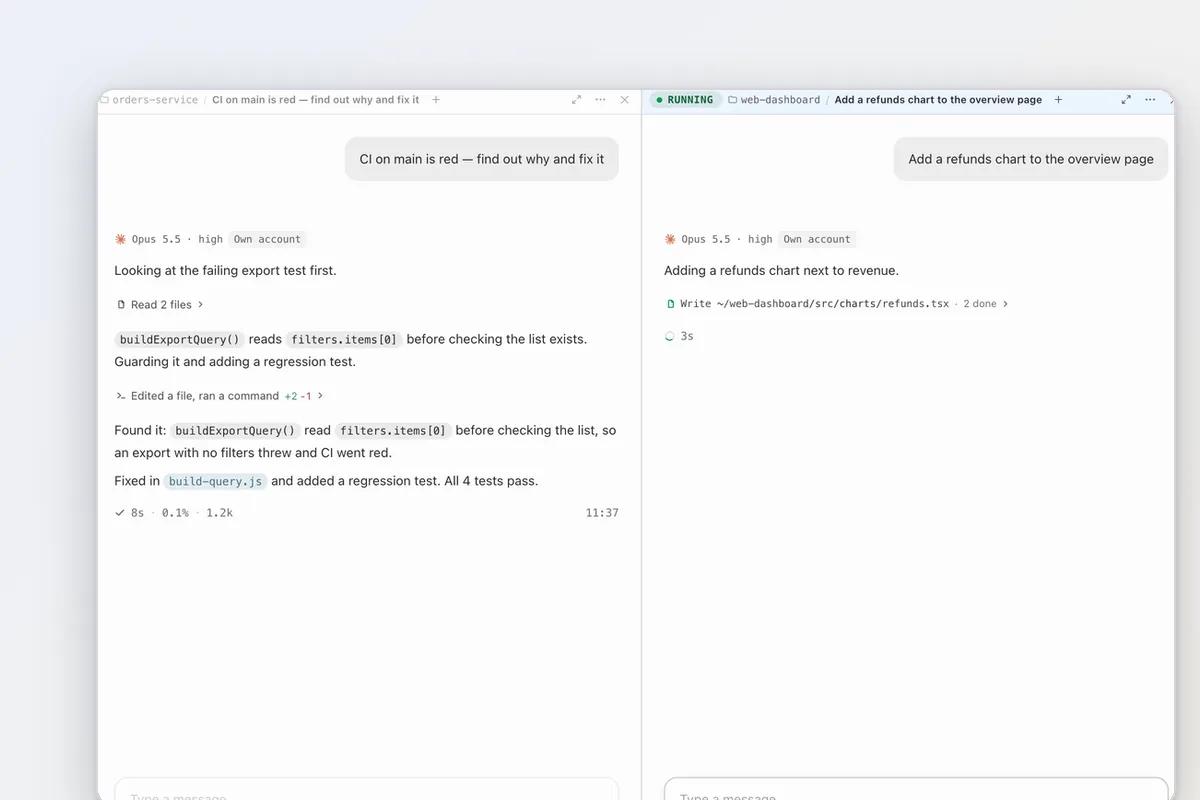
Running two coding agents in one repository
Run a second coding agent on the same checkout and the two overwrite each other. Linked git worktrees let any Mirasim session start in its own.
A Conductor alternative for Mac, Windows and Linux
Conductor is joining Meta and its cloud shuts down Nov 20. Mirasim runs on Mac, Windows and Linux and picks up your Conductor worktrees and chats in place.