Solo studio workflow: running four parallel tracks alone
How an indie builder uses Mirasim's One-person company 4-assistant preset and mobile access to ship code, a 3D demo, a clip and an article in one evening.
Stop burning your best evening hours watching a cursor
When you build alone—especially after a day job—switching between an IDE, a chat tab, a video editor and a doc eats your first hour, and waiting ten minutes for a single code refactor drains the rest. With Mirasim, I shifted from watching one task at a time to dispatching four parallel tracks and reviewing all four deliverables in one 20-minute block.
Step 1: install the 4-assistant One-person company preset in 10 seconds
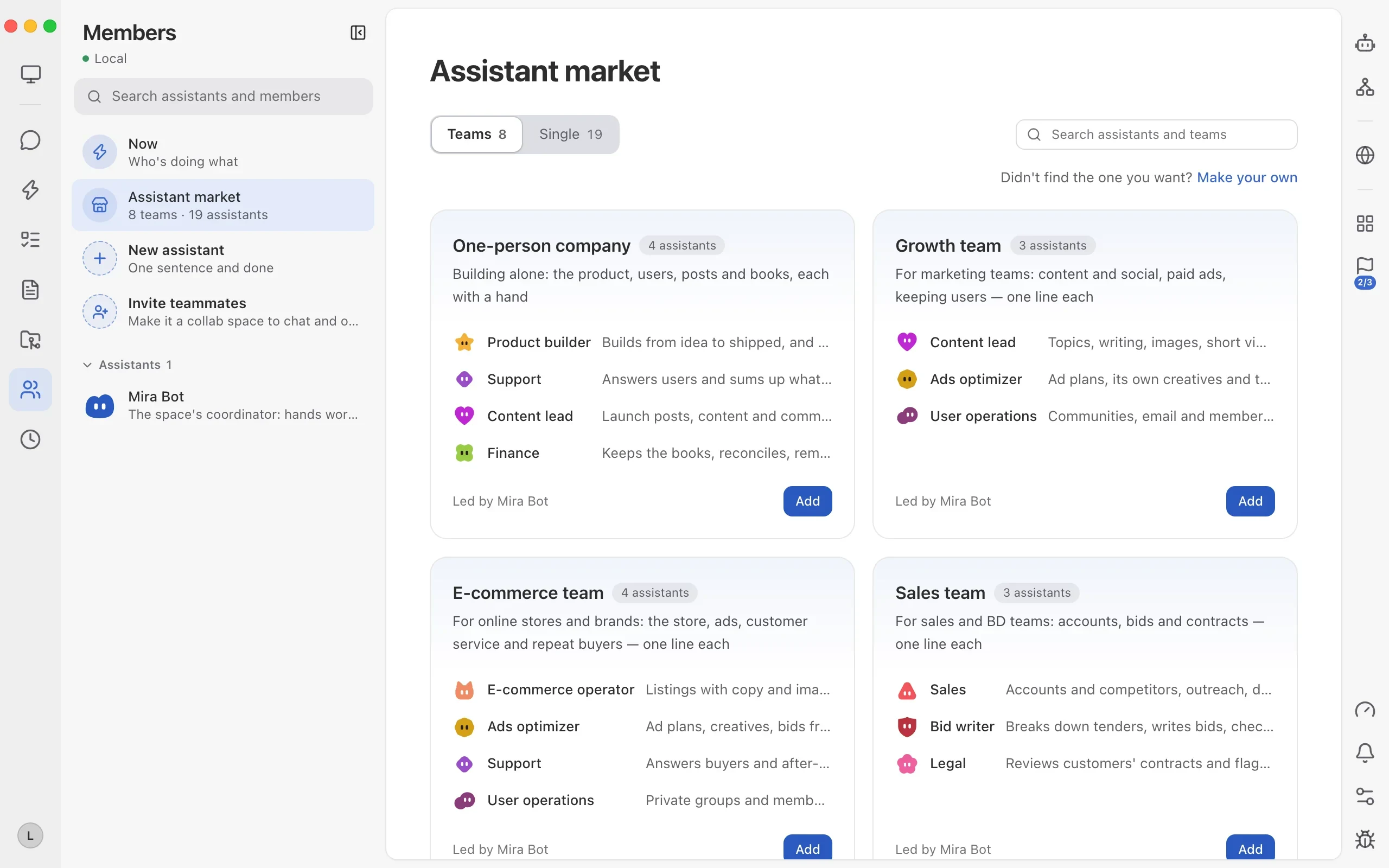
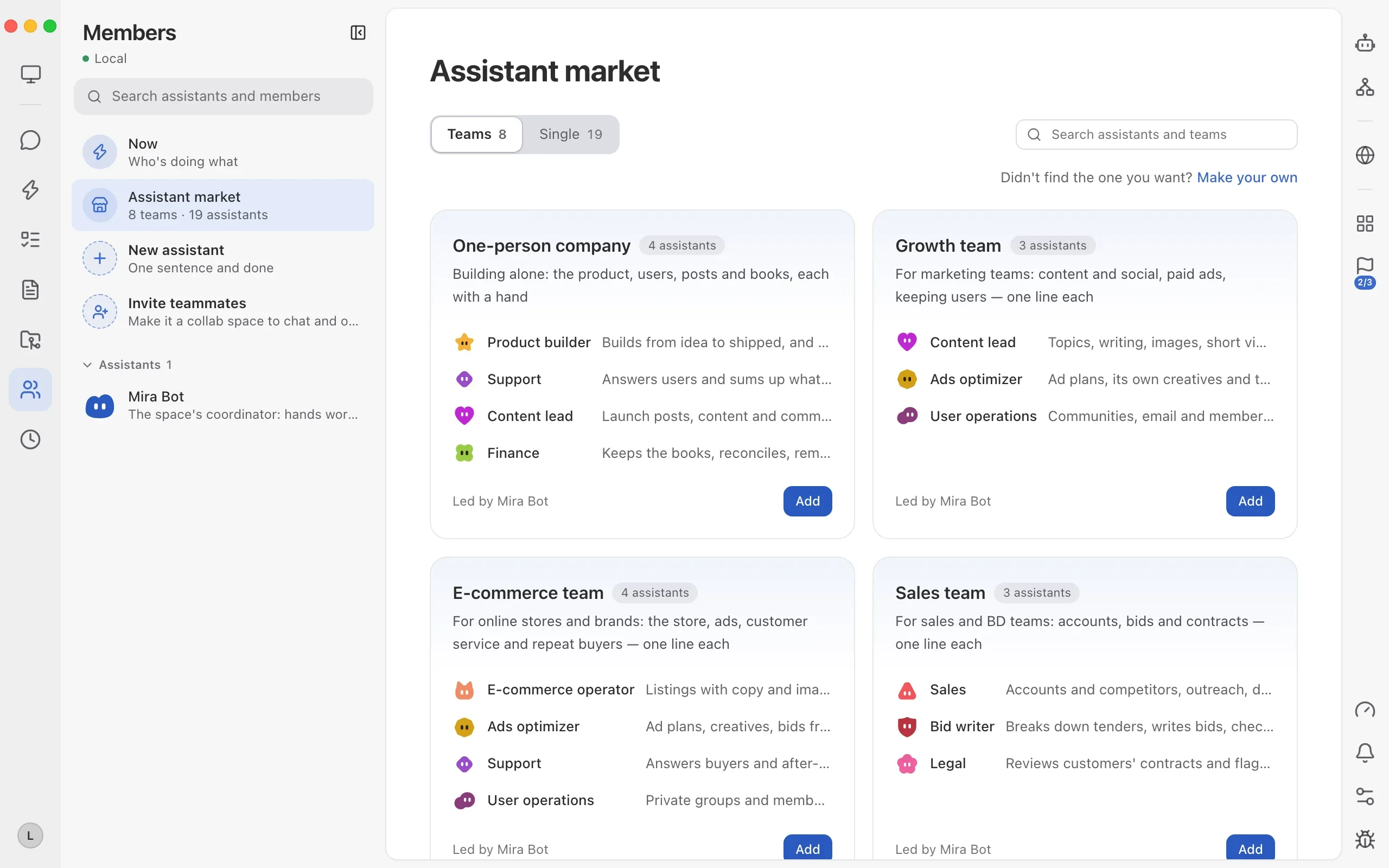
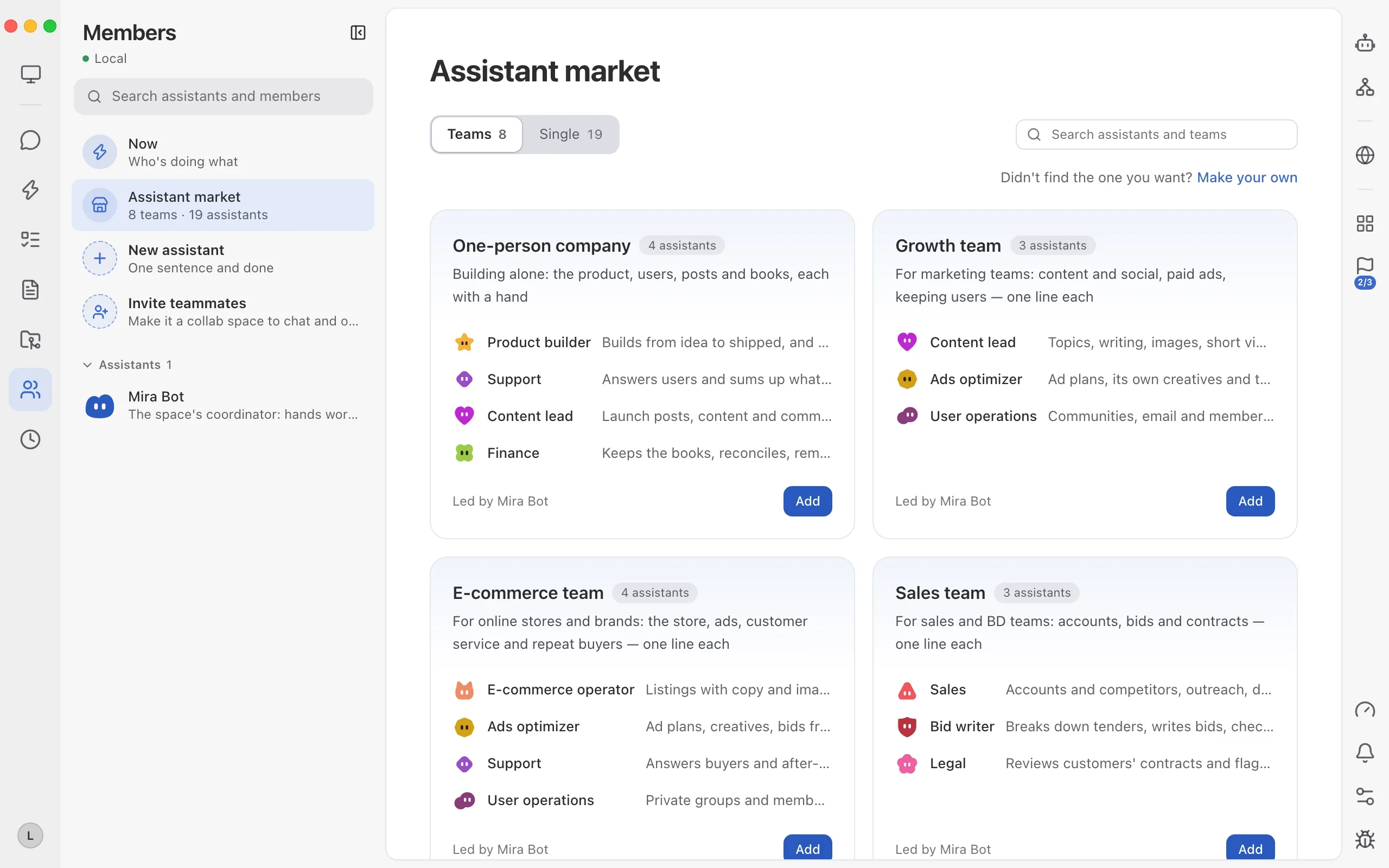
Skip writing long system prompts from scratch. Open Members → Assistant market → Teams, find “One-person company (4 assistants: Product builder, Support, Content lead, Finance, led by Mira Bot)” and click Add. Their handoff boundaries are already tuned so you only talk to Mira Bot.
Step 2: enable encrypted remote access & link your phone
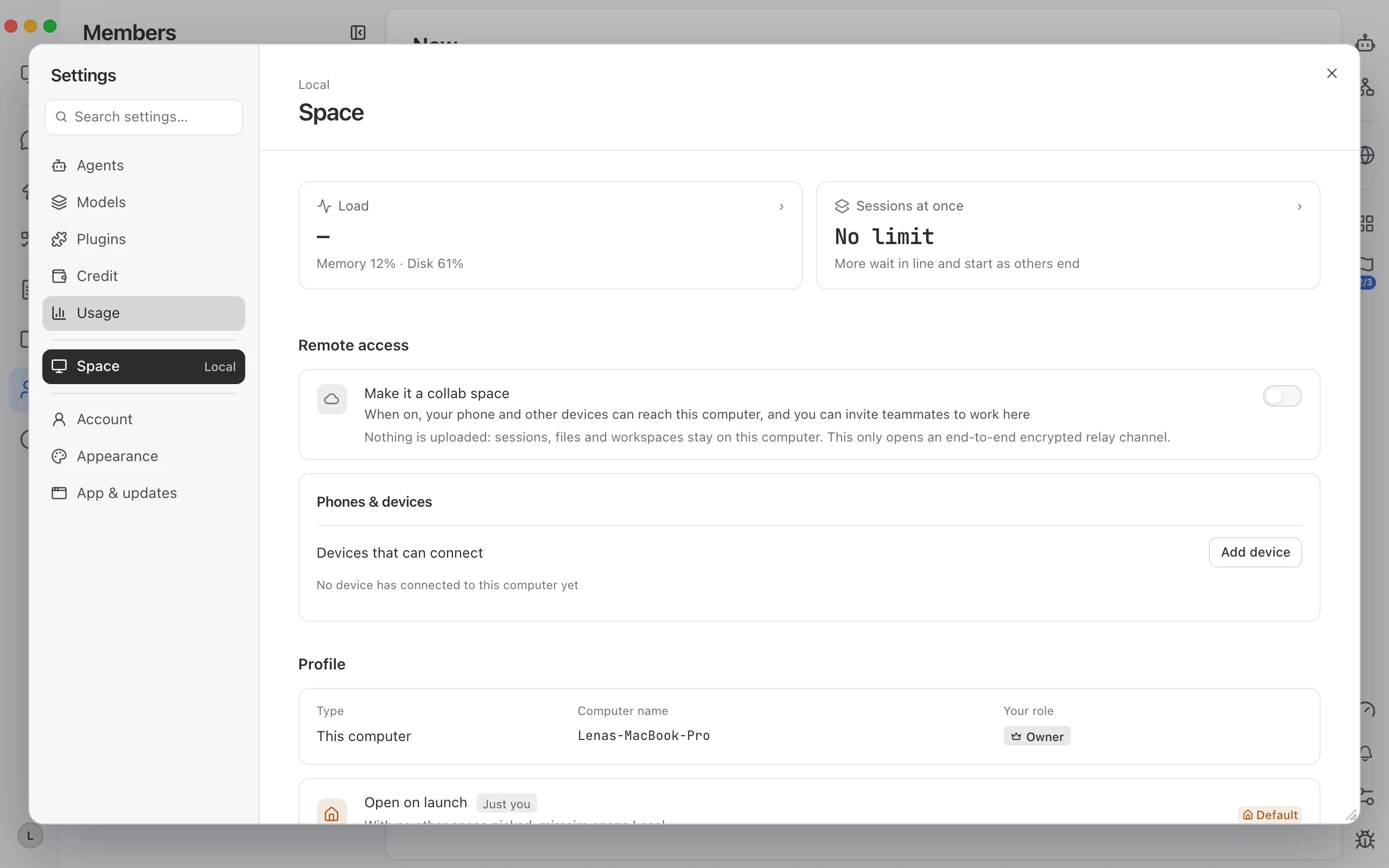
Open Settings → Space, turn on “Make collab space” under Remote access (your code and assets stay on your main computer over an end-to-end encrypted relay), keep Concurrent sessions on Unlimited, and click Add device to connect your phone or laptop. Kick off four tracks at 8:00 PM, take a walk, and approve any quick choice from your phone.
Step 3: hand all four tracks to Mira Bot in one message
Open Messages → Mira Bot and state all four outputs, target locations and guardrails in one message instead of drip-feeding prompts one sentence at a time. Every track automatically appears in the right-hand “All assistant items” panel.
Run tonight's 4 tracks in parallel with our One-person company team:
1) Code track: find the cache bottleneck in a new git worktree, refactor the index module and add 14 unit tests. Leave diffs uncommitted for my review.
2) 3D demo track: build a single-file offline HTML 3D showcase page with zero external CDN dependencies.
3) Clip track: render a 30s 1080p landscape product reel with upbeat electronic BGM.
4) Article track: outline a hands-on developer write-up and list the 4 screenshots to capture.
Track all four in Items and ping me only for sign-off.

--- 中文可直接复制 ---
今晚用「一人公司」助手团把这 4 条线同时跑起来:
1)代码线:开独立 worktree 定位缓存瓶颈,重构索引模块并补齐 14 条单测,先别 commit,留着 diff 等我审;
2)演示页线:做一个离线单文件 HTML 的 3D 交互演示页,保证双击即开、零外链 CDN;
3)短片线:渲染一条 30 秒 1080p 横屏演示短片,配轻快电子配乐;
4)长文线:整理面向开发者的实测长文大纲,并标出 4 张配图槽位。
全部挂进右侧「全部助手事项」盯进度,跑完汇总回来集中验收。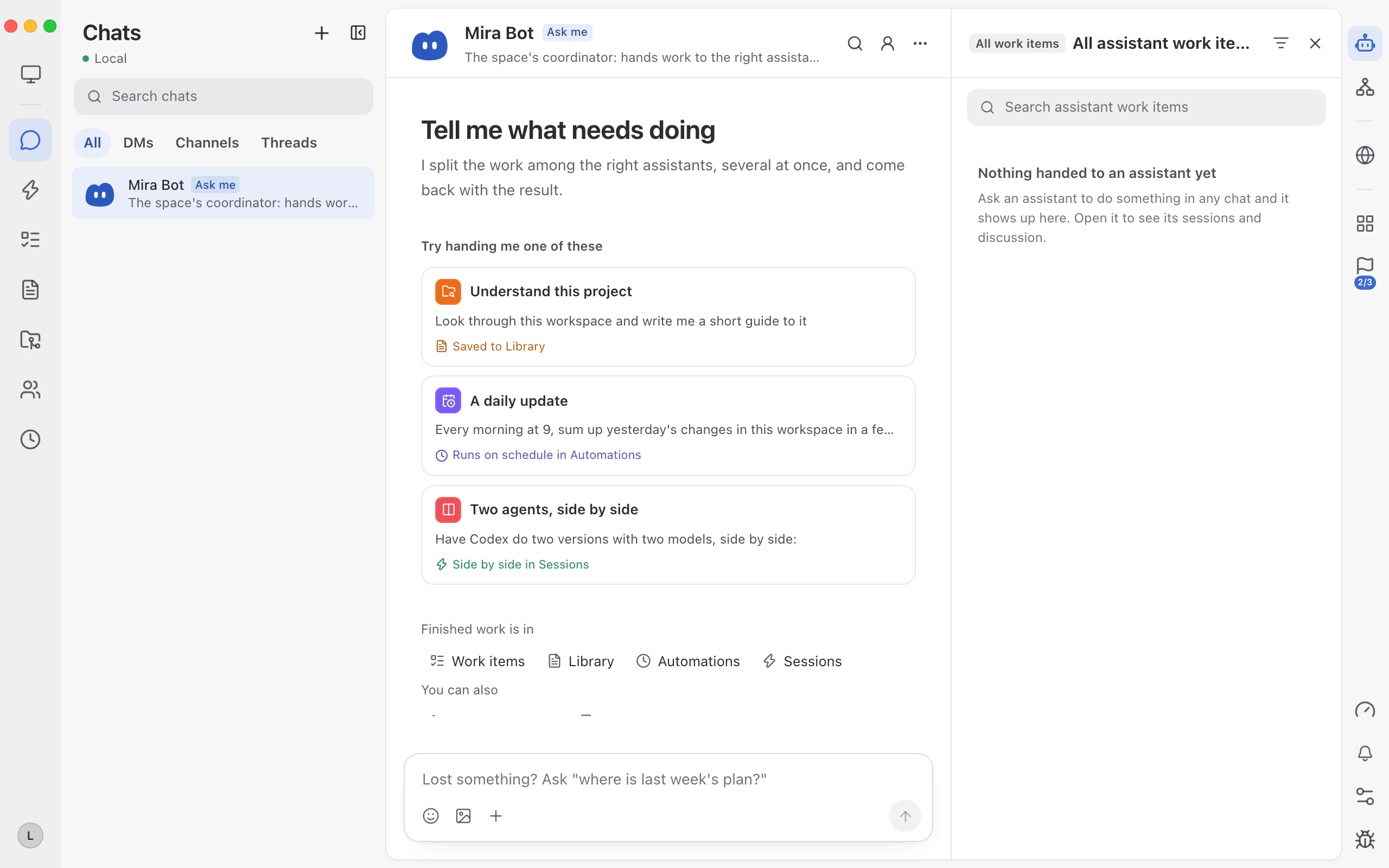
Step 4: batch-review diffs and deliverables in one 20-minute pass
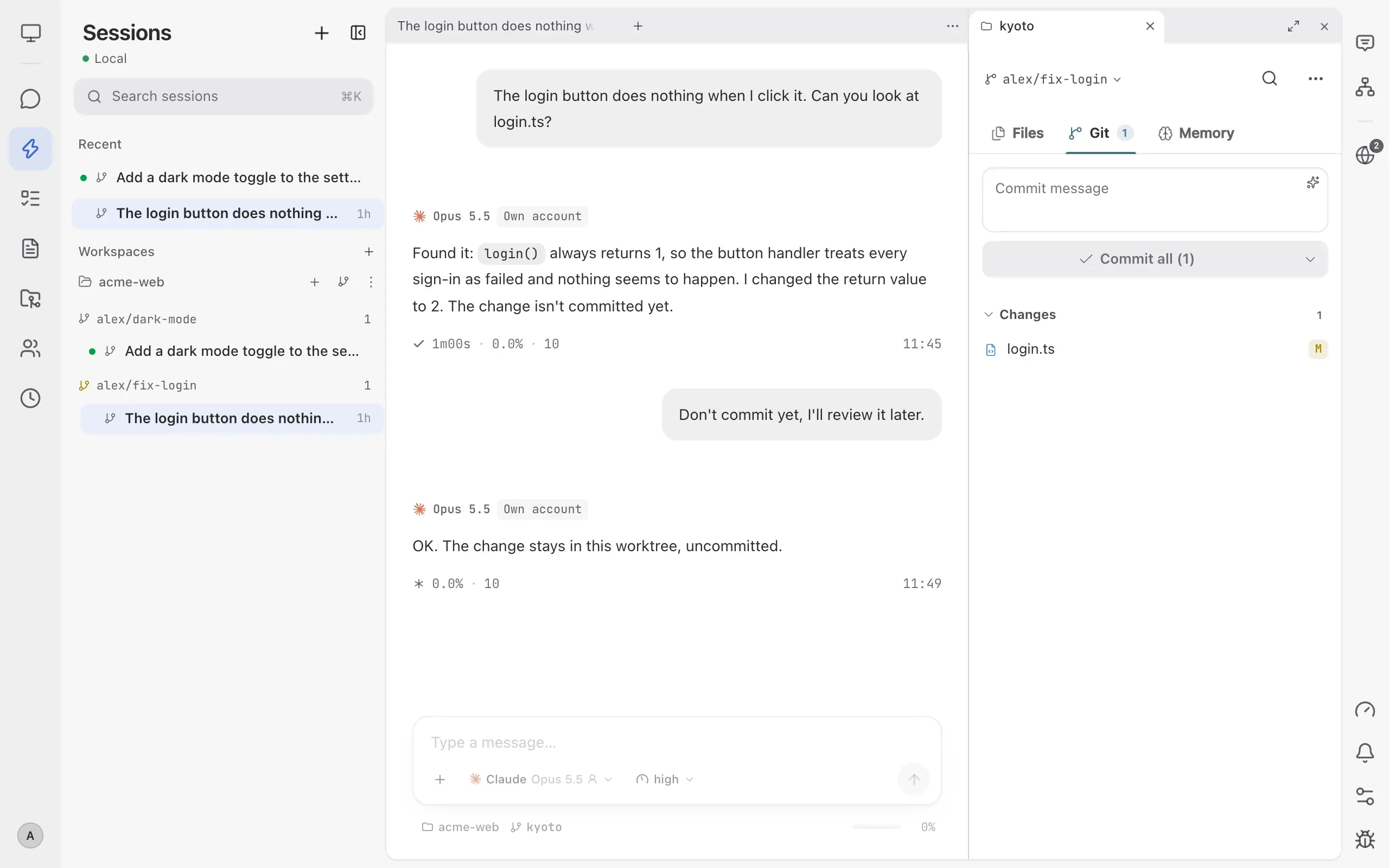
When all four items turn green, review highest-risk work first: open the code worktree and check every modified file in the right-hand Git panel before clicking commit; then open the HTML demo and MP4 clip side by side; finally paste your freshly verified screenshots into the draft outline and publish.
Keep reading
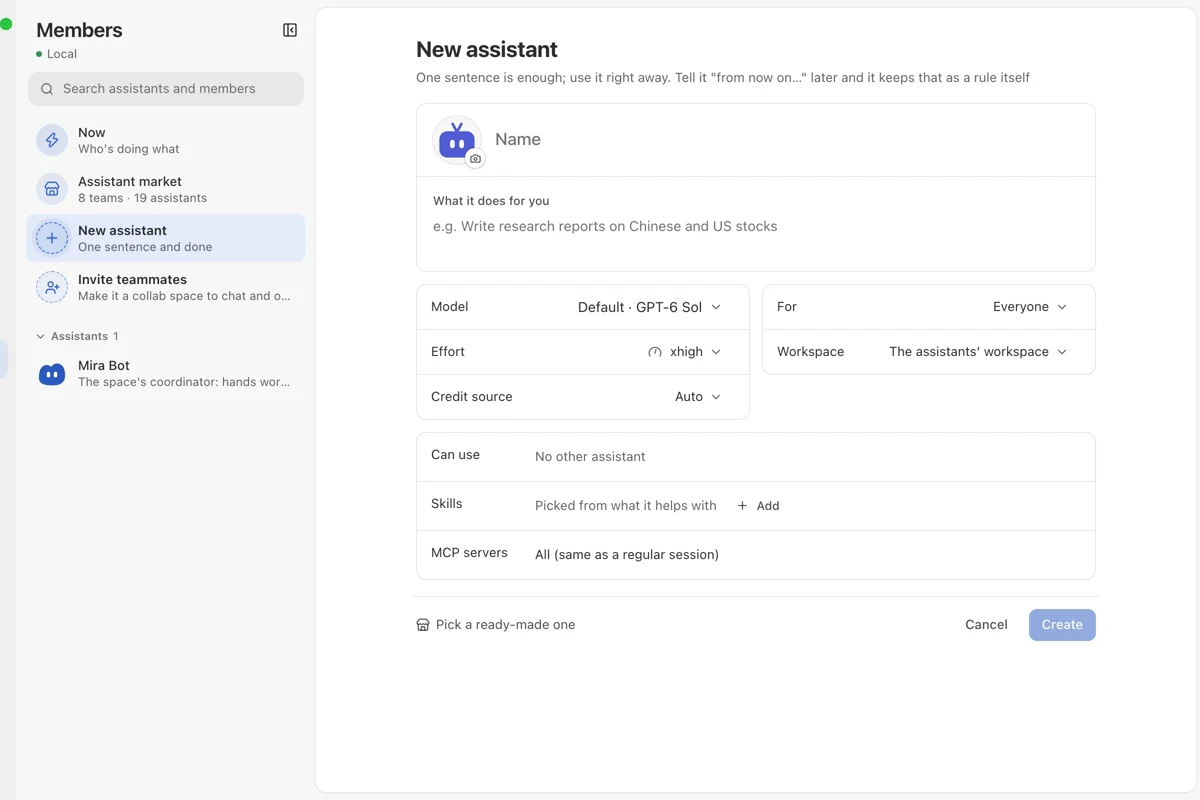
Build a custom assistant team and run it in Messages
How an indie builder creates 3 role-specific assistants in Mirasim Members—each with its own rules, model, credit source and skills—and runs them inside Messages.
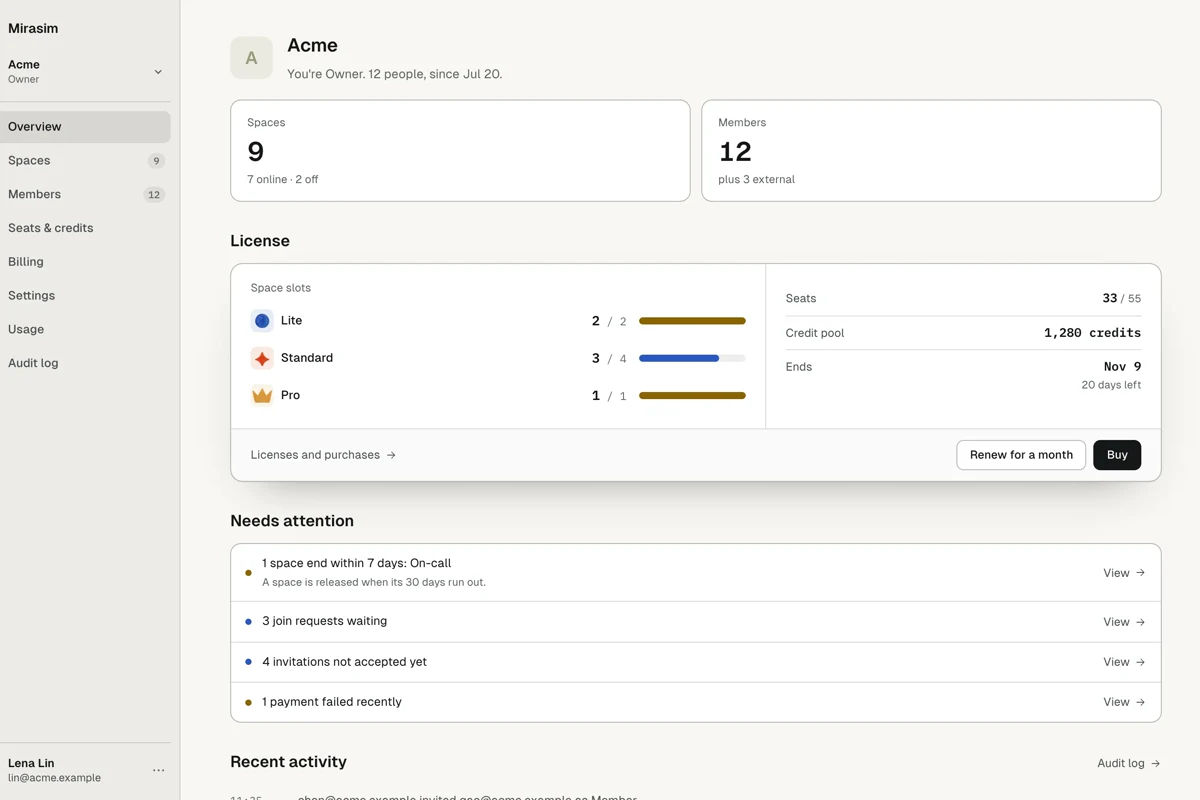
One client, one space: isolated multi-project delivery
How a dev studio runs 4+ clients in Mirasim with one isolated space per client, dedicated budgets, instant switching and live client sign-off.
96 releases in 20 days: how a small team ships multiple times a day
How our small engineering team uses Mirasim Work Items, a shared collab space and parallel git worktrees to go from weekly drops to 96 stable releases in 20 days.