Build a custom assistant team and run it in Messages
How an indie builder creates 3 role-specific assistants in Mirasim Members—each with its own rules, model, credit source and skills—and runs them inside Messages.
Why one generic bot breaks on indie game builds
When building an indie game prototype solo, one generic assistant quickly runs into two frustrations: it forgets your boundaries and silently overwrites pixel art or audio files while editing UI code, and it forces every role onto the same model and billing pool even when you hold both a personal subscription and platform credits.
With Mirasim's Members → New assistant and Messages workflow, I spent 30 minutes setting up three role-specific assistants—Game Designer, Gameplay Coder and QA Verifier—then ran the whole build in Messages like a tiny studio.
Step 1: finish setup and pick Messages mode
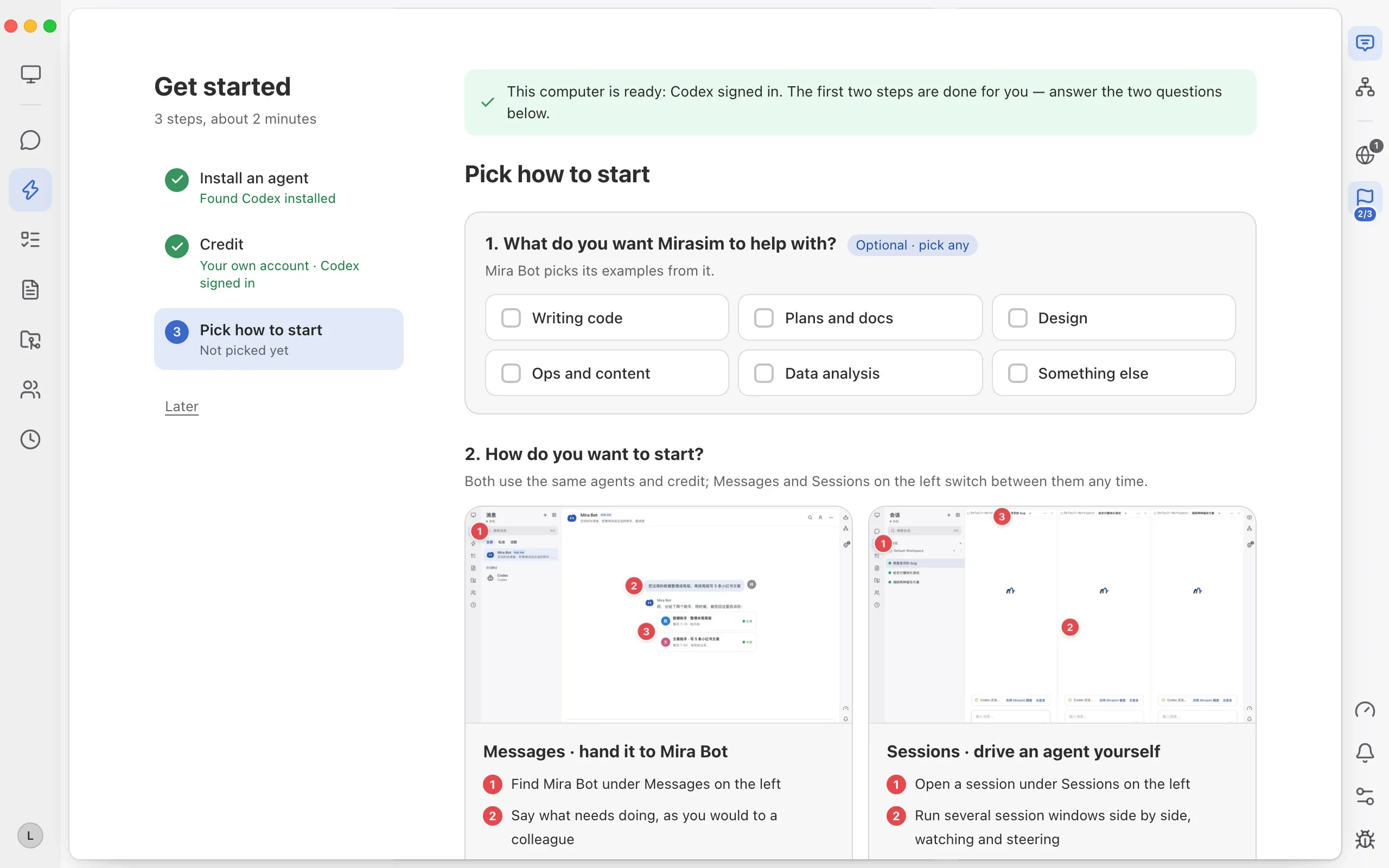
During first-run onboarding (“Get started”), confirm your installed agent and credit setup (you can combine your signed-in personal subscription with platform credits), then pick “Messages · Hand work to Mira Bot” on step 3 so your custom assistants collaborate inside Messages.
Step 2: create 3 custom assistants in Members (exact field table)
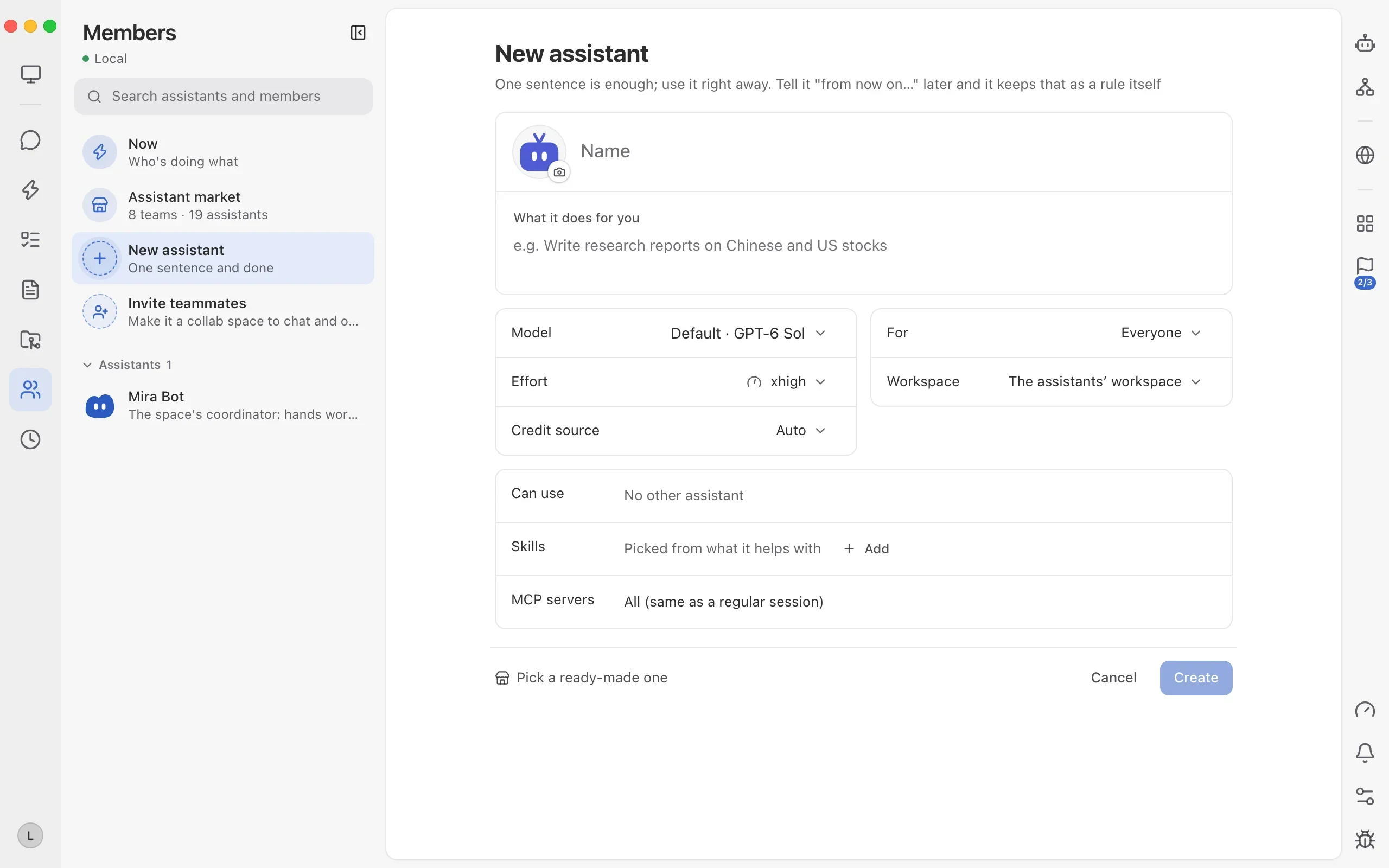
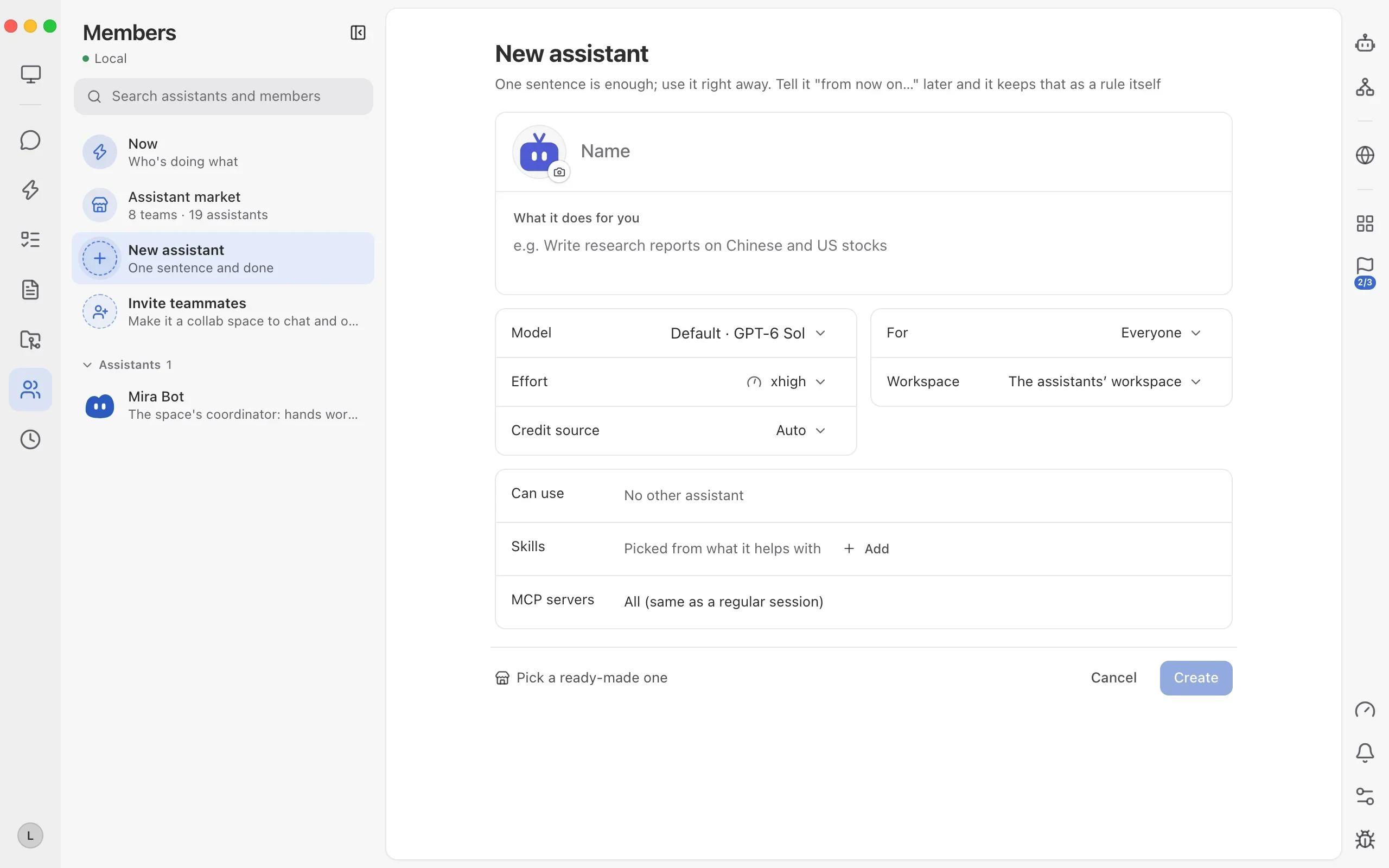
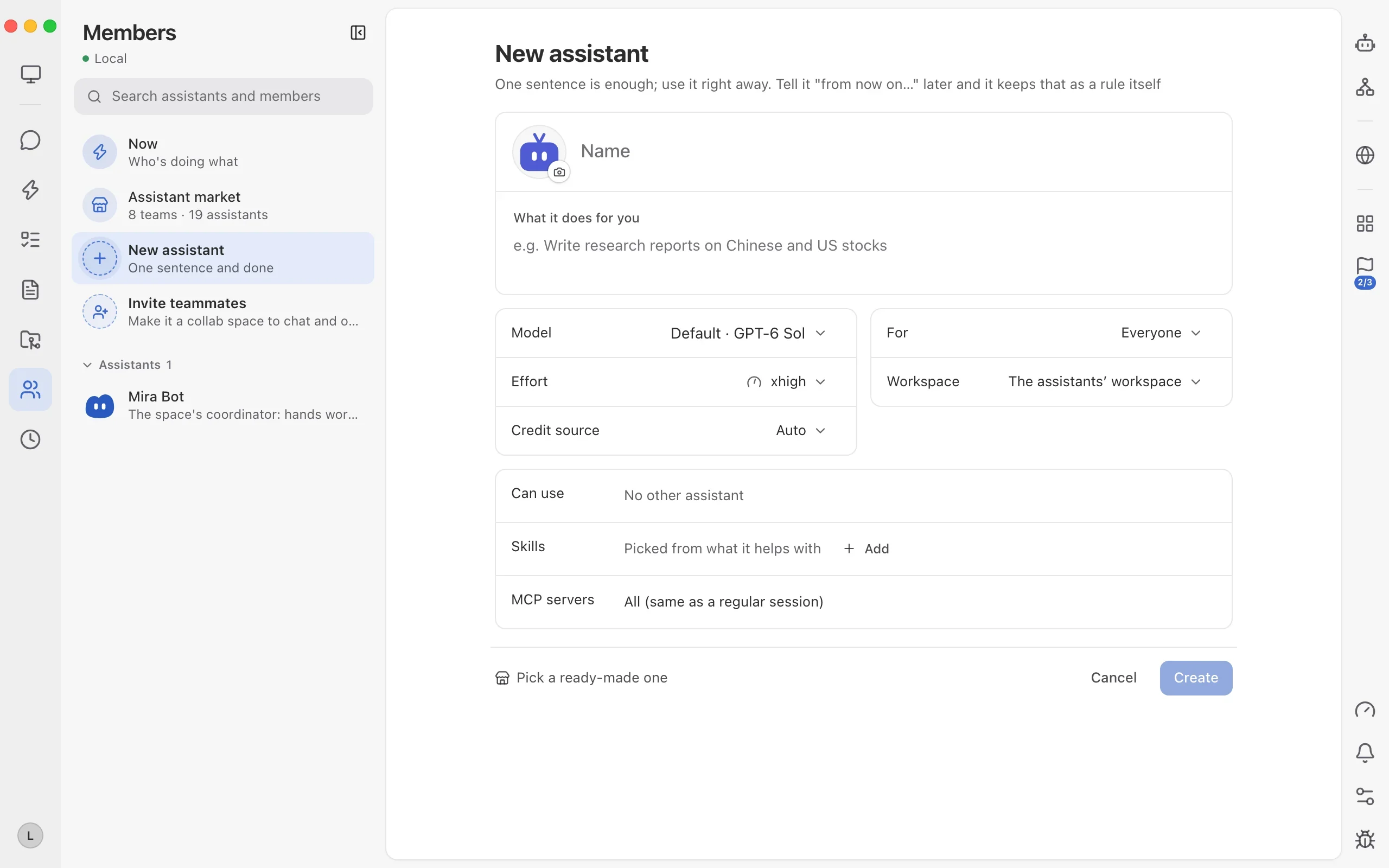
Open Members → New assistant. As the subtitle says: “One sentence is enough; use it right away. Tell it ‘from now on…’ later and it keeps that as a rule itself.” Here is the exact 3-assistant setup I used—copy it field by field:
| Field | Game Designer | Gameplay Coder | QA Verifier |
|---|---|---|---|
| What it does (role & boundary) | Writes game spec & art boundary checklist; never edits code directly. | Builds core loop & UI; must pause in Messages before touching pixel art or audio. | Verifies offline single-file HTML bundle (zero CDN) on 1440px & 390px viewports. |
| Model & effort | Reasoning flagship · high | Coding flagship · xhigh | Fast coding model · medium |
| Credit source | Platform credits | Own subscription | Own subscription / Auto |
| Can use & skills | Doc & planning skills | Can use QA Verifier · Refactor & test skills | Browser preview & screenshot skills |
Step 3: dispatch in Messages and let guardrails pause for sign-off
Jump back to Messages → Mira Bot (or DM any custom assistant directly) and send one brief. Mira Bot routes each part to the matching assistant using its own configured model and credit source, while every active item shows up in the right-hand “All assistant items” list.
Run our 3 custom assistants on the Pixel Cafe offline prototype:
1) Game Designer writes the spec and art boundary checklist;
2) Gameplay Coder builds the core gameplay loop, ledger and pause UI;
3) QA Verifier checks zero-CDN offline bundling on 1440px desktop and 390px mobile viewports.
Track all items in the right-hand list. Pause in Messages before modifying any pixel art or audio assets.

--- 中文可直接复制 ---
按刚配好的 3 位专属助手分工推进《像素咖啡馆》离线可玩原型:
1)让策划助手先出数值规格和美术边界清单;
2)让玩法研发助手写核心循环、收银账本和暂停菜单 UI;
3)让测试验收助手跑零外链离线打包,并检查桌面 1440 和手机 390 双端视口。
全部挂进右侧事项追踪,涉及像素美术或音效资产前,直接在消息里暂停找我确认。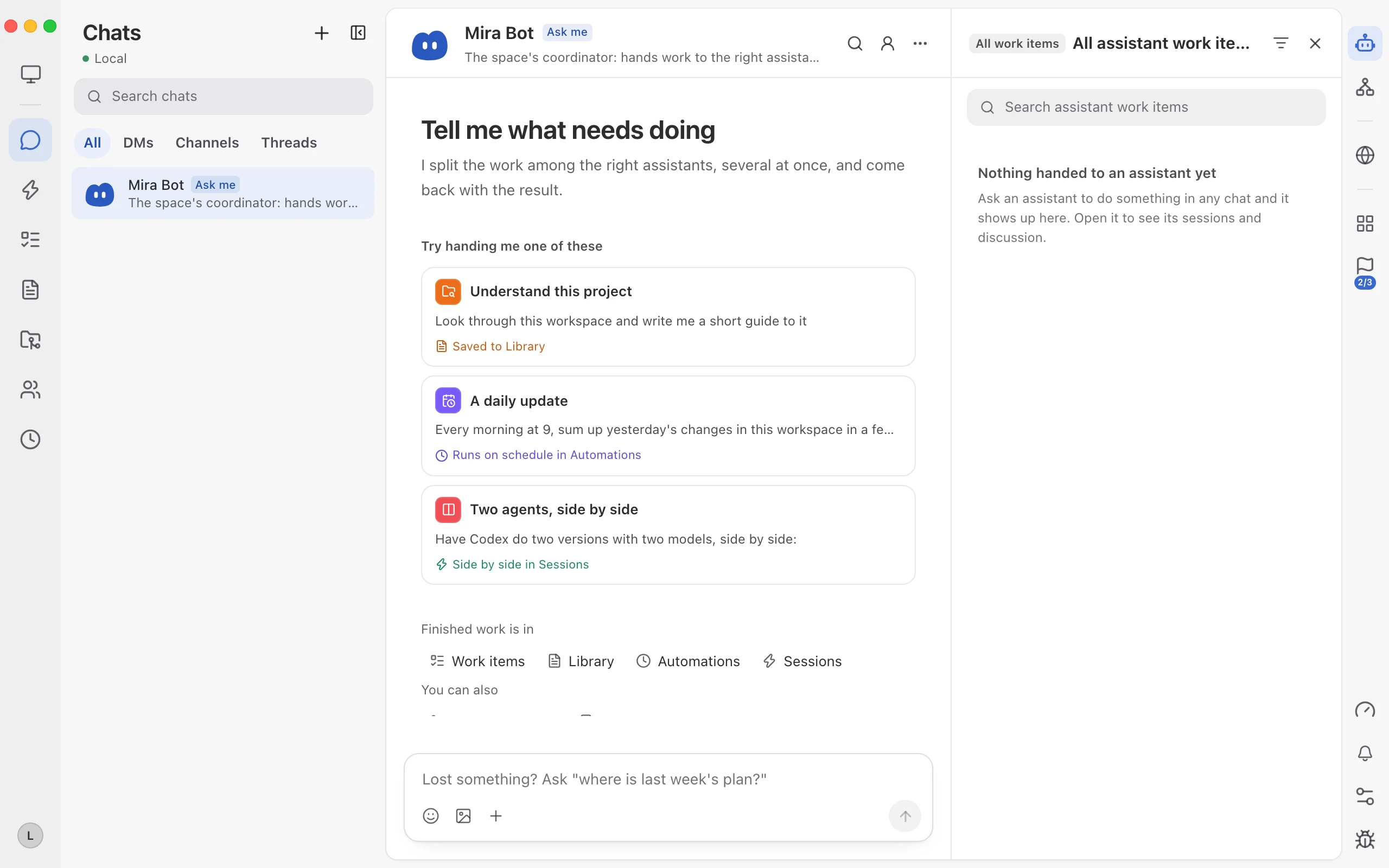
Step 4: say “from now on…” in chat so rules stick, and monitor in Members → Now
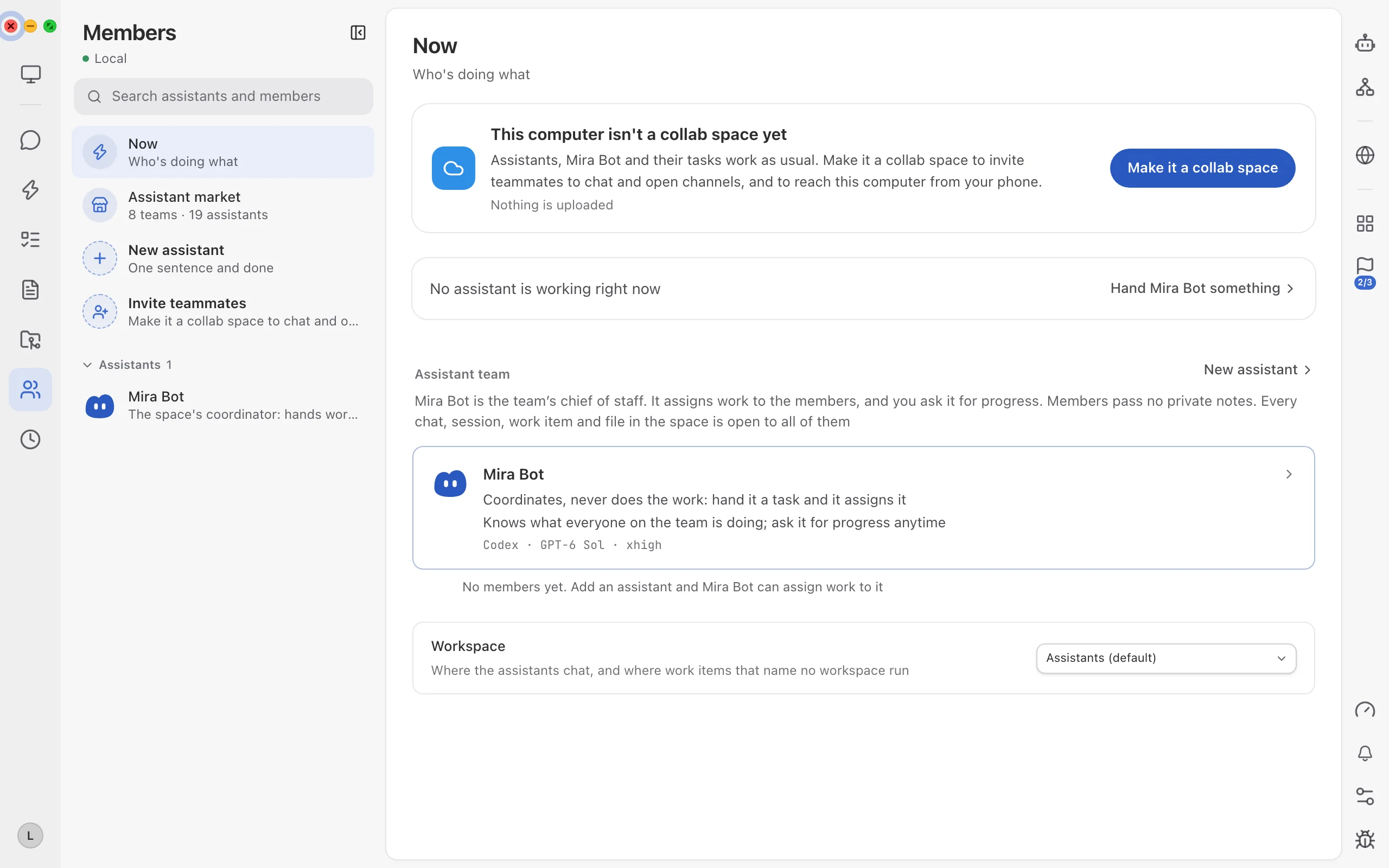
When Gameplay Coder paused over two pixel menu sprites, I approved it and added one line in Messages: “From now on, post a preview comparison image in Messages before saving any pixel art or audio change.” You never have to maintain static config files by hand—the assistant saves that rule automatically for future builds. Anytime you want an overview, click Members → Now to see who is doing what.
Keep reading
One client, one space: isolated multi-project delivery
How a dev studio runs 4+ clients in Mirasim with one isolated space per client, dedicated budgets, instant switching and live client sign-off.
96 releases in 20 days: how a small team ships multiple times a day
How our small engineering team uses Mirasim Work Items, a shared collab space and parallel git worktrees to go from weekly drops to 96 stable releases in 20 days.
Solo studio workflow: running four parallel tracks alone
How an indie builder uses Mirasim's One-person company 4-assistant preset and mobile access to ship code, a 3D demo, a clip and an article in one evening.