96 releases in 20 days: how a small team ships multiple times a day
How our small engineering team uses Mirasim Work Items, a shared collab space and parallel git worktrees to go from weekly drops to 96 stable releases in 20 days.
Why small teams get stuck on weekly releases
A few weeks ago another engineering lead asked me a question that stung: “Other teams are shipping several builds a day—why are you still on a weekly release?” Our engineers were not slow. We were stuck because requests lived in four tools, each person could only push one branch at a time, and product or ops tweaks waited in the same queue.
After moving our workflow into Mirasim, we shipped 96 stable releases and 229 preview builds in 20 calendar days (averaging 4.8 stable releases a day). When a user reported a routing fallback bug at 15:21, a tested PR was green and merged by 18:03—under three hours. That pace does not happen by default; it relies on three prerequisites we set up first.
Prerequisite 1: pipe repo issues into Work Items
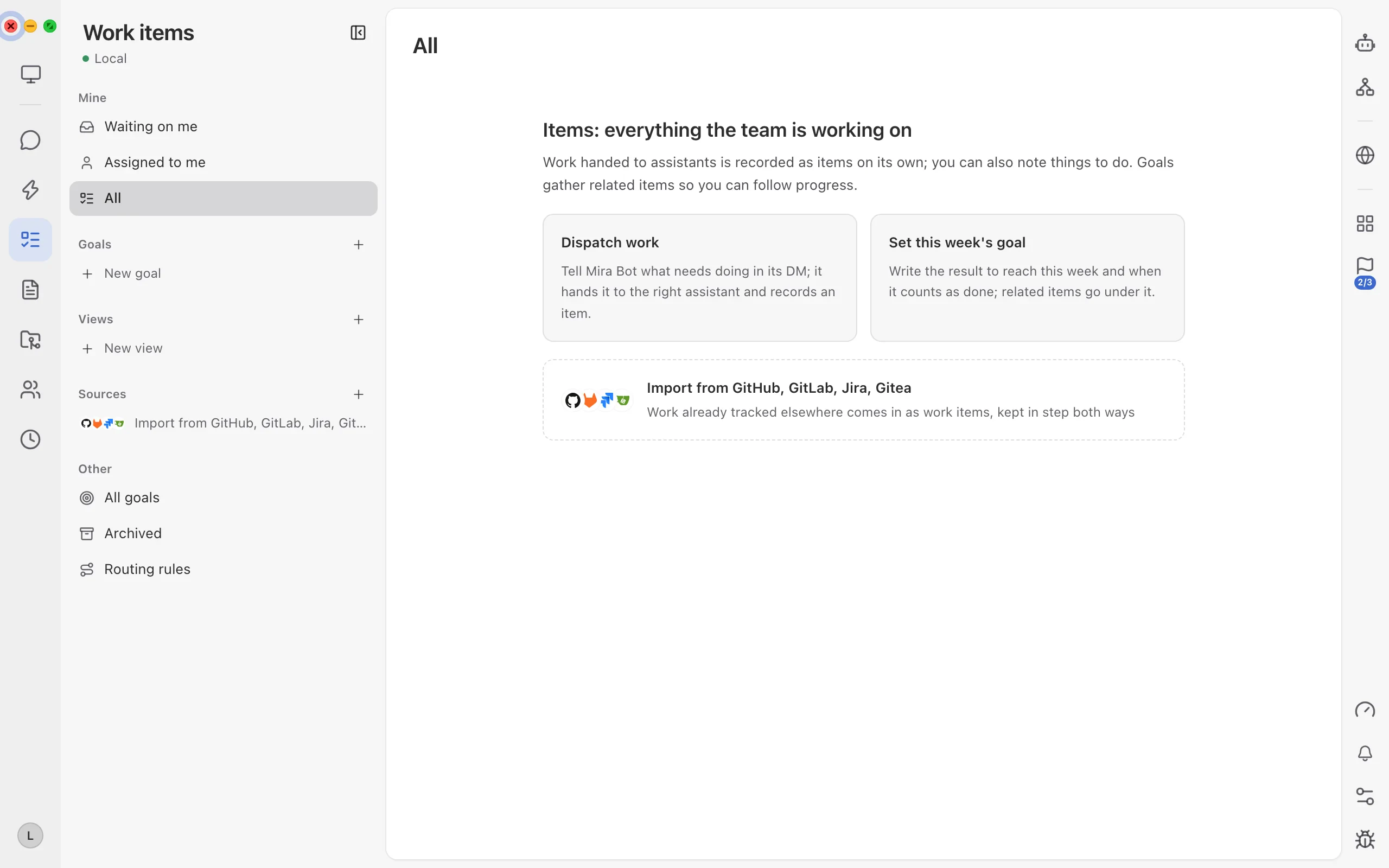
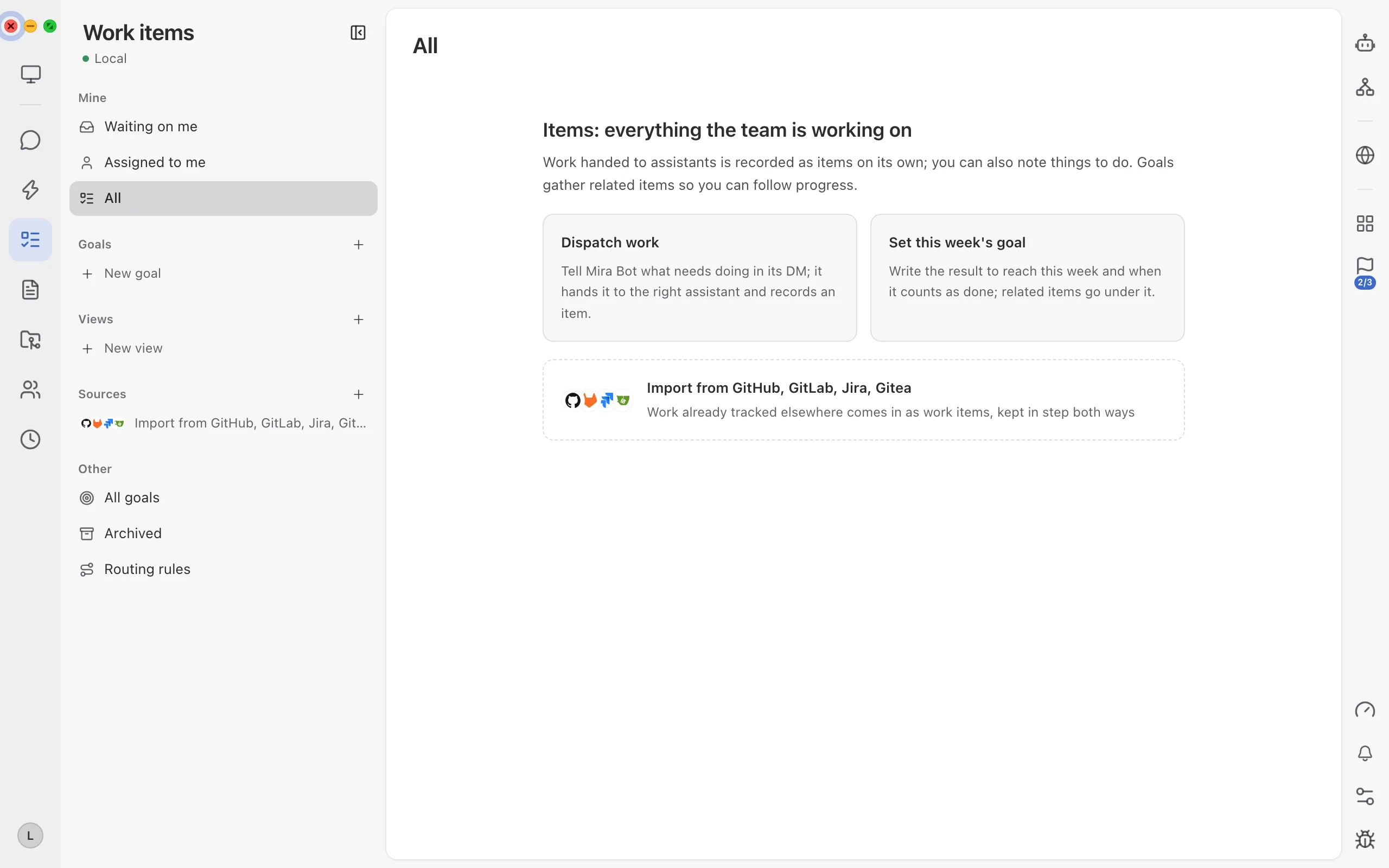
- Open Work Items from the left rail
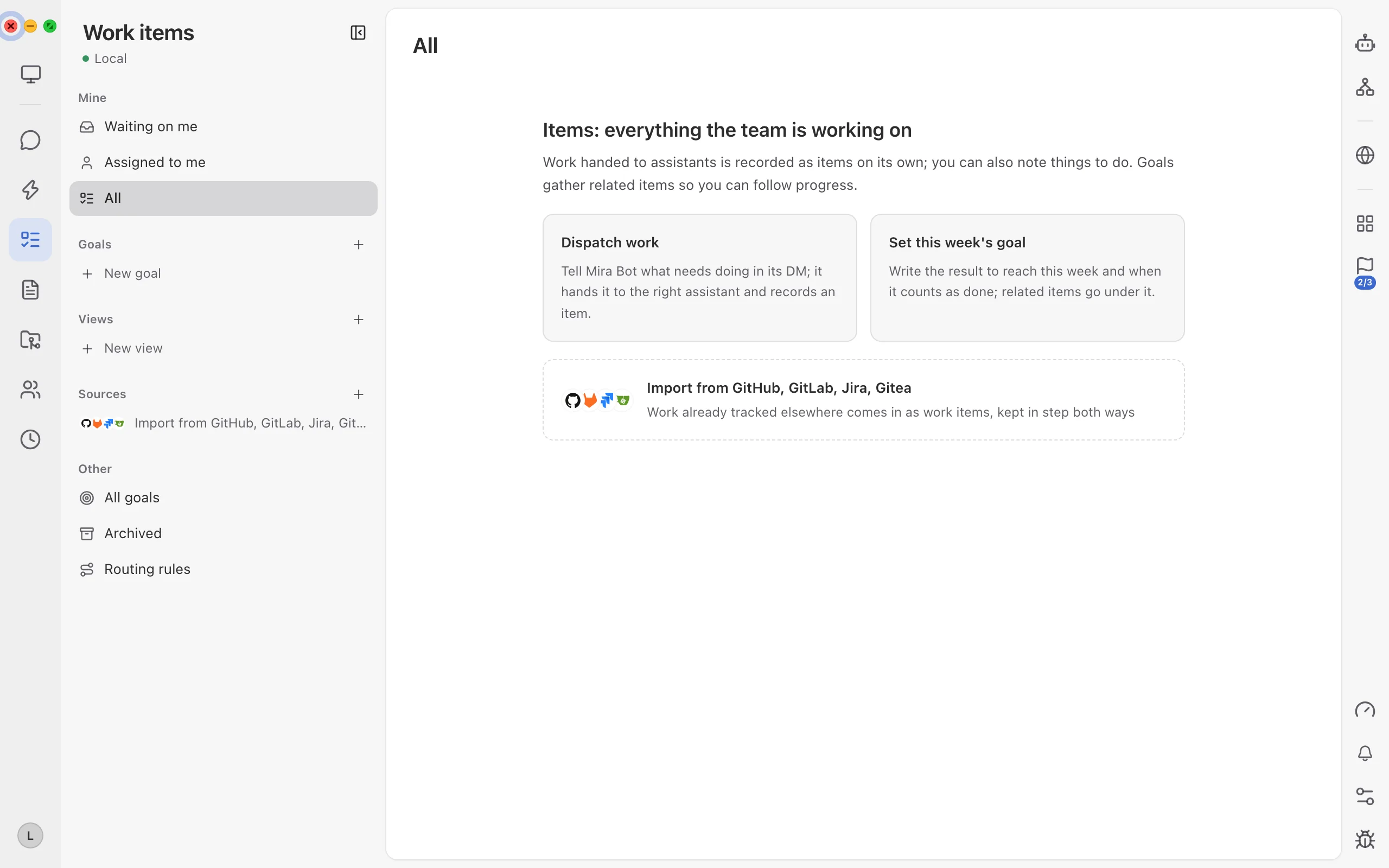
Click Work items in the left rail, then click + next to Sources or choose “Import from GitHub, GitLab, Jira, Gitea” at the bottom.
- Connect your repo and configure Routing rules
Authorize your repository so new issues and community reports sync both ways automatically, then open Routing rules at the bottom-left to route bug labels straight into your dev queue.
Prerequisite 2: turn on a Collab Space for every role
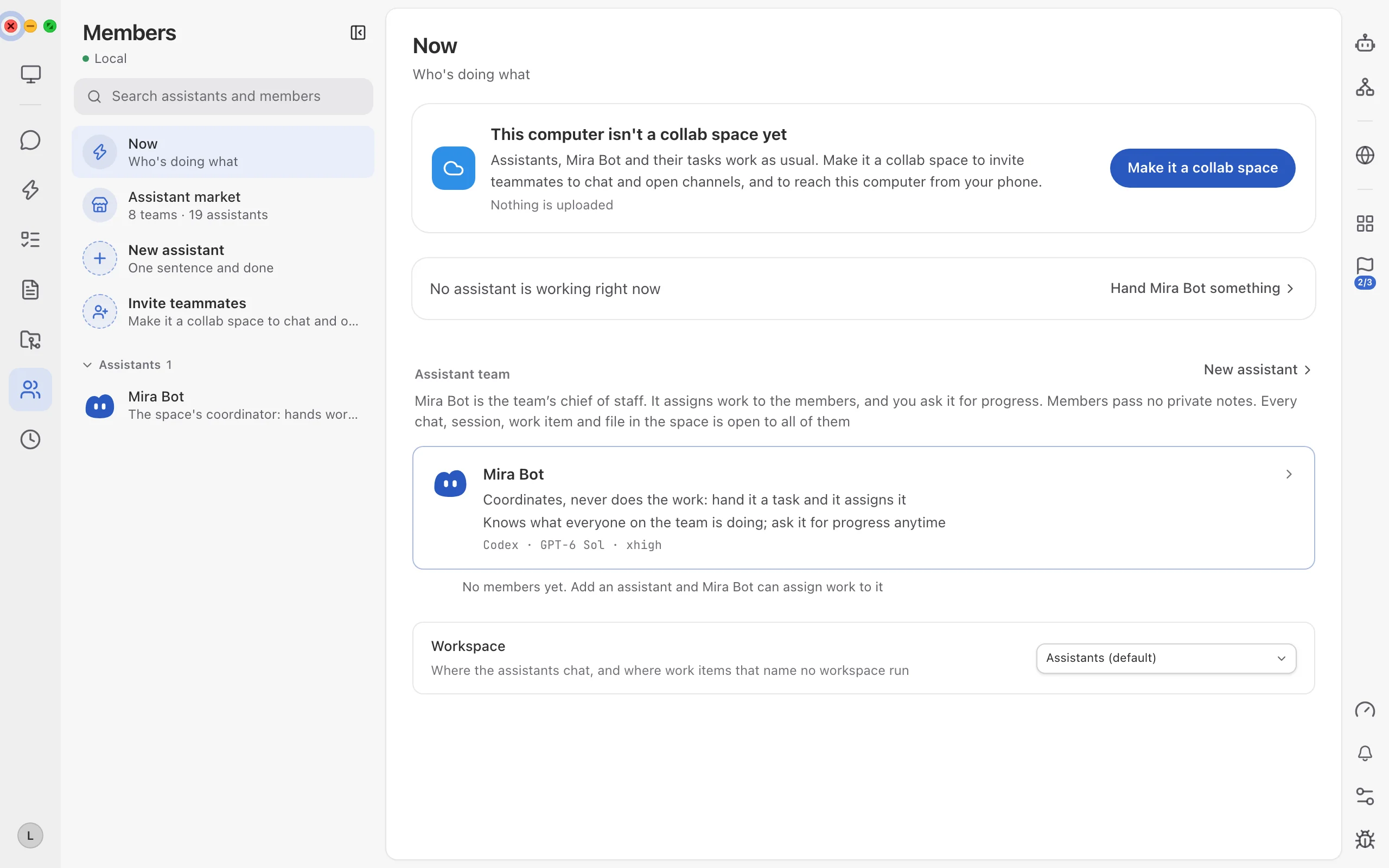
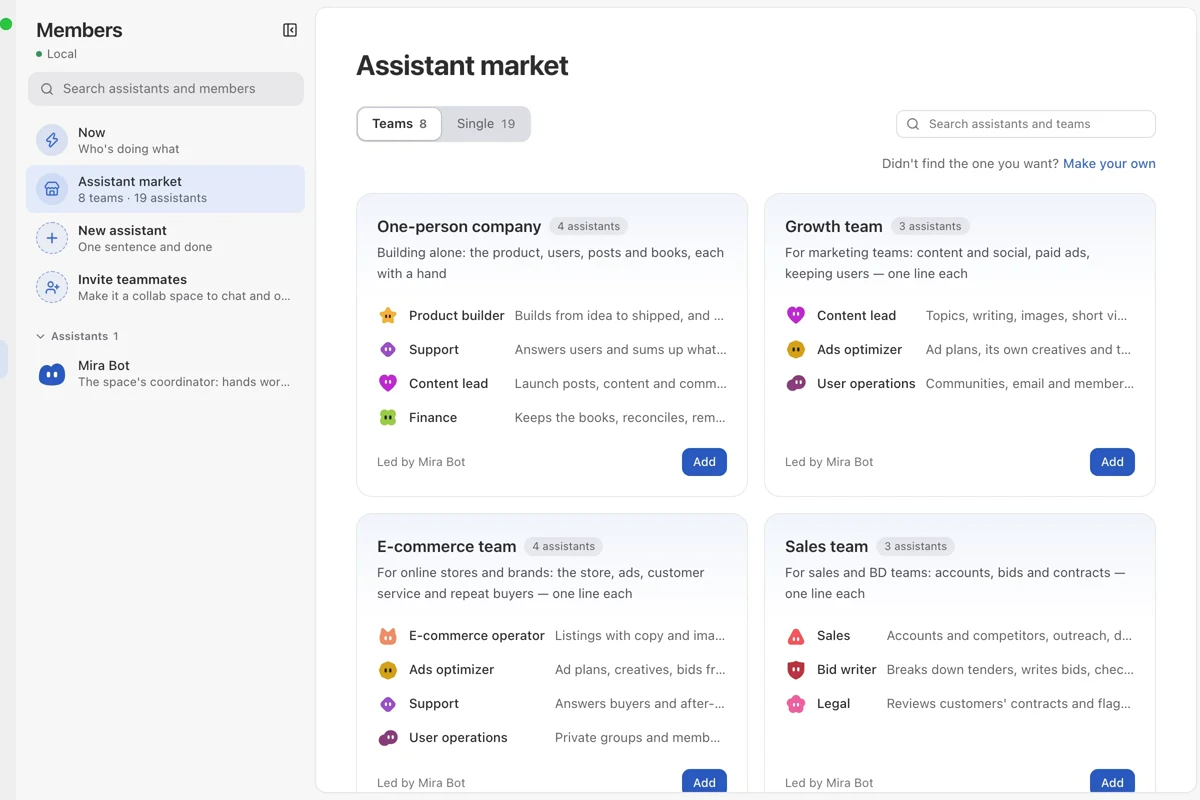
Open Members in the left rail, click “Make collab space”, and invite engineering, product, ops and design into the same space. Mira Bot acts as chief of staff: chats, sessions, work items and files are shared across roles. Product and ops can request copy or UI fixes right in a channel—assistants branch, edit and post a preview—while engineers keep final sign-off on the merge.
Prerequisite 3: keep concurrent sessions unlimited & link phones
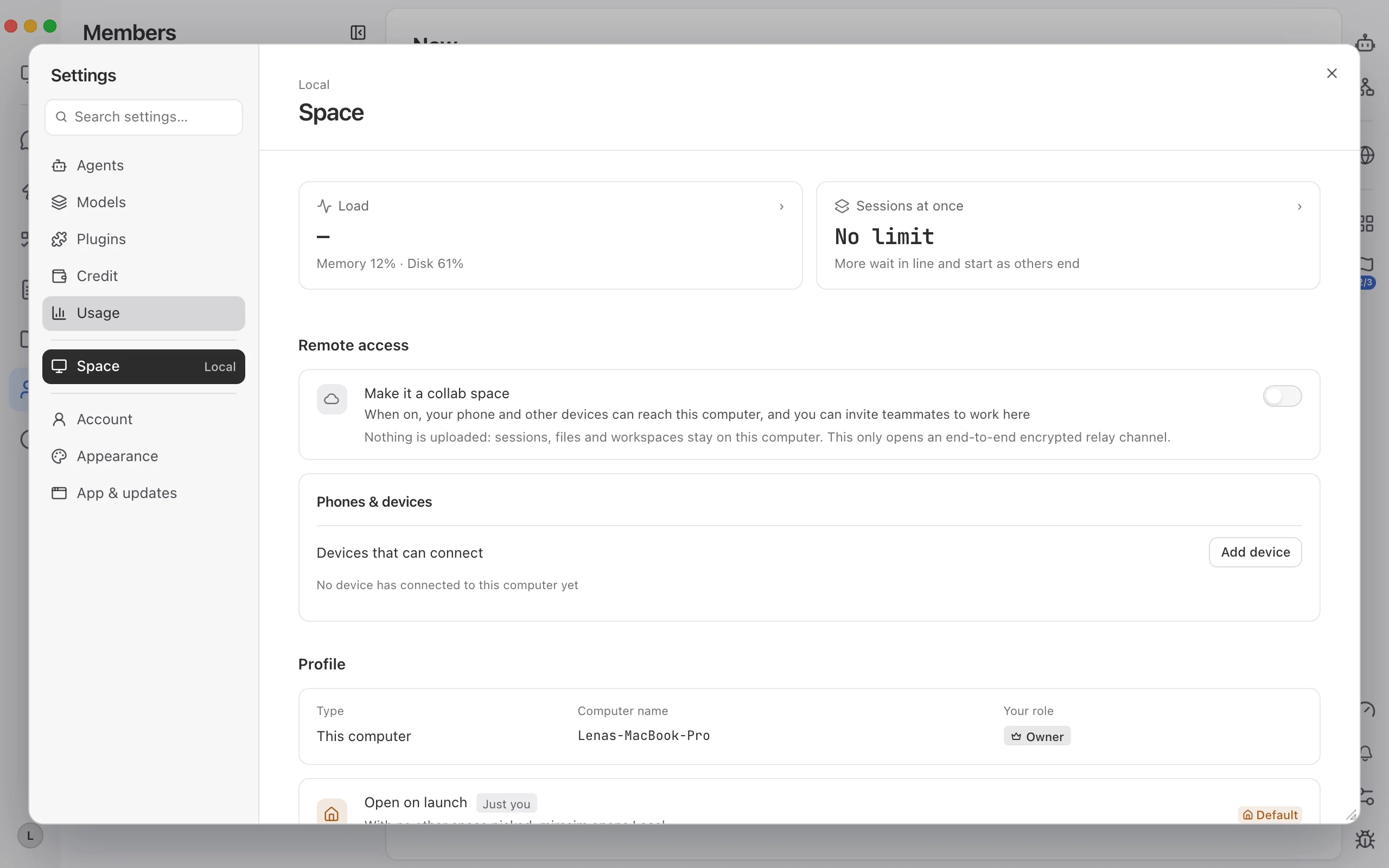
Open Settings → Space. Verify “Concurrent sessions” is set to Unlimited so urgent fixes never queue behind feature work, check the live memory/disk load card, confirm Remote access is on (nothing is uploaded—files stay on the host machine over an end-to-end encrypted relay), and add leads' phones under Mobile & devices for quick approvals away from the desk.
Running parallel PRs and merging same day
Once those three steps are in place, our daily cadence is simple: post one structured brief in our engineering channel so Mira Bot splits independent git worktrees in parallel.
@Mira Bot Sync today's bug reports and open issues into Work Items, then run 3 isolated worktrees in parallel:
1) Reproduce and fix the model routing fallback bug with unit tests;
2) Finish the cross-device workspace group sync changes;
3) Run typecheck and the full test suite on both branches.
Rule: keep changes uncommitted in each worktree until we review diffs, then post the passing PR summary card back here for merge sign-off.

--- 中文可直接复制 ---
@Mira Bot 把今天进来的社区反馈和代码仓 Issue 同步进「事项」,拆出三条独立 worktree 并行线同时推:
1)复现并修复模型路由回退 bug,补齐单元测试;
2)收尾跨设备同步空间分组的改动;
3)把两条线各自跑通类型检查和全量单测。
规则:改动先留在各自 worktree 里不要自动推送,全部绿灯后把修改摘要和 PR 确认卡发回频道等我们评审合并。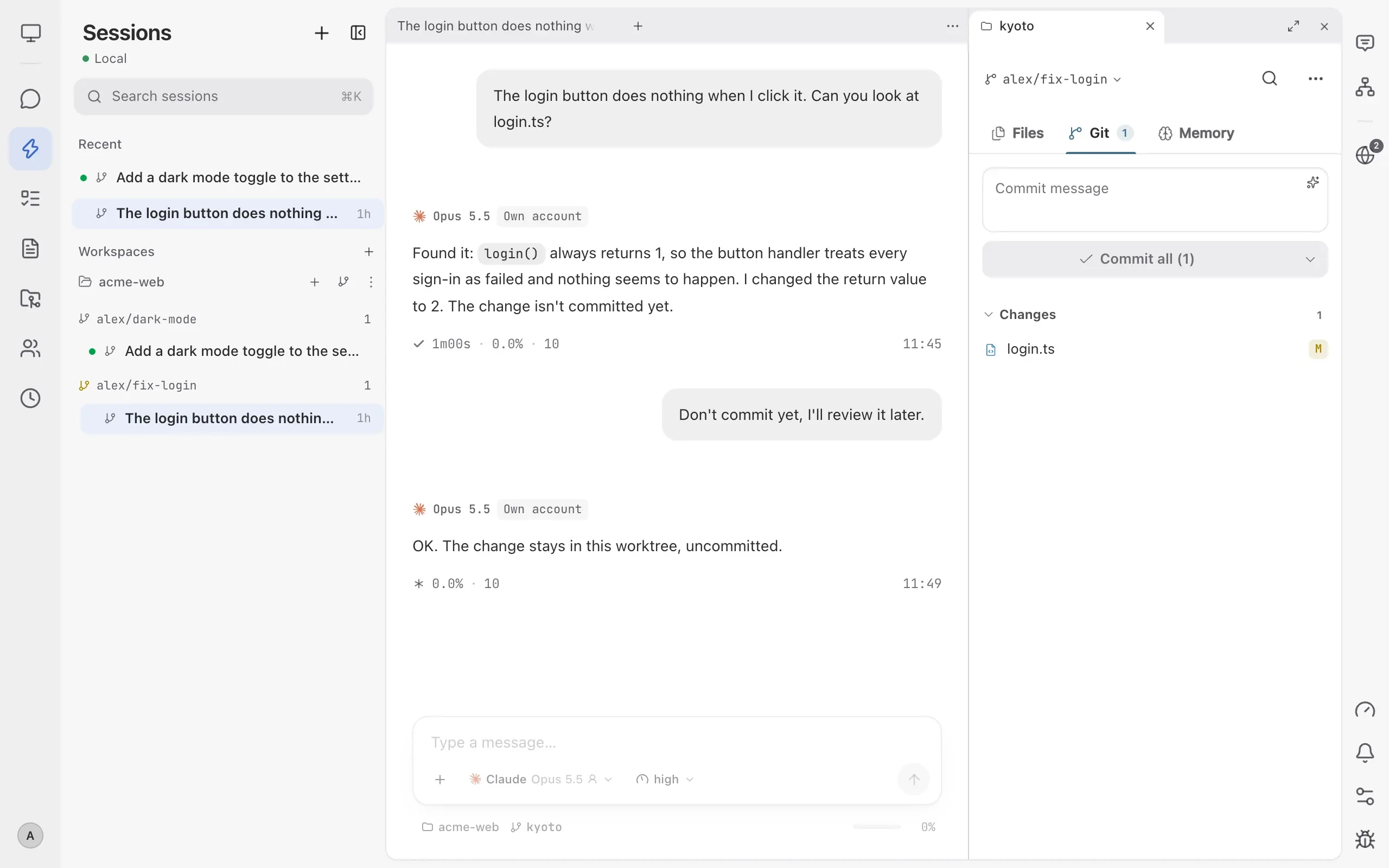
Three pitfalls we learned to avoid
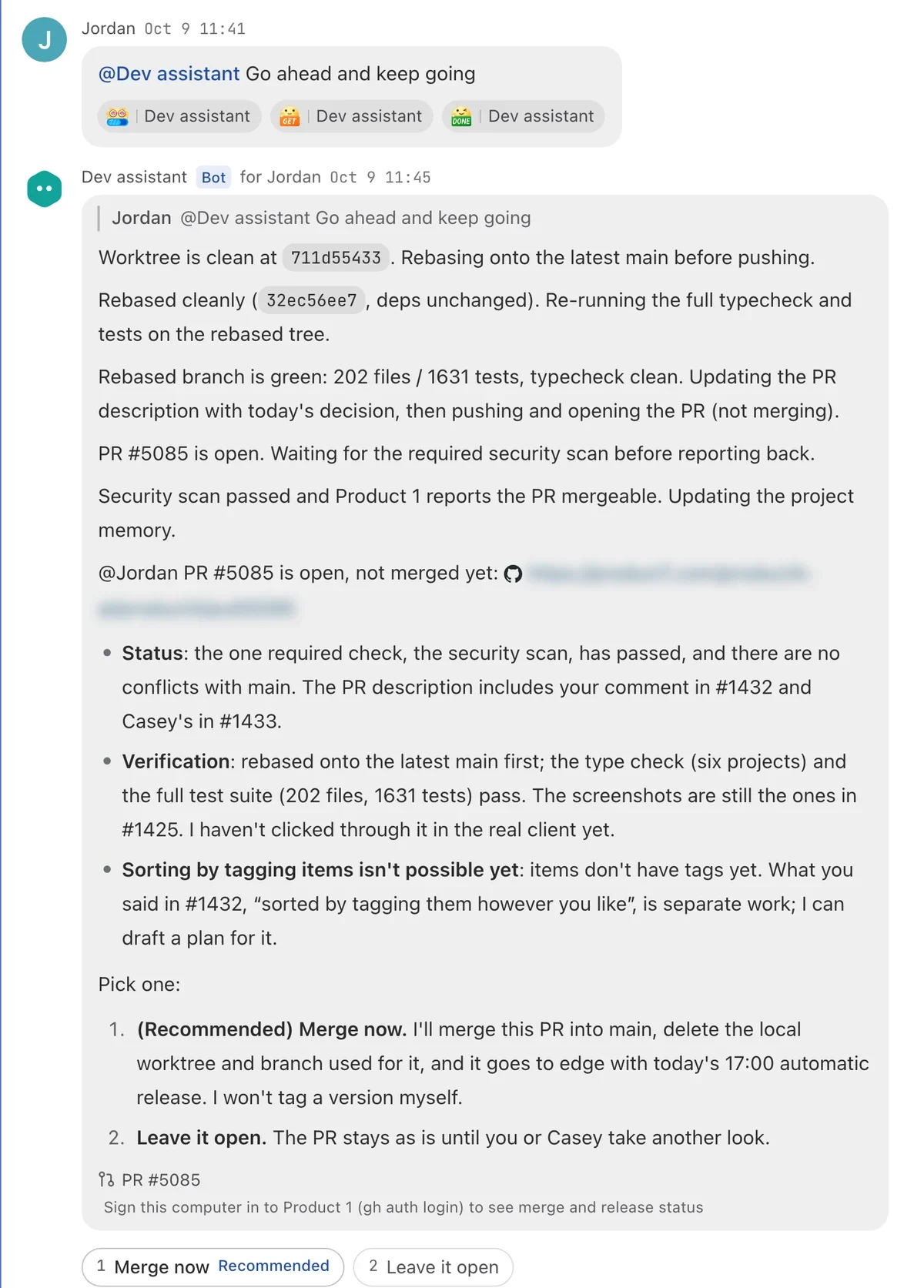
- Separate AI coding from human merging: tell assistants to leave changes uncommitted in their worktree so an engineer always reviews the right-hand Git diff before merge.
- Put acceptance checks in the first message: adding “add a regression test and run typecheck” saves five rounds of back-and-forth later.
Keep reading
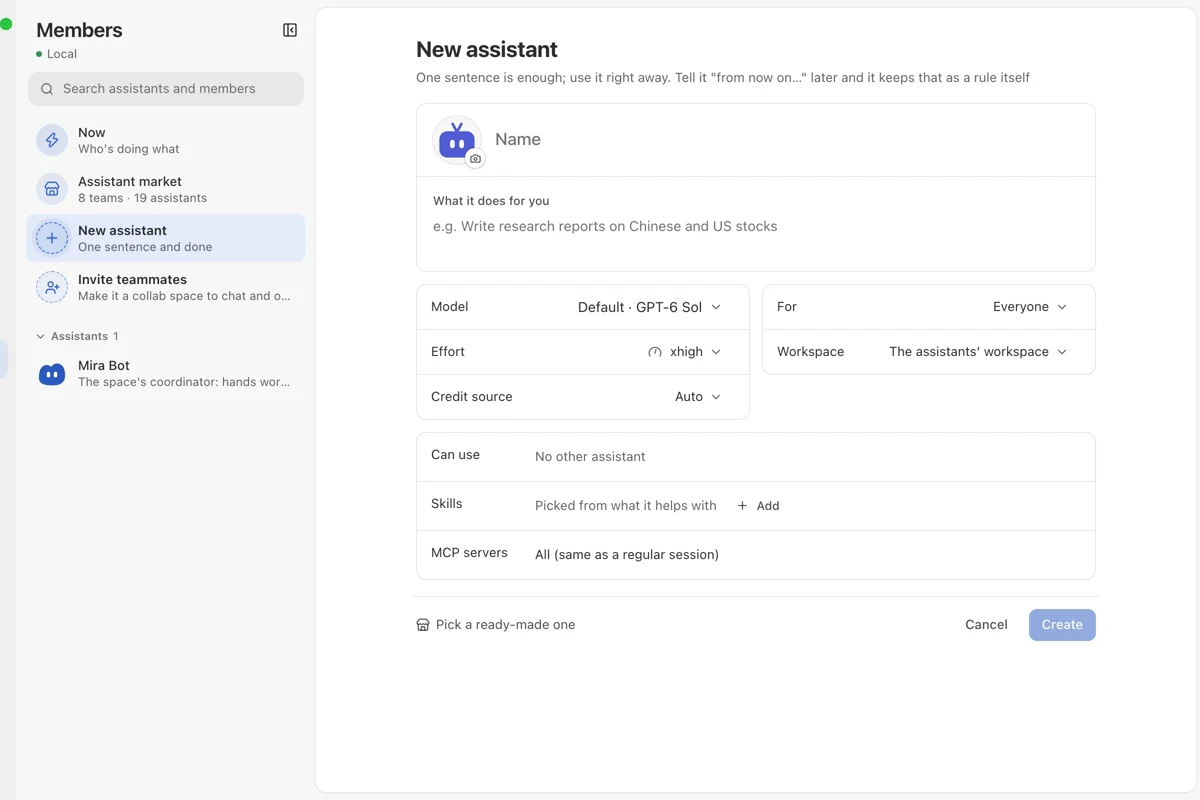
Build a custom assistant team and run it in Messages
How an indie builder creates 3 role-specific assistants in Mirasim Members—each with its own rules, model, credit source and skills—and runs them inside Messages.
One client, one space: isolated multi-project delivery
How a dev studio runs 4+ clients in Mirasim with one isolated space per client, dedicated budgets, instant switching and live client sign-off.
Solo studio workflow: running four parallel tracks alone
How an indie builder uses Mirasim's One-person company 4-assistant preset and mobile access to ship code, a 3D demo, a clip and an article in one evening.