Qwen Code in Mirasim: Alibaba's open-source coding agent, next to your other agents
Qwen Code is the Qwen team's open-source coding agent. How to install it, the five ways to sign in, and how to run it in Mirasim next to Claude Code and Codex.
The short answer
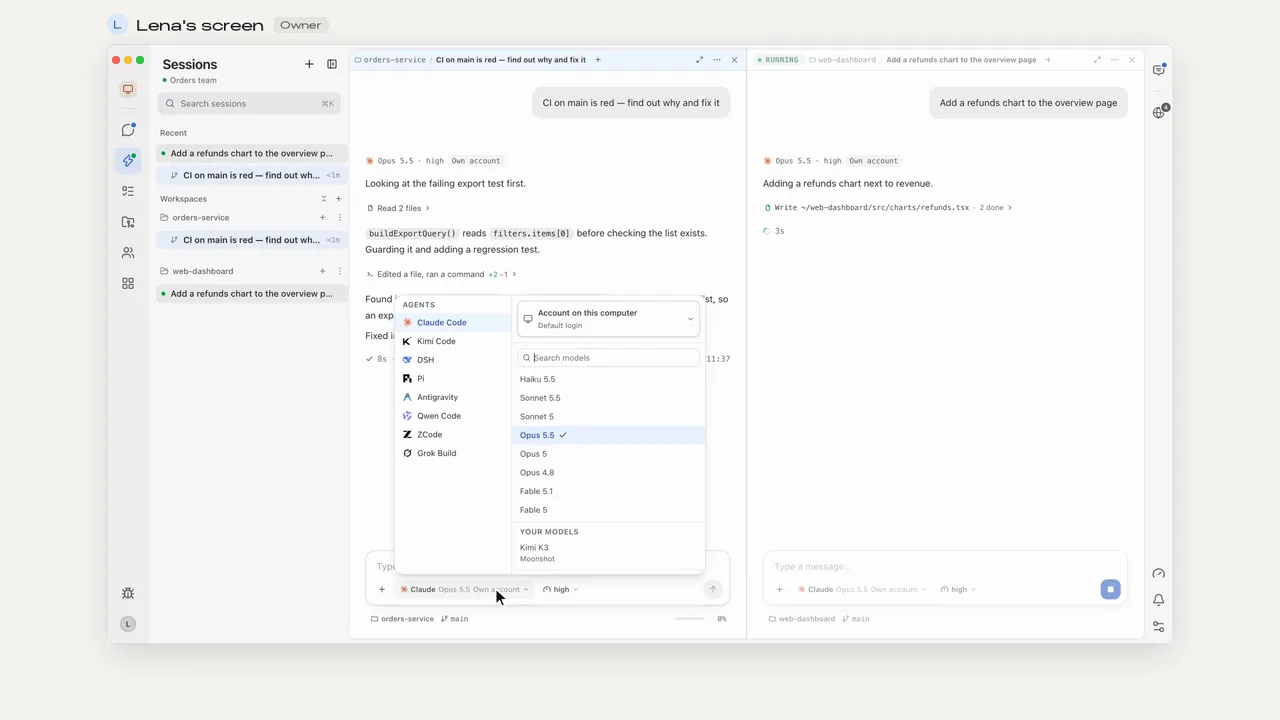
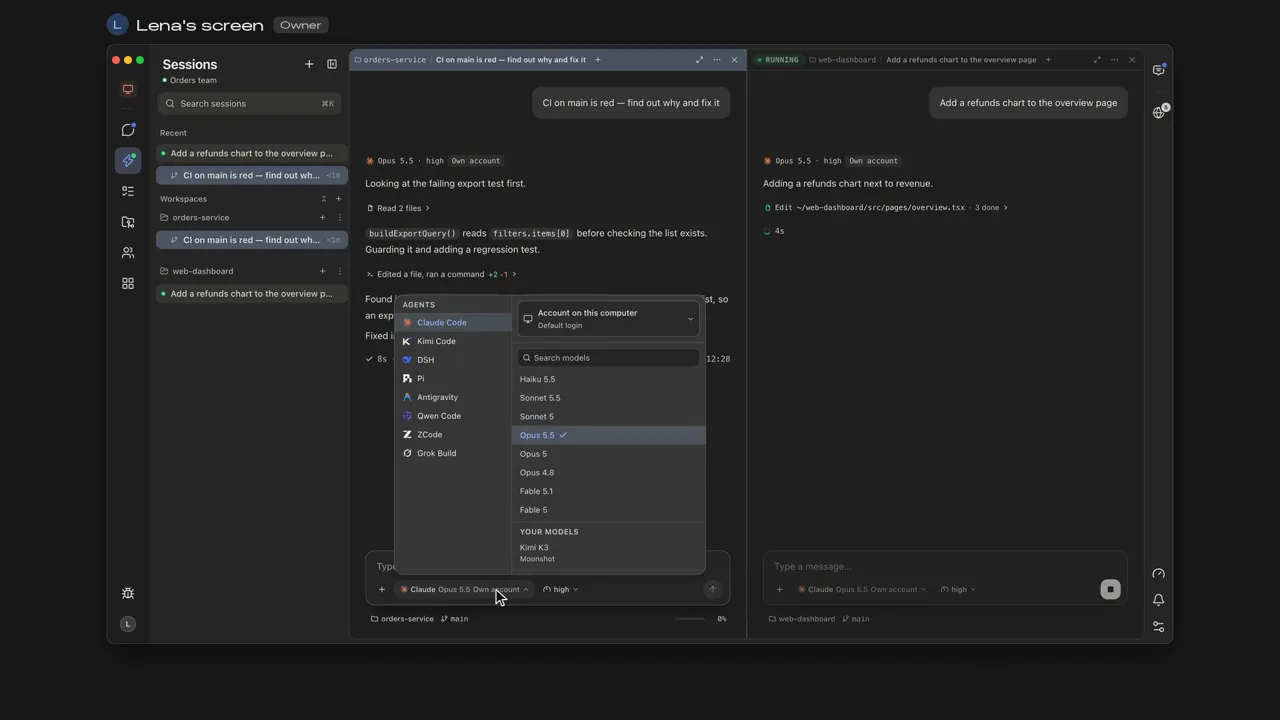
Qwen Code is an open-source coding agent from the Qwen team at Alibaba, released under the Apache 2.0 license. You run it as qwen in a terminal, and it also comes with a desktop app, a browser interface and editor plugins. It works with Qwen models and with other providers. Mirasim is a desktop app that runs that same Qwen Code as one of its ten agents; it is not an official Qwen Code app.
- Next to Claude Code and Codex
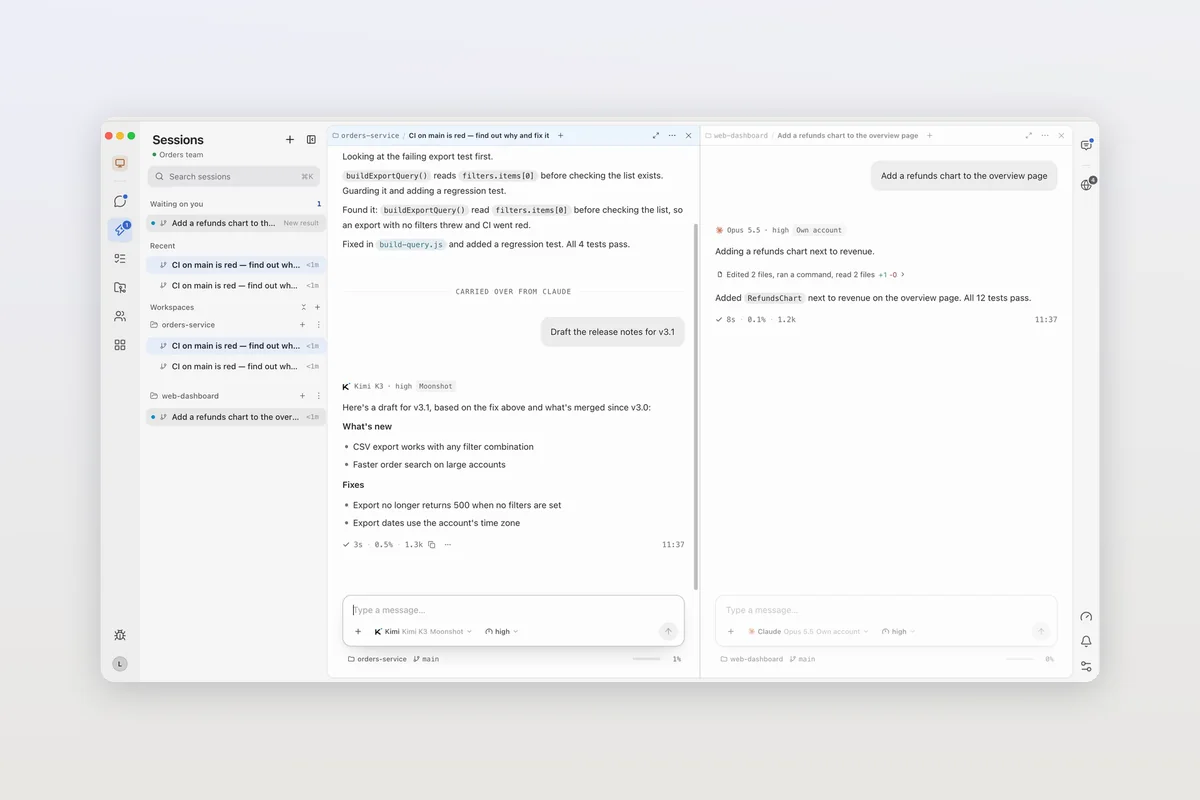
- Qwen Code in one pane, other agents in the next
- Your sign-in, or Mirasim credit
- What you set up with /auth, keys you add in Mirasim, or Mirasim's Qwen models
- On your phone
- Read and reply away from your desk
- With your team
- Several people in one Qwen Code session
Install Qwen Code
- macOS and Linux
curl -fsSL https://qwen-code-assets.oss-cn-hangzhou.aliyuncs.com/installation/install-qwen-standalone.sh | bash- Windows
irm https://qwen-code-assets.oss-cn-hangzhou.aliyuncs.com/installation/install-qwen-standalone.ps1 | iex- npm or Homebrew
npm install -g @qwen-code/qwen-code@latest(Node.js 22 or later), orbrew install qwen-code
Then run qwen in your project. Restart the terminal after the install script so the new path takes effect.
The five ways to sign in
Run /auth inside Qwen Code, or answer the menu on first launch. It offers five options:
| Option | What it is |
|---|---|
| Qwen Account with Subscription | Sign in through the browser with a Plus or Pro subscription from chat.qwen.ai |
| QwenCloud | A Token Plan or a pay-as-you-go API key, on the China or the international platform |
| Alibaba ModelStudio | Coding Plan, Token Plan, or an existing ModelStudio API key |
| Third-party providers | An API key for DeepSeek, Grok, MiniMax, Z.AI, Kimi, OpenRouter and others |
| Custom provider | A local server, proxy or any OpenAI-, Anthropic- or Gemini-compatible endpoint |
For CI or unattended machines where you can't finish a browser sign-in, Qwen's guide recommends an API-key option.
Where Qwen Code runs
- Terminal:
qwenin your project, orqwen -p "…"for scripts and CI. - Desktop: Qwen Code's own desktop app for macOS, Windows and Linux.
- Browser:
qwen serve --openopens a web interface (experimental). - Editors: VS Code, Zed and JetBrains.
- Code: TypeScript, Python and Java SDKs.
Use Mirasim when you want Qwen Code in the same window as your other agents, on your phone, or in a session your team shares.
Article · Claude Code alternatives: nine coding agents, and why you might not have to choose → Qwen Code and the other agents you can run next to Claude Code.
Questions
- Is Qwen Code free?
- The agent is open source and free to install. Models cost money through a Qwen subscription, a plan, or a provider's API key.
- Is Mirasim an official Qwen Code app?
- No. Qwen Code is the Qwen team's. Mirasim is a separate desktop app that runs it alongside other coding agents.
- Do I need my own API key in Mirasim?
- No: Qwen Code can run Mirasim's Qwen models on Mirasim credit. If you use what you set up with /auth or a key you add in Mirasim, your provider bills you directly.
- Can Qwen Code use models other than Qwen?
- Yes. It supports OpenAI-, Anthropic- and Gemini-compatible APIs, third-party providers and local models such as Ollama or vLLM.
Article · Kimi Code in Mirasim: a desktop app for Kimi Code CLI, next to your other agents → Kimi Code, Moonshot AI's coding agent, in Mirasim.
Article · OpenCode in Mirasim: the open-source coding agent, next to your other agents → OpenCode, the open-source coding agent with free models, in Mirasim.
Sources
The details about Qwen Code were checked on November 8, 2026 against its README at github.com/QwenLM/qwen-code and the Authentication page of the Qwen Code docs. Qwen Code changes quickly, so check those pages for the latest.
Keep reading
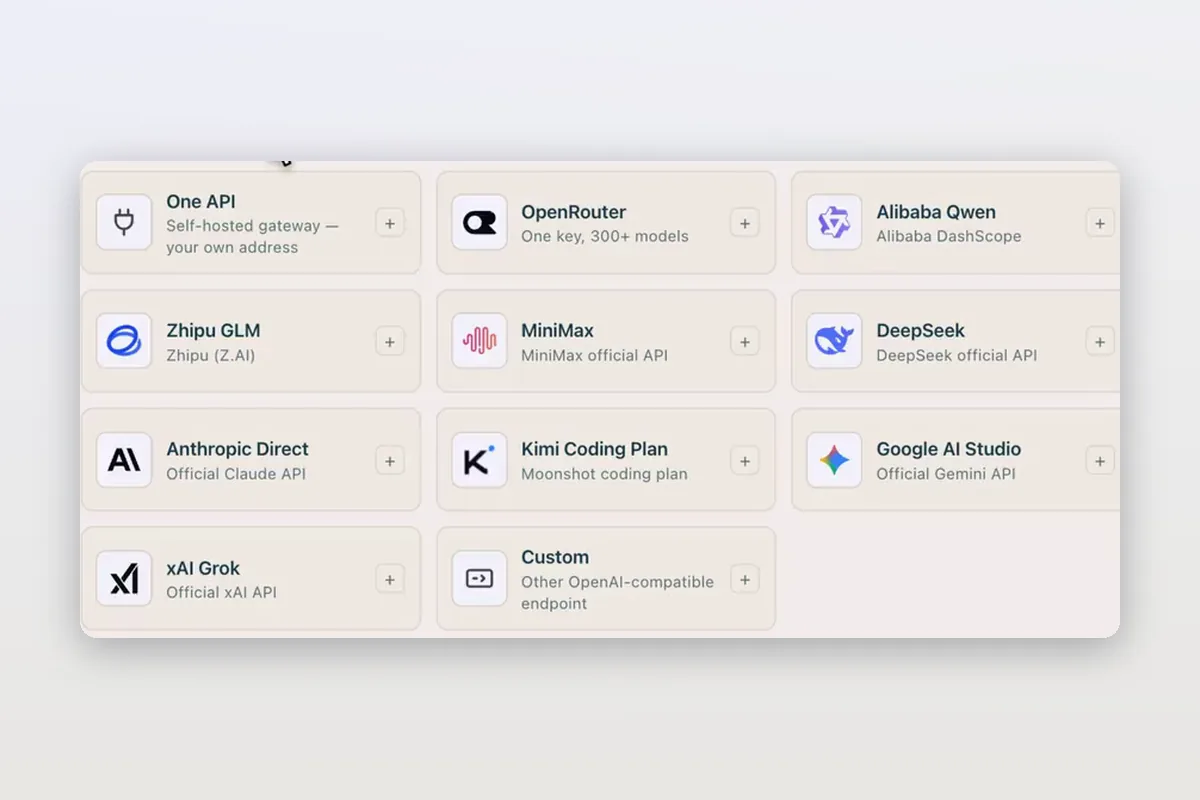
Use DeepSeek in Claude Code and Codex: the official setup, and a per-session switch
How DeepSeek's own guides connect Claude Code and Codex to DeepSeek models, and how Mirasim lets you pick DeepSeek per session without editing config.
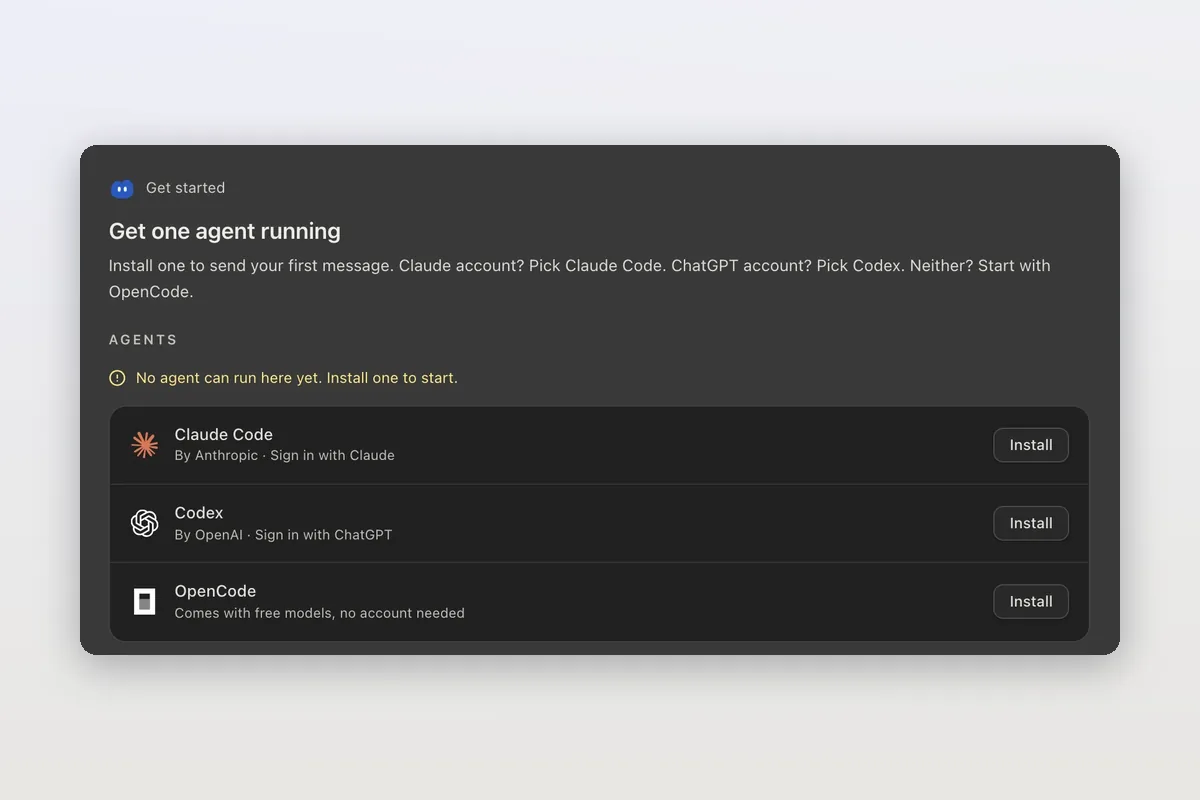
How to install Claude Code on macOS, Windows and Linux
The official install commands for every platform, how to check the install and sign in, and how Mirasim installs Claude Code for you and runs it next to Codex.
Claude Code agent teams, and teams that mix agents and people
Claude Code's agent teams let a lead session split work across Claude teammates. How to turn them on, what they cost, and how Mirasim mixes Codex and people in.