OpenCode in Mirasim: the open-source coding agent, next to your other agents
OpenCode is an open-source coding agent with free models and 200+ providers. How to install it, its build and plan agents, and running it in Mirasim.
The short answer
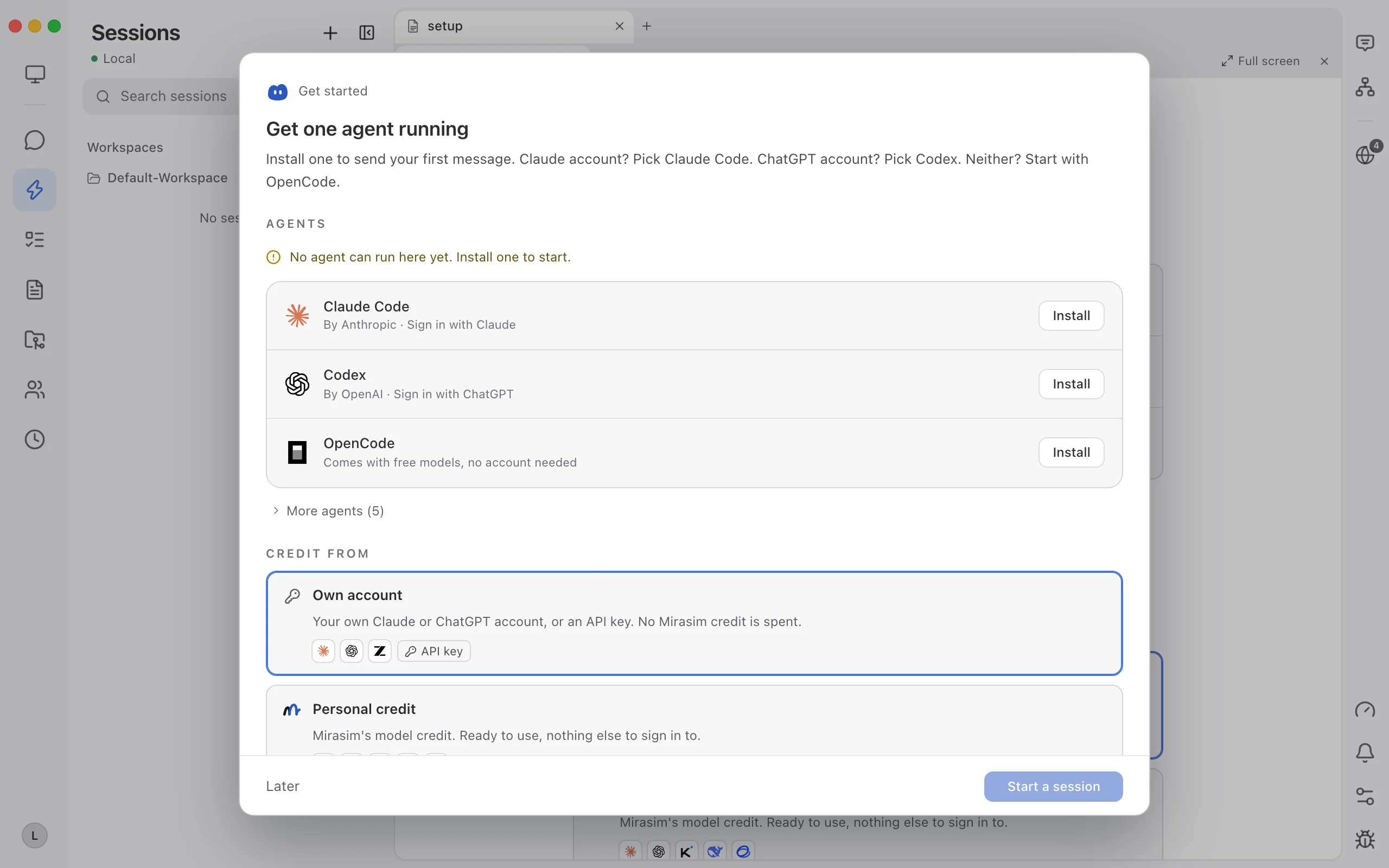
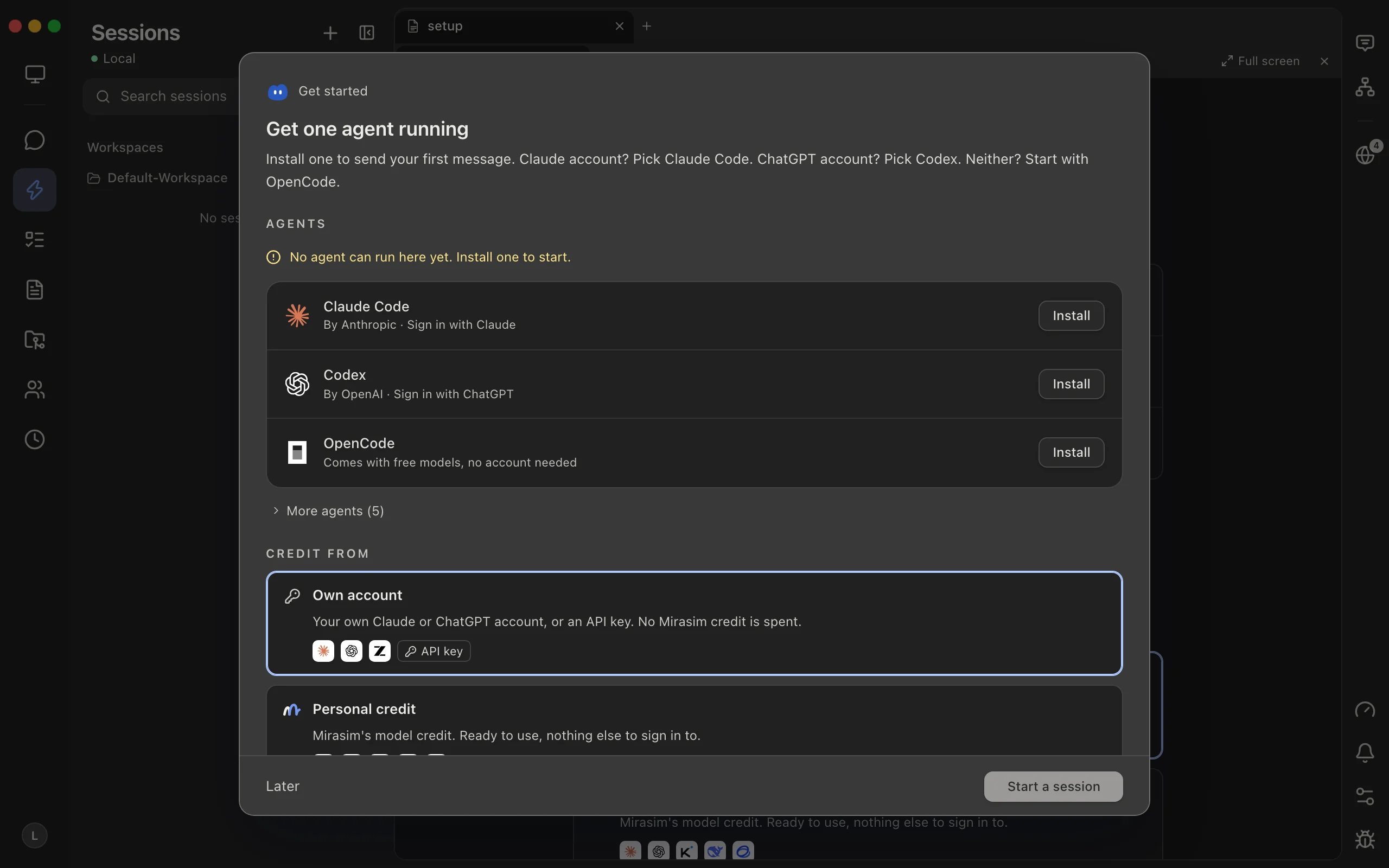
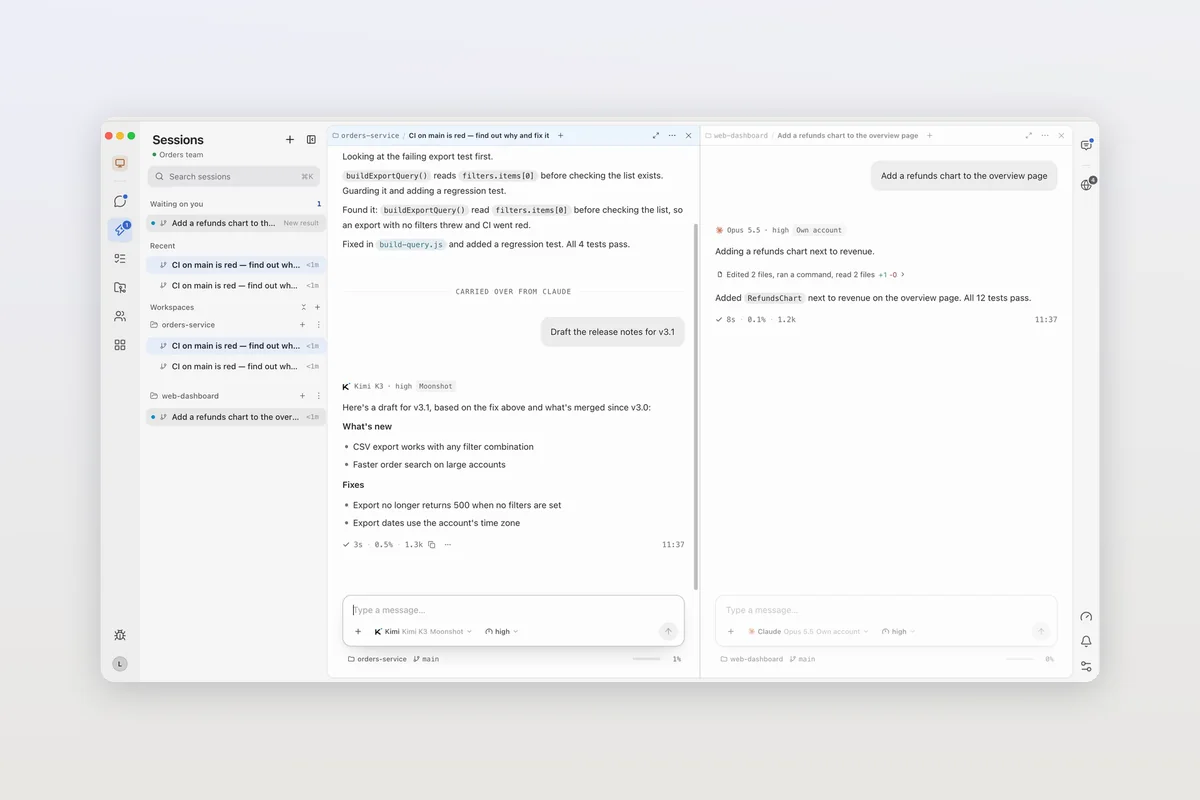
OpenCode is an open-source coding agent released under the MIT license. It comes with free models that need no account, connects to more than 200 providers including local models, and runs in a terminal, its own desktop app, a phone app and an SDK. Mirasim is a separate desktop app that runs the OpenCode already on your computer, with the accounts and models you set up in it, next to Claude Code, Codex and other agents.
- Next to Claude Code and Codex
- OpenCode in one pane, other agents in the next
- Your setup, untouched
- Mirasim doesn't change OpenCode's config or move your keys
- Your sessions, both ways
- Sessions from OpenCode show up in Mirasim, and go back with
opencode -s - With your team
- Several people in one OpenCode session
Install OpenCode
- Install script
curl -fsSL https://opencode.ai/v2/install | bash- npm
npm i -g @opencode/cli@latest(bun, pnpm and yarn work too)- Other package managers
- Homebrew on macOS and Linux, pacman or the AUR on Arch, mise, or Nix
- Desktop app (beta)
- From opencode.ai/download for macOS (Apple silicon and Intel), Windows, and Linux as .deb, .rpm or AppImage
Run opencode in your project. The free models work without signing in; to use your own accounts, run opencode auth login or add providers in opencode.json. OpenCode can also sign in with ChatGPT Plus or Pro, or GitHub Copilot.
Build and plan
- build is the default agent, with full access for development work.
- plan is read-only, for analysis and exploring code.
- Press Tab to switch between them. A general subagent handles complex searches and multistep tasks.
- Define your own agents, add MCP servers, and extend OpenCode with plugins.
Running OpenCode in Mirasim
- Get started recognizes an OpenCode set up with your own account and asks whether to make it your default agent.
- The model menu lists the models OpenCode can use, with your default and recent ones first. build, plan and your own agents can be switched per session.
- OpenCode's own models run on your accounts and don't use Mirasim credit. Set a session's Quota source to Platform to pick a Mirasim model on Mirasim credit instead.
- Sessions you started in OpenCode show up in Mirasim's sidebar. To go back to the terminal, choose Copy resume command and run
opencode -s <session ID>.
Chapter 15 · Models, accounts and quota › Keep using the OpenCode you have →
Questions
- Is OpenCode free?
- Yes, it's open source and comes with free models that need no account. You can also bring your own providers or subscribe to OpenCode's own plan.
- What are OpenCode Go and OpenCode Zen?
- Both are OpenCode's own model offerings. Go is a subscription to a curated set of open-weight coding models at a fixed monthly price, for individuals and teams; Zen gives access to many models through one OpenCode account. In Mirasim, OpenCode runs on whatever accounts and providers you set up in OpenCode itself.
- Does OpenCode have a desktop app?
- Yes, a beta for macOS, Windows and Linux at opencode.ai/download. Use Mirasim when you want OpenCode in the same window as Claude Code and Codex, or shared with your team.
- Will Mirasim change my OpenCode setup?
- No. Mirasim doesn't change OpenCode's config files or move your keys; it uses the accounts and providers you already set up.
- Is Mirasim an official OpenCode app?
- No. Mirasim is a separate desktop app that runs OpenCode alongside other coding agents.
Article · Claude Code alternatives: nine coding agents, and why you might not have to choose → OpenCode and the other agents you can run next to Claude Code.
Sources
The details about OpenCode were checked on November 8, 2026 against its README at github.com/anomalyco/opencode and opencode.ai. OpenCode changes quickly, so check those pages for the latest.
Keep reading
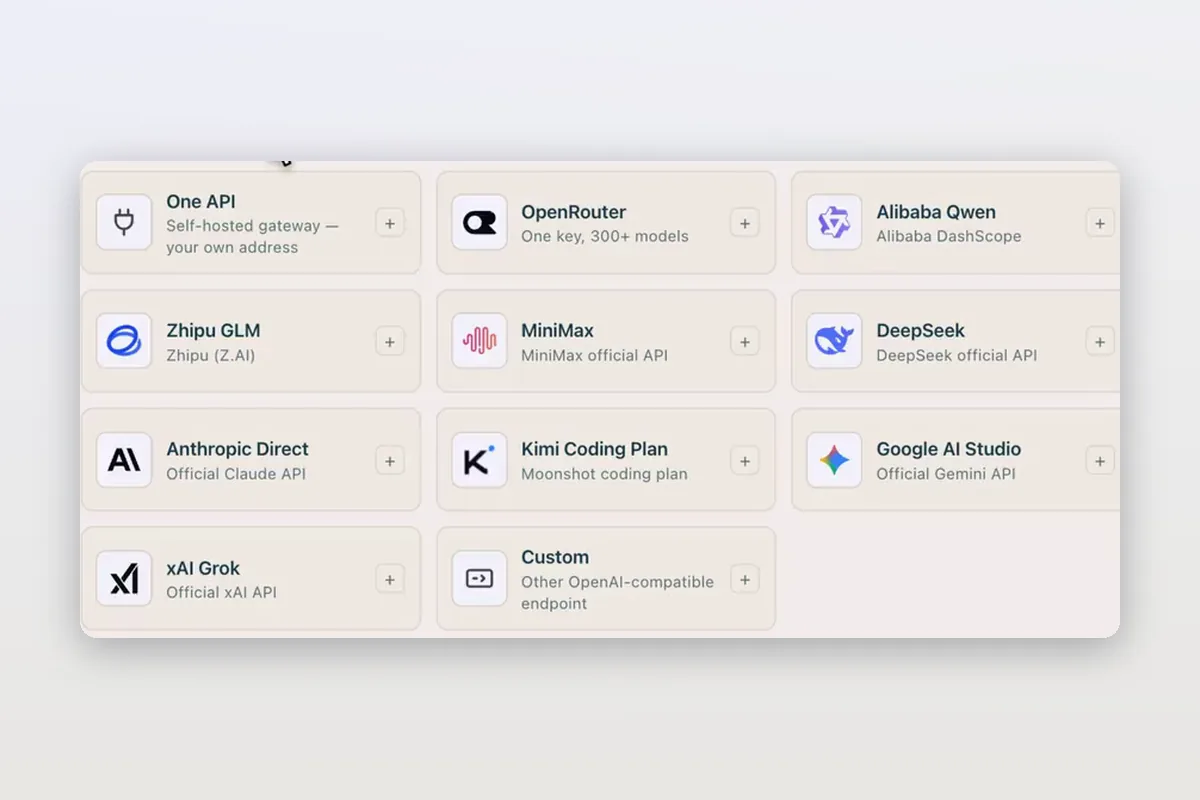
Use DeepSeek in Claude Code and Codex: the official setup, and a per-session switch
How DeepSeek's own guides connect Claude Code and Codex to DeepSeek models, and how Mirasim lets you pick DeepSeek per session without editing config.
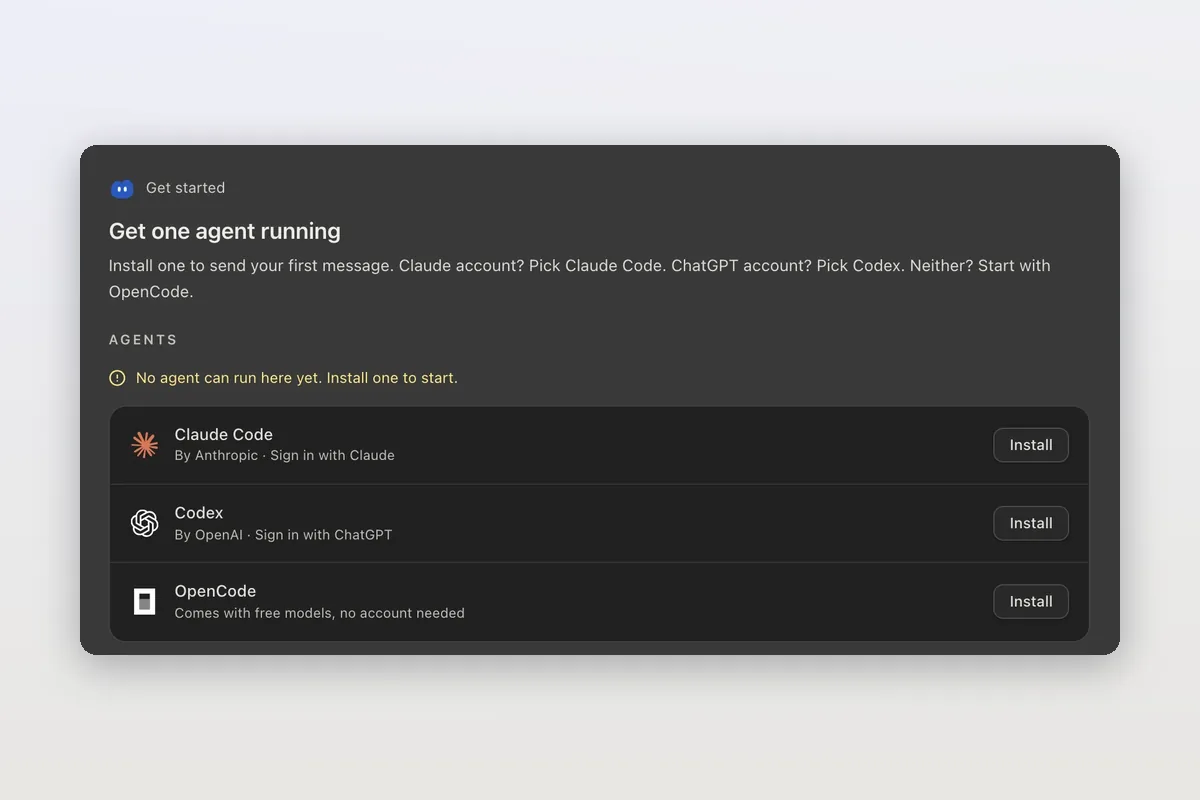
How to install Claude Code on macOS, Windows and Linux
The official install commands for every platform, how to check the install and sign in, and how Mirasim installs Claude Code for you and runs it next to Codex.
Claude Code agent teams, and teams that mix agents and people
Claude Code's agent teams let a lead session split work across Claude teammates. How to turn them on, what they cost, and how Mirasim mixes Codex and people in.