Kimi Code in Mirasim: a desktop app for Kimi Code CLI, next to your other agents
Run Kimi Code CLI in a desktop app on macOS, Windows or Linux, next to Claude Code and Codex, with your Kimi login, a Kimi API key or Mirasim credit.
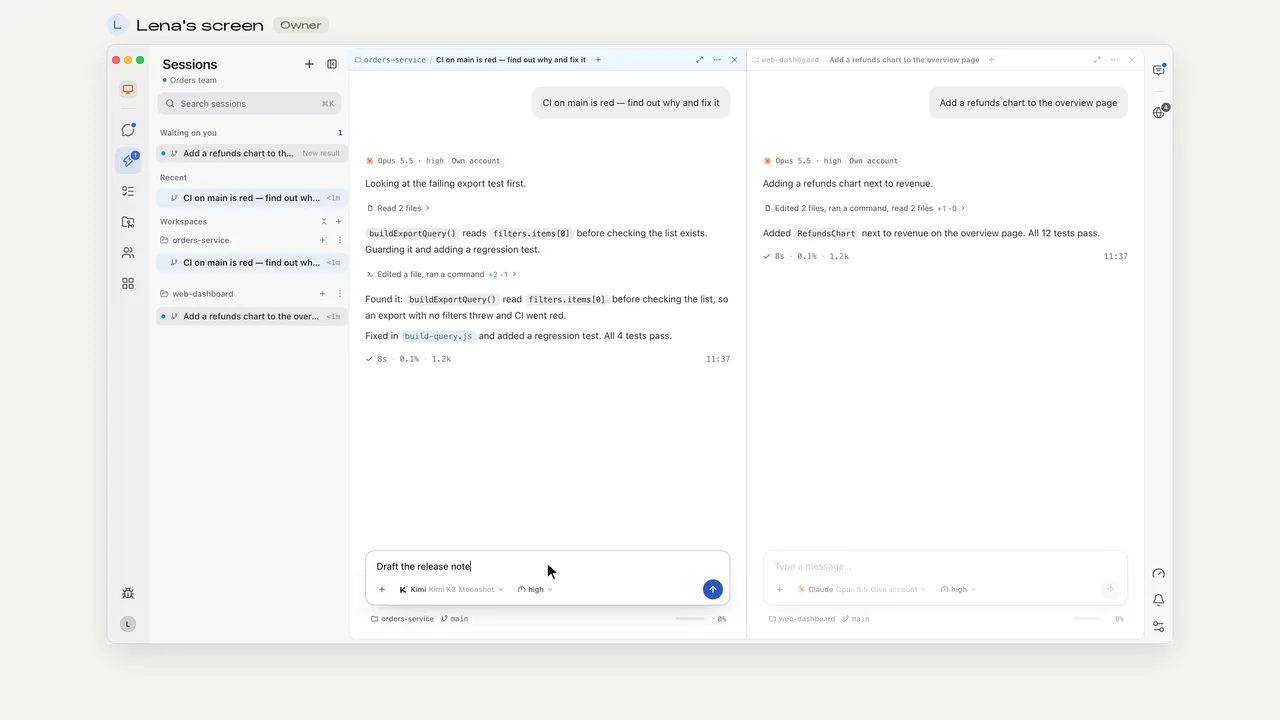
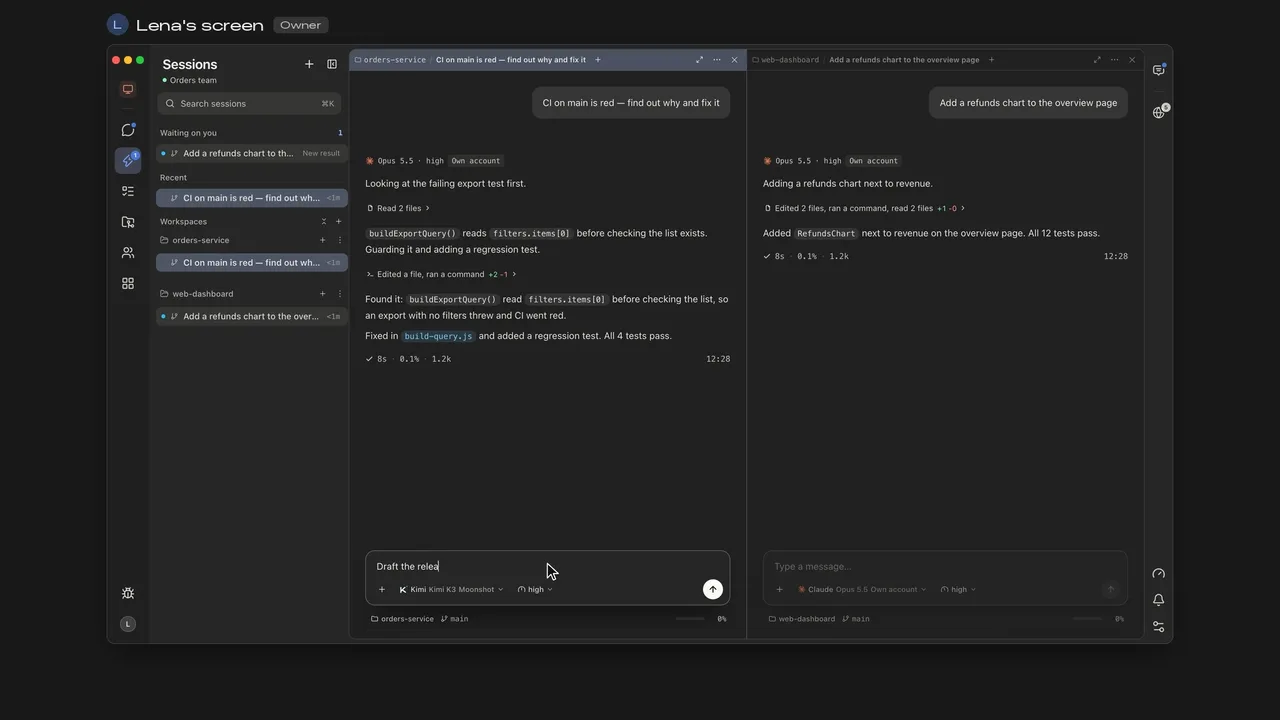
The short answer
Kimi Code CLI is Moonshot AI's open-source coding agent. It runs in your terminal and is released under the MIT license. Mirasim is a desktop app that runs that same Kimi Code as one of its ten agents. Mirasim is not an official Moonshot AI application.
- A window, not a terminal
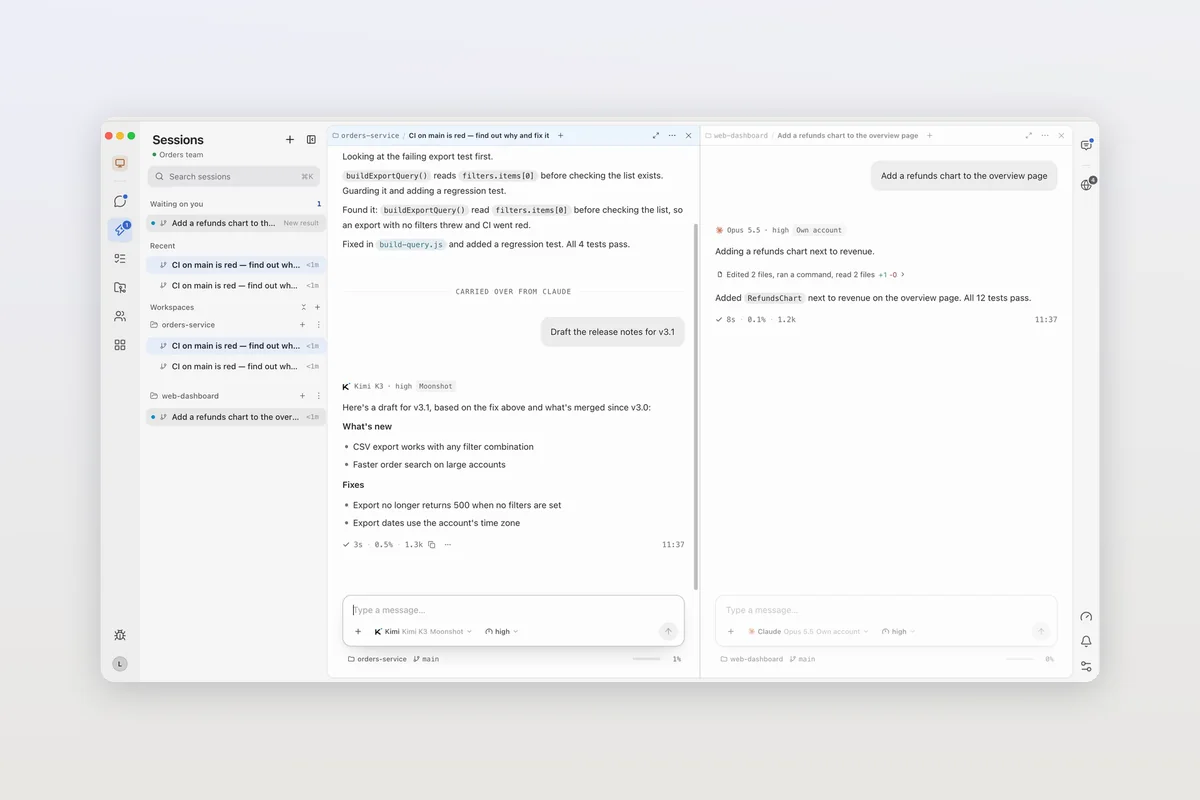
- Kimi Code sessions in panes on macOS, Windows and Linux
- Next to Claude Code and Codex
- Hand a task over and the conversation comes with it
- On your phone
- Read and reply away from your desk
- With your team
- Several people in one Kimi Code session
Use Mirasim when you want Kimi Code in a desktop window, alongside other agents, on your phone, or in a session your team shares.
Your Kimi login, a key, or no account at all
- Your Kimi login
- You already signed in to Kimi Code. Mirasim runs it with that login and doesn't change it.
- A Kimi API key
- You have an API key from the Kimi platform. Add it in Model Config; Moonshot bills you.
- Mirasim credit
- You have no Kimi account. Kimi Code runs on Mirasim credit.
Pick the model for each session in the composer. For what Mirasim credit costs, see mirasim.ai/pricing.
Set it up
- Install Kimi Code
Agent Config runs Moonshot's own installer, or uses the copy you have
- Choose how to pay
Your Kimi login, a Kimi API key, or Mirasim credit
- Start a session
Pick Kimi Code as the agent in the composer
Mirasim keeps Kimi Code up to date with its own kimi upgrade.
To install it yourself, Moonshot's instructions are curl -fsSL https://code.kimi.com/kimi-code/install.sh | bash on macOS and Linux, irm https://code.kimi.com/kimi-code/install.ps1 | iex in Windows PowerShell (install Git for Windows first), or npm install -g @moonshot-ai/kimi-code with Node.js 22.19.0 or later. Then run /login inside Kimi Code and choose Kimi Code OAuth or a Kimi platform API key.
What you get in Mirasim
- Run alongside other agentsClaude Code, Codex or DeepSeek Harness in the next pane
- Take over mid-taskSwitch a session from Claude Code to Kimi Code and keep the conversation
- Continue on your phoneSign in on the phone app to read and reply
- Work with your teamShare with members: one session, every message signed
Article · Run Claude Code, Codex, OpenCode and seven more coding agents in one app → See the other nine coding agents Mirasim supports, and what running them in one app adds.
Article · Qwen Code in Mirasim: Alibaba's open-source coding agent, next to your other agents → Qwen Code, the Qwen team's open-source coding agent, in Mirasim.
Questions
- Is Mirasim an official Kimi Code app?
- No. Kimi Code is Moonshot AI's; it runs in your terminal and connects to Zed and JetBrains IDEs through ACP. Mirasim is a separate desktop app that runs Kimi Code alongside other coding agents.
- Do I need a Kimi account?
- Not in Mirasim. Without one, Kimi Code runs on Mirasim credit. With your own login or API key, Moonshot bills you.
- Will Mirasim change my Kimi Code setup?
- No. It runs the Kimi Code installed on your computer with the login you already made, and leaves your credentials as they are.
- Does it work on Windows?
- Yes. Mirasim runs on Windows, macOS and Linux. On Windows, Moonshot asks you to install Git for Windows before Kimi Code's first launch.
- How much does it cost?
- Kimi Code itself is free and open source. With your own login or key you pay Moonshot; for Mirasim credit, see mirasim.ai/pricing.
Sources
The details about Kimi Code were checked against Moonshot AI's own pages on November 8, 2026: github.com/MoonshotAI/kimi-code and moonshotai.github.io/kimi-code (Getting started). Kimi Code changes quickly, so check those pages for the latest.
Keep reading
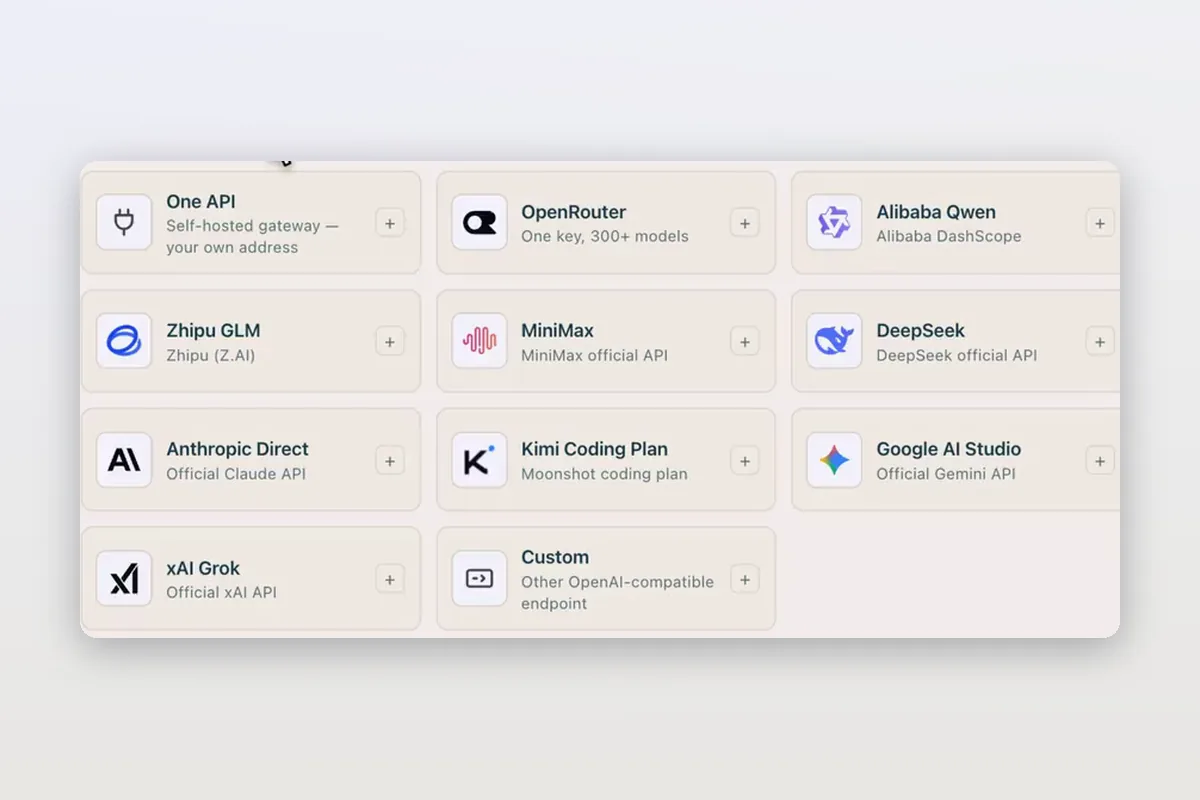
Use DeepSeek in Claude Code and Codex: the official setup, and a per-session switch
How DeepSeek's own guides connect Claude Code and Codex to DeepSeek models, and how Mirasim lets you pick DeepSeek per session without editing config.
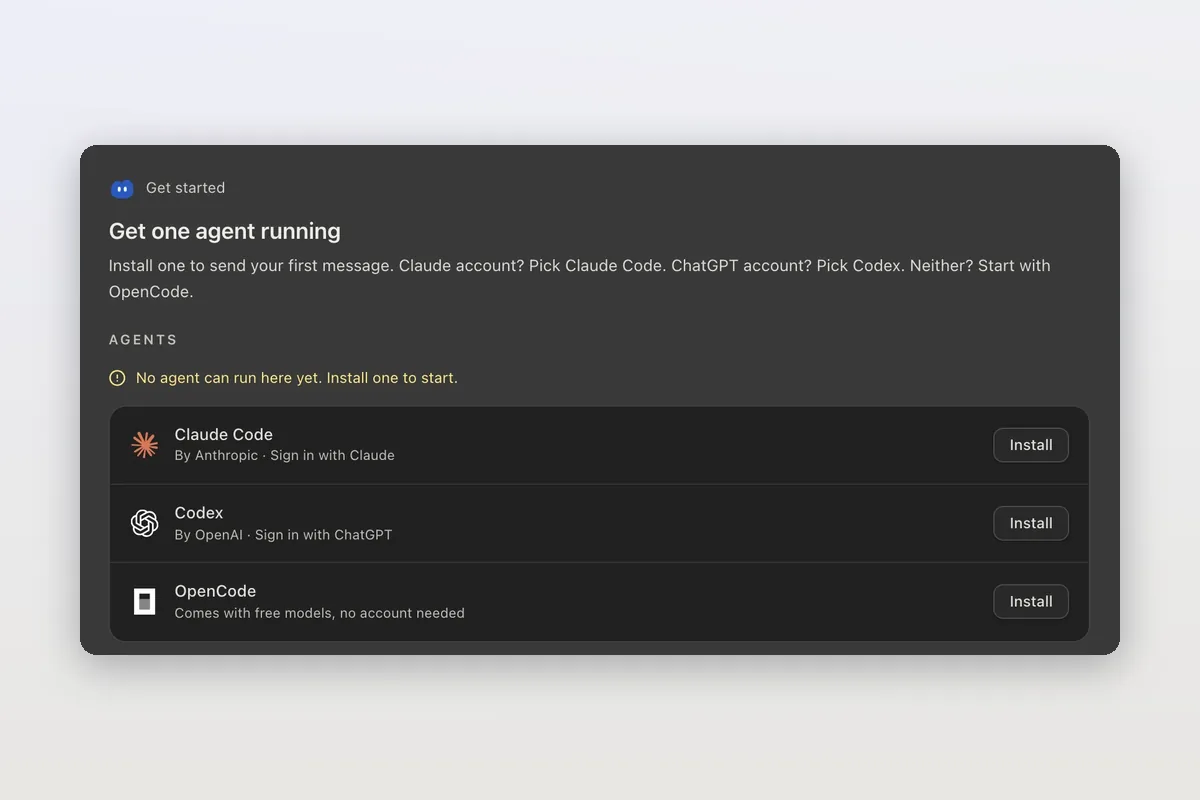
How to install Claude Code on macOS, Windows and Linux
The official install commands for every platform, how to check the install and sign in, and how Mirasim installs Claude Code for you and runs it next to Codex.
Claude Code agent teams, and teams that mix agents and people
Claude Code's agent teams let a lead session split work across Claude teammates. How to turn them on, what they cost, and how Mirasim mixes Codex and people in.