How to install and update Codex CLI on macOS, Windows and Linux
OpenAI's install and update commands for Codex CLI: script, npm and Homebrew. How to sign in, check the version, and set it up on Windows, WSL and Linux.
The short answer
Run OpenAI's install script, open a project, run codex, and choose Sign in with ChatGPT. To update, run the same command again, or codex update. npm and Homebrew work too; update with the tool you installed with.
| Method | Install | Update |
|---|---|---|
| macOS, Linux | curl -fsSL https://chatgpt.com/codex/install.sh | sh | The same command |
| Windows PowerShell | powershell -ExecutionPolicy ByPass -c "irm https://chatgpt.com/codex/install.ps1 | iex" | The same command |
| npm | npm install -g @openai/codex | The same command |
| Homebrew | brew install --cask codex | brew upgrade --cask codex |
The install scripts download from releases.openai.com and fall back to GitHub Releases. You can also download a build yourself from the latest release of openai/codex on GitHub, unpack it and rename it to codex.
Sign in and check the install
codex --version    # prints the installed version
codex doctor       # checks install, config, sign-in, Git and terminal
codex # start in your project and choose how to sign in- Sign in with ChatGPT uses your Plus, Pro, Business, Edu or Enterprise plan. An API key also works and is billed at API rates.
- On a server or over SSH, where no browser opens, run
codex login --device-auth. OpenAI labels it beta, and device code login has to be enabled in your ChatGPT security settings first.
Article · Codex usage limits: when they reset, and what to do when you hit one → How much Codex your ChatGPT plan includes, and when it resets.
Codex on Windows and WSL
| Native Windows | WSL2 | |
|---|---|---|
| Where commands run | PowerShell | Your Linux distribution |
| Sandbox | The Windows sandbox | The Linux sandbox; install bubblewrap first |
| Install with | The PowerShell command above | The macOS, Linux command, inside WSL |
| Choose it when | Your project and tools are on Windows | You need Linux tools, or your repositories already live in WSL2 |
WSL1 stopped working with Codex 0.115. Inside WSL2, keep repositories under your Linux home folder; paths under /mnt/c are slower.
Article · Codex on Linux: the desktop app, the CLI, and servers without a screen → Codex on Linux: the desktop app, the CLI and servers.
Do you want the CLI or the app?
- Codex CLI
- You work in the terminal, or script Codex
- Codex in the ChatGPT desktop app
- You want windows, diffs and buttons
- The Codex IDE extension
- You live in VS Code, Cursor or Windsurf
- Mirasim
- You want the CLI in a window, next to Claude Code
Article · The Codex app: where to get it now, and running Codex next to other agents → Where the Codex desktop app is now.
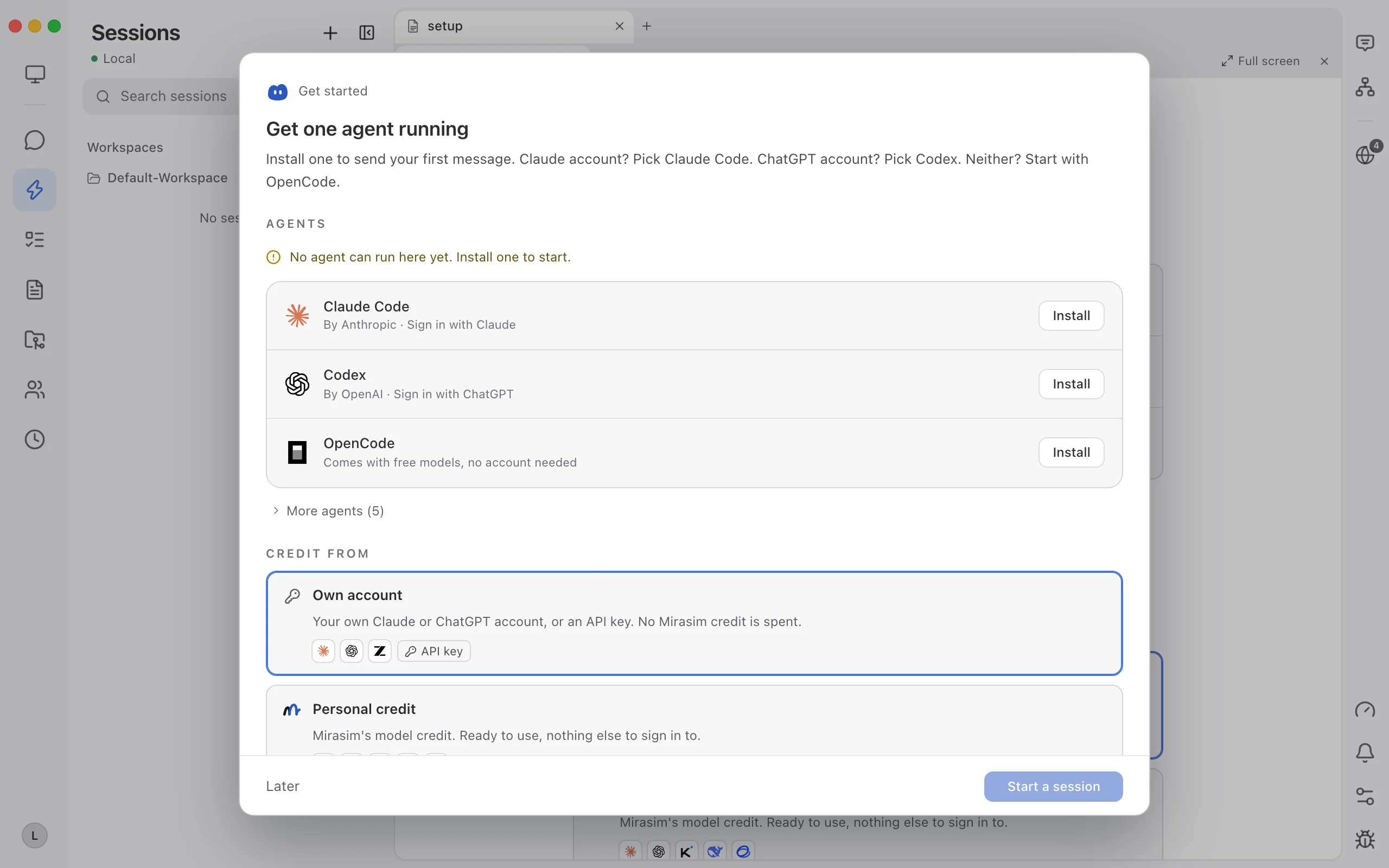
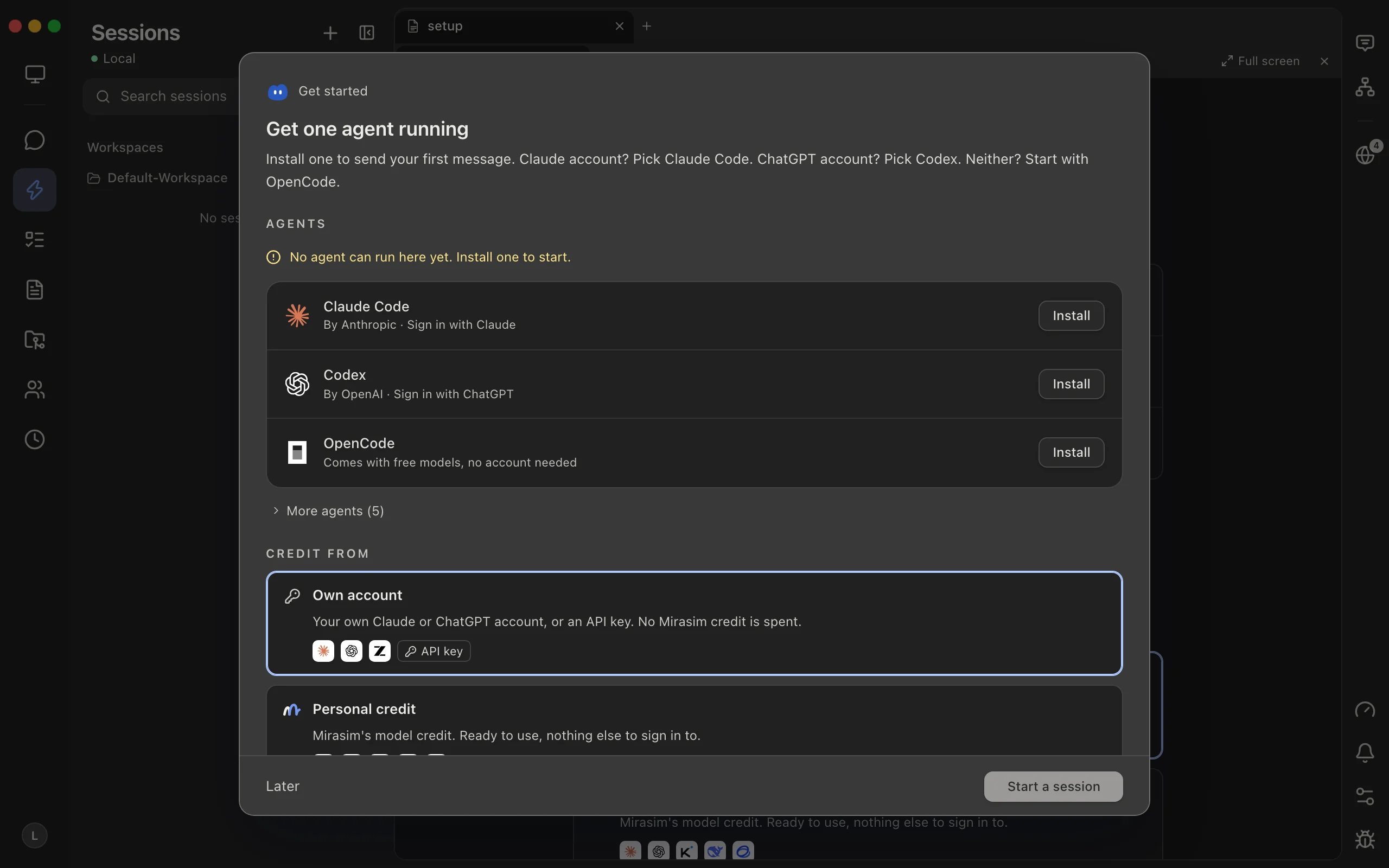
Let Mirasim install and update it
- Open Get started
ChatGPT account? It suggests Codex
- Press Install
Already installed Codex? Mirasim uses that copy
- Update from Settings › Agents
The installed version sits next to the latest one
Settings › Agents also has an Auto-update switch, off by default, that installs new versions once the agent is idle. Mirasim runs the Codex CLI itself and is not an OpenAI app.
Article · Run Claude Code, Codex, OpenCode and seven more coding agents in one app → The coding agents Mirasim runs in one app.
Questions
- Is Codex CLI free?
- The CLI is open source (Apache-2.0) and free to install. Using it takes a ChatGPT plan that includes Codex, or an API key.
- How do I know which version I have?
- Run
codex --version. codex updatedid nothing. Why?- It works when the installed release supports updating itself. Otherwise update the way you installed: the script, npm or Homebrew.
- Should I use npm or the script?
- OpenAI lists the script first. npm suits you if you already manage tools with Node.js. Stick to one, so you don't end up with two copies.
Article · Codex “stream disconnected before completion”: what it means and how to fix it → When Codex says “stream disconnected before completion”.
Sources
Checked on November 24, 2026 against OpenAI's documentation (learn.chatgpt.com/docs: the Codex CLI page, developer-commands, auth, sandboxing, windows/windows-app, windows/wsl) and the README at github.com/openai/codex. Check those pages for the latest.
Keep reading
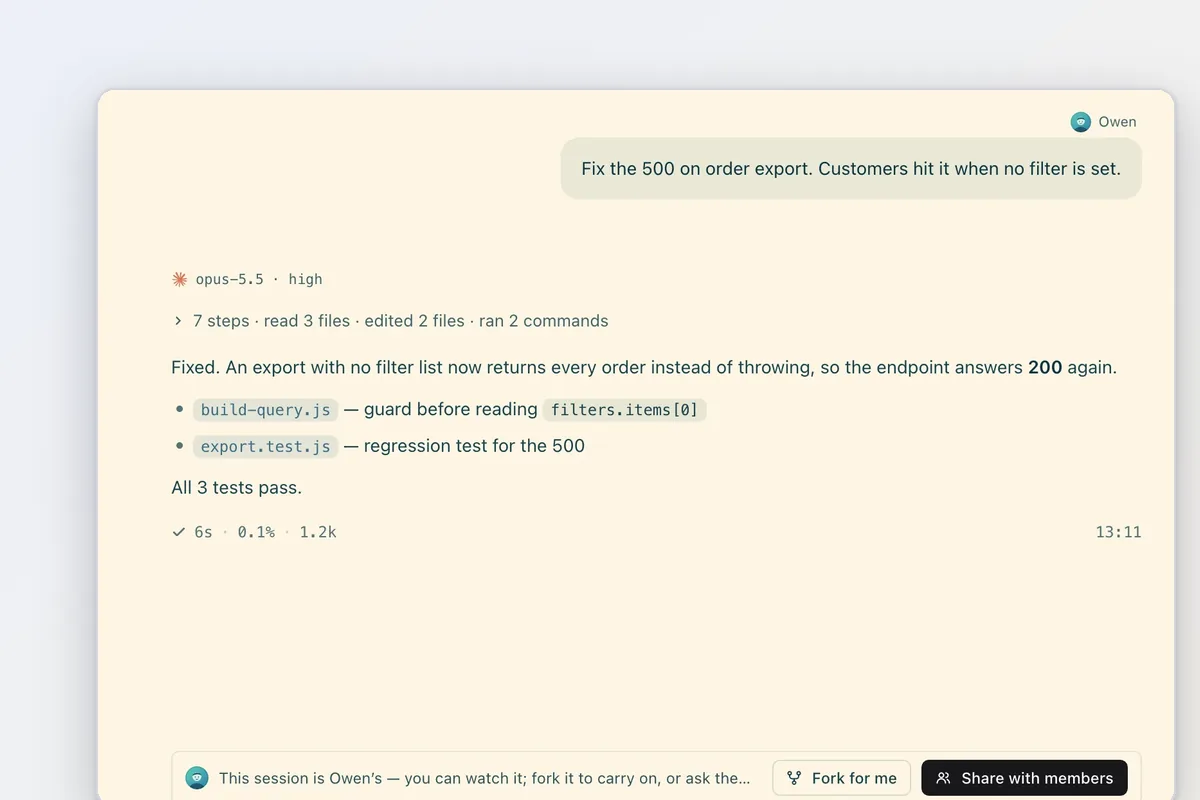
Claude Code for teams: access, shared setup, and working in one session
How a team uses Claude Code: a seat for everyone, the setup in the repo, sessions shared by link. And what to do when several people must steer one session.
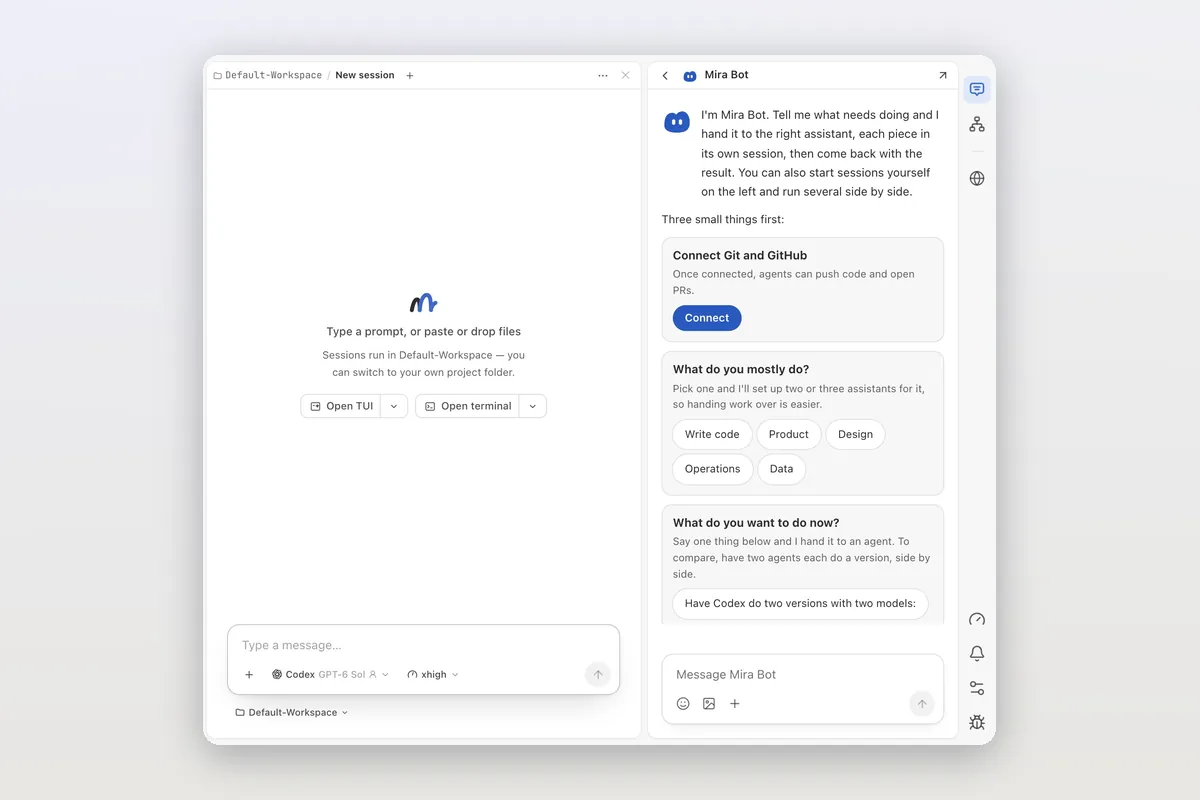
Codex on Linux: the desktop app, the CLI, and servers without a screen
Codex on Linux comes as a desktop app (preview: Ubuntu, Debian, Fedora, Arch) and a CLI. Install commands, updates, the sandbox, and signing in on a server.
How to update Claude Code, pin a version, or uninstall it
Run claude update, or your package manager's command. How to check the version, stay on stable, stop auto-updates, go back a version, and uninstall Claude Code.