Codex usage limits: when they reset, and what to do when you hit one
How Codex's usage limits work on a ChatGPT plan, where to see when yours reset, and what you can do when you run out.
The short answer
When you sign in to Codex with ChatGPT, it uses your plan's allowance, shared with ChatGPT Work. On Plus and Standard Business the limit is counted per five-hour period, and weekly limits may apply on top; Pro currently has no five-hour limit. Your own reset times are on the Codex usage dashboard (chatgpt.com/codex/settings/usage), and /status in the Codex CLI shows what's left. Codex with an API key doesn't use this allowance at all: it's billed at API rates.
| What you want to know | Where to look |
|---|---|
| When my limit resets | The usage dashboard: chatgpt.com/codex/settings/usage |
| How much is left right now | Type /status in the Codex CLI |
| All my accounts at once | In Mirasim: account card › Usage (see below) |
How the limits work
- Codex and ChatGPT Work share one allowance. Local messages and cloud chats both count, and cloud tasks may use more than local messages.
- Plus and Standard Business: counted per five-hour period, and weekly limits may also apply. Pro: currently no five-hour limit.
- There's no fixed number of messages. OpenAI publishes ranges as estimates; the model, context, reasoning, tools and caching all change how much a message uses.
- Fast and Ultrafast speeds use the allowance at a multiple of Standard.
When you hit the limit
- Let the current turn finish
If you reach the limit mid-turn, Codex can finish that turn, within fair use.
- Wait for the reset, or buy credits
Plus and Pro can buy credits to keep going without upgrading; Business, Edu and Enterprise plans with flexible pricing can buy workspace credits.
- Or switch to an API key
Anyone can run local chats with an API key, charged at standard API rates instead of the plan allowance.
To make the allowance last longer, OpenAI suggests shorter, precise prompts, giving Codex only the files it needs, keeping AGENTS.md small, and turning off MCP servers you aren't using, since each one adds context to every message.
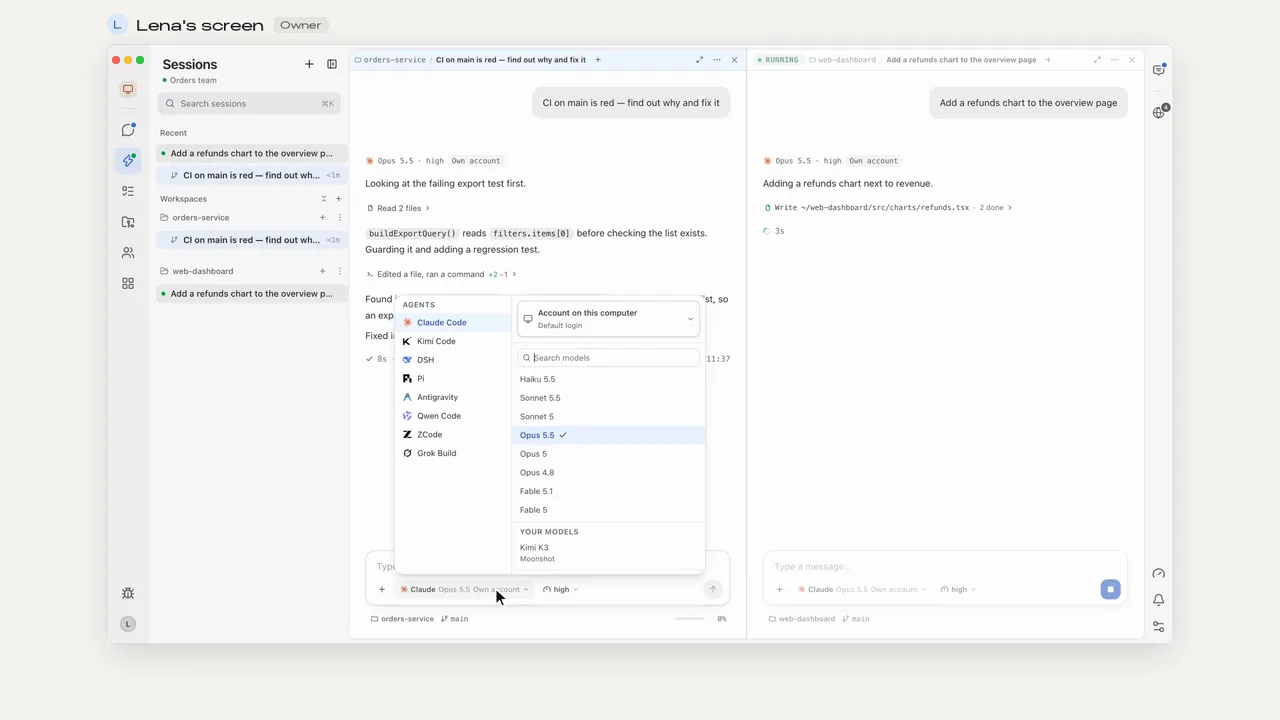
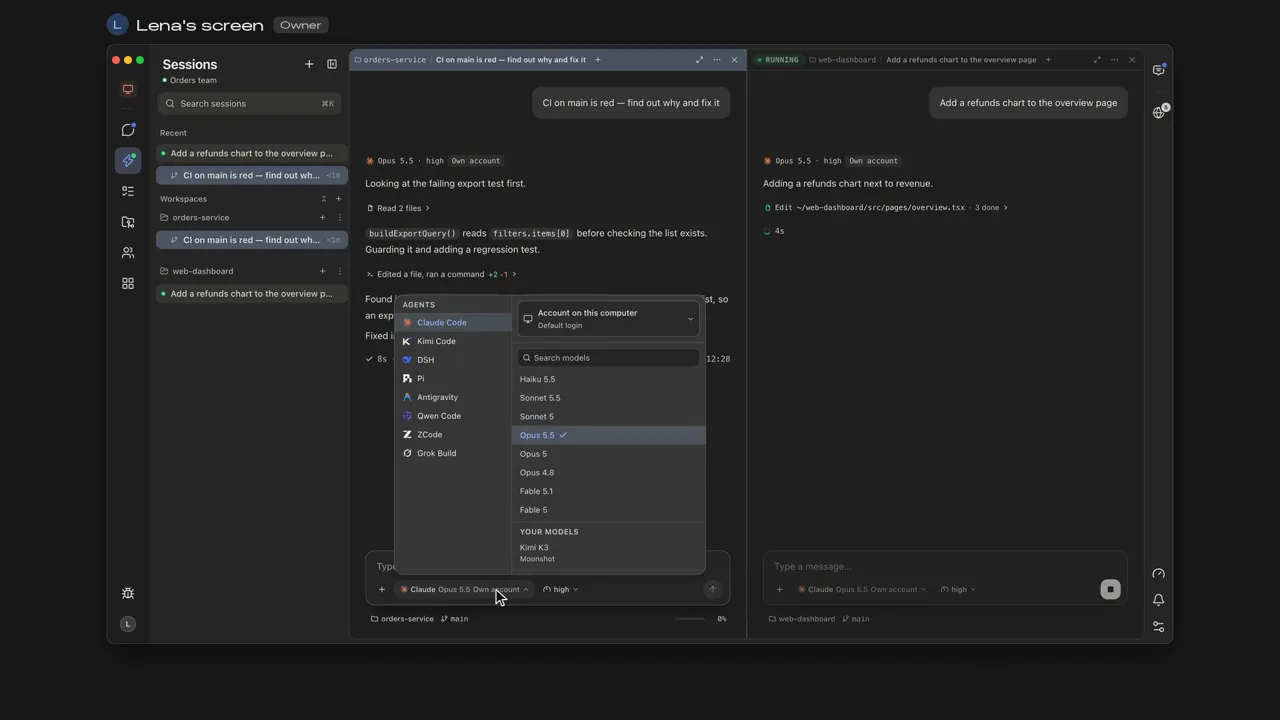
Keep the task going in Mirasim
- Codex hits a limit
The usage card shows when it resets
- Switch account or agent
Another saved Codex account, or Claude Code, Kimi Code, DeepSeek Harness
- The conversation comes along
Same pane, same transcript
- Each saved account shows its live quota: the plan, how much of each current window is used, and when it resets. Open the account card at the bottom left › Usage.
- You can save more than one Codex account and switch which one is active.
- Switching a session to another agent carries the conversation over, so the task doesn't start from scratch.
Chapter 16 · Models, accounts and quota › Several accounts, and live quota →
Article · Claude Code usage limits: what the messages mean, and how to keep working → The same question for Claude Code: its 5-hour and weekly limits.
Article · How to install and update Codex CLI on macOS, Windows and Linux → Installing and updating Codex CLI.
Questions
- When does my Codex limit reset?
- OpenAI doesn't publish one reset time for everyone. Your usage dashboard shows your current limits and when they reset.
- Do Codex and ChatGPT use the same limits?
- Codex shares pricing, credits and usage limits with ChatGPT Work.
- Does Codex with an API key have these limits?
- No. API-key sessions are billed at API rates and don't draw on your ChatGPT allowance.
- Is there a five-hour limit on Pro?
- OpenAI says Pro plans currently have no five-hour limit. Weekly limits may still apply.
Sources
OpenAI's details come from the Codex pricing page at learn.chatgpt.com/docs/pricing, checked on November 22, 2026. Limits, multipliers and prices change; check that page and your usage dashboard for the latest.
Keep reading
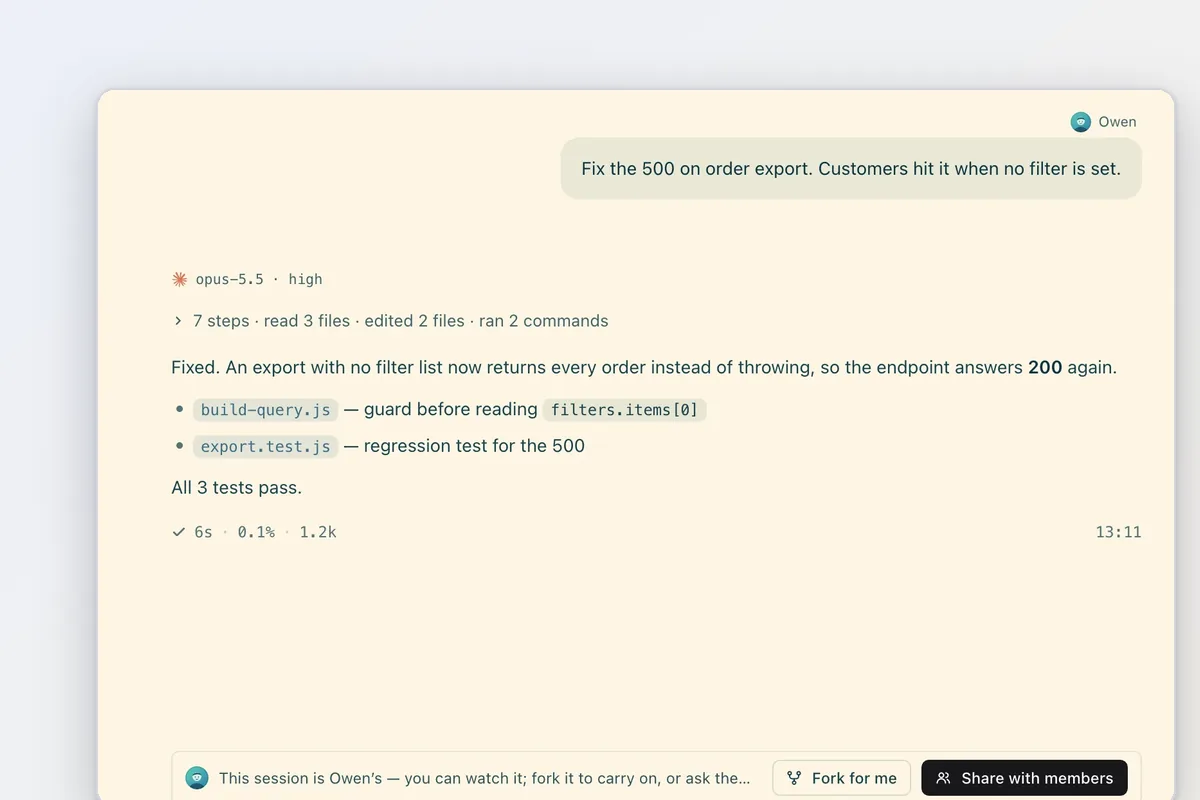
Claude Code for teams: access, shared setup, and working in one session
How a team uses Claude Code: a seat for everyone, the setup in the repo, sessions shared by link. And what to do when several people must steer one session.
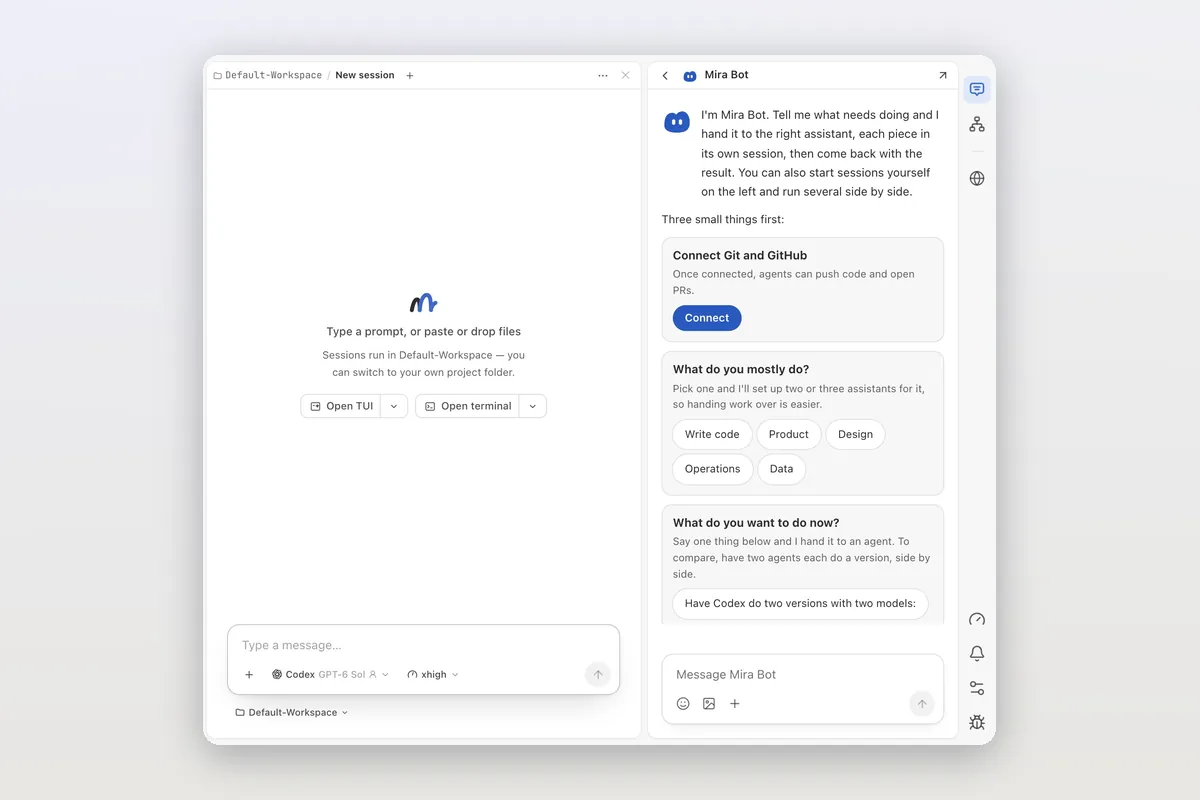
Codex on Linux: the desktop app, the CLI, and servers without a screen
Codex on Linux comes as a desktop app (preview: Ubuntu, Debian, Fedora, Arch) and a CLI. Install commands, updates, the sandbox, and signing in on a server.
How to install and update Codex CLI on macOS, Windows and Linux
OpenAI's install and update commands for Codex CLI: script, npm and Homebrew. How to sign in, check the version, and set it up on Windows, WSL and Linux.