Codex on Linux: the desktop app, the CLI, and servers without a screen
Codex on Linux comes as a desktop app (preview: Ubuntu, Debian, Fedora, Arch) and a CLI. Install commands, updates, the sandbox, and signing in on a server.
The short answer
Yes, Codex runs on Linux. OpenAI's desktop app for Linux is in preview: it's the ChatGPT desktop app, for Ubuntu, Debian, Fedora and Arch on x64 and ARM64, and you choose Codex inside it. The Codex CLI runs on Linux too, including servers with no screen.
- The ChatGPT desktop app, then Codex
- A desktop Linux on the supported list
- Codex CLI
- Another distribution, or you prefer the terminal
- Codex CLI, with device code sign-in
- A server you reach over SSH
- Mirasim
- Codex next to Claude Code, or a server your phone can open
Install the Codex desktop app on Linux
| Distribution | Install | Update |
|---|---|---|
| Ubuntu 24.04 and 26.04 LTS, Debian 13 | Download the .deb, then sudo apt install ./chatgpt_amd64.deb | sudo apt update && sudo apt install --only-upgrade chatgpt |
| Fedora 43 and 44 | Download the .rpm, then sudo dnf install ./chatgpt.x86_64.rpm | sudo dnf upgrade --refresh chatgpt |
| Arch Linux, fully updated | OpenAI's install-arch.sh, run with sudo; it does a full system upgrade | sudo pacman -Syu |
Run uname -m first: x86_64 means the x64 package, aarch64 or arm64 the ARM64 one, whose file names end in arm64.deb and aarch64.rpm. The downloads are on OpenAI's page, learn.chatgpt.com/docs/linux/linux-app. After installing, open ChatGPT from the applications menu or run chatgpt, and sign in.
Install Codex CLI on Linux
# install; run it again to update
curl -fsSL https://chatgpt.com/codex/install.sh | sh
# the sandbox (Fedora: sudo dnf install bubblewrap)
sudo apt install bubblewrap
# start in your project and sign in
codex- npm works as well:
npm install -g @openai/codex. GitHub Releases of openai/codex has x86_64 and arm64 builds. - On Linux, Codex's sandbox relies on
bubblewrap. Without it, Codex warns at startup. - On Ubuntu 24.04 the warning can stay after you install it, because of AppArmor. OpenAI's sandboxing page gives the profile to load.
- On Windows, run the same command inside WSL2. WSL1 isn't supported since Codex 0.115.
Article · How to install and update Codex CLI on macOS, Windows and Linux → Every way to install and update Codex CLI.
Codex on a Linux server
A server has no browser for the sign-in page. Turn on device code login in your ChatGPT security settings, run codex login --device-auth, and enter the code on any device. If that isn't possible, OpenAI's docs say you can sign in on a machine with a browser and copy the auth.json file from its Codex folder to the server. Treat that file like a password.
Over SSH, Codex stops when the connection drops unless you keep it in something like tmux.
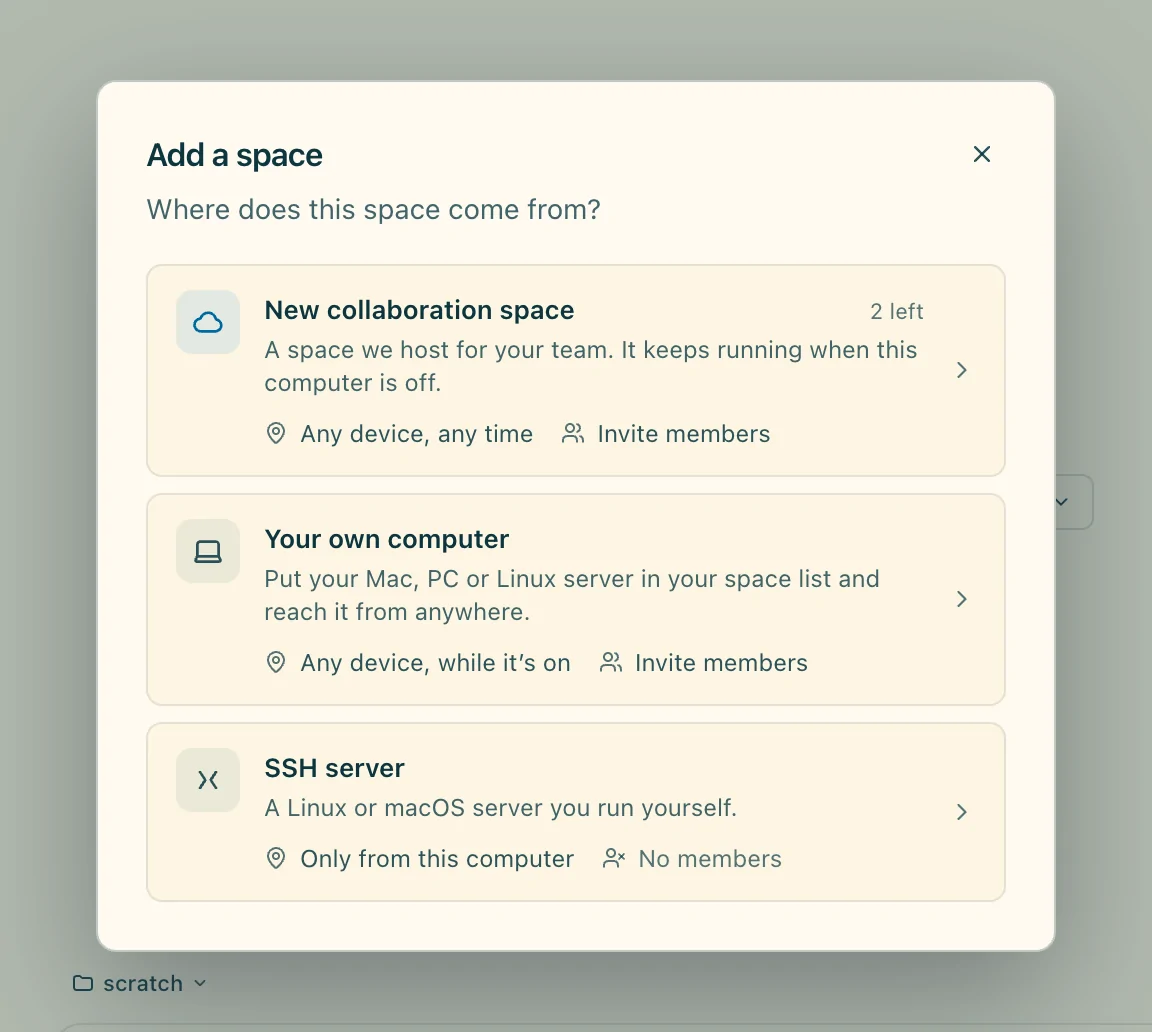
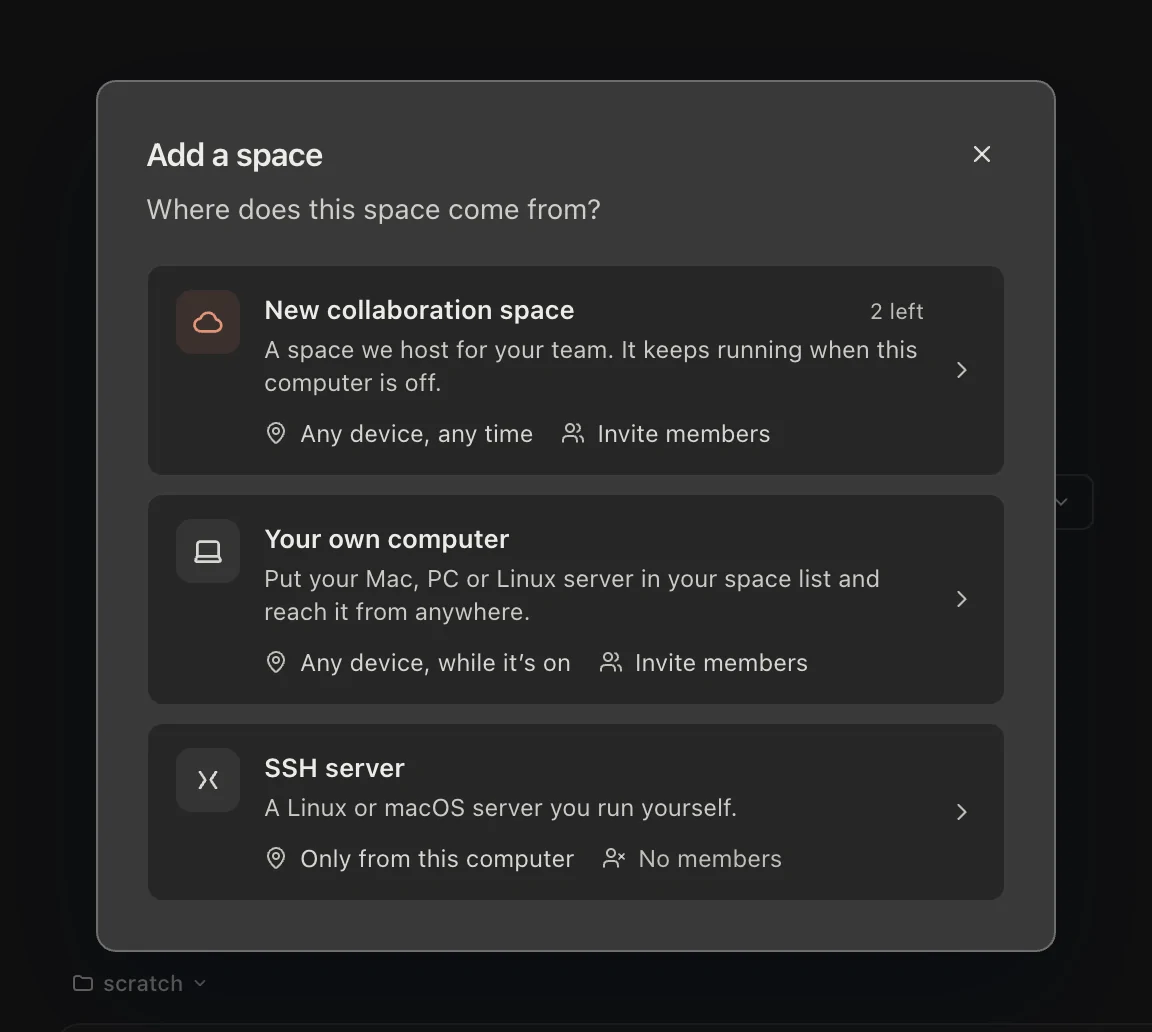
Codex in Mirasim on Linux
- A Linux desktop app
- AppImage or .deb, x86_64 and arm64, for Ubuntu 22.04 or a distribution of the same age
- Codex CLI, as it is
- On your ChatGPT sign-in, an API key or Mirasim credit, next to Claude Code and other agents
- A server that stays on
- One command on a server without a desktop; it runs as a service and comes back after a reboot
- From your phone
- Open that server's sessions from the phone app or a browser
The one-command install needs a glibc Linux such as Ubuntu, Debian or Fedora, and a Mirasim account with collab spaces enabled. Mirasim is not an OpenAI app.
Chapter 14 · Make your own computer a collab space › An always-on server, from the command line →
Questions
- Is there an official Codex desktop app for Linux?
- Yes, in preview. It's the ChatGPT desktop app for Linux, published by OpenAI. Repackaged versions from before it existed are unofficial.
- Does Codex work on Linux Mint, openSUSE or NixOS?
- They aren't on OpenAI's list for the desktop app. The app may still run; the CLI is the safer choice.
- Does Codex on Linux need a paid plan?
- Nothing differs from other systems: sign in with a ChatGPT account that includes Codex, or use an API key.
Article · The Codex app: where to get it now, and running Codex next to other agents → The Codex app on macOS, Windows and phones.
Sources
Checked on November 24, 2026 against OpenAI's documentation (learn.chatgpt.com/docs: linux/linux-app, the Codex CLI page, sandboxing, auth, windows/wsl) and the README at github.com/openai/codex. The Linux app is a preview and changes quickly, so check those pages for the latest.
Keep reading
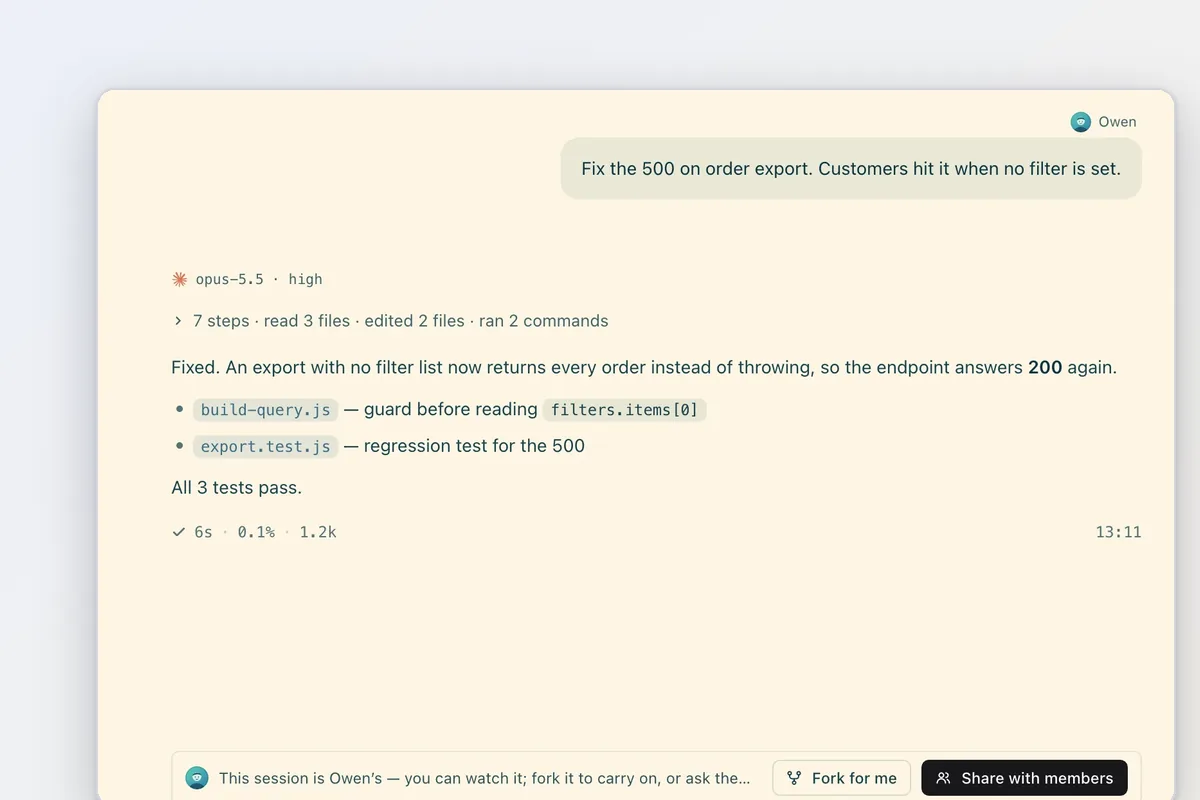
Claude Code for teams: access, shared setup, and working in one session
How a team uses Claude Code: a seat for everyone, the setup in the repo, sessions shared by link. And what to do when several people must steer one session.
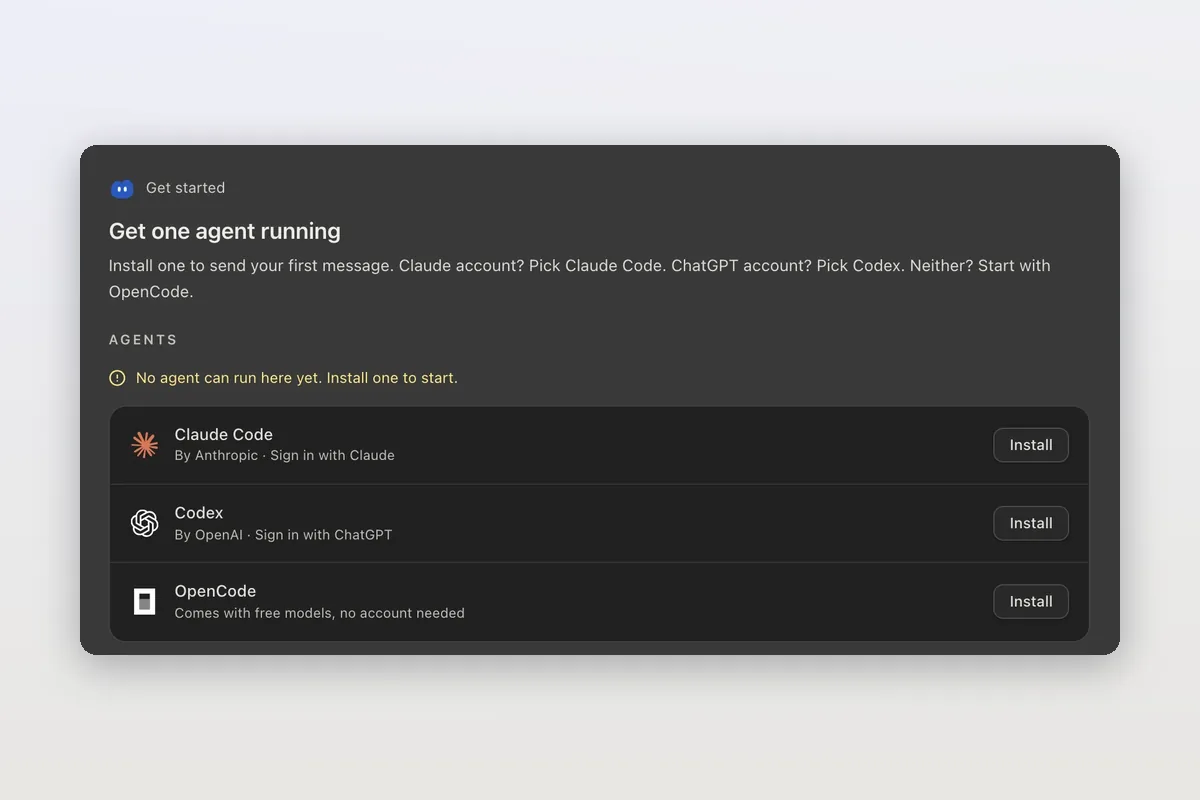
How to install and update Codex CLI on macOS, Windows and Linux
OpenAI's install and update commands for Codex CLI: script, npm and Homebrew. How to sign in, check the version, and set it up on Windows, WSL and Linux.
How to update Claude Code, pin a version, or uninstall it
Run claude update, or your package manager's command. How to check the version, stay on stable, stop auto-updates, go back a version, and uninstall Claude Code.