How to update Claude Code, pin a version, or uninstall it
Run claude update, or your package manager's command. How to check the version, stay on stable, stop auto-updates, go back a version, and uninstall Claude Code.
The short answer
Run claude update in your shell. If you installed Claude Code with Anthropic's script, it also updates itself in the background, and the new version takes effect the next time you start it. Homebrew, WinGet, apt, dnf and apk installs don't update by themselves by default; use the command for yours.
| Installed with | Update | Updates itself? |
|---|---|---|
| Install script (native) | claude update | Yes |
| npm | npm install -g @anthropic-ai/claude-code@latest | Yes, if the global folder is writable without sudo |
| Homebrew | brew upgrade claude-code (or claude-code@latest) | No, unless you opt in |
| WinGet | winget upgrade Anthropic.ClaudeCode | No, unless you opt in |
| apt | sudo apt update && sudo apt upgrade claude-code | No |
| dnf | sudo dnf upgrade claude-code | No |
| apk | apk update && apk upgrade claude-code | No |
| Claude Desktop (Code tab) | Check for Updates, in the Claude menu on macOS or Help on Windows | Yes, its own copy; on Linux, through apt |
With npm, avoid npm update -g: it follows the version range from your first install and may not reach the newest release. To opt in on Homebrew or WinGet, set the CLAUDE_CODE_PACKAGE_MANAGER_AUTO_UPDATE environment variable to 1.
Check your version
claude --version   # the installed version
claude doctor      # install health, and how the last update attempt went
which -a claude    # on macOS and Linux: is there more than one copy?
On Windows, use where.exe claude for the last one. Two copies is the usual reason an update seems to do nothing.
Stay on stable, pin a version, or go back
- Latest or stable
- In
/config, open Auto-update channel. Latest is the default; stable is typically about a week old and skips releases with major regressions. - Don't go below a version
- Set
minimumVersionin your settings file. Background updates andclaude updatewon't install anything older. - Stop background updates
- Set
DISABLE_AUTOUPDATERto"1"underenvin settings.claude updatestill works.DISABLE_UPDATESblocks both. - Install a specific version
- Give the install script a version number:
curl -fsSL https://claude.ai/install.sh | bash -s 2.1.89on macOS, Linux and WSL. - For a whole team
- Managed settings can require a version range with
requiredMinimumVersionandrequiredMaximumVersion; outside it, Claude Code refuses to start.
Article · Claude Code for teams: access, shared setup, and working in one session → Managed settings and the rest of a team's Claude Code setup.
When an update goes wrong
- “Auto-update failed · Run claude doctor”
- The background update didn't install; you can keep working. Run
claude updatein your shell to finish it or see the reason. claudenot found right after an update on Windows- Look in
%USERPROFILE%\.local\binfor a file whose name starts withclaude.exe.old.and rename the newest one back toclaude.exe. If there is none, run the install script again. - The update notice stays, but there's nothing newer
- Package managers can lag behind. Anthropic lists this as a known issue; wait and try again later.
- A new model isn't in the list
- A newly launched model can need a newer version than stable has. Switch to latest to use it now.
Uninstall Claude Code
| Installed with | Uninstall |
|---|---|
| Script, on macOS, Linux, WSL | rm -f "$HOME/.local/bin/claude", then rm -rf "$HOME/.local/share/claude" |
| Script, on Windows | In PowerShell, remove $env:USERPROFILE\.local\bin\claude.exe and the folder $env:USERPROFILE\.local\share\claude |
| npm | npm uninstall -g @anthropic-ai/claude-code |
| Homebrew | brew uninstall --cask claude-code (or claude-code@latest) |
| WinGet | winget uninstall Anthropic.ClaudeCode |
| apt, dnf, apk | sudo apt remove claude-code, sudo dnf remove claude-code or apk del claude-code |
If claude still runs afterwards, you have a second install or an old shell alias. which -a claude shows where it is.
Keep every agent up to date from one place
If you run several coding agents, Mirasim's Settings › Agents lists each one's installed version next to the latest, with an Update button that runs that agent's own updater. An Auto-update switch, off by default, installs new versions once the agent is idle, so a running session isn't cut off. Mirasim runs the Claude Code you installed and isn't an Anthropic app.
Questions
- Does Claude Code update automatically?
- Script installs do, and npm installs when the global folder is writable. Others don't by default.
- Do I need to restart after an update?
- Yes. A running session stays on the version it started with; the new one is used the next time you start
claude. - Does updating the CLI update the desktop app?
- No. The Code tab runs its own copy, updated with the desktop app.
Article · How to install Claude Code on macOS, Windows and Linux → Installing Claude Code from scratch.
Article · How to install and update Codex CLI on macOS, Windows and Linux → Installing and updating Codex CLI.
Sources
Commands were checked on November 24, 2026 against Anthropic's documentation: code.claude.com/docs/en/setup, /troubleshoot-install and /desktop. Check those pages for the latest.
Keep reading
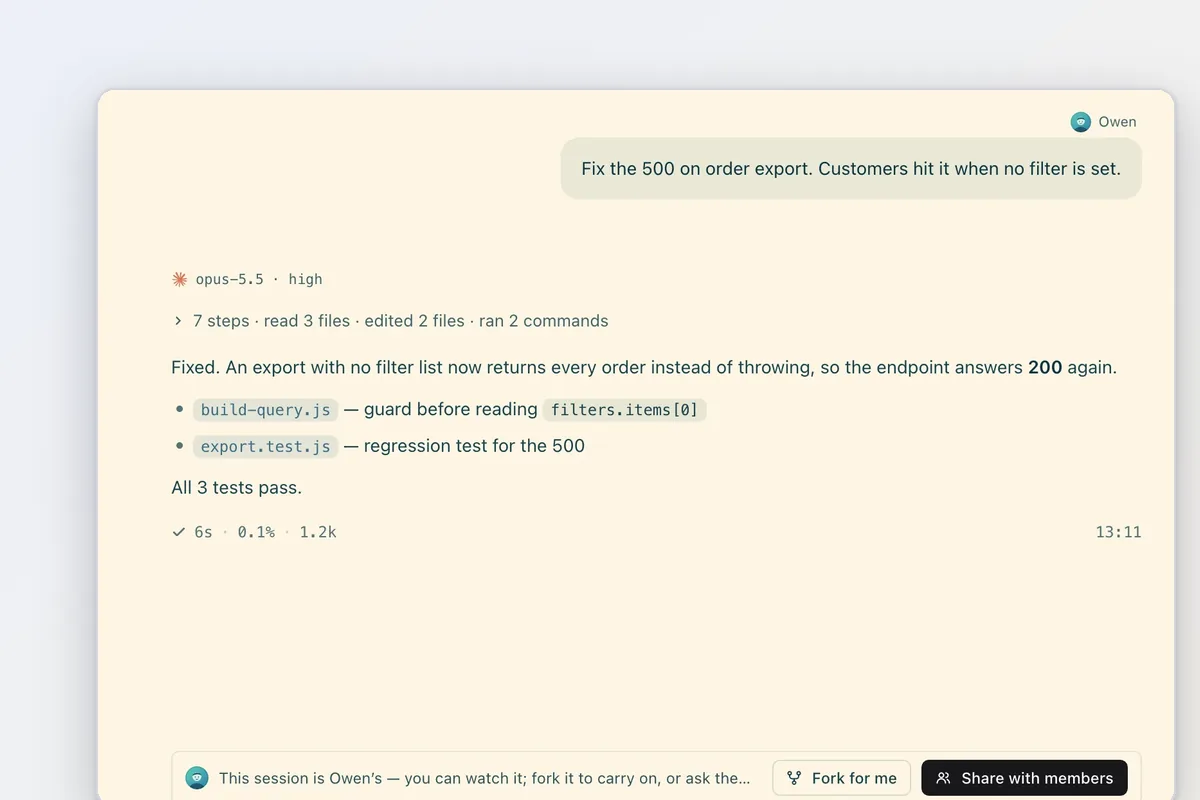
Claude Code for teams: access, shared setup, and working in one session
How a team uses Claude Code: a seat for everyone, the setup in the repo, sessions shared by link. And what to do when several people must steer one session.
Codex on Linux: the desktop app, the CLI, and servers without a screen
Codex on Linux comes as a desktop app (preview: Ubuntu, Debian, Fedora, Arch) and a CLI. Install commands, updates, the sandbox, and signing in on a server.
How to install and update Codex CLI on macOS, Windows and Linux
OpenAI's install and update commands for Codex CLI: script, npm and Homebrew. How to sign in, check the version, and set it up on Windows, WSL and Linux.