GPT-6.2 in Codex: Astra or Sol, how to switch, speed modes and what it costs
GPT-6.2 comes as Astra for the hardest work and Sol for everyday coding. Which plans have it, how to pick it in Codex, Fast and Ultrafast, and what each costs.
The short answer
GPT-6.2 launched on November 17, 2026 as two models. Astra is for the hardest work, such as tracing a bug across services, fixing it and testing the affected workflows. Sol is for everyday coding, such as reviewing a pull request or revising code after review, and costs fewer credits per token. Both are in the Codex app and CLI and in ChatGPT Work on Plus, Pro, Business, Enterprise and Edu; in Enterprise and Edu workspaces an admin has to turn them on first.
| GPT-6.2 Astra | GPT-6.2 Sol | |
|---|---|---|
| Pick it for | Complex, multi-step work across code, apps or research | Everyday coding, writing and work across several sources |
| Default context in Codex | 272,000 tokens | 500,000 tokens |
| Plus: local messages per 5 hours | 6–50 | 17–180 |
| API price per million tokens, input / output | $8 / $40 | $2 / $10 |
| API model name | gpt-6.2-astra | gpt-6.2-sol |
Switch to GPT-6.2
# in a running session
/model

# start Codex on a model
codex --model gpt-6.2-sol
codex -m gpt-6.2-astra

# non-interactive
codex exec -m gpt-6.2-sol "Review the current changes"- In the Codex app, use the model picker under the composer.
- In ChatGPT Work, new chats start on Sol at Light effort on consumer plans, or Medium in Enterprise. If you see the Power slider, open Advanced to pick a specific model and effort.
- To make it the default for every session, set
modelin Codex's config.toml.
Article · Codex config.toml: where it is, and the settings worth changing → Codex's config.toml: where it lives and the settings worth knowing.
Fast and Ultrafast
Both GPT-6.2 models can run faster than Standard, at a higher rate. In the CLI, type /fast or /ultrafast, and repeat the same command to go back to Standard; the CLI remembers your choice. In the app, it is the lightning bolt in the model or effort picker.
| Speed | How fast | Who has it | Usage rate |
|---|---|---|---|
| Fast | About 1.5× Standard on Astra | With ChatGPT sign-in, in the app, CLI and IDE extension | 2× Standard |
| Ultrafast | Up to 4.5× Standard | Pro $200: Sol only. Pro $500: both. Enterprise and Edu: once an owner enables it | 6× from included usage; 3× from purchased credits through February 28, 2027, then 6× |
Which one to use
- Start with Sol. It handles most coding and review, and its larger default context in Codex helps on big repositories.
- Switch to Astra when Sol keeps missing the cause: a bug that crosses services, a migration with many moving parts, or research where sources disagree.
- Leave reasoning effort at the default and raise it only when a task needs deeper planning; higher effort is slower and uses more tokens.
- For work that splits cleanly, Ultra mode runs subagents in parallel instead of one long run.
Article · Subagents in Claude Code and Codex: what they are and how to make your own → Subagents in Codex and Claude Code.
Running GPT-6.2 in Mirasim
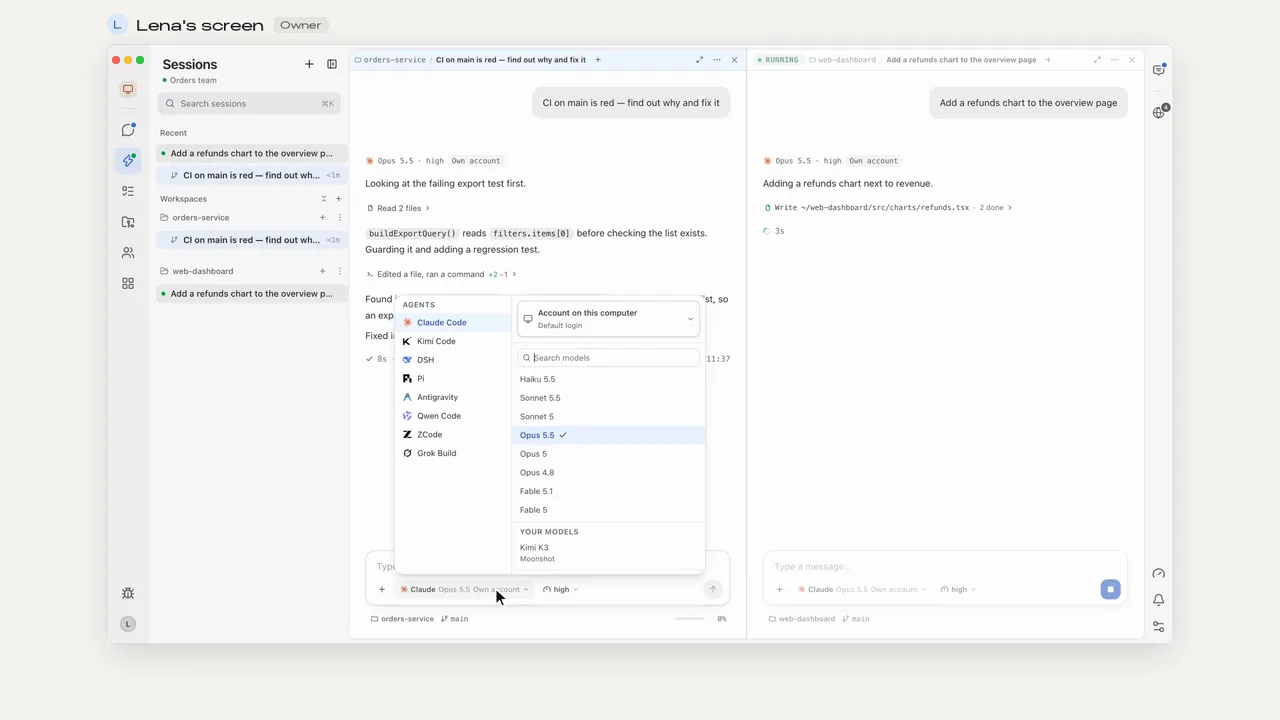
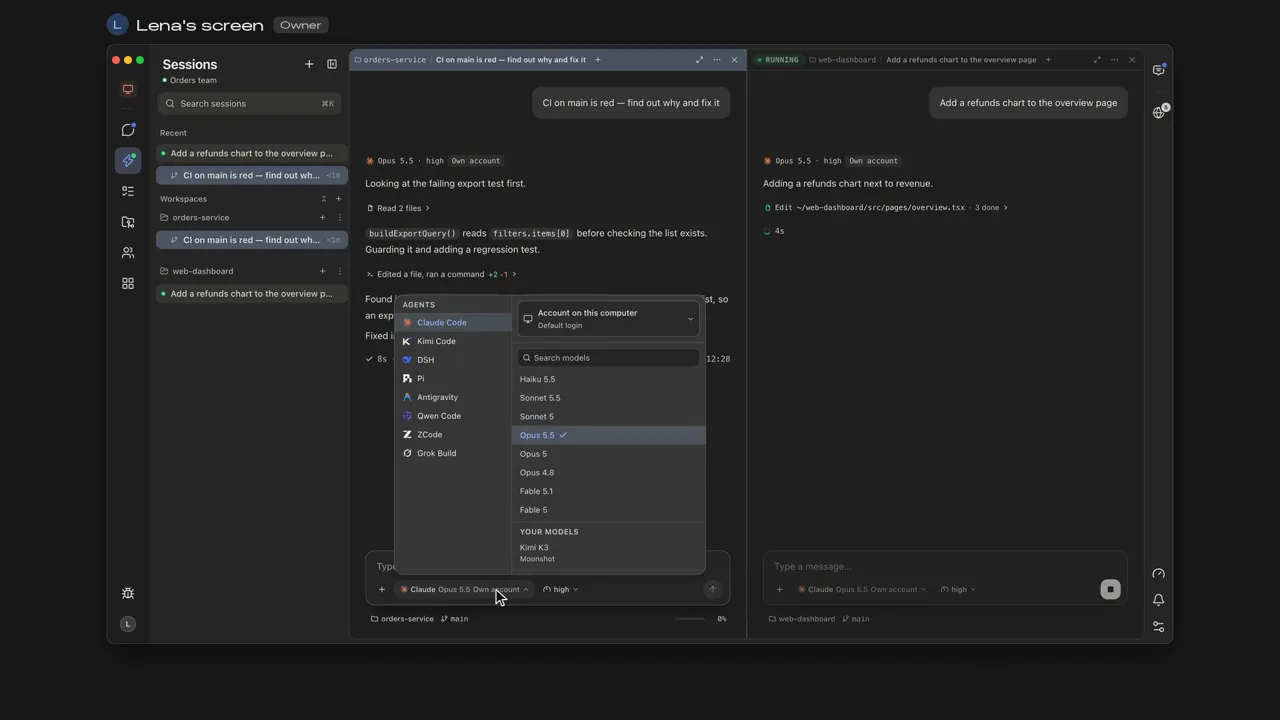
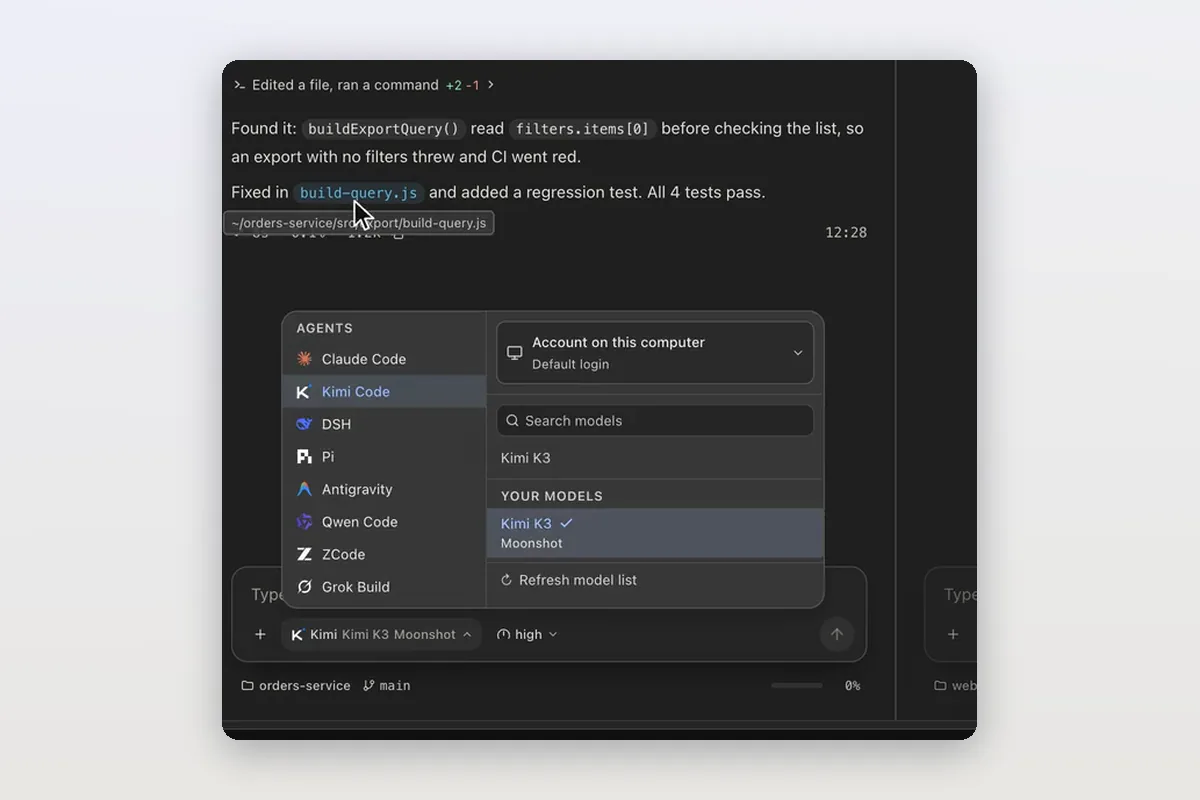
Mirasim runs the Codex CLI itself, so /model works as above, and you can also pick the model per session in Mirasim's own picker. What changes is who pays: each session has a “Paying with” setting.
| Paying with | What runs | What it costs |
|---|---|---|
| Agent/Model account | Your own ChatGPT sign-in or API key | Your plan's usage, or your API bill |
| Personal credit or space credit | GPT-6.2 models provided by Mirasim | Off the official API price: Astra Limited time: 90% off, Sol Limited time: 90% off |
1 credit is $1 at the official API price; every model's price and discount is on mirasim.ai/models. A ChatGPT seat is for the member it belongs to, so a session several people steer runs on a shared key or space credit. When Codex is stuck, the same session can switch to another agent such as Claude Code and keep the conversation. Mirasim is not an OpenAI product.
Questions
- Why don't I see GPT-6.2 in Codex?
- In an Enterprise or Edu workspace, an admin must enable the models first. Otherwise update the Codex CLI or app, and check that you're signed in with a plan that includes them.
- What happened to GPT-5.5?
- It retired from Codex for people signed in with ChatGPT on October 14, 2026. OpenAI's models page lists the replacements.
- Which is cheaper?
- Sol. It uses fewer credits per token than Astra at Standard speed, and its API price is lower too.
Article · Codex usage limits: when they reset, and what to do when you hit one → What Codex's usage limit messages mean.
Article · Claude Opus 5.5 in Claude Code: vs Sonnet 5.5 and Fable 5.2, how to switch, what it costs → The same for Claude: Opus 5.5 in Claude Code.
Article · Codex pricing: what each ChatGPT plan includes, what an API key costs, and paying only for what you use → Codex pricing: Plus, Pro, Business and API costs.
Sources
Checked on November 26, 2026 against OpenAI's documentation (learn.chatgpt.com/docs: GPT-6.2 in What's new, Models, Speed, and Pricing). API prices are read from the same table as mirasim.ai/models. Plans, rates and limits change, so check those pages before you rely on a figure.
Keep reading
Is Claude Code free? What it costs, and how to run it for free or for less
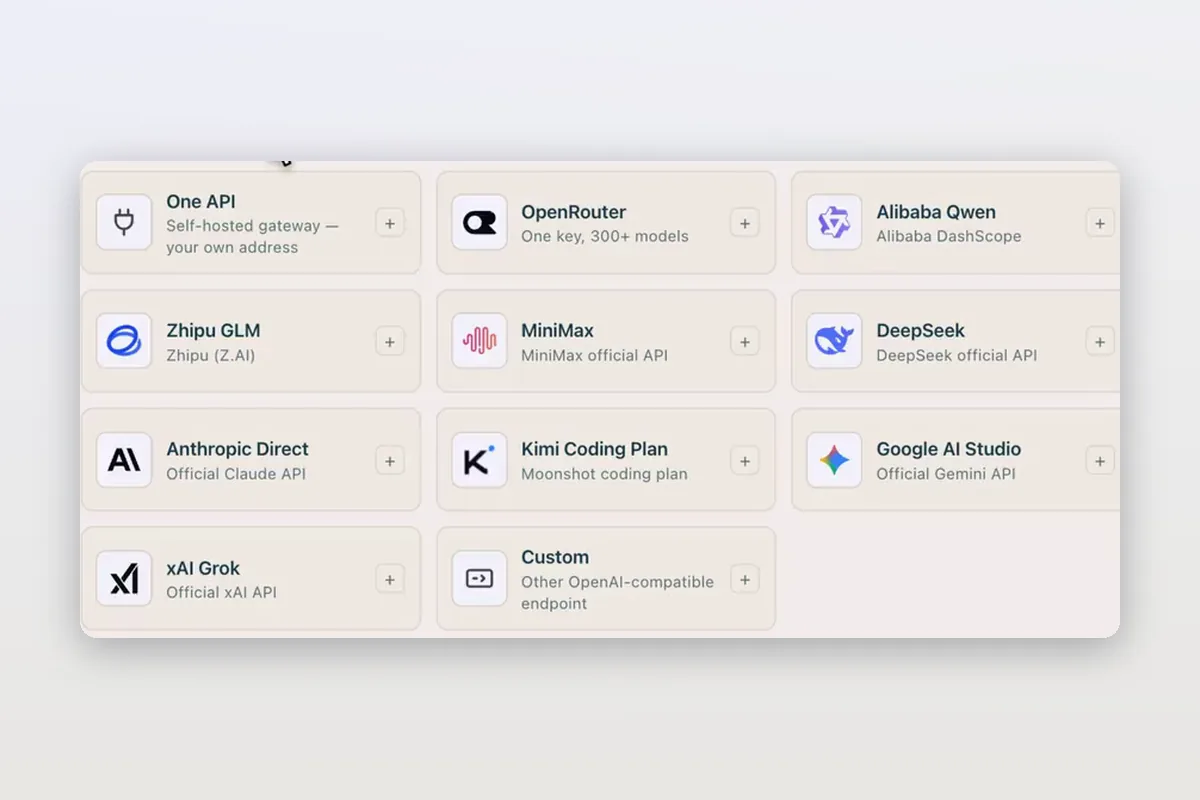
Claude Code is free to install, but running it on Claude needs a paid plan or an API key. The free and cheap options: local models with Ollama, or other providers.
Claude Code login: how to sign in, switch accounts, and fix login problems
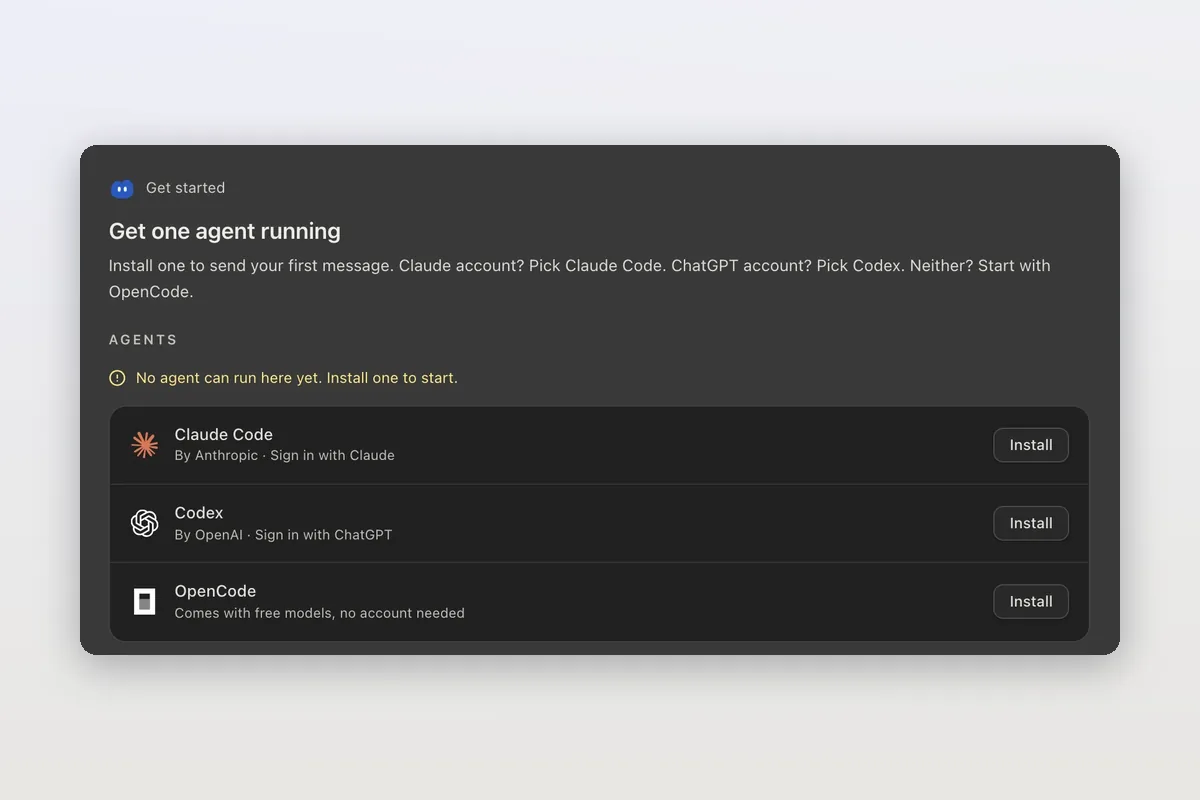
How to log in to Claude Code with a Claude plan, the Console or an API key, which credential wins, how to keep several accounts, and fixes for common login errors.
Claude Code pricing: what each plan costs, what the API costs, and paying only for what you use
Claude Code comes with Claude Pro, Max, Ultra, Team and Enterprise, or runs on an API key per token. What each costs, what developers spend, and how to spend less.