Claude Code login: how to sign in, switch accounts, and fix login problems
How to log in to Claude Code with a Claude plan, the Console or an API key, which credential wins, how to keep several accounts, and fixes for common login errors.
The short answer
Run claude and it opens a browser to sign in the first time. Use your claude.ai account if you have Claude Pro, Max, Ultra, Team or Enterprise, or a Claude Console account if you pay for the API. To sign in before starting a session, run claude auth login; to sign out, type /logout. /status shows which credential is in use.
- Run
claudeA browser window opens to the sign-in page. If it doesn't, press
cto copy the login URL and paste it into a browser. - Sign in
Choose your Claude account or Console account. If the browser shows a code instead of returning to the terminal, paste it at “Paste code here if prompted”.
- Press Enter
The terminal shows “Login successful”. Press Enter to continue.
Login commands
| Command | What it does |
|---|---|
| /login | Sign in, or renew a login that's about to expire |
| /logout | Sign out; the next claude walks you through login and setup again |
| claude auth login | Sign in from your shell, before or outside a session |
| claude auth status --text | Show when your claude.ai login ends (a “Sign-in ends” line, v2.1.318 or later) |
| /status | Show which login or key the session is using |
| claude setup-token | Make a long-lived token for CI and scripts, used through CLAUDE_CODE_OAUTH_TOKEN; it can only make model requests |
Using Claude Code doesn't extend a login. As the end date nears, Claude Code warns at startup, for example “Your login expires in 3 days · run /login to renew”. Sessions that run unattended, such as Remote Control, disconnect when the login runs out.
Subscription, API key or token: which one is used
- Cloud provider settings come first:
CLAUDE_CODE_USE_BEDROCK,CLAUDE_CODE_USE_VERTEXorCLAUDE_CODE_USE_FOUNDRY. - Then
ANTHROPIC_AUTH_TOKEN, thenANTHROPIC_API_KEY(in interactive mode you approve it once), then anapiKeyHelperscript, thenCLAUDE_CODE_OAUTH_TOKEN. - Your subscription login from
/logincomes last, so any of the above overrides it.
Stay signed in to several accounts
Give each account its own configuration folder with CLAUDE_CONFIG_DIR. Each folder has its own settings, history and login, so a work and a personal account don't overwrite each other. The first time you run the alias, Claude Code walks you through login for that folder.
alias claude-work='CLAUDE_CONFIG_DIR=$HOME/claude-work claude'
claude-work
Login problems and fixes
| What you see | Fix |
|---|---|
| “That doesn't look like the full code” or “OAuth error: Invalid code” | Copy the whole code from the browser, including the # in the middle, and paste it again quickly; the code expires. |
| No browser opens, or a localhost error after signing in (WSL2, SSH, containers) | Press c, open the URL in a browser on your own machine, and paste the code it shows. If pasting does nothing, use claude auth login, which reads the code from standard input. On WSL2, set BROWSER to your Windows browser's path. |
| API Error: 403 Request not allowed | Check your subscription is active at claude.ai/settings; on the Console, your account needs the Claude Code or Developer role; a corporate proxy can also cause it. |
| Claude Code access has not been granted for this account | Your Enterprise organization gave you a custom role without Claude Code. Ask an Owner to grant it, then log in again. |
| Asked to log in again, or “Login expired” | Run /login. If it keeps happening, check that your system clock is right. |
| The login prompt appears although you signed in before | The login expired, an admin requires a specific organization or login method, or Claude Code is older than v2.1.290. Log in again with the right account, or update. |
When the cause isn't clear, reset: /logout, close Claude Code, run claude and sign in again.
Article · How to install Claude Code on macOS, Windows and Linux → Installing Claude Code, and the “command not found” fix.
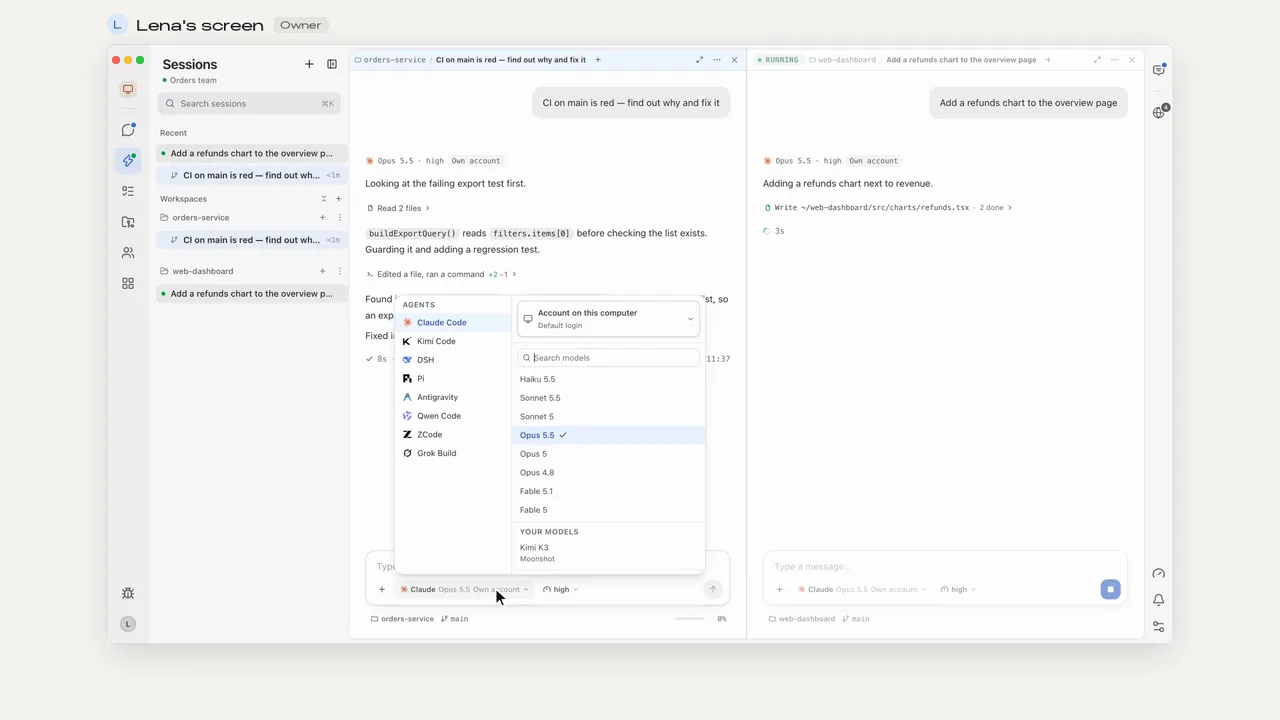
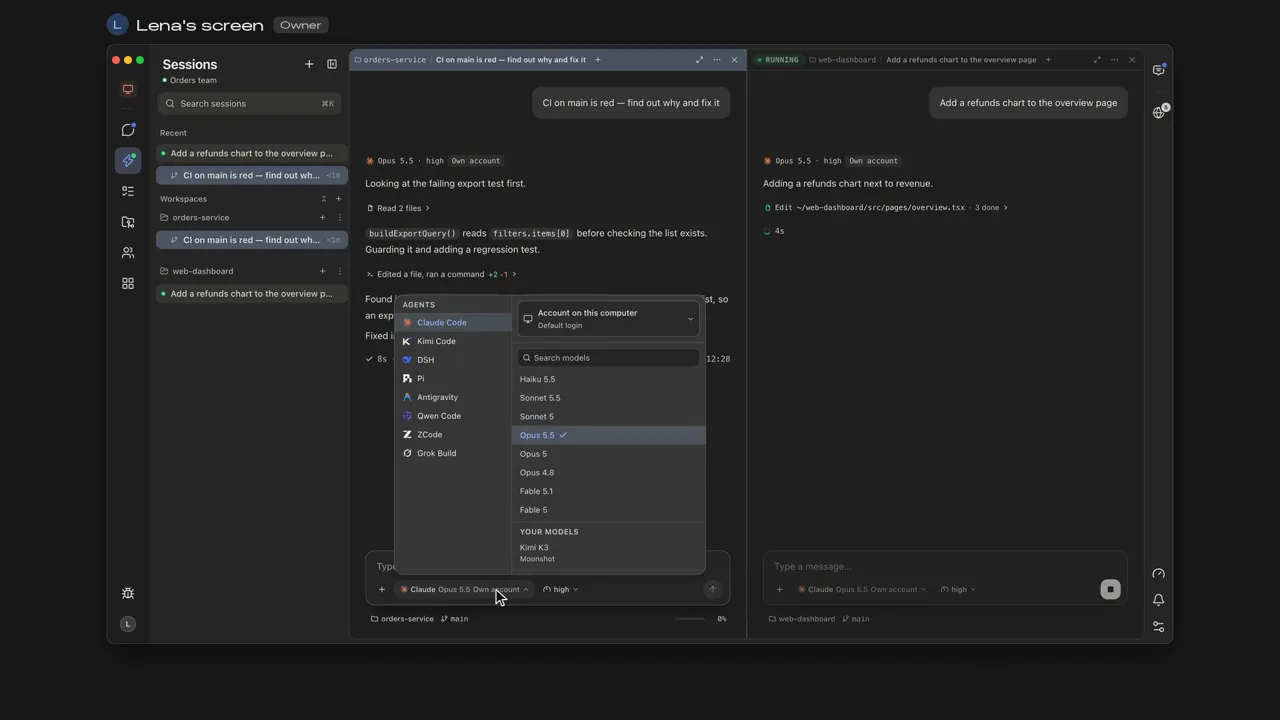
Several Claude accounts in Mirasim
- Keep several Claude sign-ins under Settings › Agents › Claude Code › Accounts & credit; a Claude account signs in by running
claude auth loginin a terminal. Codex and Antigravity can keep several too. - With “Auto”, Mirasim picks an account for each session and moves to another when one runs out, so a task keeps going past one account's limit.
- Each saved account shows its live quota: the plan, how much of each window is used, and when it resets.
- In a team space, the account you pick is used only for your own sessions; the space's default account is set by an admin. Or skip the login and run the session on Mirasim credit.
Chapter 16 · Models, accounts and quota › Several accounts, and live quota → Several accounts, and live quota, in Mirasim.
Questions
- Can I use Claude Code without logging in?
- Yes, with an API key: set
ANTHROPIC_API_KEYand approve it when Claude Code asks. You're billed per token on the Console account the key belongs to. - How do I switch accounts?
- Run
/logout, then/loginwith the other account. To keep both signed in, give each one its ownCLAUDE_CONFIG_DIR. - Where are my credentials stored?
- On macOS, in the Keychain. On Linux and Windows, in a .credentials.json file in Claude Code's configuration folder, readable only by your user.
Article · Claude Code pricing: what each plan costs, what the API costs, and paying only for what you use → Which Claude plan includes Claude Code, and what each costs.
Article · Codex login: sign in with ChatGPT or an API key, sign in on a server, and fix login problems → The same for Codex: ChatGPT or an API key, and signing in on a server.
Sources
Checked on November 27, 2026 against Anthropic's Claude Code documentation (code.claude.com/docs: Authentication, and the login section of Troubleshoot installation and login). Check those pages for the latest.
Keep reading
Is Claude Code free? What it costs, and how to run it for free or for less
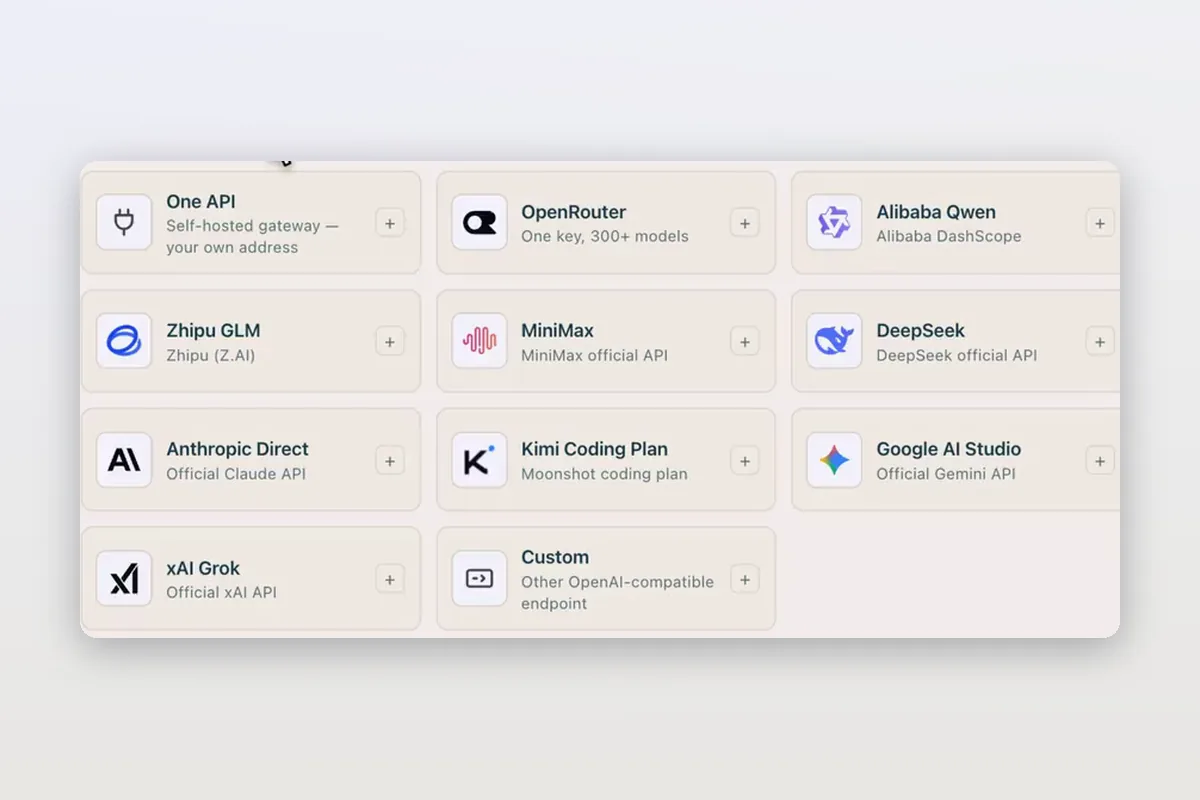
Claude Code is free to install, but running it on Claude needs a paid plan or an API key. The free and cheap options: local models with Ollama, or other providers.
Claude Code pricing: what each plan costs, what the API costs, and paying only for what you use
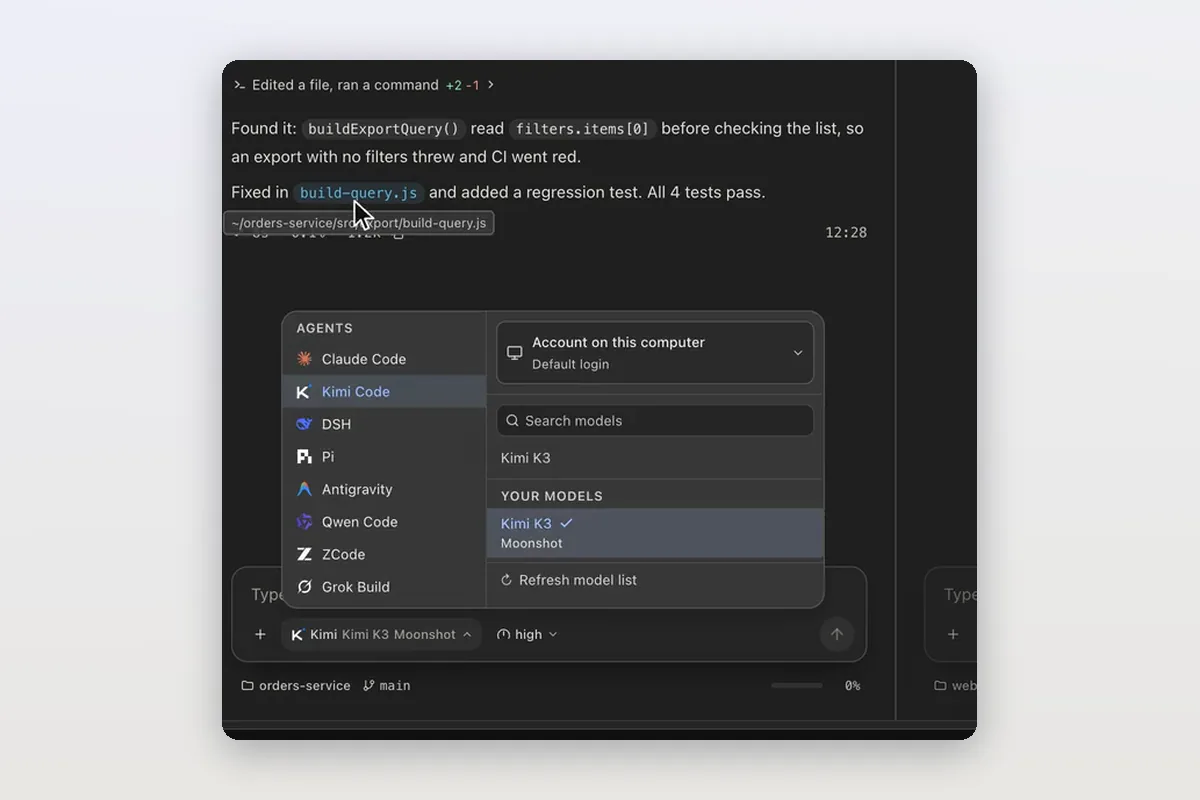
Claude Code comes with Claude Pro, Max, Ultra, Team and Enterprise, or runs on an API key per token. What each costs, what developers spend, and how to spend less.
Codex and Claude Code over SSH: run them on a remote server, and keep them running
How the ChatGPT desktop app and Claude Desktop connect to SSH hosts, how to run the CLIs on a server yourself, sign in without a browser, and keep them running.