Codex login: sign in with ChatGPT or an API key, sign in on a server, and fix login problems
How to log in to Codex with ChatGPT or an API key in the CLI, app and IDE extension, what each costs, how to sign in without a browser, and fixes for login problems.
The short answer
Codex has two ways in: sign in with ChatGPT, which uses your plan's included usage, or sign in with an OpenAI API key, which is billed at standard API prices. The ChatGPT desktop app, the Codex CLI and the IDE extension all support both for local work; Codex cloud needs a ChatGPT sign-in. In the CLI, run codex login and finish in the browser.
| Where | Sign in with ChatGPT | Sign in with an API key |
|---|---|---|
| Codex CLI | codex login | printenv OPENAI_API_KEY | codex login --with-api-key |
| ChatGPT desktop app | Continue to sign in | Sign in another way, then enter the key |
| IDE extension | Sign in with ChatGPT | Use API Key |
ChatGPT or an API key?
- ChatGPT sign-in uses the usage included in your plan and follows your workspace's permissions and data settings. Its tokens refresh on their own while you work.
- An API key bills your OpenAI Platform account at standard API prices, follows the API organization's data settings, and some features that need ChatGPT workspace access or cloud services are limited or missing.
- OpenAI suggests API keys for programmatic runs such as CI, and warns against exposing Codex in untrusted or public environments.
Article · Codex pricing: what each ChatGPT plan includes, what an API key costs, and paying only for what you use → What each ChatGPT plan and an API key cost for Codex.
Check, sign out and where the login lives
codex login statusshows the active method;codex logoutclears the stored login. In the app and extension, it's the profile menu.- The CLI and the IDE extension share one cached login, so signing out of one signs you out of both.
cli_auth_credentials_storein config.toml picks the storage:file(auth.json in CODEX_HOME),keyring(the OS credential store),auto(the store if available, else the file) orephemeral(memory only).
Sign in on a server or over SSH
- Use device code login (beta)
Turn on device code login in your ChatGPT security settings, or ask your workspace admin to. Then choose Sign in with Device Code, or run
codex login --device-auth, open the link on any device and enter the one-time code. - Or sign in elsewhere and copy the login
Run
codex loginon a machine with a browser, then copy auth.json from its CODEX_HOME to the same place on the server. This works only with file-based storage. - Or forward the callback
Forward the localhost callback port over SSH so the browser on your own machine can finish the sign-in.
Article · Codex on Linux: the desktop app, the CLI, and servers without a screen → Codex on Linux, including servers without a desktop.
When login doesn't work
- The browser login never comes back to the CLI
- Something is blocking the localhost callback. Use device code login, or one of the other server options above.
- TLS or certificate errors behind a company proxy
- Set
CODEX_CA_CERTIFICATEto your company's PEM bundle beforecodex login; without it, Codex falls back toSSL_CERT_FILE. - Codex logs you out and exits
- Your admin set
forced_login_methodorforced_chatgpt_workspace_id, and your login doesn't match. Sign in with the required method or workspace. - You need logs for support
- Running
codex logindirectly writes a codex-login.log file in your log folder.
Several Codex accounts in Mirasim
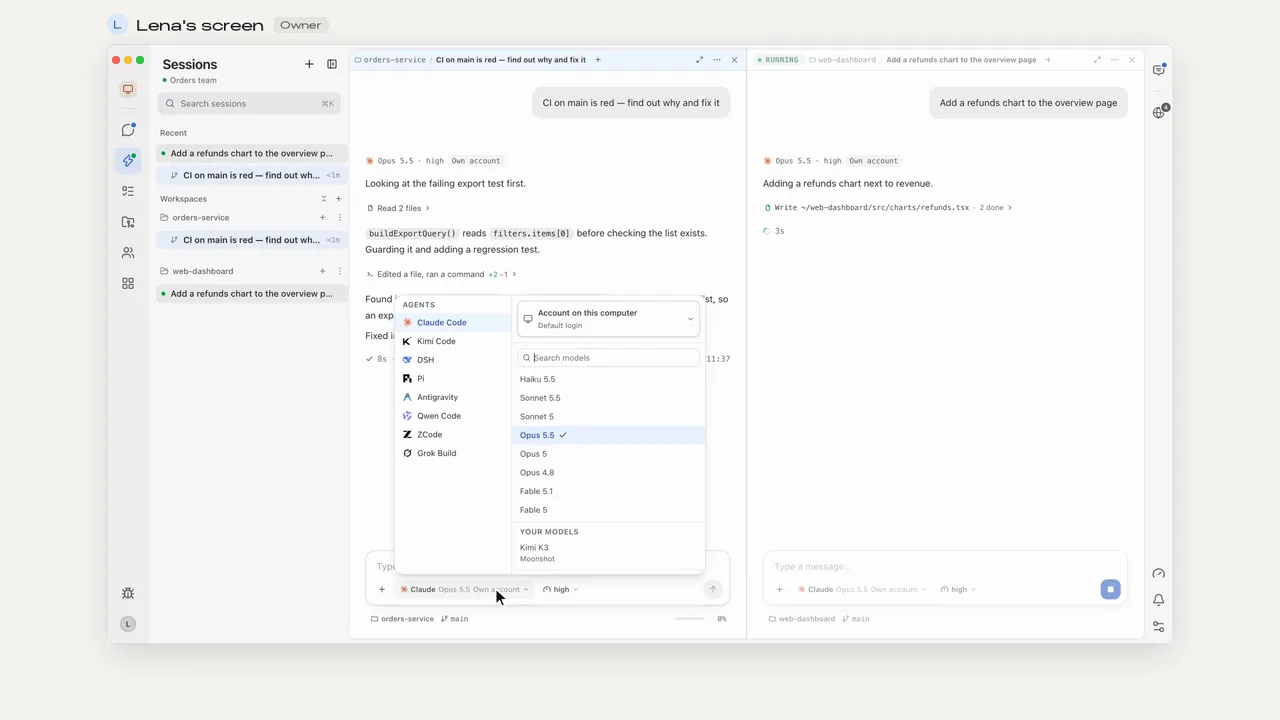
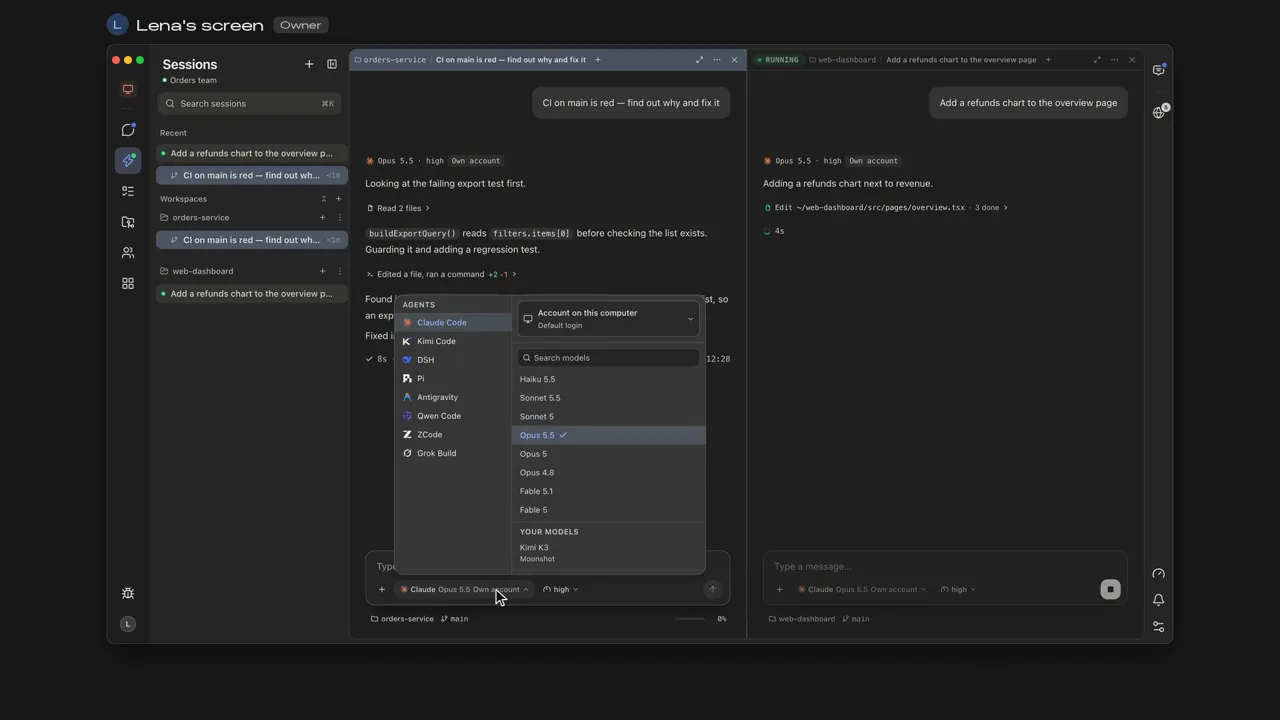
- Mirasim runs the Codex CLI itself and can keep several Codex sign-ins under Settings › Agents › Codex › Accounts & credit.
- With “Auto”, Mirasim picks an account for each session and moves to another when one runs out; each saved account shows its plan, how much of each window is used, and when it resets.
- In a team space, the account you pick is used only for your own sessions. Or skip the sign-in and run the session on Mirasim credit.
Chapter 16 · Models, accounts and quota › Several accounts, and live quota → Several accounts, and live quota, in Mirasim.
Questions
- Does an API key use my ChatGPT plan?
- No. It's billed at standard API prices on your OpenAI Platform account instead of your plan's included usage.
- Can I use Codex cloud with an API key?
- No. Codex cloud needs a ChatGPT sign-in.
- Do I have to log in again often?
- Usually not: with a ChatGPT sign-in, Codex refreshes its tokens while you use it.
Article · Claude Code login: how to sign in, switch accounts, and fix login problems → The same for Claude Code: logging in, switching accounts and fixing errors.
Article · Codex and Claude Code over SSH: run them on a remote server, and keep them running → Running Codex and Claude Code on a server over SSH.
Sources
Checked on November 27, 2026 against OpenAI's Codex documentation (learn.chatgpt.com/docs/auth). Check that page for the latest sign-in options.
Keep reading
Is Claude Code free? What it costs, and how to run it for free or for less
Claude Code is free to install, but running it on Claude needs a paid plan or an API key. The free and cheap options: local models with Ollama, or other providers.
Claude Code login: how to sign in, switch accounts, and fix login problems
How to log in to Claude Code with a Claude plan, the Console or an API key, which credential wins, how to keep several accounts, and fixes for common login errors.
Claude Code pricing: what each plan costs, what the API costs, and paying only for what you use
Claude Code comes with Claude Pro, Max, Ultra, Team and Enterprise, or runs on an API key per token. What each costs, what developers spend, and how to spend less.