Codex and Claude Code over SSH: run them on a remote server, and keep them running
How the ChatGPT desktop app and Claude Desktop connect to SSH hosts, how to run the CLIs on a server yourself, sign in without a browser, and keep them running.
The short answer
Both desktop apps can drive an agent on a remote machine over SSH: the ChatGPT desktop app adds projects from an SSH host and runs Codex there, and Claude Desktop runs Claude Code sessions on an SSH connection. Or SSH in and run the CLI yourself. Either way the code and the commands stay on the server; what you need to plan for is signing in without a browser and keeping the agent running when you disconnect.
| Codex | Claude Code | |
|---|---|---|
| From the desktop app | ChatGPT desktop app › Settings › Connections › add the SSH host, pick a remote project folder | Claude Desktop › New environment › SSH › Add SSH connection, pick a remote folder |
| On the server | Codex installed and signed in, codex on the login shell's PATH | Installed for you on first connect; the SSH server needs SFTP |
| Sign in without a browser | codex login --device-auth | Press c, sign in in your own browser, paste the code back; or claude auth login |
Codex: add an SSH host in the ChatGPT desktop app
- Add the host to your SSH config
Codex reads concrete host aliases from
~/.ssh/configand ignores pattern-only hosts. - Check you can connect
Run
ssh <alias>from the computer running the app. - Install and sign in to Codex on the server
The app starts Codex there through SSH using the remote user's login shell, so
codexmust be on that shell's PATH. - Add it in the app
Settings › Connections, add or enable the host, then choose a remote project folder.
A chat can also move between hosts: with a project for the same Git repository saved on both, choose the destination in the chat footer and Hand off. Codex creates or reuses a worktree there and moves the chat and its Git state.
Claude Code: an SSH session in Claude Desktop
- Open the environment selector under the prompt box, choose New environment, then the SSH tab and Add SSH connection.
- Enter
user@hostnameor a host from~/.ssh/config; the port, key and a worktree folder are optional. - Pick a folder on the remote machine and Create environment. Desktop installs Claude Code there the first time.
- The server can run Linux, macOS or Windows; Linux and macOS need an x86_64 or arm64 processor and an SSH server with SFTP.
Running the CLI on the server yourself
- Install the CLI on the server, then sign in there:
codex login --device-authfor Codex (turn on device code login in your ChatGPT security settings first), or for Claude Code copy the login URL withc, sign in in your own browser and paste the code back. - A process started in an SSH session ends when the session does, unless you run it inside tmux or screen and reattach later.
- To follow it from a phone, you still need something on the server that the phone can reach.
Article · Codex login: sign in with ChatGPT or an API key, sign in on a server, and fix login problems → Codex login options, including device code and copying the login to a server.
Article · Claude Code login: how to sign in, switch accounts, and fix login problems → Logging in to Claude Code over SSH and in WSL2 or containers.
Keep it running on the server with Mirasim
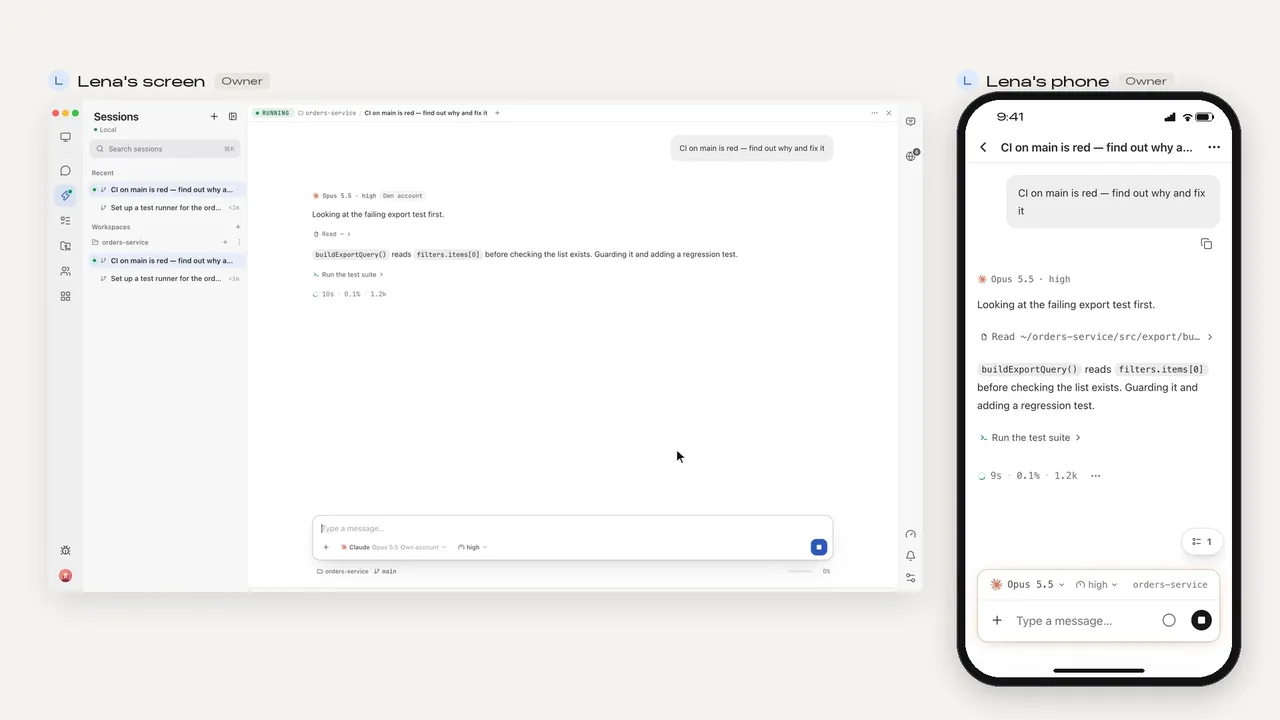
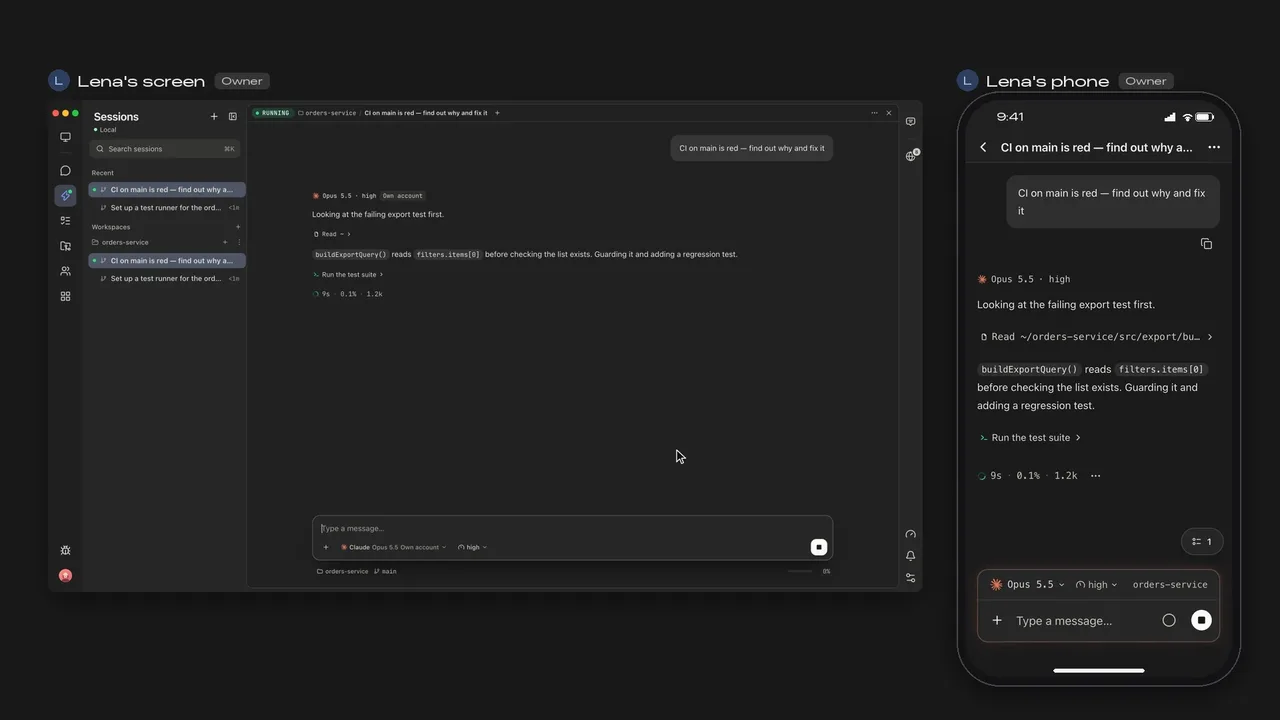
SSH into the server and run one command. It installs Mirasim, signs you in at the same terminal with an email code, and makes the server a collab space that keeps running after you leave SSH and after a reboot. Then your Codex, Claude Code and other sessions run on that server, and you open them from a browser, the desktop app or the phone app.
curl -fsSL https://mirasim.ai/install.sh | sh- It stays up with systemd on Linux and launchd on a Mac; at the end it prints the web address for the server and an invite link for the people who'll use it with you.
- It supports Linux on glibc (Ubuntu, Debian, Fedora), Apple silicon Macs and 64-bit Windows 10 or 11.
- Members you share the server with act as the system user that ran the command.
Chapter 14 · Make your own computer a collab space › An always-on server, from the command line → Installing Mirasim on a server without a desktop.
Questions
- Does the code leave the server?
- With these setups the agent reads files and runs commands on the remote machine. What each request sends to the model provider is the same as on your own computer.
- Can I hand a chat from my laptop to the server?
- In the ChatGPT desktop app, yes, with Hand off, when both hosts have a project for the same Git repository.
Article · Codex on Linux: the desktop app, the CLI, and servers without a screen → Codex on Linux, including servers without a desktop.
Sources
Checked on November 27, 2026 against OpenAI's Codex documentation (learn.chatgpt.com/docs: Remote connections, Authentication) and Anthropic's Claude Code documentation (code.claude.com/docs: Desktop, SSH sessions; Troubleshoot installation and login). Check those pages for the latest.
Keep reading
Is Claude Code free? What it costs, and how to run it for free or for less
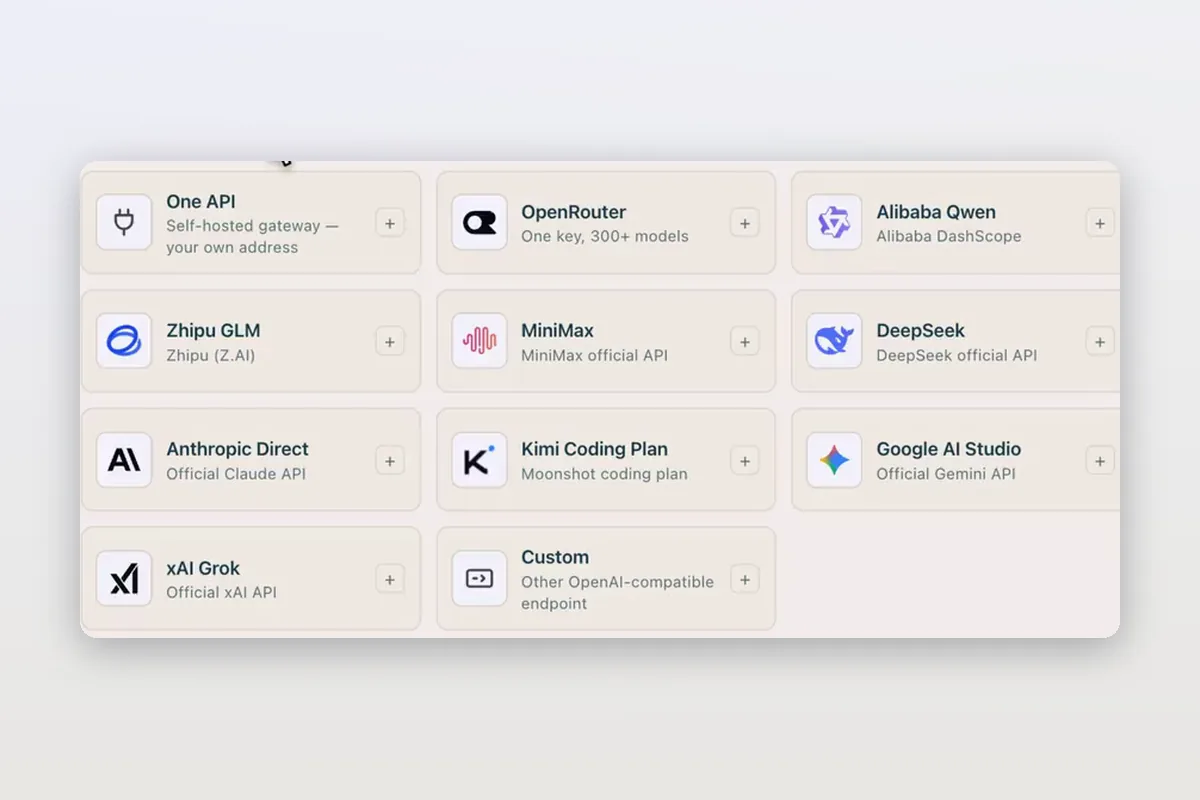
Claude Code is free to install, but running it on Claude needs a paid plan or an API key. The free and cheap options: local models with Ollama, or other providers.
Claude Code login: how to sign in, switch accounts, and fix login problems
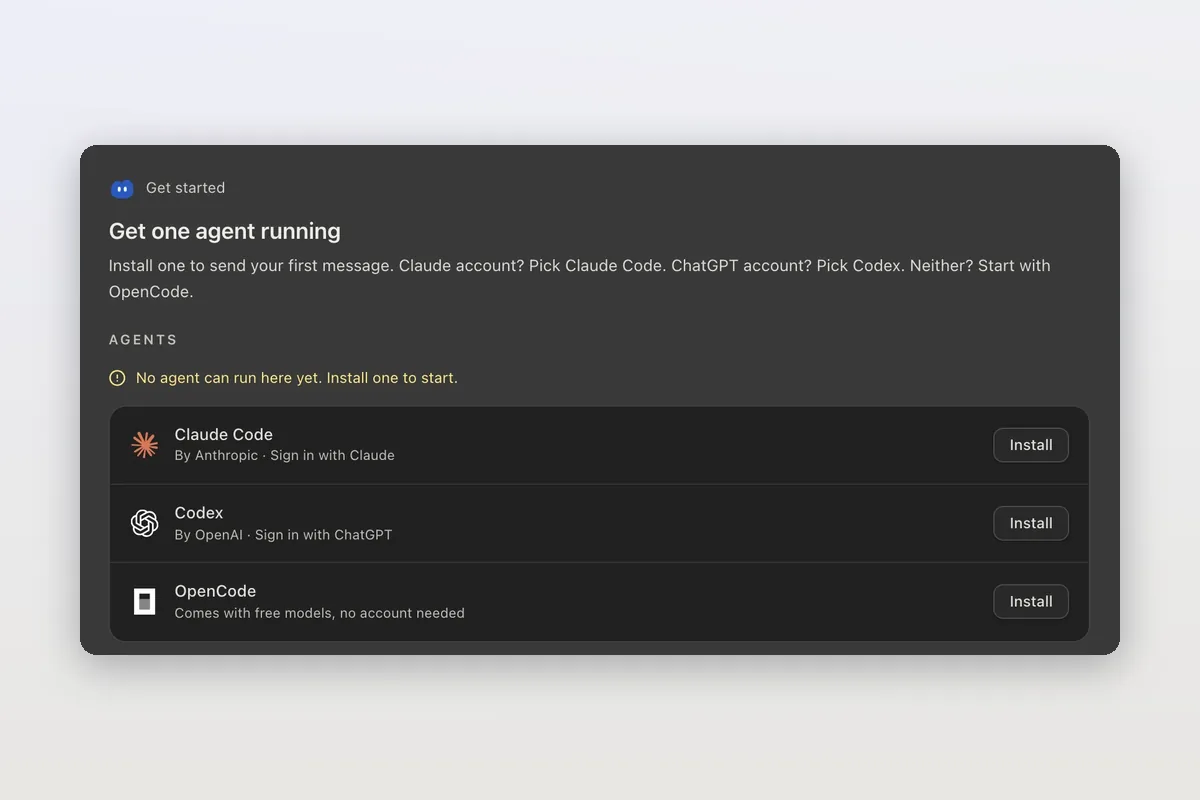
How to log in to Claude Code with a Claude plan, the Console or an API key, which credential wins, how to keep several accounts, and fixes for common login errors.
Claude Code pricing: what each plan costs, what the API costs, and paying only for what you use
Claude Code comes with Claude Pro, Max, Ultra, Team and Enterprise, or runs on an API key per token. What each costs, what developers spend, and how to spend less.