How to use Codex: your first task, permissions, and the commands you'll use
A beginner's guide to Codex after you install it: your first task, reviewing what it changed, choosing permissions, AGENTS.md, and the commands you'll use.
The short answer
Codex is OpenAI's coding agent. You can use it in the ChatGPT desktop app (choose Codex when you start), in the terminal as the Codex CLI, or in your editor through the IDE extension. This guide uses the CLI. Once it's installed, open your project folder in a terminal, run codex, sign in, and describe what you want in plain words.
- Start Codex in your project
Run
codexin the project folder. The first time, choose Sign in with ChatGPT, or another sign-in method such as an API key. - Ask about the project first
Start with something like "Tell me about this project". Then ask for one focused change, or for help with a bug.
- Check what it changed
Run
/diffto see every change, including new files Git doesn't track yet, or/reviewto have Codex review the working tree. Commit before and after a task, so you can always go back.
Article · How to install and update Codex CLI on macOS, Windows and Linux → Not installed yet? Every way to install Codex CLI.
Choose what Codex can do without asking
Two settings work together. The sandbox decides which files and network resources Codex can reach; approvals decide when it stops and asks you. OpenAI suggests starting with Ask for approval: Codex works inside the current project and pauses before going beyond it. Change the mode with /permissions.
- Approve for me keeps the same boundary but sends those requests to an automatic reviewer instead of to you.
- Full access lifts the boundary. Codex is then not limited to your project and can make destructive changes, so use it only when you know why.
- Which modes you see depends on your version and on your organization's settings.
Article · Claude Code and Codex permission modes: auto, plan, --dangerously-skip-permissions and --yolo → Sandbox and approval combinations, and what --yolo turns off.
Tell Codex how your project works: AGENTS.md
Codex reads AGENTS.md before it does any work. Run /init to generate a starting AGENTS.md in the current folder, then edit it: how to run the tests, the code style, what not to touch. Commit it, and every session, and every teammate, starts from the same rules.
Article · Codex config.toml: where it is, and the settings worth changing → Set the default model, approvals and sandbox in config.toml.
Article · AGENTS.md and CLAUDE.md: what they are, and one file for Claude Code and Codex → How Codex finds AGENTS.md files, and sharing one with Claude Code's CLAUDE.md.
Make Codex reply in Chinese
Codex has no separate language setting. Put the preference in your personal AGENTS.md, the one in the Codex home folder, which Codex reads in every project; in the ChatGPT desktop app, the personal instructions under Settings are stored in that same file. For one repository only, add the line to the project's AGENTS.md instead.
## Working agreements
- Always reply in Simplified Chinese.
The commands you'll use most
| Command | What it does |
|---|---|
/model | Choose the model, and the reasoning effort where available |
/permissions | Set what Codex can do without asking |
/plan | Switch to plan mode and have Codex propose a plan first |
/mention | Attach a file or folder to the chat |
/diff | Show the Git diff, including untracked files |
/review | Ask Codex to review your working tree |
/status | Show the model, approval settings and token use for this session |
/usage | Show your account's usage |
/compact | Summarize a long chat to free up context |
/new | Start a new chat in the same CLI session |
codex resume | Reopen a recent chat; add --last for the latest one in this folder |
codex exec | Run a task without the interactive screen, for scripts and CI |
Type / in Codex to see the full list, and start typing to filter it.
Article · Code review with Claude Code and Codex: /review, GitHub reviews and a second opinion → Reviewing changes with /review and @codex review on GitHub.
Codex next to other agents in Mirasim
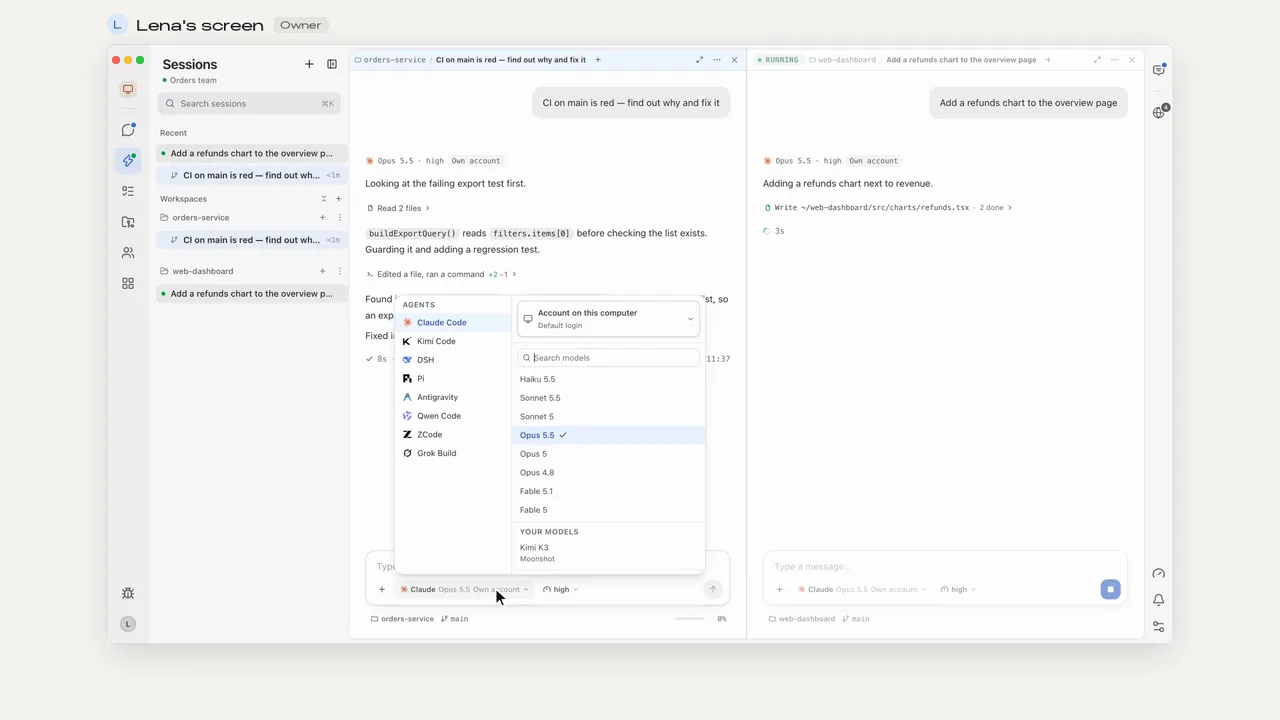
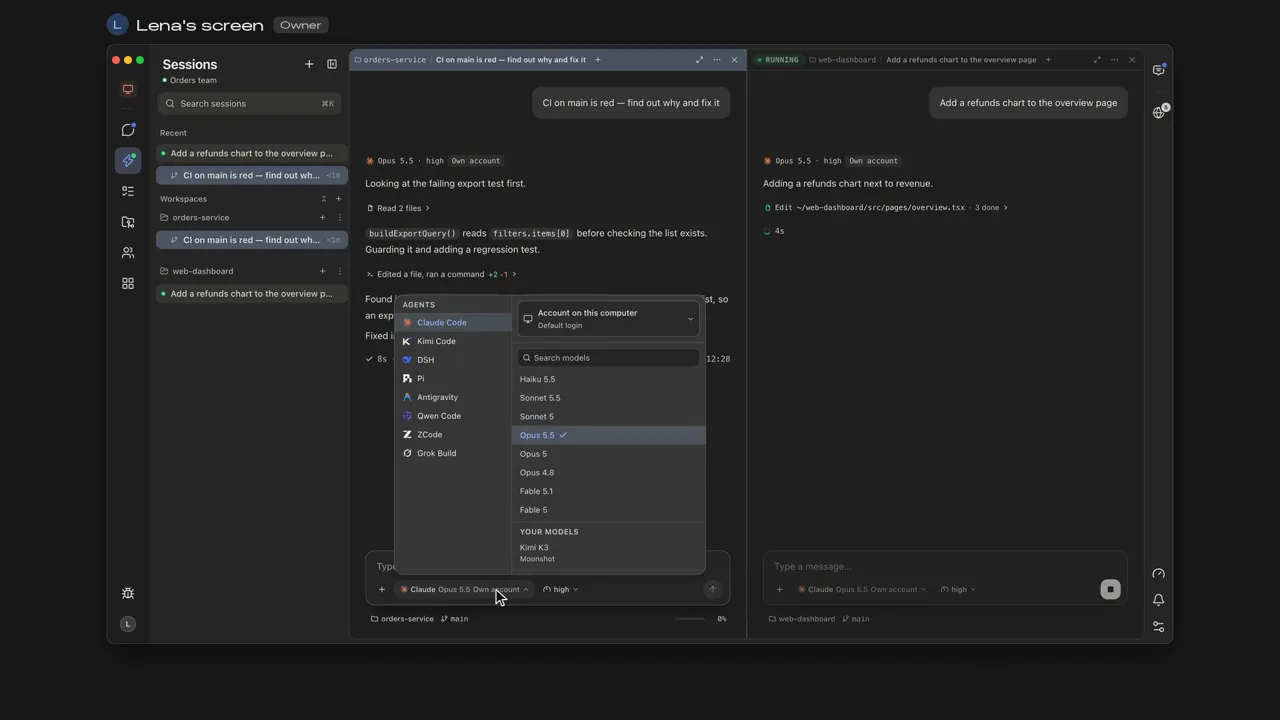
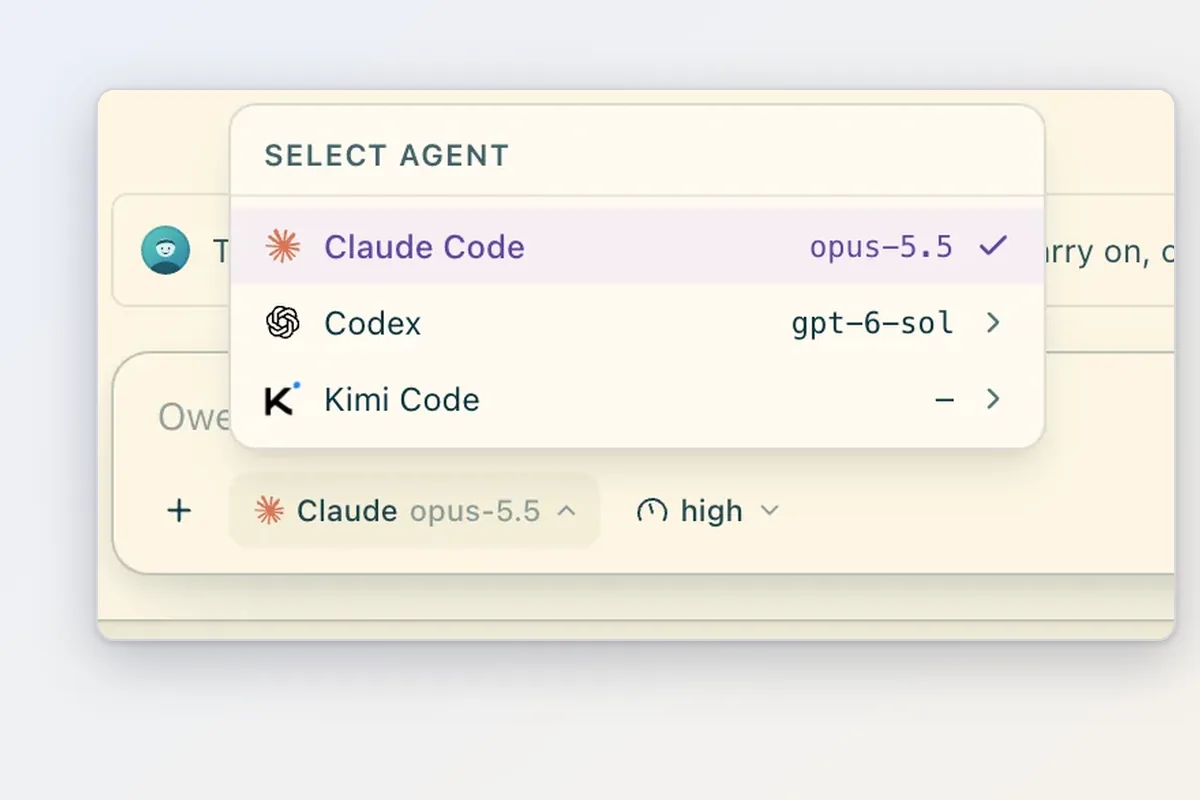
Mirasim is a desktop app for macOS, Windows and Linux that runs the Codex CLI itself, on your ChatGPT sign-in, an API key, or Mirasim credit. Codex can sit in a pane next to Claude Code or another agent, you can switch a conversation to another agent and keep it going, and you can follow the same sessions from your phone. Mirasim is not an OpenAI app.
Questions
- Is Codex free?
- OpenAI's pricing lists Codex in the ChatGPT desktop app on the Free and Go plans, as the rollout reaches them. The CLI, the IDE extension and Codex on the web start with Plus. With an API key, you pay API prices instead.
- How do I go back to an earlier chat?
- Inside Codex, use
/resumeto pick a saved chat. From the terminal,codex resume --lastreopens the latest one in the current folder. - What if I hit the usage limit?
- Check
/statusand/usage, wait for the limit to reset, or extend it with credits on eligible plans.
Article · Codex usage limits: when they reset, and what to do when you hit one → Codex usage limits: when they reset, and what to do when you hit one.
Article · The Codex app: where to get it now, and running Codex next to other agents → Prefer an app to the terminal? The Codex desktop app.
Article · How to use Claude Code: your first session, permission modes, and undoing changes → The same guide for Claude Code.
Article · Claude Code and Codex in VS Code: install the extensions and get started → Prefer your editor? Codex and Claude Code in VS Code.
Sources
Checked on November 25, 2026 against OpenAI's documentation at learn.chatgpt.com/docs: the Codex CLI page, the command reference, permissions, AGENTS.md and pricing. Codex changes quickly, so check those pages for the latest.
Keep reading
Code review with Claude Code and Codex: /review, GitHub reviews and a second opinion
Code review with Claude Code and Codex: /review for local changes, automatic GitHub PR reviews, where review rules go, and a second opinion from the other agent.
Hooks in Claude Code and Codex: run your own commands when the agent acts
What hooks are in Claude Code and Codex, where they go, when they fire, and examples: a notification, formatting after edits, blocking edits to protected files.
Claude Code and Codex permission modes: auto, plan, --dangerously-skip-permissions and --yolo
What each Claude Code and Codex permission mode allows without asking, what --dangerously-skip-permissions and --yolo turn off, and safer ways to get fewer prompts.