DeepSeek Harness “DeepSeek Messages transport failed”: what it means and how to fix it
What DeepSeek Harness's “transport failed”, “request failed (402)” and “stream ended before message_stop” errors mean, and what to try for each.
The short answer
DeepSeek Harness (DSH) talks to DeepSeek's API over a streamed request. “DeepSeek Messages transport failed” means that request broke at the network level: it couldn't connect, or the connection dropped mid-reply. DSH retries this on its own (five times by default), so by the time you see the error, under “This turn failed”, the retries have run out. The fix is almost always in the network path: the proxy, VPN or gateway between you and the API.
- Send it again
The session keeps its history, and file changes DSH already made stay made.
- Give DSH the proxy explicitly
DSH doesn't read the operating system's proxy setting. Set
HTTPS_PROXYandHTTP_PROXY(or turn on your proxy app's TUN mode), then restart DSH. - Check which error it really is
“request failed” with a status code and “stream ended before message_stop” mean different things; see the table below.
Which error, and what to do
| The error | What happened | What to try |
|---|---|---|
DeepSeek Messages transport failed | Couldn't reach the API, or the connection dropped while the reply was streaming. Retried five times by default. | Fix the proxy (next section), switch network or node, send again. |
DeepSeek Messages stream idle timeout | Nothing arrived for five minutes, the default idle timeout. Also retried. | Send again. The timeout can be raised (see the last section). |
DeepSeek Messages stream ended before message_stop | The stream closed before DeepSeek sent its final event. This one is not in the default retry list. | Send again by hand. If it happens on every long reply, something in the path is cutting long connections. |
request failed (402), Insufficient Balance | Your DeepSeek API balance has run out. | Top up on DeepSeek's platform. Retrying won't help. |
request failed (401) or (403) | The API key is wrong or not allowed. | Re-enter the key under Settings → Models. |
request failed (429) | Too many requests, or a concurrency limit. Retried with back-off. | Wait, or run fewer sessions at once. |
request failed (500), (502), (503) | A server or gateway error; 503 is DeepSeek saying it's overloaded. Retried. | Wait a little and send again. With a relay set as the base URL, a 502 usually comes from the relay. |
request failed (400) or (404) | The request itself was refused: a bad format, or an endpoint or model the server doesn't have. Not retried. | Check the base URL and model name, especially with a custom gateway. |
Why the browser works but DSH doesn't
The “system proxy” switch in apps like Clash only changes the operating system's proxy setting. Browsers follow it; DSH, like curl, git and npm, follows the HTTPS_PROXY / HTTP_PROXY environment variables instead. So DSH can be connecting directly while your browser goes through the proxy. Either export the variables before starting DSH, or put them in $DSH_HOME/.env, or turn on TUN mode, which covers everything without variables.
export HTTPS_PROXY=http://127.0.0.1:7890
export HTTP_PROXY=http://127.0.0.1:7890- SOCKS isn't supported: a
socks5://value is skipped and DSH connects directly. Point the variables at the HTTP port. - Behind a company proxy that inspects TLS, set
NODE_EXTRA_CA_CERTSto the company's CA file before starting DSH. NO_PROXYtakes host names and domain suffixes, not IP ranges like10.0.0.0/8.
Changing the retries and the timeout
Each provider's timeouts and retry policy live in $DSH_HOME/profiles/<profile>/cordis.patch.yml, the file the Models settings page writes; DSH re-reads it on the next request. streamIdleTimeoutMs sets the idle timeout (default 300000, five minutes). retryPolicy defaults to normal mode, five retries with back-off from 0.5 to 10 seconds; mode: always keeps retrying until it succeeds or you cancel. Every retry is another billed request.
DSH in Mirasim
Mirasim installs and runs DeepSeek Harness itself, on your DeepSeek API key or on Mirasim credit, so these errors read the same there. What it adds: a session can switch to another agent, such as Claude Code or Codex, and keep its conversation, so the work doesn't stop while DSH's connection recovers.
Article · DeepSeek Harness (DSH) in Mirasim: on any desktop, next to your other agents → What DeepSeek Harness is, and the ways to run it.
Article · Codex “stream disconnected before completion”: what it means and how to fix it → The same kind of error in Codex: “stream disconnected before completion”.
Questions
- What does “This turn failed” (本轮运行失败) mean?
- That this turn ended on an error. The line under it, such as “DeepSeek Messages transport failed”, is the actual cause.
- Is my work lost?
- No. The session history stays, and files DSH already changed stay changed. Send the message again.
- Does retrying cost money?
- Each retry is a new request to the API and is billed like one. That's why
alwaysmode is opt-in. - My proxy is on and it still fails
- Check that DSH actually sees it: the variables must be set in the environment DSH starts from, or in
$DSH_HOME/.env, and must point at an HTTP port, not SOCKS.
Sources
The error texts, retry defaults and settings come from the DeepSeek Harness source and user guides (network proxy, model providers) at github.com/deepseek-ai/deepseek-harness, and the status codes from DeepSeek's API error code page, checked on November 22, 2026. DSH changes quickly; check its repository for the latest.
Keep reading
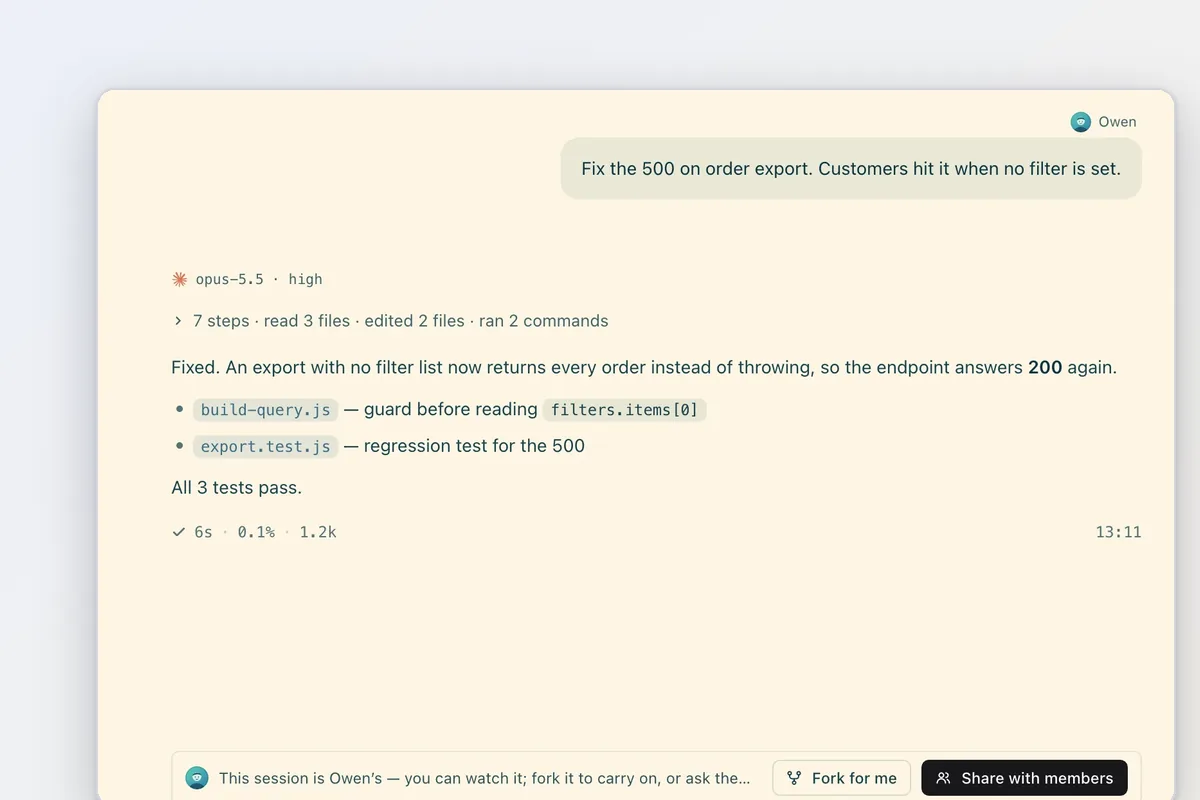
Claude Code for teams: access, shared setup, and working in one session
How a team uses Claude Code: a seat for everyone, the setup in the repo, sessions shared by link. And what to do when several people must steer one session.
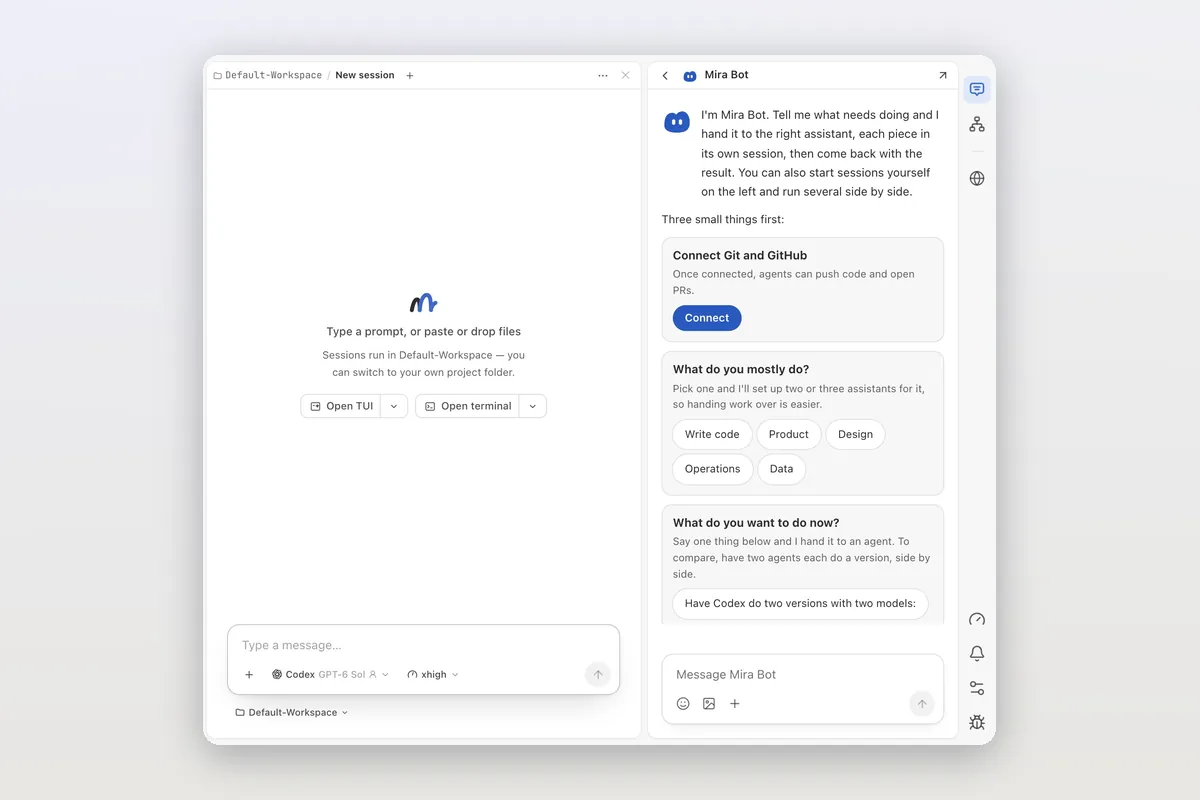
Codex on Linux: the desktop app, the CLI, and servers without a screen
Codex on Linux comes as a desktop app (preview: Ubuntu, Debian, Fedora, Arch) and a CLI. Install commands, updates, the sandbox, and signing in on a server.
How to install and update Codex CLI on macOS, Windows and Linux
OpenAI's install and update commands for Codex CLI: script, npm and Homebrew. How to sign in, check the version, and set it up on Windows, WSL and Linux.