Claude Code desktop vs CLI: what differs, and which to use
Claude Code's desktop app and CLI run the same engine. What only one of them can do, what they share, how to move a session between them, and a third option.
The short answer
Claude Code desktop is the Code tab of the Claude Desktop app. It runs the same engine as the Claude Code CLI, with a window around it. Use the desktop app to run sessions side by side and review changes by eye. Use the CLI for scripts and automation, for Amazon Bedrock, Google Cloud or Microsoft Foundry, for agent teams, or because you like the terminal. You can use both on the same project at the same time.
- Desktop
- You want to see diffs, previews and several sessions in one window
- CLI
- You script Claude Code, or run it in CI or on a server
- CLI
- You sign in through Bedrock, Google Cloud or Foundry
- Mirasim
- You want the CLI itself in a window, next to Codex and other agents
Claude Code vs Claude Desktop: what the names mean
- Claude Desktop
- Anthropic's desktop app. Chat is in it, and so is Claude Code, as the Code tab.
- Claude Code
- The coding agent. It comes as a CLI, in Claude Desktop, in VS Code and JetBrains, on the web and in the phone app.
- Claude Code CLI
- The
claudecommand in your terminal.
Claude Desktop contains Claude Code, so what you choose between is the Code tab and the CLI.
What differs
| CLI | Desktop | |
|---|---|---|
| Several sessions | Separate terminals | In the sidebar of one window |
| Its own worktree | The --worktree flag | A setting on the session |
| Reviewing changes | In the terminal | A diff pane you can comment in, and app previews |
| Scripting and automation | --print, the Agent SDK | Not available |
| Providers | Anthropic, Amazon Bedrock, Google Cloud, Microsoft Foundry | Anthropic by default; others take separate setup |
| Agent teams | Yes, experimental | No; dynamic workflows instead |
| Permission modes | All of them, including dontAsk | Manual, Accept edits, Plan and Auto; Bypass once enabled |
| Computer use | macOS, turned on in /mcp | macOS and Windows |
| Recurring tasks | Cron jobs, CI pipelines | Scheduled tasks |
| Linux | Yes | Beta on Ubuntu and Debian, without computer use |
Desktop also has the iOS Simulator pane on macOS. Some terminal commands that open a panel, such as /permissions, don't work in the Code tab; edit the settings files or use the CLI.
Move a session between them
/desktop- In the CLI: saves the session, opens it in the desktop app and exits the CLI.
claude --desktop- From your shell: opens the desktop app on this folder. Add
--continue, or--resumewith a session ID, to bring a session along. /resume- In a local Desktop session: lists your CLI sessions on this computer; pick one to continue it.
claude --resume- Back in the terminal: a CLI session you continued in Desktop is the same session, so it's still here.
/desktop and claude --desktop need macOS or x64 Windows and a Claude subscription sign-in. They don't work with an API key or a cloud provider.
A third option: the CLI in a window
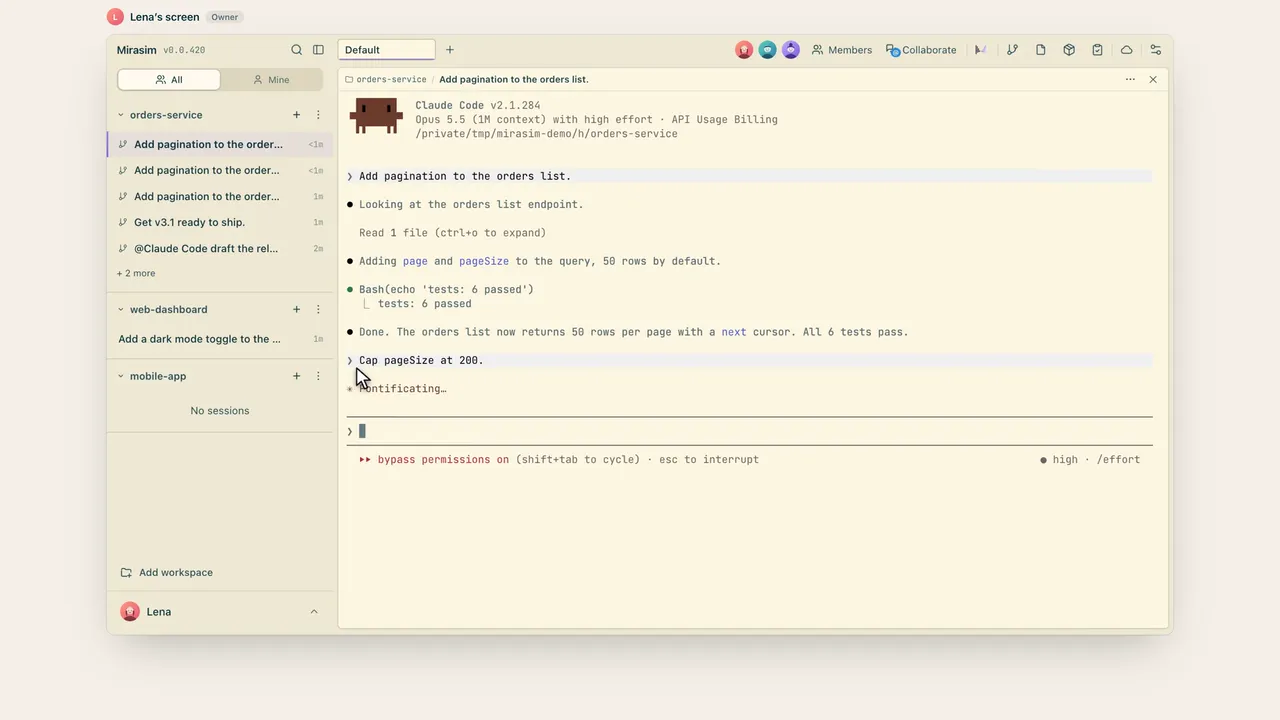
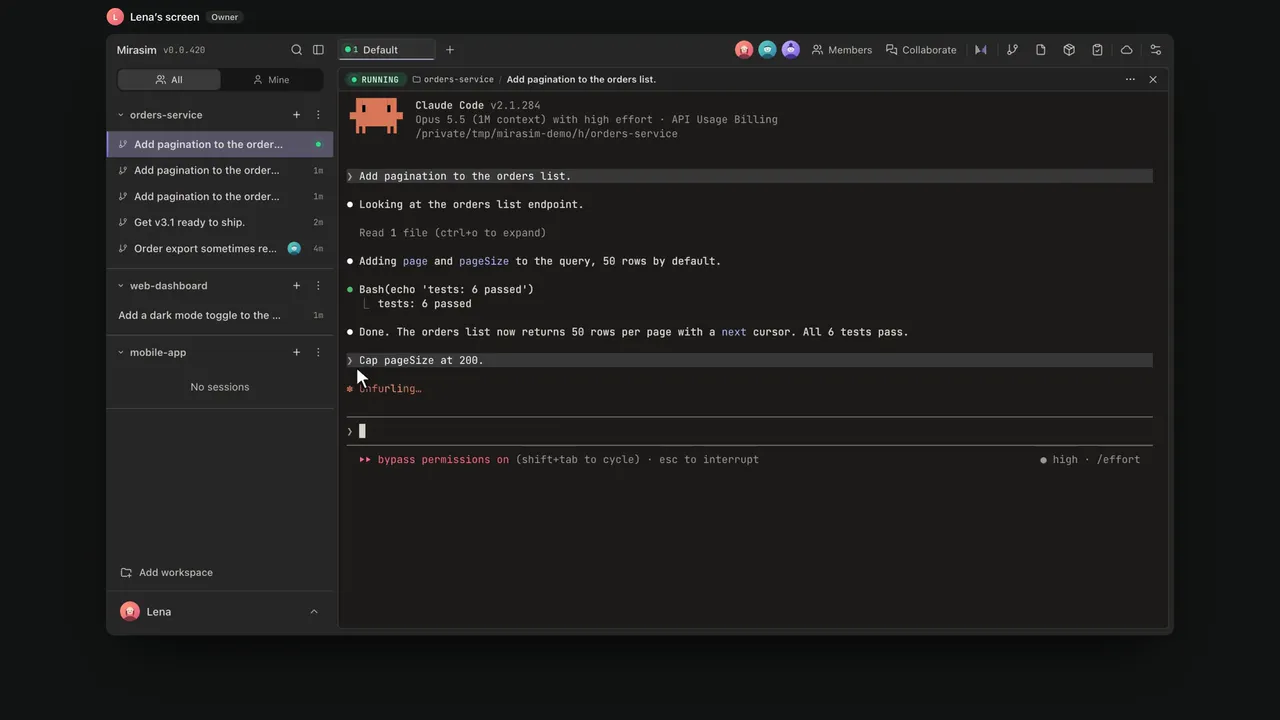
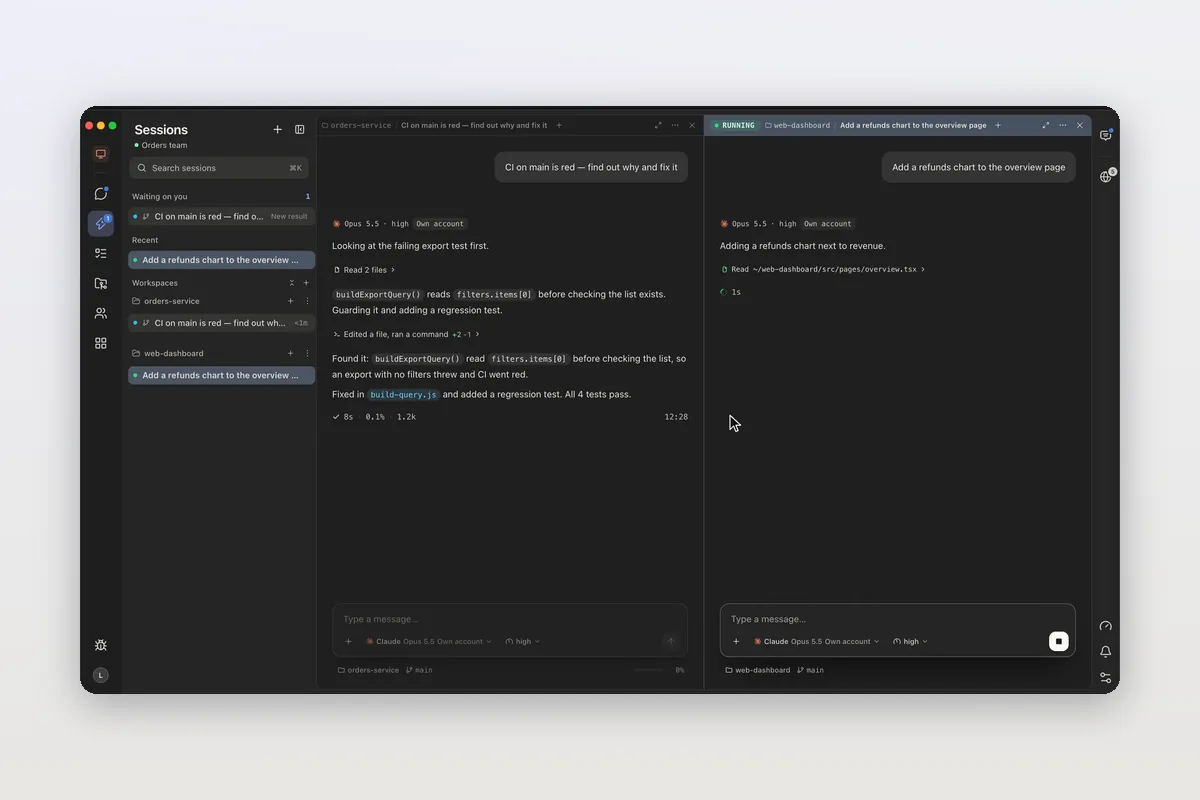
If what you want is the CLI you already know, but with several sessions on screen, Mirasim runs the Claude Code CLI itself in panes. It's a separate app, not Anthropic's.
- The real CLI
- Claude Code's own terminal interface and sign-in, unmodified
- Other agents beside it
- Codex, Kimi Code, OpenCode and others in the next pane
- Both ways
- Import sessions from Claude Code; copy a resume command to go back to the terminal
- Phone and team
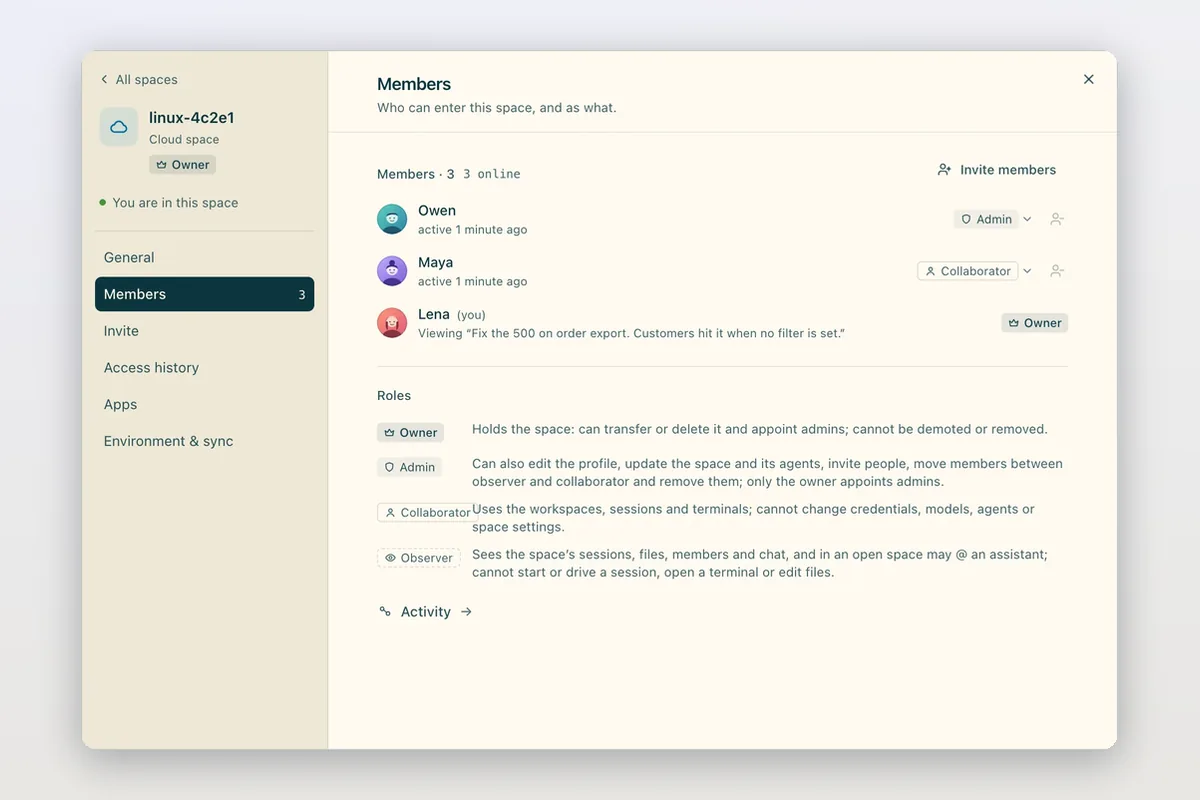
- Follow sessions from your phone, or bring teammates in
Article · Claude Code desktop: what the app does, and another way to run it on your desktop → More on Claude Code's desktop app: downloads and features.
Questions
- Is Claude Code desktop weaker than the CLI?
- No, the engine and models are the same. The CLI keeps the things built for automation, plus agent teams.
- Can I run both at once?
- Yes, even on the same project. Give them separate worktrees if both will edit files.
- Do I need to install the CLI if I have the desktop app?
- No. Claude Desktop includes Claude Code. Install the CLI when you want
claudein your own terminal. - Which one works with a free Claude plan?
- Neither. Claude Code needs a paid plan: Pro, Max, Ultra, Team or Enterprise. The CLI also takes a Console account or a cloud provider.
Article · How to install Claude Code on macOS, Windows and Linux → Installing the CLI on macOS, Windows and Linux.
Sources
Checked on November 24, 2026 against Anthropic's documentation: code.claude.com/docs/en/desktop (“Coming from the CLI?”), /platforms, /desktop-linux and /setup. Both surfaces change quickly, so check those pages for the latest.
Keep reading
Claude Team plan vs Enterprise: what a development team gets
The Claude Team plan takes 2 to 150 people and every seat includes Claude Code. How Standard and Premium seats differ, how Enterprise bills, and which one fits.
Mirasim vs T3 Code: How to choose
T3 Code is a free, open-source app for driving your own coding agents from any device. Mirasim adds shared sessions for a team. Where each fits.
A Claude Squad alternative with a desktop app, phone apps and shared sessions
Claude Squad runs coding agents in tmux, one git worktree each. For a desktop window, your phone or teammates in the loop, Mirasim does the same job.