Pi coding agent in Mirasim: the minimal harness, next to your other agents
Pi is a minimal, MIT-licensed coding agent you extend yourself. How to install it, and how to run it in Mirasim next to Claude Code and Codex.
The short answer
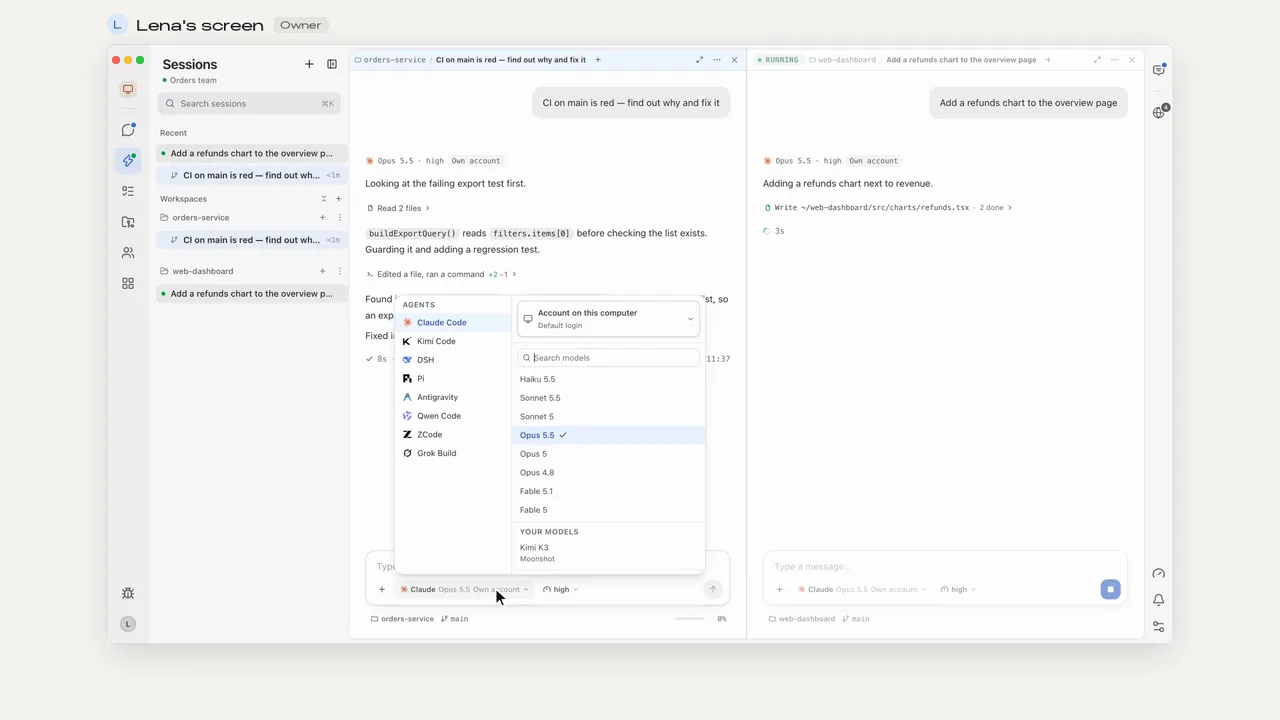
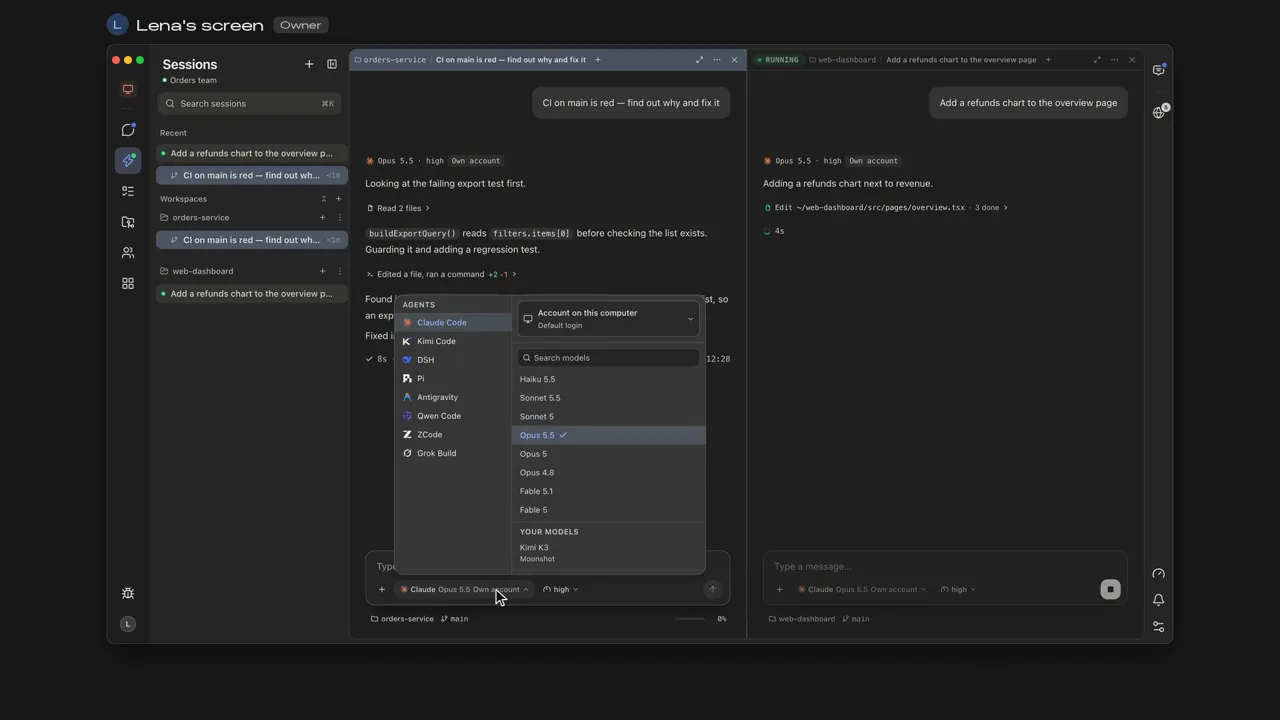
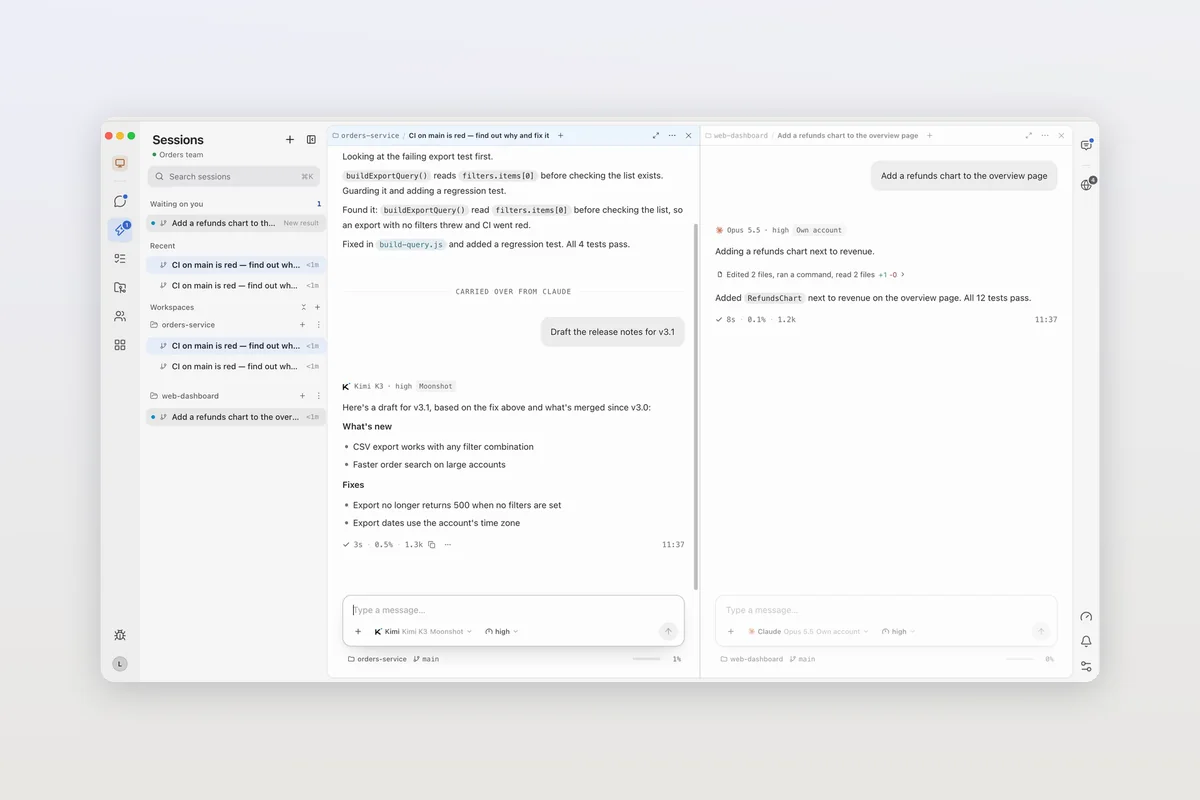
Pi is a minimal agent harness for coding, made by Earendil and its contributors and released under the MIT license. It ships with a short system prompt and few built-in features, and you add what you need through extensions, skills, prompt templates and themes. Mirasim is a desktop app that runs that same Pi as one of its ten agents. Mirasim is not an official Pi app.
- Next to Claude Code and Codex
- Pi in one pane, other agents in the next
- Your providers, or Mirasim credit
- The models you set up in Pi, keys you add in Mirasim, or Mirasim's built-in models
- On your phone
- Read and reply away from your desk
- With your team
- Several people in one Pi session
Use Mirasim when you want Pi in a desktop window, alongside other agents, on your phone, or in a session your team shares.
Install Pi
- macOS and Linux
curl -fsSL https://pi.dev/install.sh | sh- Windows
powershell -c "irm https://pi.dev/install.ps1 | iex"- npm
npm install -g --ignore-scripts @earendil-works/pi-coding-agent(pnpm and bun work too)
Pi works with more than 15 model providers, including Anthropic, OpenAI, Google, xAI, Mistral, OpenRouter and Ollama, signed in with an API key or OAuth. Switch models mid-session with /model. In Mirasim, the models you already set up in Pi show up in the composer, next to Mirasim's own.
What makes Pi different
- A short system prompt; replace or extend it per project with a SYSTEM.md, and give project rules in AGENTS.md.
- No subagents or plan mode by default. Ask Pi to build the feature you want, or install a package that adds it.
- Extensions, skills, prompt templates and themes, shared as Pi packages through npm or git.
- Sessions stored as a tree: go back to any earlier message with
/treeand continue from there, or export a session. - Four modes: interactive, print or JSON output, RPC and an SDK.
Article · Claude Code alternatives: nine coding agents, and why you might not have to choose → Pi and the other agents you can run next to Claude Code.
Questions
- Is Mirasim an official Pi app?
- No. Pi is Earendil's. Mirasim is a separate desktop app that runs it alongside other coding agents.
- Will Mirasim change my Pi setup?
- It adds one extension to Pi's extensions folder, which only does something when Mirasim starts Pi. Your logins, models, sessions and skills stay as they are.
- Do I need my own API keys?
- Not in Mirasim: Pi can run Mirasim's built-in models on Mirasim credit. With your own keys or the providers you set up in Pi, the provider bills you.
- Does Pi work on Windows?
- Yes. Pi has a PowerShell installer, and Mirasim runs on Windows, macOS and Linux.
Sources
The details about Pi were checked against pi.dev on November 8, 2026. Pi changes quickly, so check pi.dev and its documentation for the latest.
Keep reading
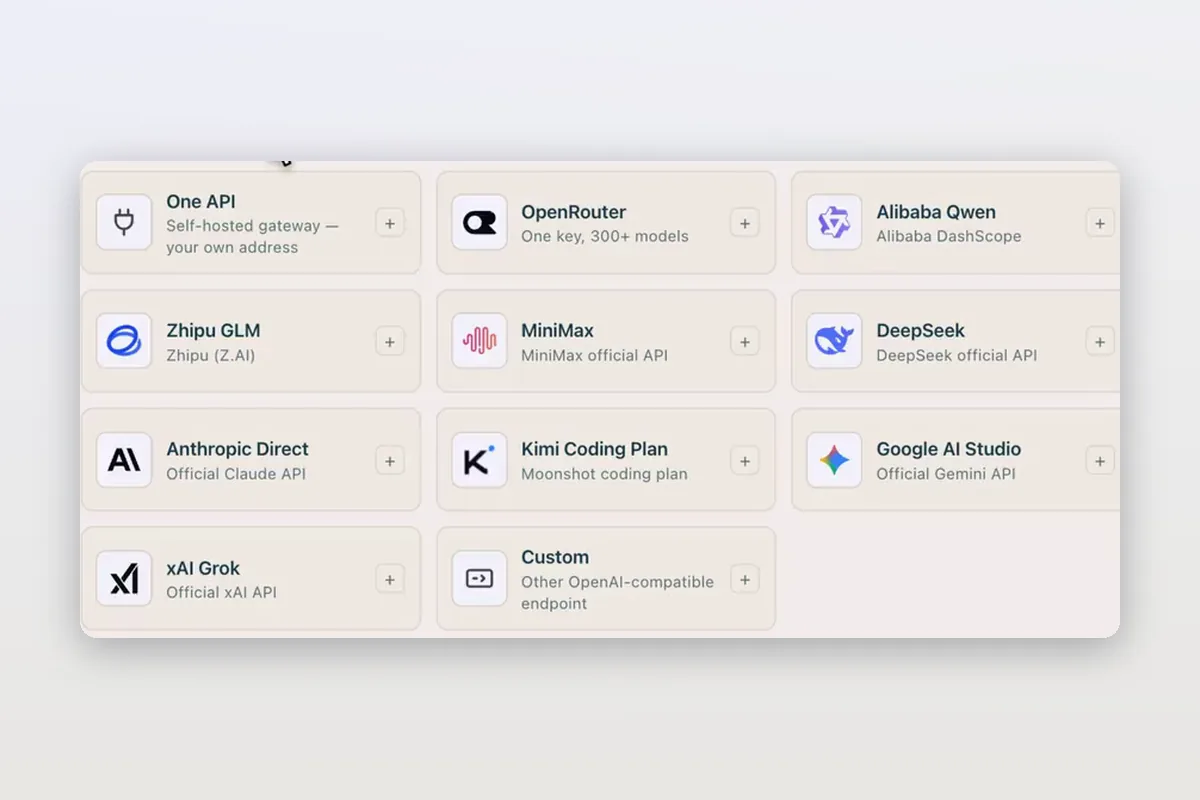
Use DeepSeek in Claude Code and Codex: the official setup, and a per-session switch
How DeepSeek's own guides connect Claude Code and Codex to DeepSeek models, and how Mirasim lets you pick DeepSeek per session without editing config.
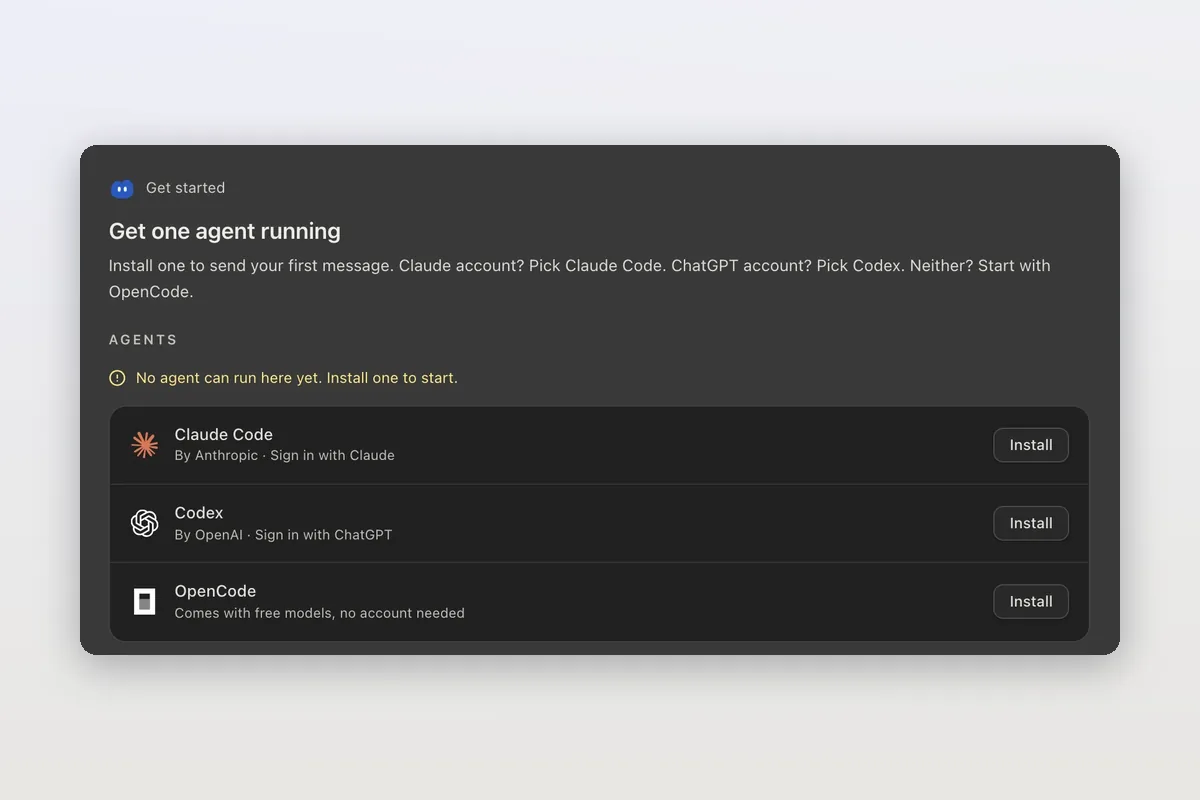
How to install Claude Code on macOS, Windows and Linux
The official install commands for every platform, how to check the install and sign in, and how Mirasim installs Claude Code for you and runs it next to Codex.
Claude Code agent teams, and teams that mix agents and people
Claude Code's agent teams let a lead session split work across Claude teammates. How to turn them on, what they cost, and how Mirasim mixes Codex and people in.