Mirasim vs Orca: How to choose
Orca is a free, open-source desktop app for running many coding agents in parallel worktrees. Mirasim lets a team steer one session together. Where each fits.
The short answer
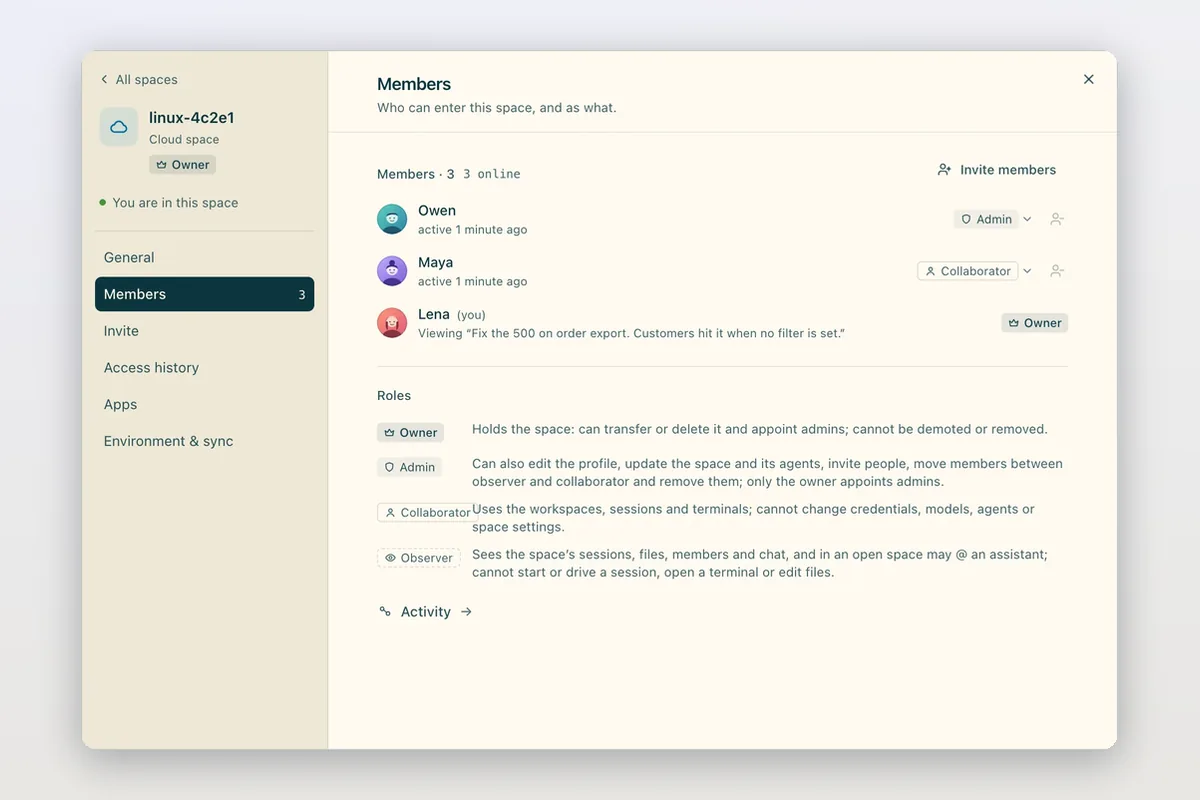
Orca and Mirasim both run several coding agents side by side, each in its own git worktree if you want, and both have phone apps. Orca is free and open source, with deep tools around the code: diff review, a browser per worktree, agents that split work between workers, and Bots you can ask from Slack, Linear or GitHub. Mirasim is built around working with other people: several people steer the same session, and a team shares a space, its keys and its credit.
At a glance
What Orca does well
- Free, open, any agent
- Orca is MIT licensed and runs any agent that works in a terminal, with many preconfigured in its agent picker.
- Review tools around worktrees
- Each task gets its own worktree. You can leave notes on exact changed lines and send them back to the agent, then draft the commit and pull request from the diff.
- A browser per worktree
- A built-in browser is scoped to each worktree, and Design Mode copies an element's HTML, styles and selector into the agent's chat.
- Bots and orchestration
- A coordinator agent can split a big task between worker agents, and Bots take requests from Slack, Linear or GitHub and come back with a pull request.
What Mirasim does well
- One session, several people
- Everyone in the session can watch the agent work and send the next instruction, and every message shows who sent it. In Orca, paired clients can share one server and its sessions, and teammates can ask your Bot, which runs on your access; we did not find member accounts, or sender names on messages, in its docs.
- A space the team shares
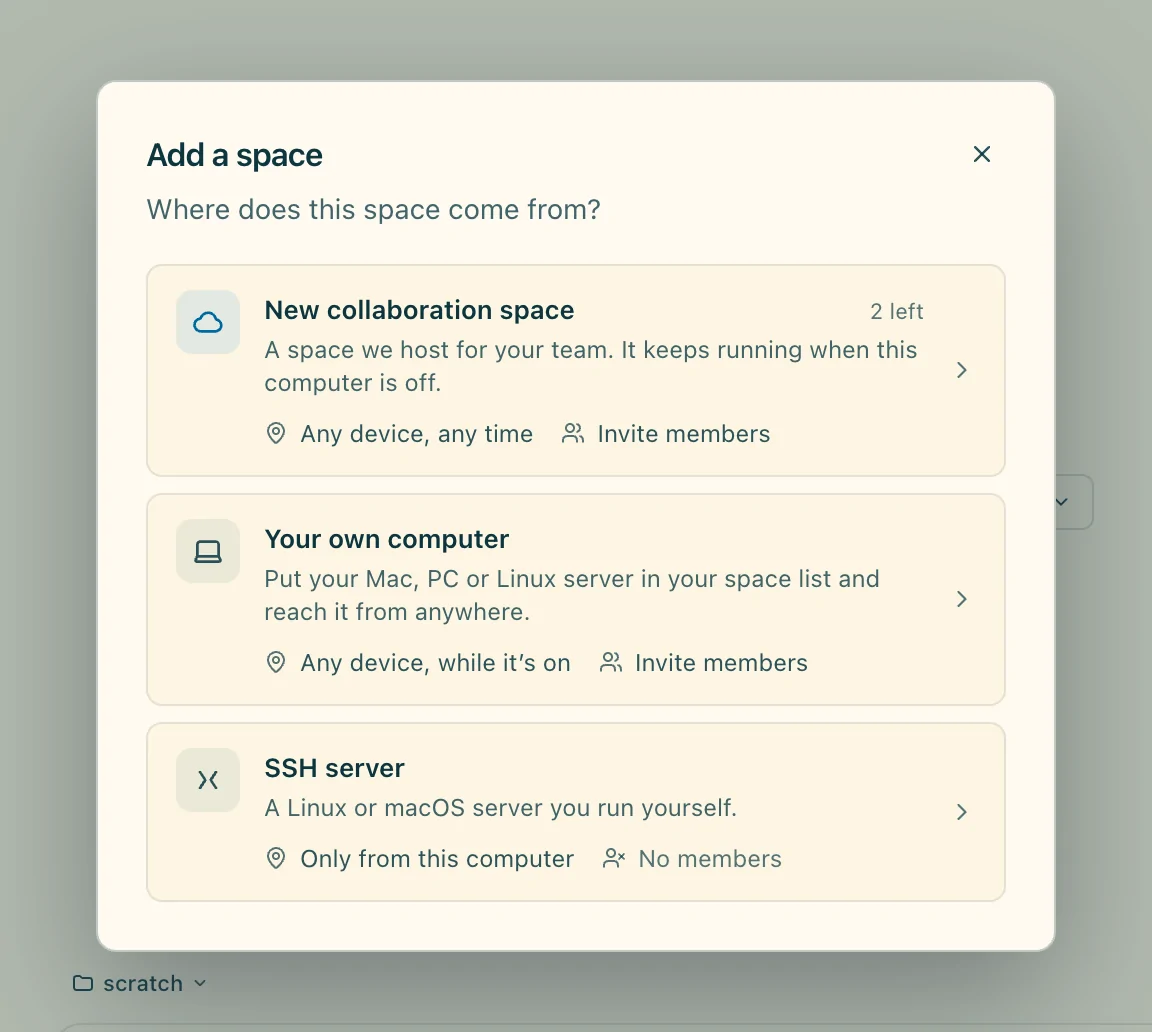
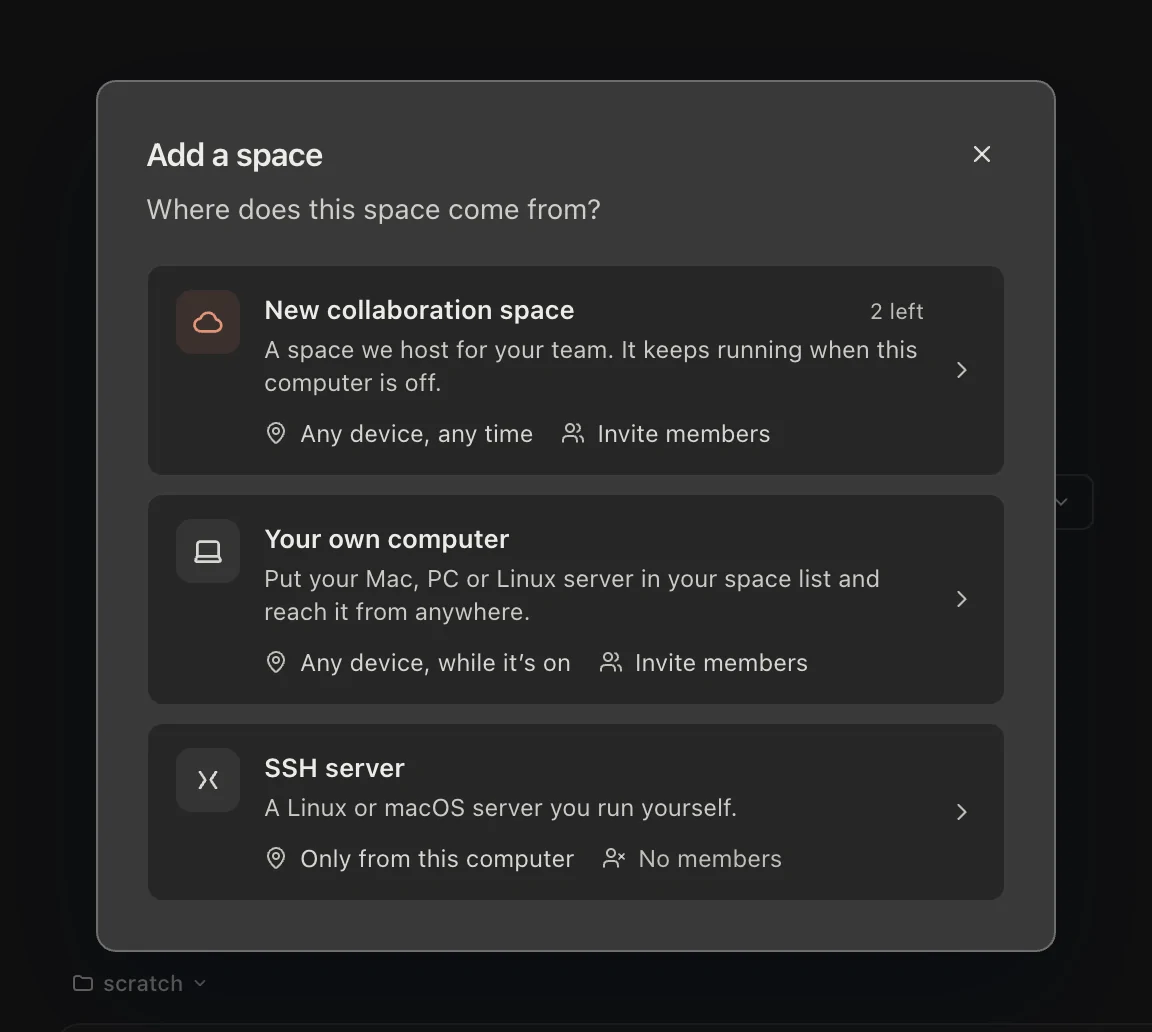
- Use a team space hosted by Mirasim, or set up your own Mac, PC or Linux server as the shared machine. Channels and threads live in the same space, and an assistant you @-mention in a thread starts a session and posts the result back.
- Shared keys and credit
- Share a DeepSeek or Kimi API key with the team without showing anyone the key, or run on Mirasim credit when you have no subscription of your own.
- Switch agents, keep the conversation
- Each session picks its own agent and model, and switching agents mid-session carries the conversation over. Any session can also start in its own git worktree.
- Publishing
- Publish what you built as a page, game, service or agent for people outside your team to use.
Which one should you choose?
- Orca
- You want something free and open source, and care about diff review, a browser per worktree and Bots in Slack or Linear
- Mirasim
- Several people steer the same session and you want members, sender names, team chat, and shared keys or credit in one place
Article · Mirasim vs T3 Code: How to choose → T3 Code, another free app for driving several coding agents, compared with Mirasim.
Article · Orca vs T3 Code vs Conductor vs Mirasim: apps for running coding agents in parallel → Orca, T3 Code, Conductor and Mirasim side by side in one table.
Article · Multiplayer coding agents: build with friends and teammates → How several people steer one coding agent session in Mirasim.
Moving over from Orca
- Import from Orca
When Orca's data is on your computer, the Workspaces menu in Mirasim shows Import from Orca…. Each repository in Orca's sidebar becomes a workspace, with its worktrees. Orca's files are only read: nothing in them changes, and its settings and secrets aren't opened. Repositories on an SSH or runtime host stay in Orca.
- Pick up your chats
Orca runs each agent's own CLI, so Claude Code and Codex keep their conversations in their own records. Open the workspace in Mirasim and those conversations are there to continue.
- Keep your worktree setup
When you create a new worktree, Mirasim can copy the ignored files listed in .worktreeinclude, such as .env, and run the setup script from your orca.yaml. It asks the first time and lists every file and command.
Questions
- Is Orca free?
- Yes. Orca is free and open source under the MIT license, and the agents run on your own subscriptions and accounts. Stably AI, which builds Orca, also offers Orca Enterprise for engineering organizations.
- I'm moving off Conductor. Orca or Mirasim?
- Both have a migration guide. Choose by what you need most: deep review tools, or a shared space where members steer the same session.
- Can my team use one Claude subscription in a shared session?
- No. Personal Claude and ChatGPT subscriptions are only for their owner. A session that several people steer in Mirasim runs on a shared DeepSeek or Kimi key, or on space credit.
Chapter 25 · Migrate from Conductor → Moving from Conductor to Mirasim, step by step.
Sources
Orca's details come from its repository at github.com/stablyai/orca and its docs at onorca.dev (overview, Bots, ways to run, remote servers, supported agents), checked on November 24, 2026. Orca ships often; check those pages for the latest. For Mirasim's prices, see mirasim.ai/pricing.
Keep reading
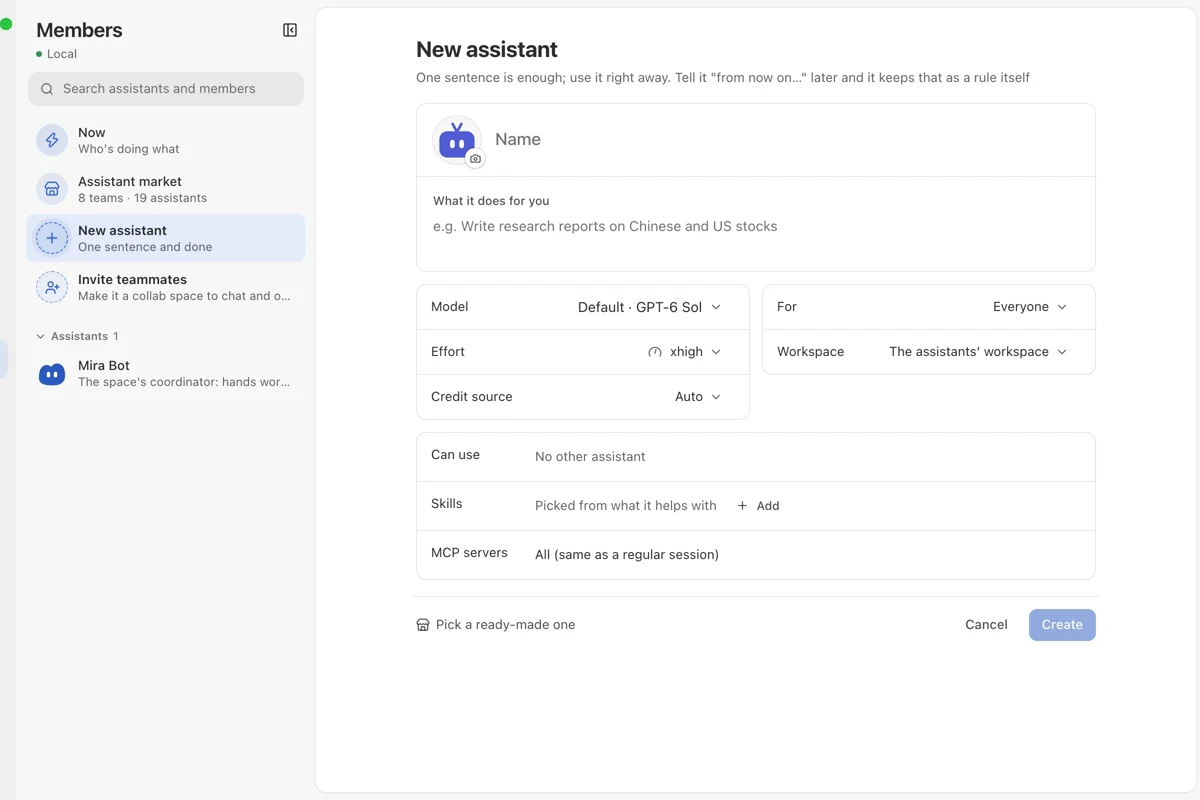
ChatGPT dots: what they are, who gets them, and always-on agents for a whole team
A ChatGPT dot is an always-on agent with its own cloud computer that keeps working between chats. What it does, which plans have it, and what a team can use.
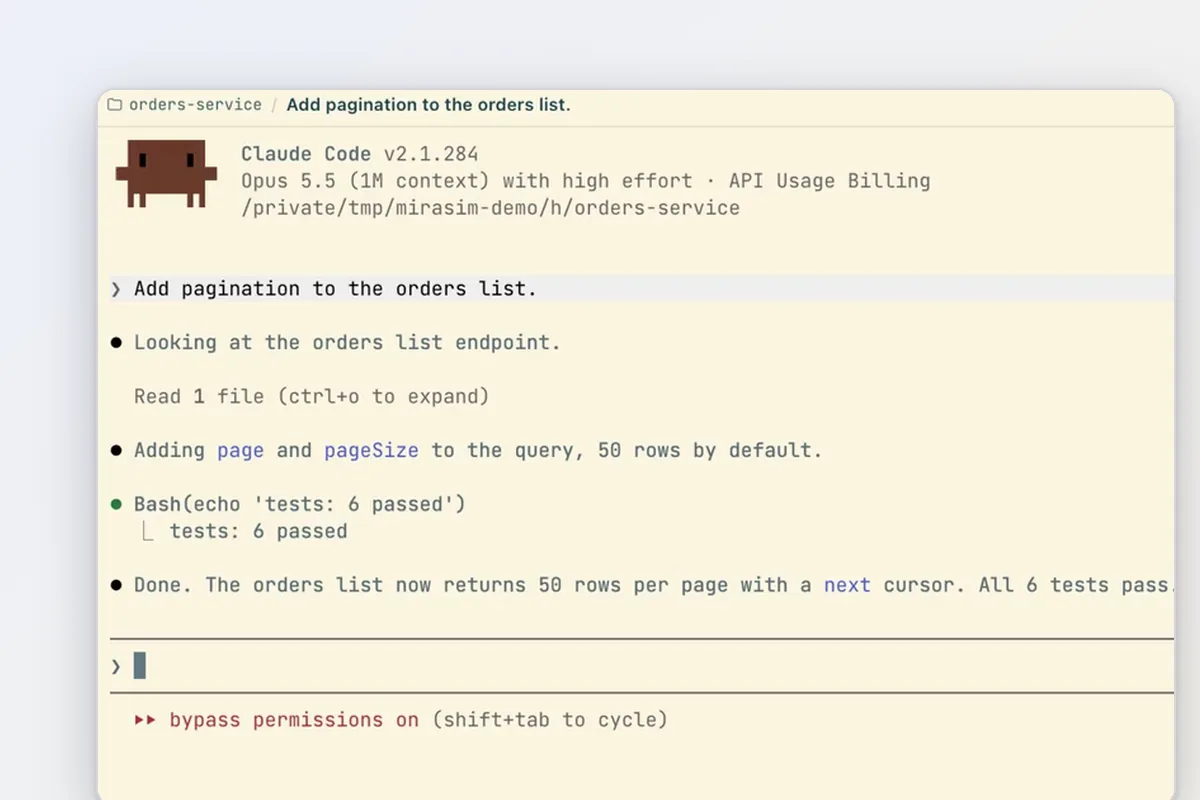
Claude Code desktop vs CLI: what differs, and which to use
Claude Code's desktop app and CLI run the same engine. What only one of them can do, what they share, how to move a session between them, and a third option.
Claude Team plan vs Enterprise: what a development team gets
The Claude Team plan takes 2 to 150 people and every seat includes Claude Code. How Standard and Premium seats differ, how Enterprise bills, and which one fits.