Claude Code settings.json: where it is, which file wins, and the settings worth changing
Where Claude Code keeps settings.json, the four settings files and which one wins, and the keys people change most: model, permissions, env and language.
The short answer
| File | Who it affects | Use it for |
|---|---|---|
| settings.json in the .claude folder in your home folder | You, in every project on this computer | Your theme, default model, your own permission rules |
| .claude/settings.json in the project | Everyone working in the project, once you commit it | Team permissions, hooks, plugins, the environment variables the project needs |
| .claude/settings.local.json in the project | You, in this project only | Personal overrides for one project |
| Managed settings from your organization | Everyone it is deployed to | Security policy; you can't override it |
Installing Claude Code creates none of these. Claude Code writes the user file when you save a personal setting such as the theme, and writes settings.local.json when you answer “Yes, and don't ask again” on a permission prompt. Create the others yourself. On Windows, the home folder is your user folder, so the user file is in %USERPROFILE%\.claude.
What goes in it
{
  "$schema": "https://json.schemastore.org/claude-code-settings.json",
  "model": "claude-sonnet-5",
  "language": "chinese",
  "permissions": {
    "defaultMode": "acceptEdits",
    "allow": ["Bash(npm run lint)", "Bash(npm run test *)"],
    "deny": ["Read(./.env)", "Read(./.env.*)"]
  },
  "env": {
    "DISABLE_AUTO_COMPACT": "1"
  }
}- $schema
- Points your editor at the published schema, so VS Code, Cursor and others autocomplete and check the keys.
- model
- The model new sessions start with.
/modelstill switches mid-session, and--modelor the ANTHROPIC_MODEL variable override it. - permissions
allowruns the listed tool uses without asking,askalways asks,denyblocks them, including reads of files that hold secrets.defaultModepicks the mode new sessions start in: default, acceptEdits, plan, auto, dontAsk or bypassPermissions; auto and bypassPermissions don't take effect from project files, so set those in your user file.- env
- Environment variables for every session and the commands it runs. A value here overrides the same variable in your shell. Values are plain text, so keep API keys out of it.
- language
- The language Claude replies in, such as "chinese"; it also sets voice dictation and session titles.
- hooks, statusLine
- Your own commands at points in Claude Code's lifecycle, and your own command for the line under the prompt.
The file is strict JSON: a // comment or a trailing comma is an error, and Claude Code shows a Settings Error when it starts. Instructions for Claude don't go here; they go in CLAUDE.md.
Which file wins
- When the same key is set in several places, the highest one here wins:
- 1. Managed settings from your organization. Nothing below overrides them.
- 2. The command line: JSON passed with
--settingsfor one session - 3. The project's .claude/settings.local.json
- 4. The project's .claude/settings.json
- 5. Your user settings.json
Lists such as permissions.allow are combined across files rather than replaced, so each file can add rules. Environment variables aren't a level in this stack; each variable and key pair has its own rule, for example ANTHROPIC_MODEL in your shell beats model in any file.
claude --settings '{"model": "claude-opus-5-5"}'Change a setting and check it applied
/configlists a short set of personal options, such as theme and editor mode, and saves them for you. It doesn't show every key; edit the file for the rest.- Claude Code watches the files and applies most edits to the running session, including permissions and hooks.
modeland the effort level are read when a session starts; switch them with/modeland/effort. - Run
/status: the Setting sources line lists every settings file it loaded, and shows when managed settings are in force. - Committed project settings wait until each teammate trusts the folder, and some keys don't take effect from a repository file at all.
Claude Code's settings in Mirasim
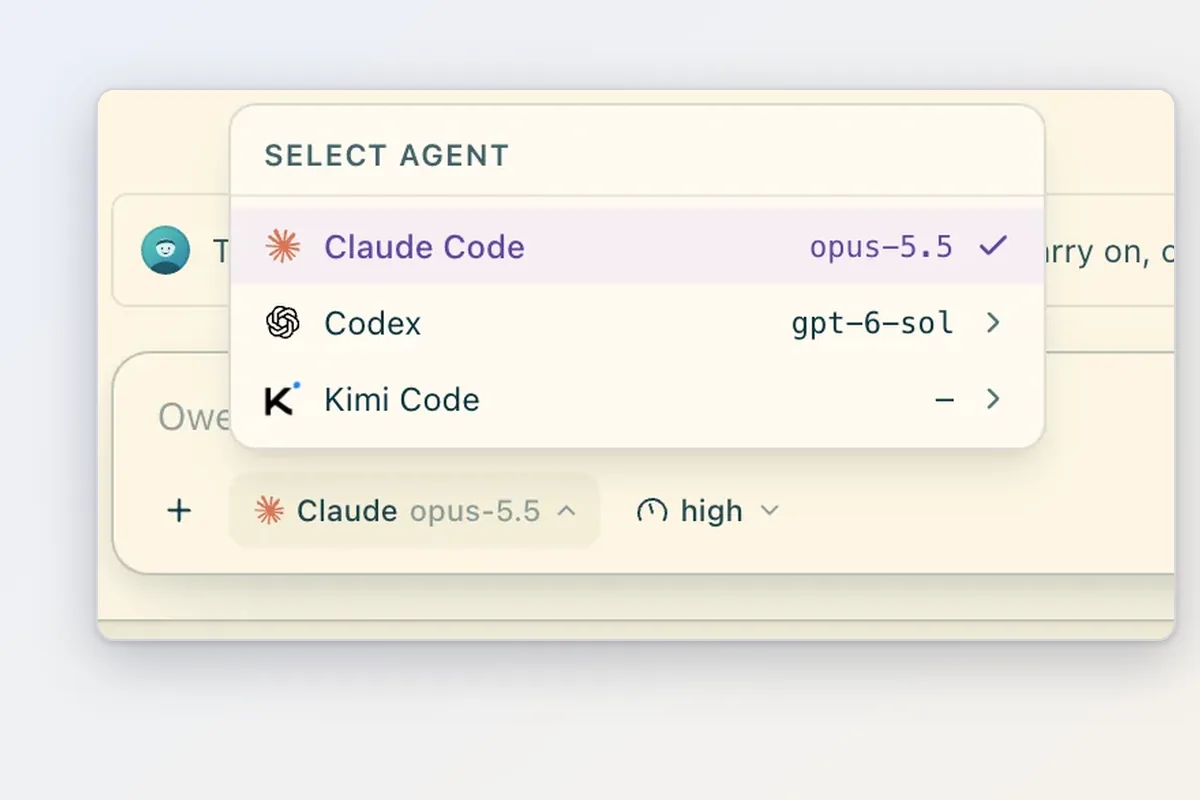
Mirasim runs the Claude Code CLI itself, in a pane next to Codex and other agents. The project's .claude/settings.json and settings.local.json sit in the repository, so Claude Code sessions in Mirasim read them as they do in your terminal. The model is picked per session in Mirasim's model menu.
If another tool wrote an API address and token into your user settings.json, Mirasim can import it as a model provider: Settings › Models › Import existing setup. It only reads the file and never changes it.
Chapter 16 · Models, accounts and quota › Import an existing setup → Docs, chapter 15: importing providers from Claude Code's and Codex's own config files.
Questions
- settings.json, .claude.json, CLAUDE.md: what's the difference?
- settings.json changes how Claude Code behaves. .claude.json in your home folder is a file Claude Code writes for itself, with your account, MCP servers and per-project state; you don't need to edit it. CLAUDE.md holds instructions for Claude.
- Should I commit settings.local.json?
- No. When Claude Code creates it in a git repository, it adds it to your global git excludes. If you made the file by hand, add it to .gitignore yourself.
- My setting doesn't apply
- Run
/statusto see which files loaded and whether managed settings are in force. Then look for the same key in a higher file, a flag such as--model, or an environment variable such as ANTHROPIC_MODEL.claude doctorlists entries Claude Code rejected. - Where do MCP servers go?
- Not in settings.json: in .mcp.json in the project, or in .claude.json through
claude mcp add.
Article · How to add MCP servers to Claude Code and Codex → How to add MCP servers to Claude Code and Codex.
Article · Codex config.toml: where it is, and the settings worth changing → The same for Codex: config.toml, where it is and which file wins.
Article · Hooks in Claude Code and Codex: run your own commands when the agent acts → Hooks in Claude Code and Codex: commands that run when the agent acts.
Sources
Checked on November 26, 2026 against Anthropic's Claude Code documentation at code.claude.com/docs: Settings files and precedence, and the settings reference. Claude Code changes often, so check those pages for the latest keys.
Keep reading
Code review with Claude Code and Codex: /review, GitHub reviews and a second opinion
Code review with Claude Code and Codex: /review for local changes, automatic GitHub PR reviews, where review rules go, and a second opinion from the other agent.
Hooks in Claude Code and Codex: run your own commands when the agent acts
What hooks are in Claude Code and Codex, where they go, when they fire, and examples: a notification, formatting after edits, blocking edits to protected files.
Claude Code and Codex permission modes: auto, plan, --dangerously-skip-permissions and --yolo
What each Claude Code and Codex permission mode allows without asking, what --dangerously-skip-permissions and --yolo turn off, and safer ways to get fewer prompts.