How to add MCP servers to Claude Code and Codex
The commands, the config files and the scopes for MCP servers in Claude Code and in Codex, the same server written for both, and the errors people hit.
The short answer
| Claude Code | Codex | |
|---|---|---|
| Add a local server | claude mcp add NAME -- COMMAND | codex mcp add NAME -- COMMAND |
| Add a remote server | claude mcp add --transport http NAME URL | codex mcp add NAME --url URL |
| List them | claude mcp list | codex mcp list |
| Inside a session | /mcp | /mcp |
| Where it is saved | .claude.json in your home folder, or .mcp.json in the project | ~/.codex/config.toml, or .codex/config.toml in the project |
| Remote transports | HTTP (SSE still works but is deprecated) | Streamable HTTP only |
The two never read each other's files, so a server you add to one is not in the other. The sections below show each, then the same server written for both.
Claude Code
# a remote server over HTTP
claude mcp add --transport http notion https://mcp.notion.com/mcp

# a local server: everything after -- is the command that starts it
claude mcp add --env AIRTABLE_API_KEY=YOUR_KEY --transport stdio airtable \
  -- npx -y airtable-mcp-server

claude mcp list          # every server, with ✔ Connected / ✘ Failed to connect
claude mcp get notion    # one server in detail
claude mcp remove notion
The -- matters for local servers: it separates Claude Code's own options, such as --transport, --env and --scope, from the command that runs the server. Without it, Claude Code tries to read the server's flags as its own.
| Scope | Loads in | Shared with the team | Saved in |
|---|---|---|---|
| local (the default) | This project only | No | .claude.json in your home folder, under this project |
| project | This project only | Yes, through git | .mcp.json in the project root |
| user | All your projects | No | .claude.json in your home folder |
Pick one with --scope, for example claude mcp add --transport http shared-server --scope project https://example.com/mcp. When the same name is in more than one scope, local wins over project, and project over user; Claude Code uses that whole entry and does not merge fields across scopes.
{
  "mcpServers": {
    "api-server": {
      "type": "http",
      "url": "${API_BASE_URL:-https://api.example.com}/mcp",
      "headers": {
        "Authorization": "Bearer ${API_KEY}"
      }
    }
  }
}
${VAR} and ${VAR:-default} are expanded from each person's environment, so the key itself stays out of git. The first time someone opens the project in an interactive session, Claude Code asks them to approve the servers in .mcp.json before it uses them.
Have a mcpServers block written for another client, such as Claude Desktop? Pass the object inside it to claude mcp add-json NAME '<json>'. An entry with a url needs a type (http, sse or ws); without one, Claude Code reads it as a local server and skips it.
Codex
# a local server
codex mcp add context7 -- npx -y @upstash/context7-mcp

# a remote server
codex mcp add example --url https://mcp.example.com

codex mcp list
codex mcp login example     # for a server that signs in with OAuth
Codex saves servers in ~/.codex/config.toml, one [mcp_servers.<name>] table each, and the Codex CLI, the IDE extension and the desktop app share that file. A project can have its own .codex/config.toml, which Codex reads only in projects you trust. Codex connects to local (stdio) servers and Streamable HTTP servers; there is no SSE.
[mcp_servers.context7]
command = "npx"
args = ["-y", "@upstash/context7-mcp"]

[mcp_servers.context7.env]
MY_ENV_VAR = "MY_ENV_VALUE"

[mcp_servers.figma]
url = "https://mcp.figma.com/mcp"
bearer_token_env_var = "FIGMA_OAUTH_TOKEN"
startup_timeout_sec = 20   # default 10
tool_timeout_sec = 45 # default 60- enabled = false
- Turns a server off without deleting its table.
- enabled_tools / disabled_tools
- Allow or deny individual tools; the deny list applies after the allow list.
- startup_timeout_sec / tool_timeout_sec
- How long Codex waits for the server to start (10 seconds) and for one tool call (60 seconds).
- bearer_token_env_var
- The name of an environment variable whose value Codex sends as the bearer token, so the token stays out of the file.
Article · Codex config.toml: where it is, and the settings worth changing → Codex config.toml: where it is, which file wins, and the other settings.
One server, written for both
{
  "mcpServers": {
    "docs": {
      "command": "npx",
      "args": ["-y", "@upstash/context7-mcp"],
      "env": { "MY_ENV_VAR": "MY_ENV_VALUE" }
    },
    "figma": {
      "type": "http",
      "url": "https://mcp.figma.com/mcp",
      "headers": { "Authorization": "Bearer ${FIGMA_OAUTH_TOKEN}" }
    }
  }
}[mcp_servers.docs]
command = "npx"
args = ["-y", "@upstash/context7-mcp"]
env = { MY_ENV_VAR = "MY_ENV_VALUE" }
[mcp_servers.figma]
url = "https://mcp.figma.com/mcp"
bearer_token_env_var = "FIGMA_OAUTH_TOKEN"Claude Code puts each server under mcpServers and needs "type": "http" next to a url; Codex gives each server its own [mcp_servers.<name>] table and works out the transport from command or url. For a token, Claude Code expands ${VAR} inside the header, while Codex takes the variable's name.
When a server doesn't show up
- Claude Code: “has a "url" but no "type"”
- Add
"type": "http"(orsse,ws) to that entry. Without a type Claude Code treats it as a local command. - Claude Code: ⏸ Pending approval
- A server from the project's .mcp.json you haven't approved. Run
claudein the project and approve it. - Claude Code: the server starts too slowly
- Give it longer with the
MCP_TIMEOUTenvironment variable in milliseconds, for exampleMCP_TIMEOUT=10000 claude. - Codex: the project's servers are missing
- Codex reads
.codex/config.tomlonly in projects you trust. Trust the project, then check with/mcp. - Codex: “No such file or directory (os error 2)”
- The
commandin that server's table points at a file that is gone, often a path with a version number in it that an update replaced. Point it at the new path, or use a barenpxornodethat is on your PATH. - Codex: an SSE address won't connect
- Codex has no SSE transport. Use the server's Streamable HTTP address, or run it locally.
Add it once in Mirasim, for every agent
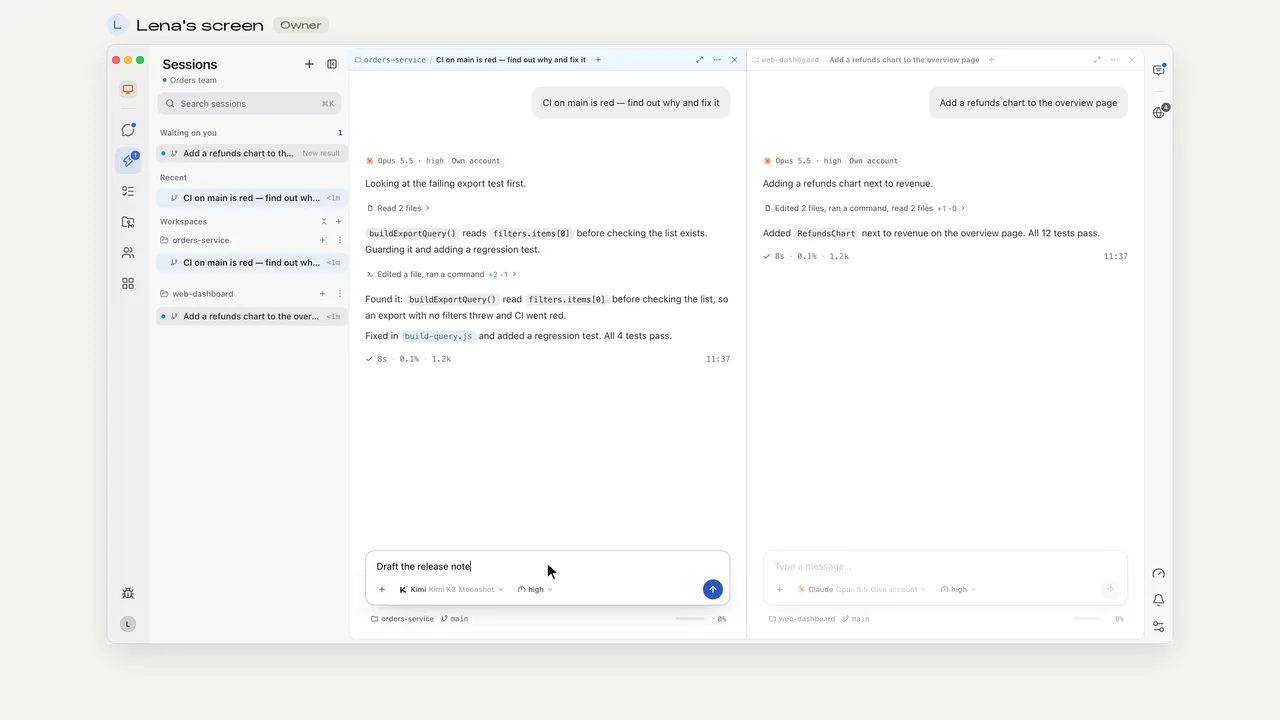
Mirasim runs Claude Code, Codex and other coding agents in one window. Add your own server in Settings › Plugins › Add, under Not in the market › A custom MCP server: a launch command or a remote address, with its environment variables. When Mirasim starts an agent it hands that agent the servers you turned on, in the agent's own format: a temporary --mcp-config file for Claude Code, -c mcp_servers.… overrides for Codex.
- Mirasim never writes .claude.json, .mcp.json or config.toml. The servers you set up in Claude Code or Codex still load, and Mirasim's are added on top.
- If your config.toml has a server with the same name in a different transport, your own table wins and Mirasim leaves its copy out of that Codex session, so Codex still starts.
- Servers apply to every project, or to one project only, kept in that project's .mirasim folder.
- Connectors are a picked list of MCP servers in the Market: install one, sign in, turn it on, and every agent can use it.
mirasim ui-cli --port 4970 mcp add --name gh \
  --command npx --arg -y --arg @some/mcp-server --scope global
mirasim ui-cli --port 4970 mcp list
mirasim ui-cli --port 4970 mcp health --name gh
Chapter 18 · Skills, MCP and tools › MCP servers → Docs, chapter 18: MCP servers and connectors in Mirasim.
Questions
- Do Claude Code and Codex share MCP servers?
- No. Claude Code reads .claude.json and .mcp.json; Codex reads config.toml. Add the server to each, or add it once in a tool that hands it to both.
- How do I bring over servers from Claude Desktop?
- Take each entry from its
mcpServersblock and add it withclaude mcp add-json NAME '<json>'. Add atypeto any entry that has aurl. - How do I share servers with my team?
- In Claude Code, add them with
--scope projectso they go into .mcp.json, and commit it. In Codex, put them in the project's .codex/config.toml. Keep keys in environment variables in both. - Do I have to restart after adding a server?
- A new session picks it up. In the Codex IDE extension and desktop app, restart after saving; in either CLI,
/mcpshows what the running session has.
Article · How to install skills in Codex and Claude Code, and share one set between agents → Skills are the other way to extend them: how to install skills in Codex and Claude Code.
Article · Claude Code and Codex plugins: how to install them, and where the marketplaces are → A plugin can bring MCP servers with skills and hooks in one install.
Sources
Checked on November 25, 2026 against Anthropic's Claude Code documentation (code.claude.com/docs, Connect Claude Code to tools via MCP) and OpenAI's Codex documentation (learn.chatgpt.com/docs, Model Context Protocol). Both change often, so check those pages for the latest flags and options.
Keep reading
Code review with Claude Code and Codex: /review, GitHub reviews and a second opinion
Code review with Claude Code and Codex: /review for local changes, automatic GitHub PR reviews, where review rules go, and a second opinion from the other agent.
Hooks in Claude Code and Codex: run your own commands when the agent acts
What hooks are in Claude Code and Codex, where they go, when they fire, and examples: a notification, formatting after edits, blocking edits to protected files.
Claude Code and Codex permission modes: auto, plan, --dangerously-skip-permissions and --yolo
What each Claude Code and Codex permission mode allows without asking, what --dangerously-skip-permissions and --yolo turn off, and safer ways to get fewer prompts.