Games & interactive
Custom role assistants building a game
- Prerequisite
- Custom assistants + Messages
- Capabilities
- Own model, credits & skills
- Guardrails
- Auto-pause + "from now on…"
The finished work
Full-UI walkthrough: configuring custom assistants with different models/credits in Members, then dispatching and signing off in Messages.
How it got made
Run our three custom assistants on the Pixel Cafe prototype: Game Designer writes the spec and art boundary checklist, Gameplay Coder builds the core loop and UI using our own-subscription coding model, and QA Verifier runs offline bundle and desktop/mobile checks. Pause in Messages before touching pixel art or audio assets.
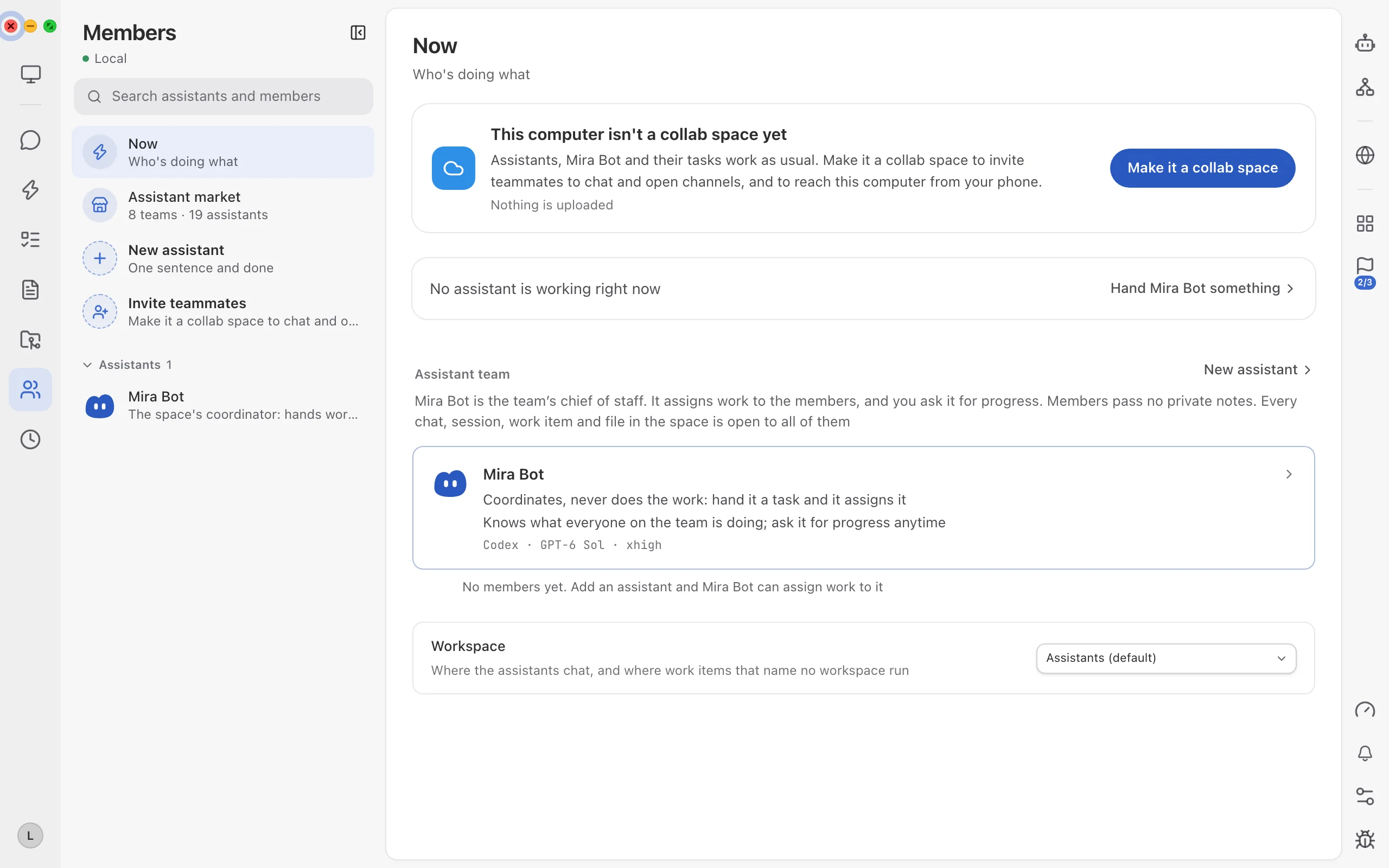
Prerequisite 1: finish agent & quota setup, then choose Messages mode so Mira Bot coordinates your assistants.
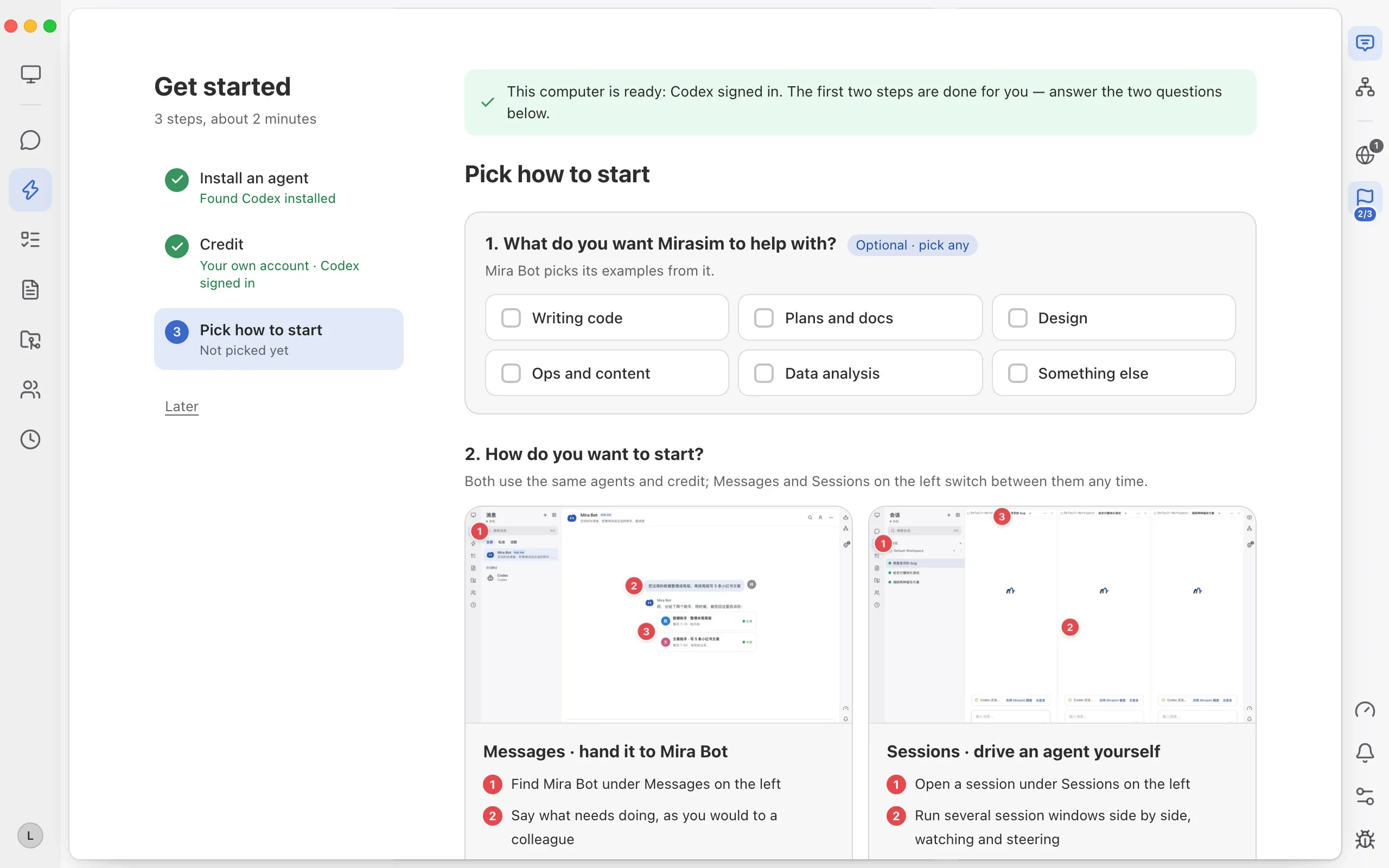
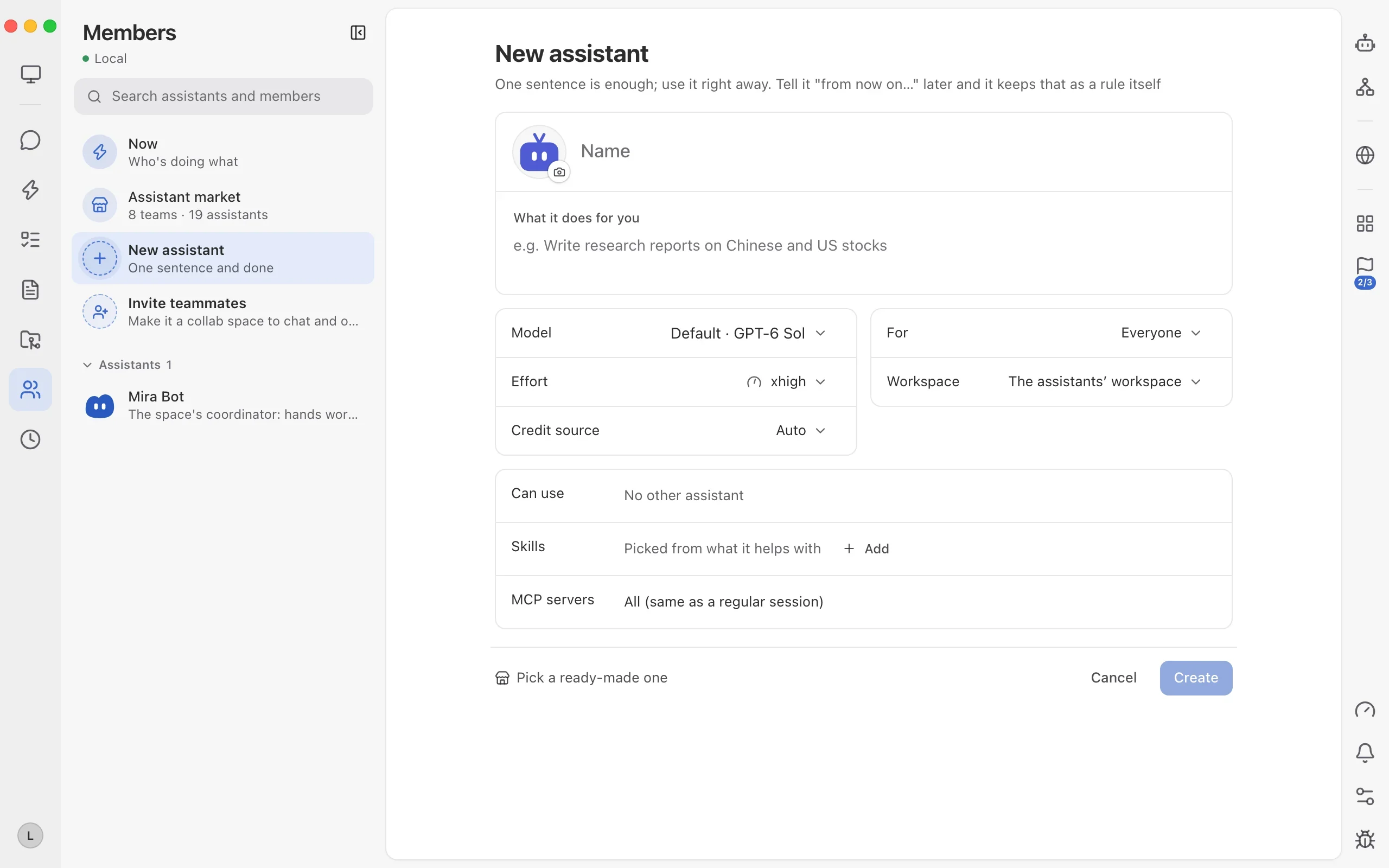
Prerequisite 2: create custom assistants in Members—each with its own rules, model, reasoning effort, credit source and skills.
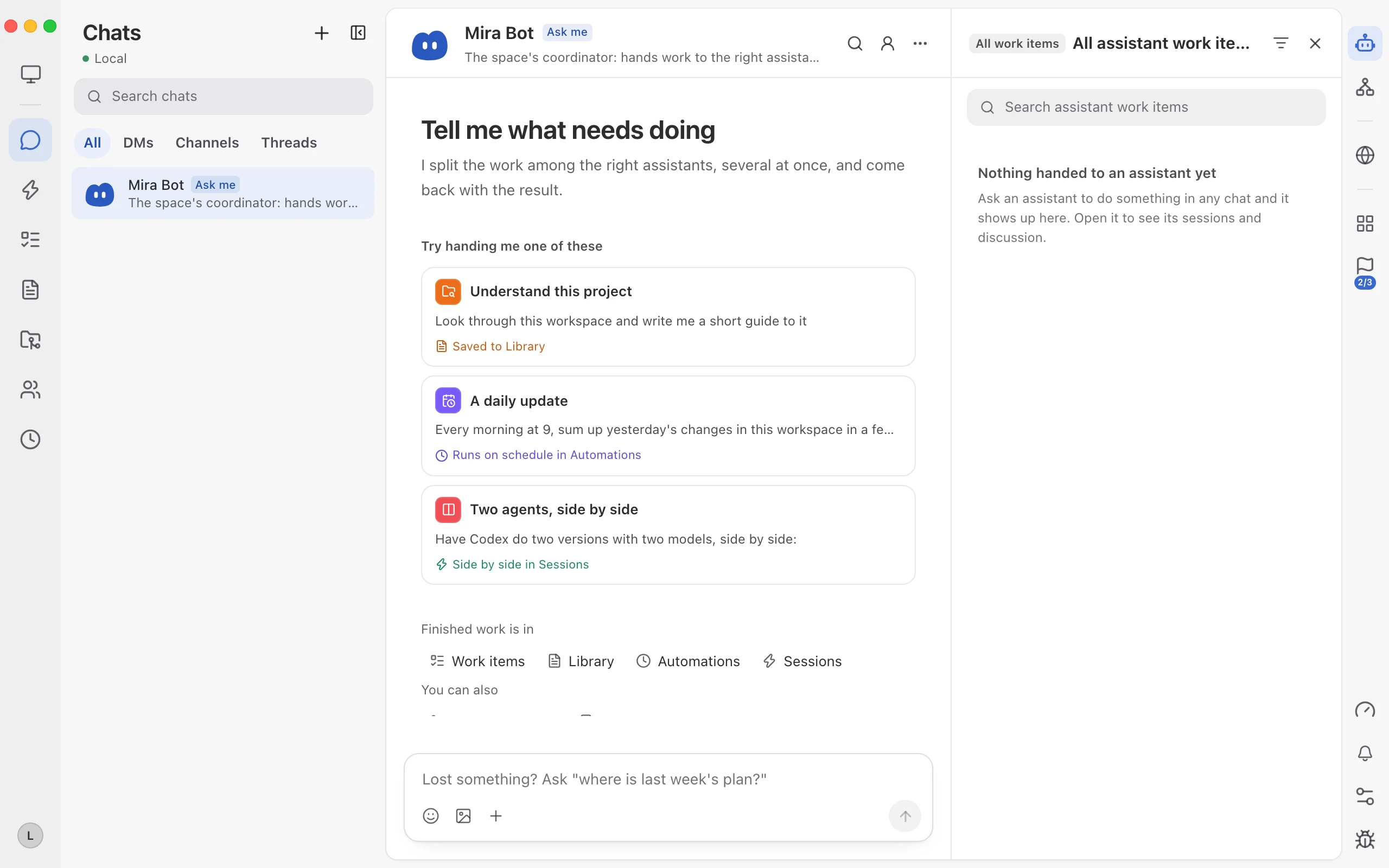
Step 3: dispatch tasks through Messages—Mira Bot routes work to your custom assistants and tracks progress in Items.
Step 4: view every custom assistant's live status in Members and keep refining rules in-chat with "from now on…".