Games & interactive
A 3D keyboard for learning shortcuts
- Time
- 26 min + 11 min
- What was said
- 2 sentences
- Delivered
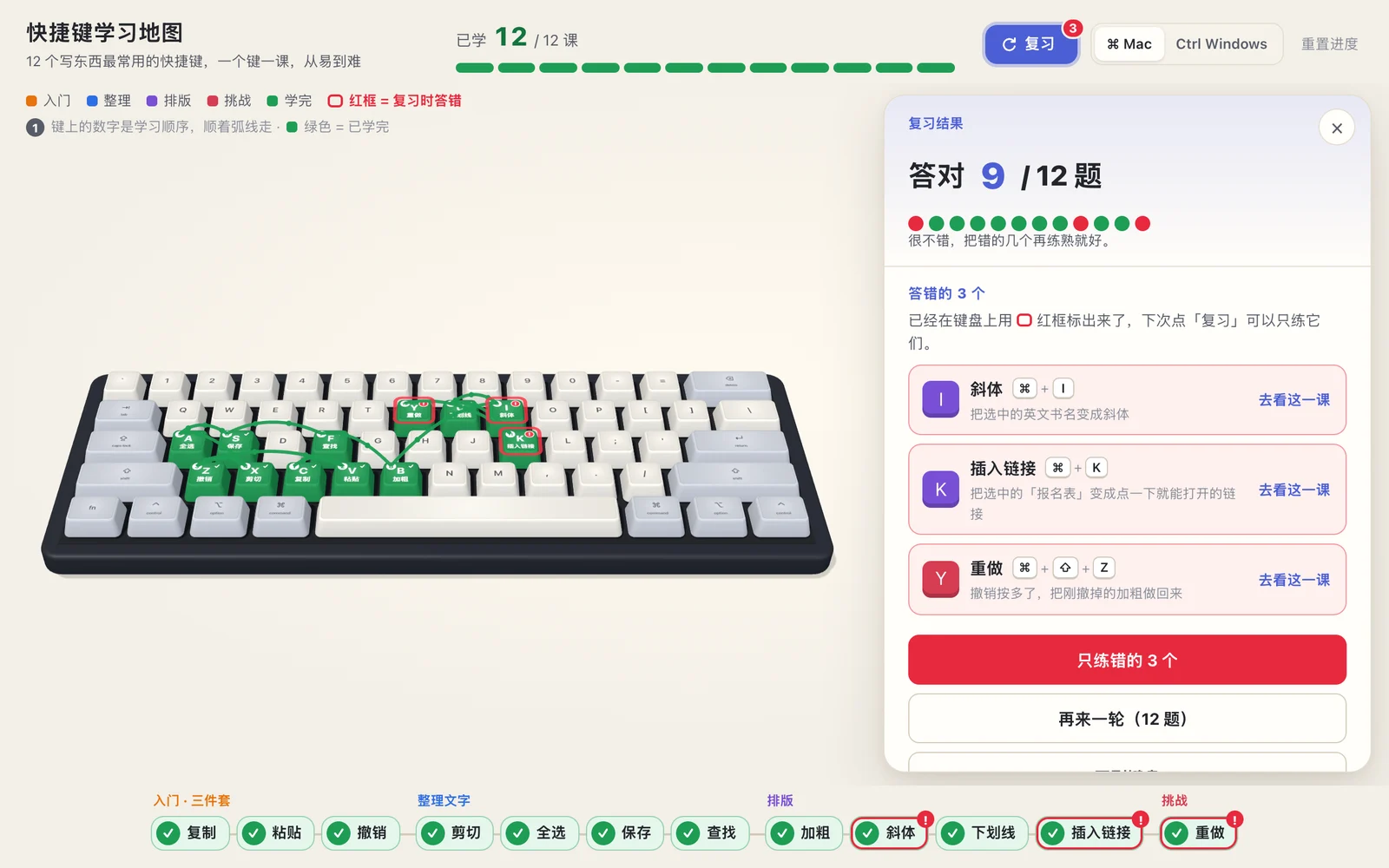
- 3D shortcut map, 12 lessons + review
The finished work
How it got made
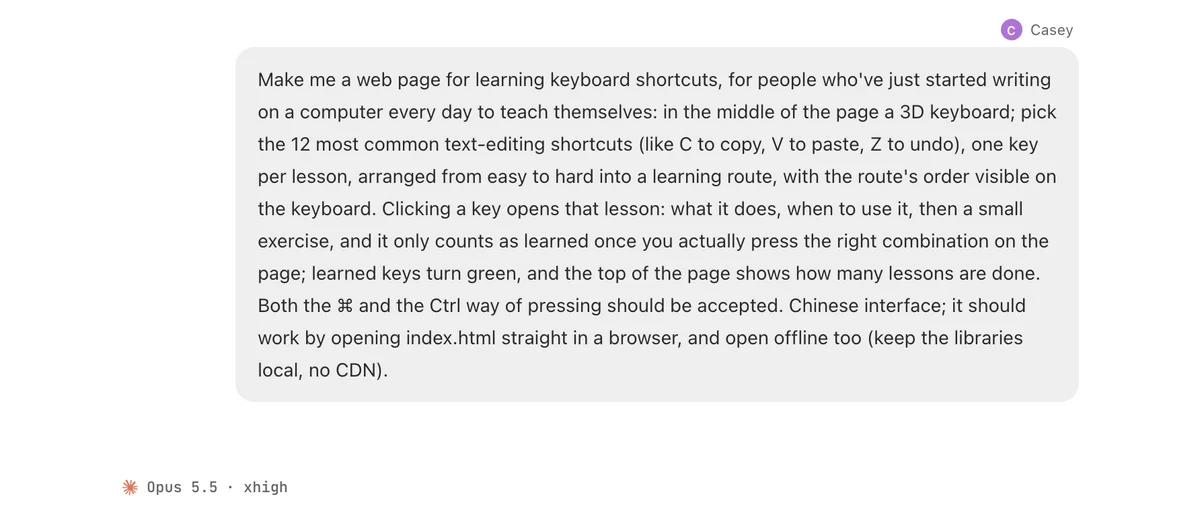
Make me a web page for learning keyboard shortcuts, for people who've just started writing on a computer every day to teach themselves: in the middle of the page a 3D keyboard; pick the 12 most common text-editing shortcuts (like C to copy, V to paste, Z to undo), one key per lesson, arranged from easy to hard into a learning route, with the route's order visible on the keyboard. Clicking a key opens that lesson: what it does, when to use it, then a small exercise, and it only counts as learned once you actually press the right combination on the page; learned keys turn green, and the top of the page shows how many lessons are done. Both the ⌘ and the Ctrl way of pressing should be accepted. Chinese interface; it should work by opening index.html straight in a browser, and open offline too (keep the libraries local, no CDN).
Send that one sentence to an AI session
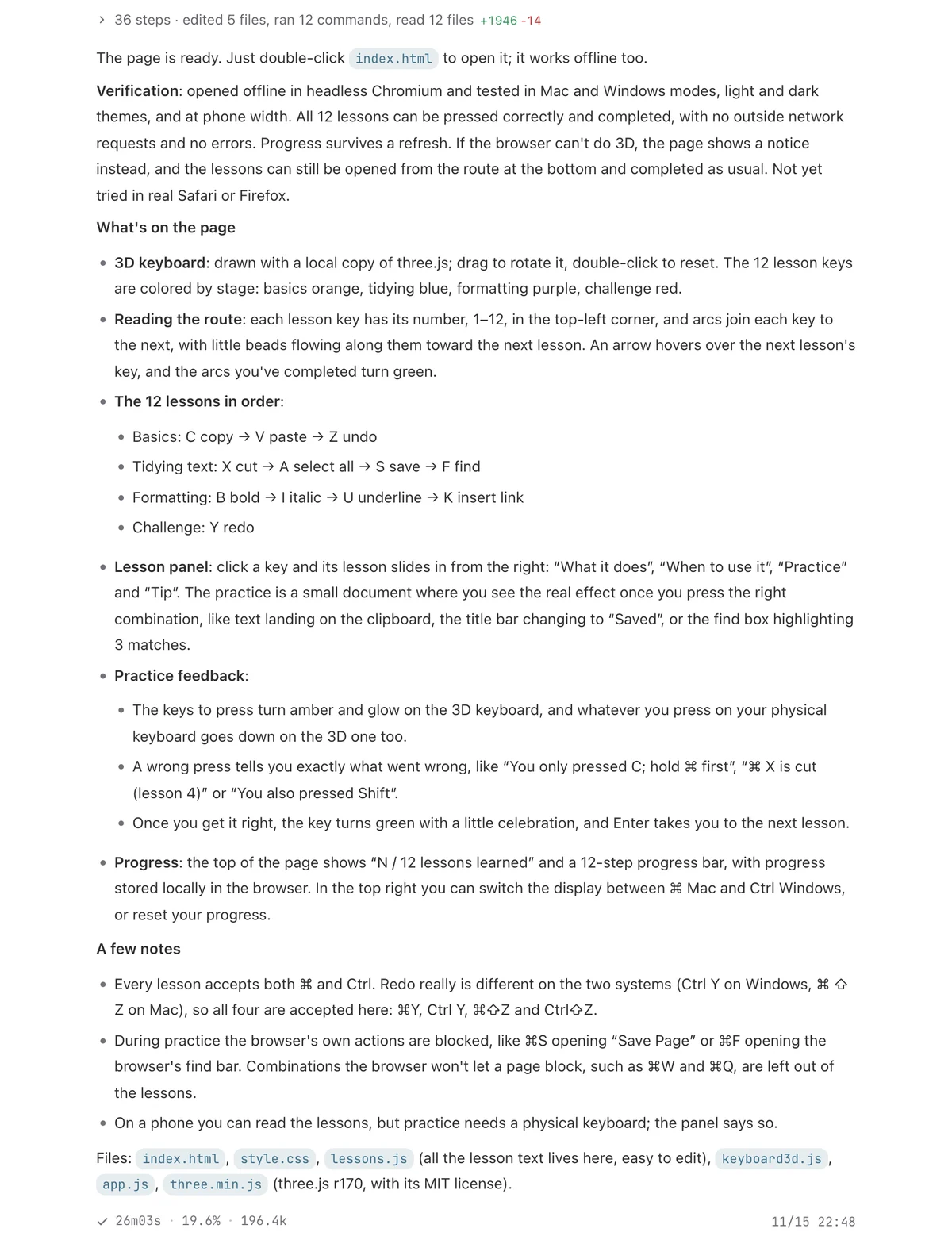
26 min later: the page
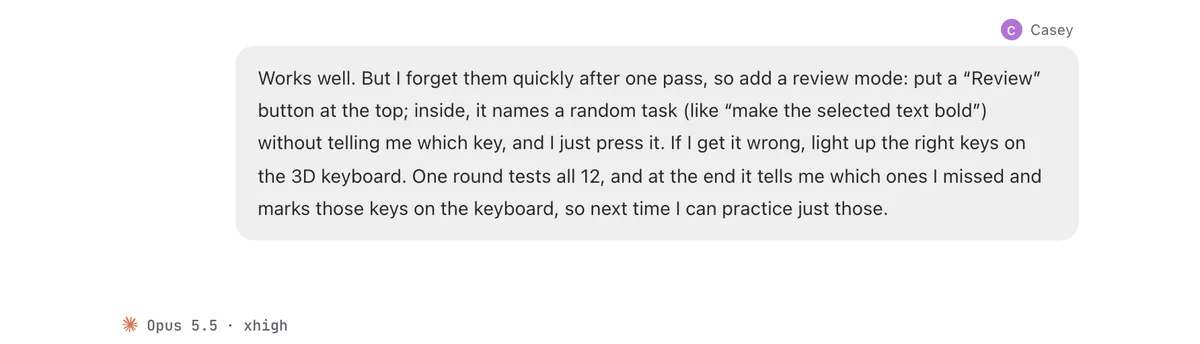
One more sentence: add a review mode
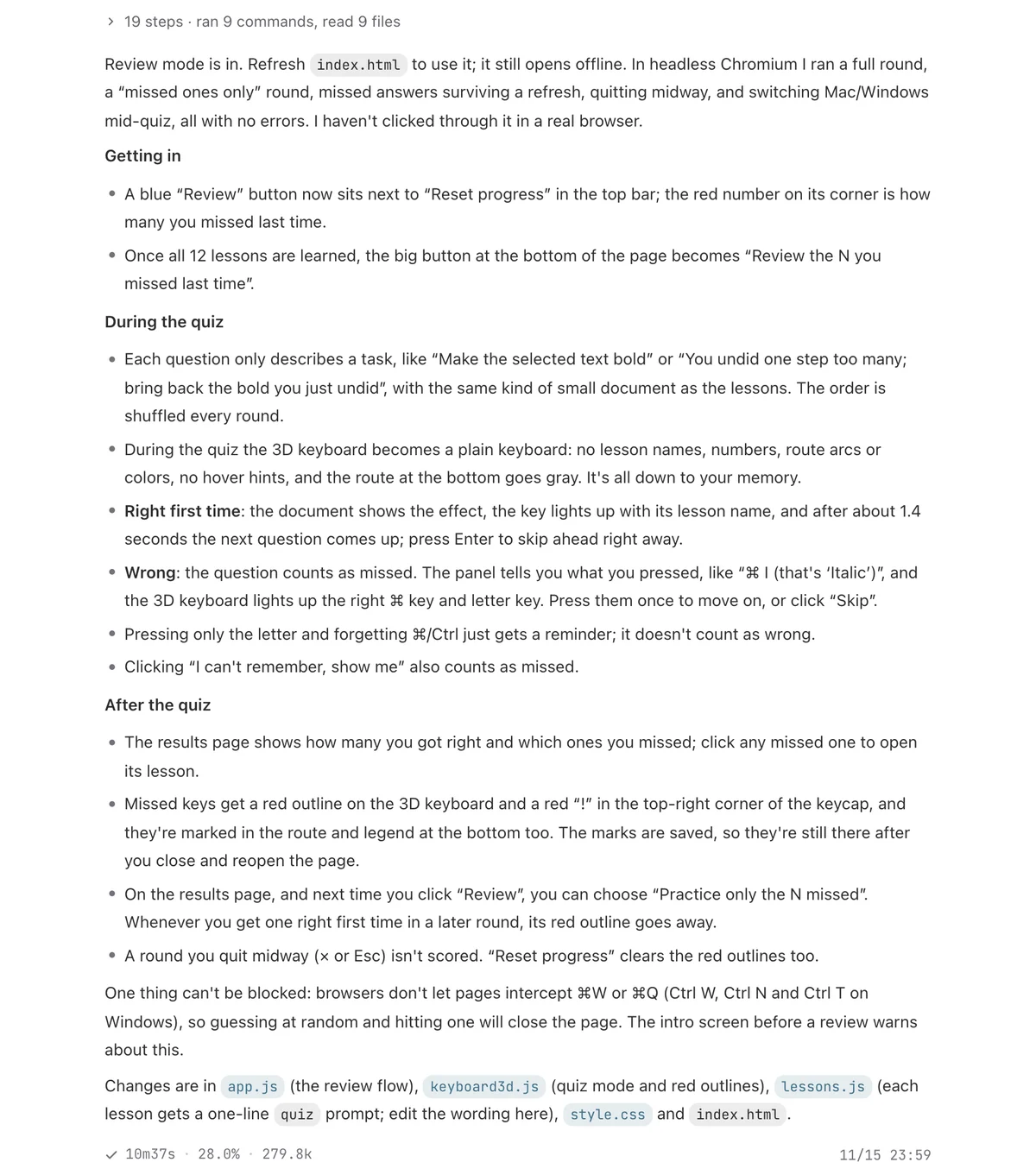
11 min later: review mode is in