Product & engineering
A clickable prototype for meeting to-dos
- Time
- 34 min + 7 min
- What was said
- 2 sentences
- Delivered
- Clickable prototype, one file
The finished work

How it got made
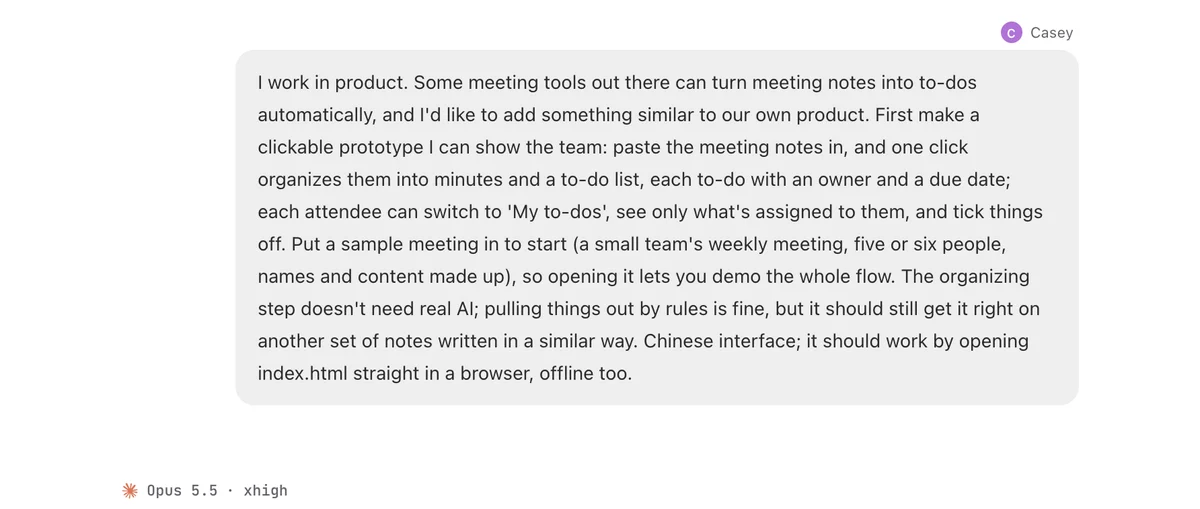
I work in product. Some meeting tools out there can turn meeting notes into to-dos automatically, and I'd like to add something similar to our own product. First make a clickable prototype I can show the team: paste the meeting notes in, and one click organizes them into minutes and a to-do list, each to-do with an owner and a due date; each attendee can switch to 'My to-dos', see only what's assigned to them, and tick things off. Put a sample meeting in to start (a small team's weekly meeting, five or six people, names and content made up), so opening it lets you demo the whole flow. The organizing step doesn't need real AI; pulling things out by rules is fine, but it should still get it right on another set of notes written in a similar way. Chinese interface; it should work by opening index.html straight in a browser, offline too.
Send that one sentence to an AI session
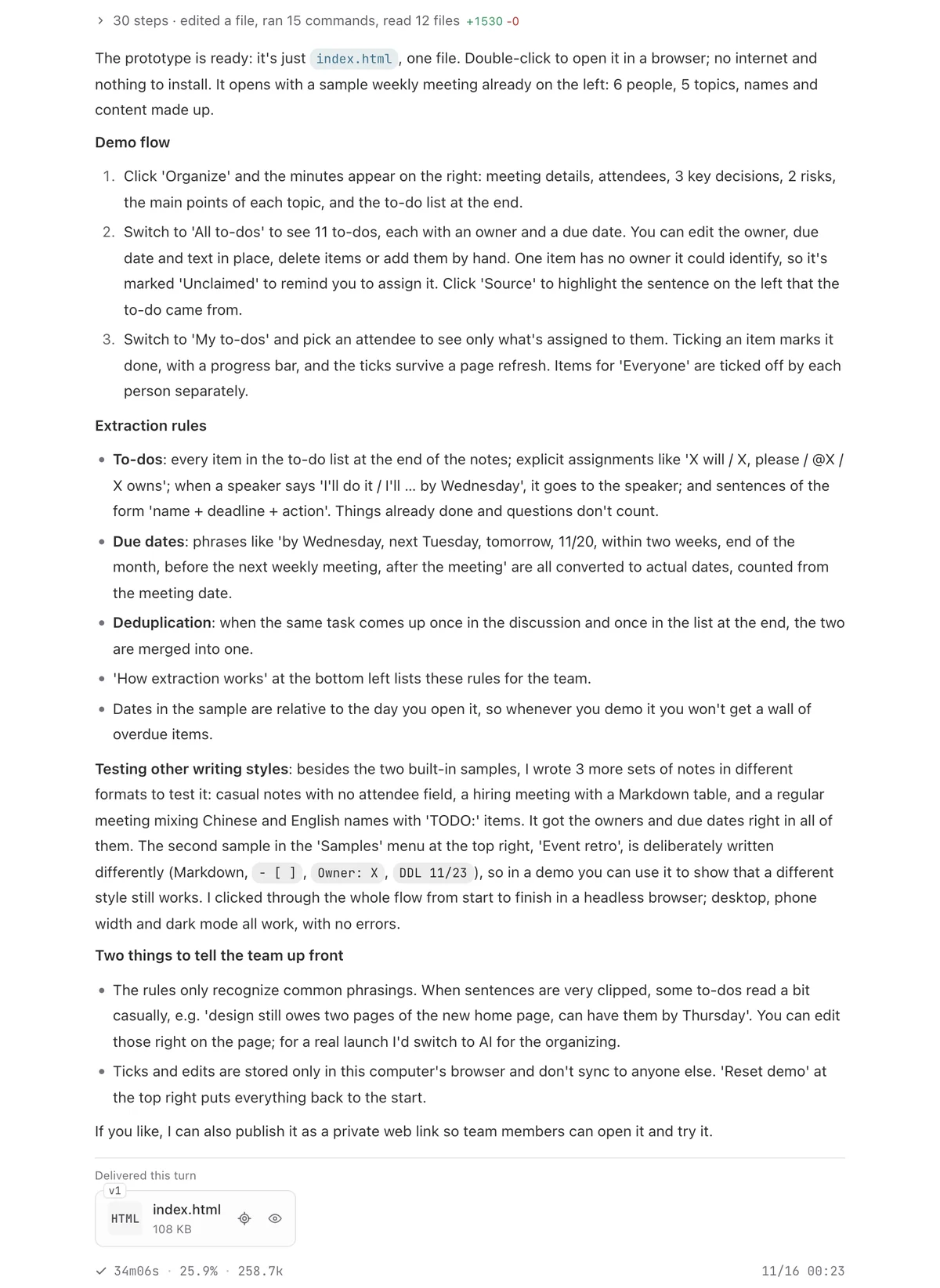
34 min later: one HTML file
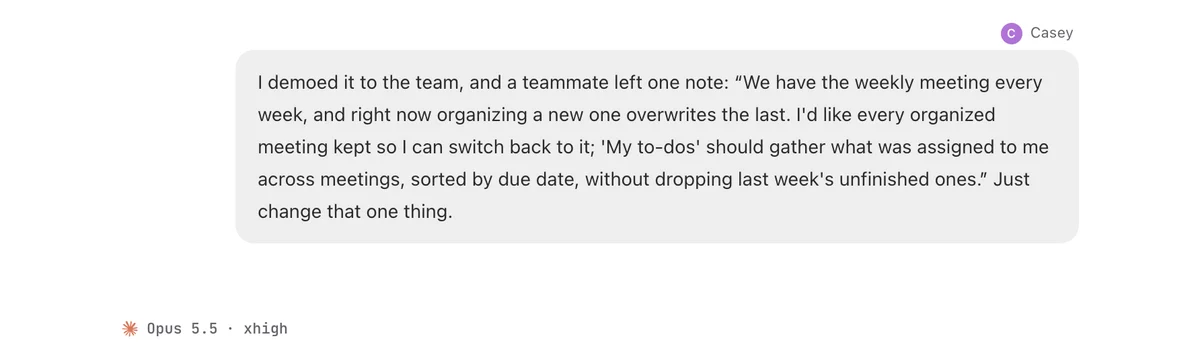
A teammate's note: keep every meeting and gather the to-dos
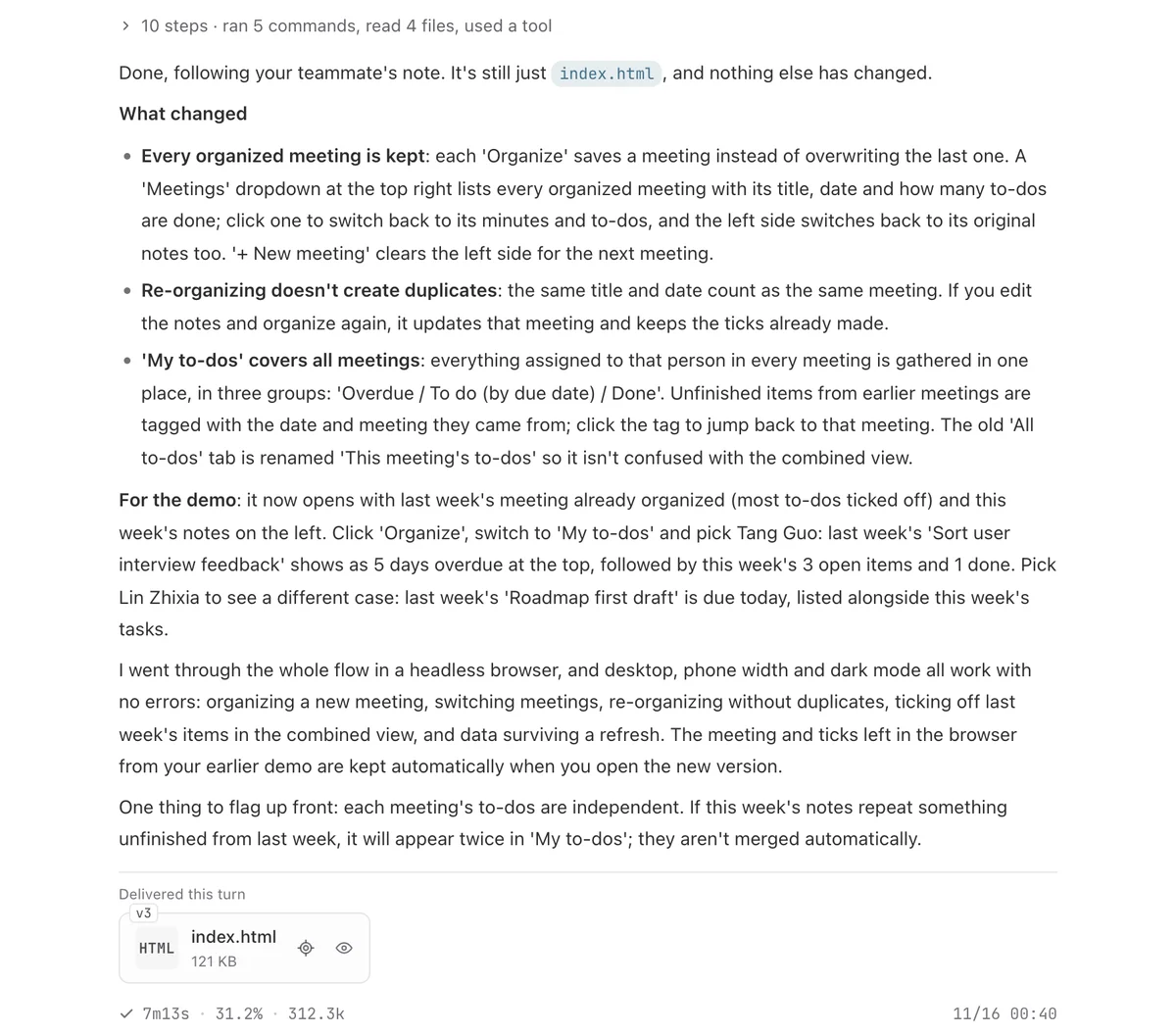
7 min later: a meeting switcher and to-dos across meetings